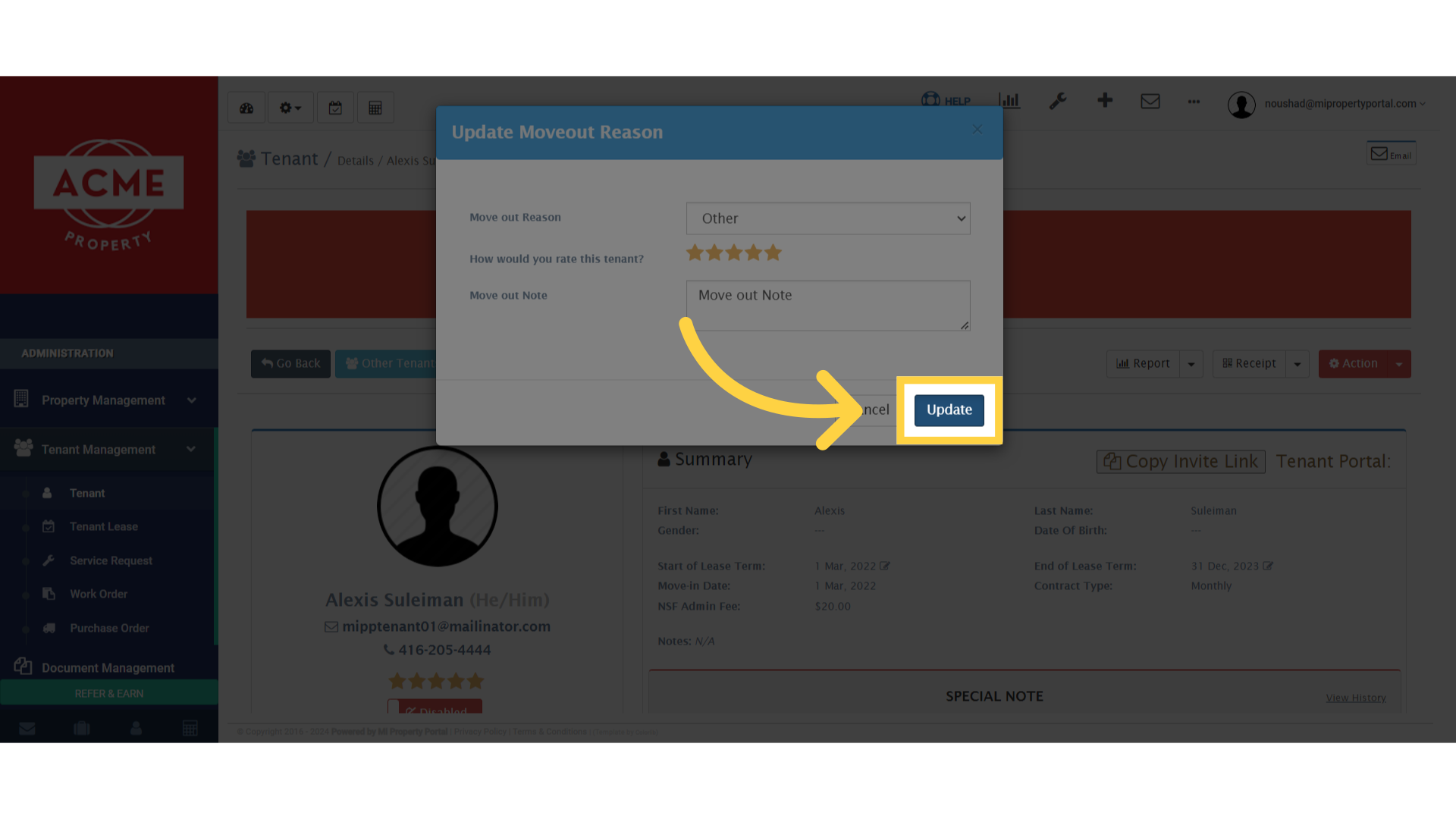
How to Update a Tenant Moved Out Rating?
67 views 0 November 14, 2023 Updated on September 23, 2024 mippsupportadmin
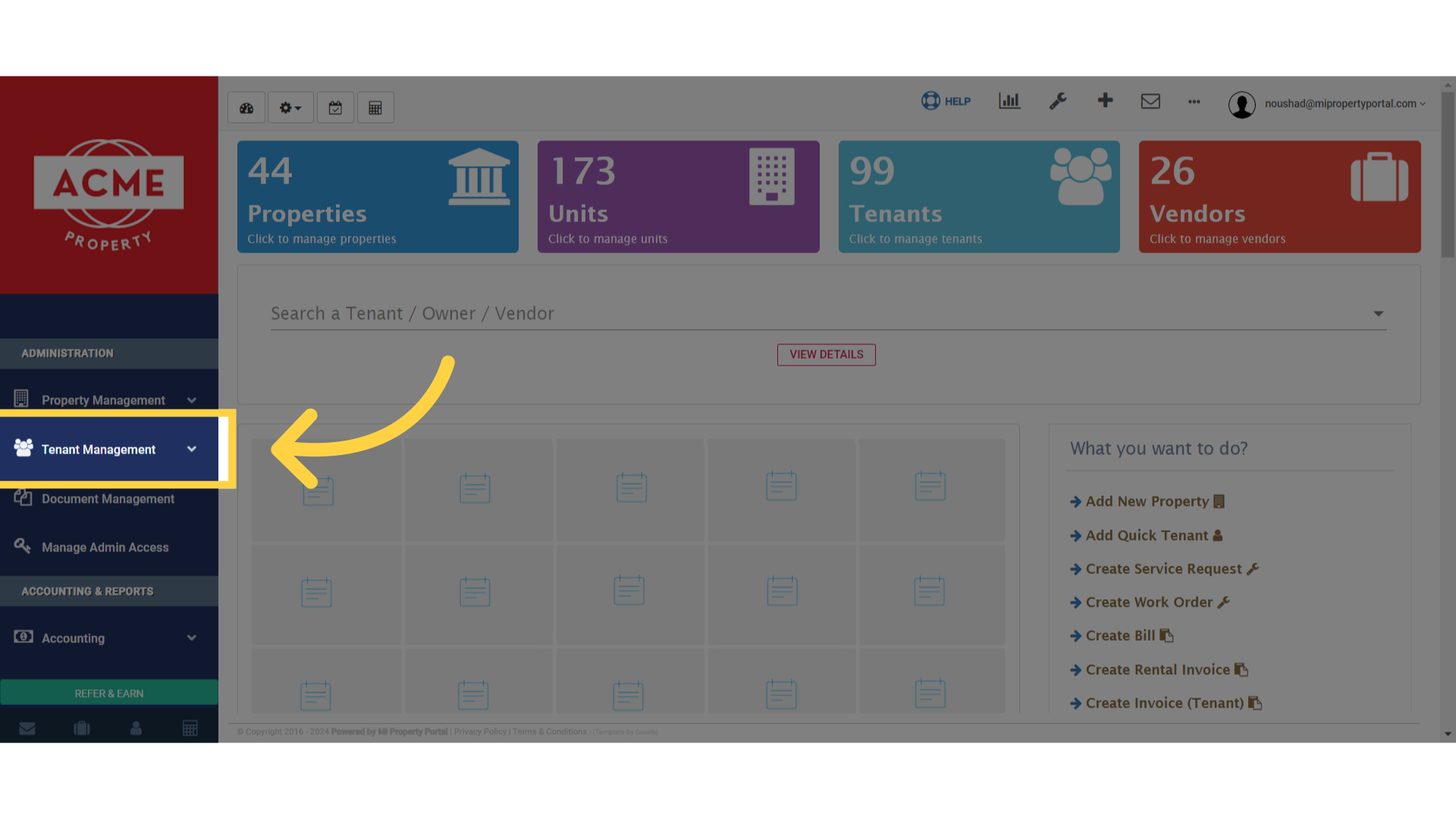
1. Once logged in, Click on ‘Tenant Management’ dropdown under ‘Administration’.
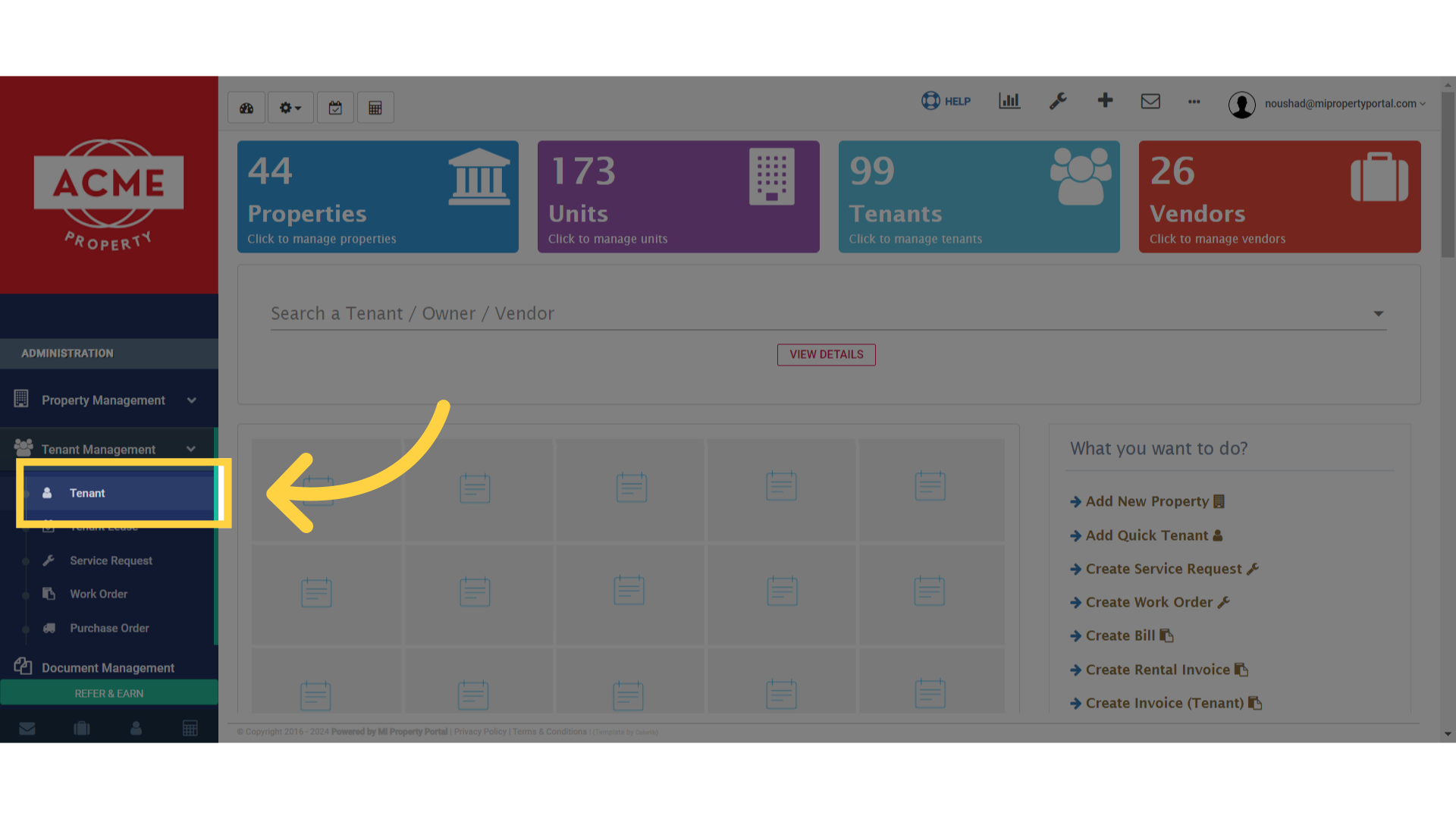
2. Select ‘Tenant’ from the options available in the dropdown menu.”
3. Go to “Moved Out” option beside “Active Tenants”
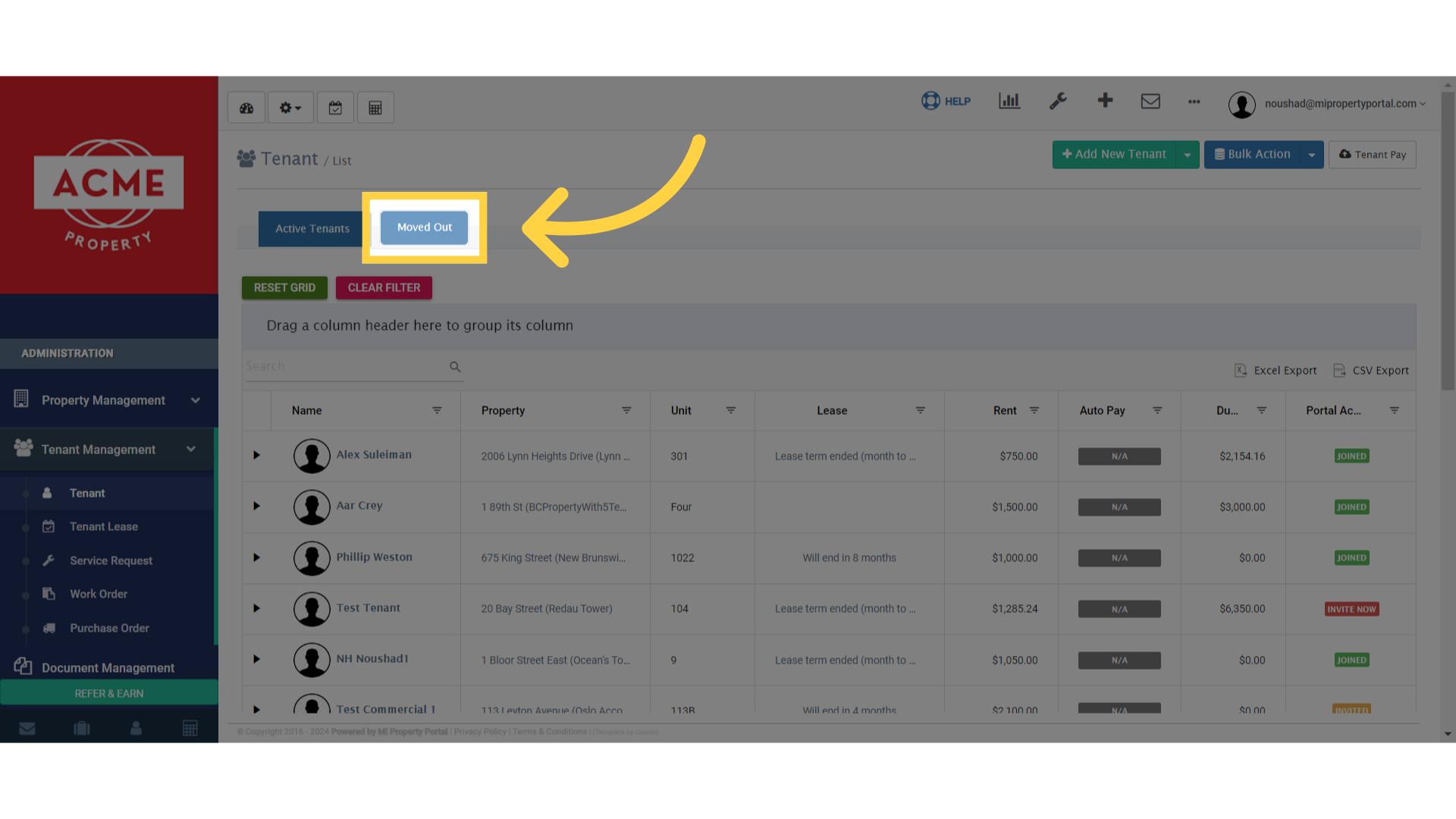
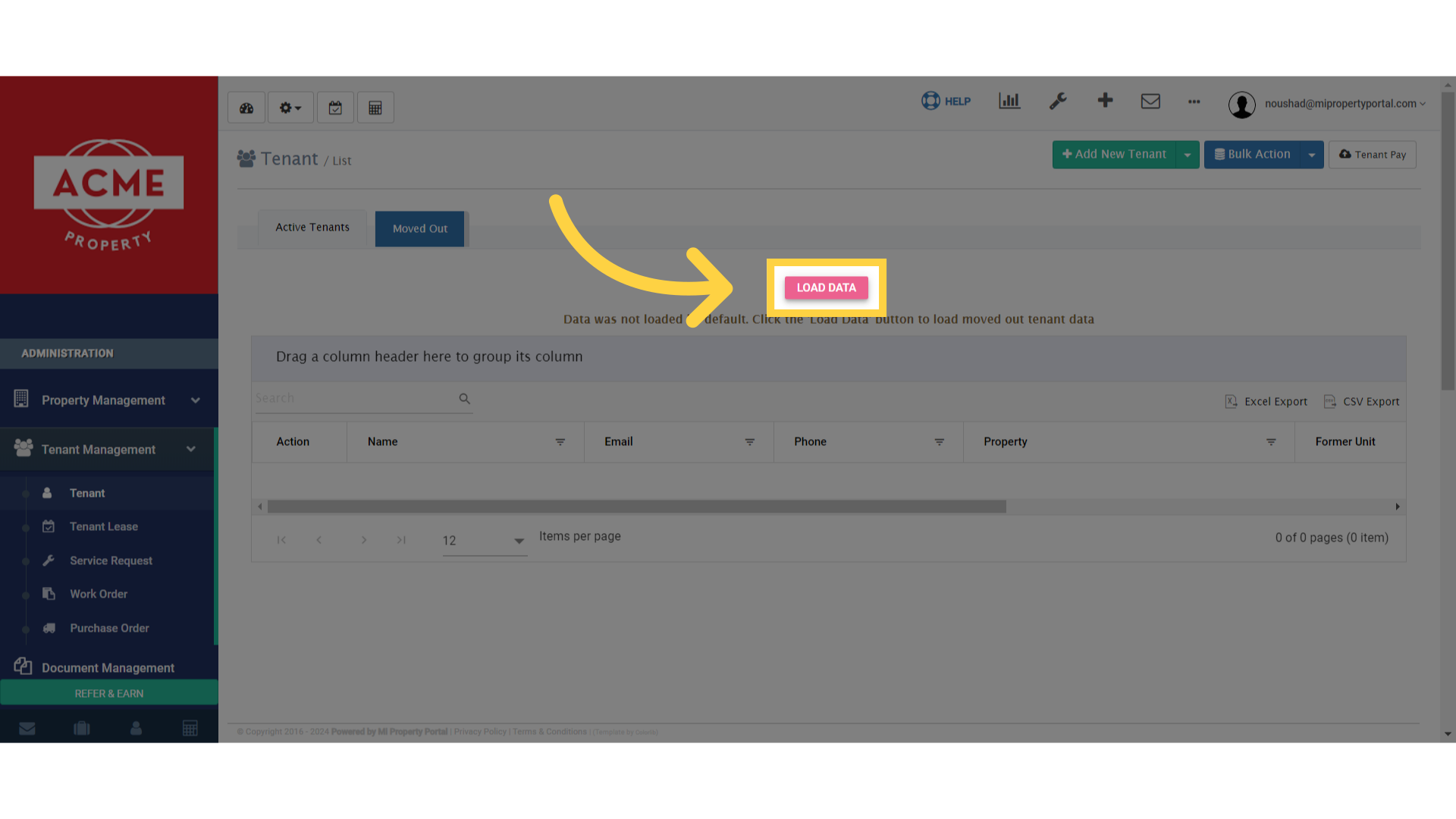
4. Then click on “LOAD DATA”
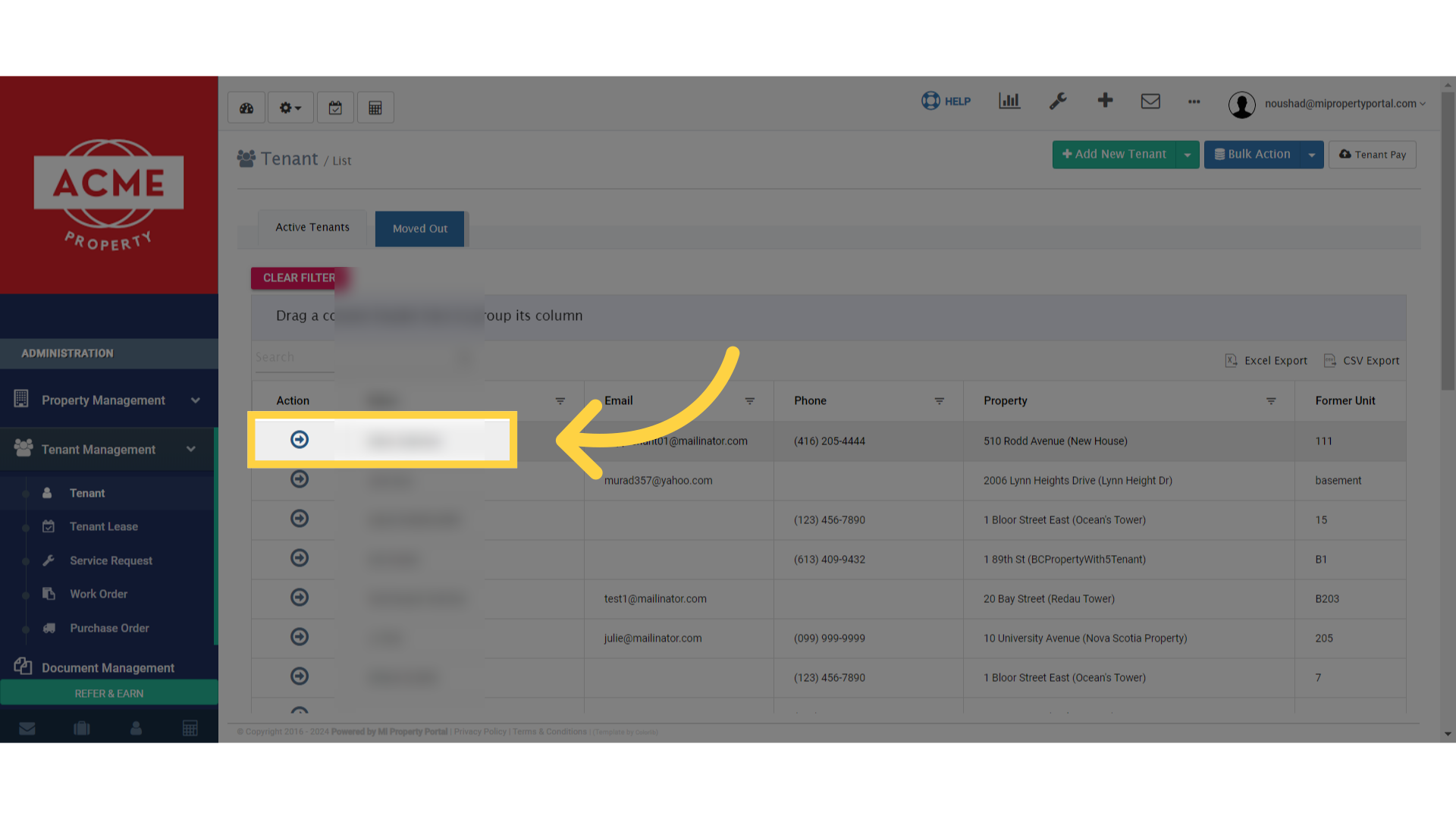
5. Click on a Tenant to open the Tenant Details page.
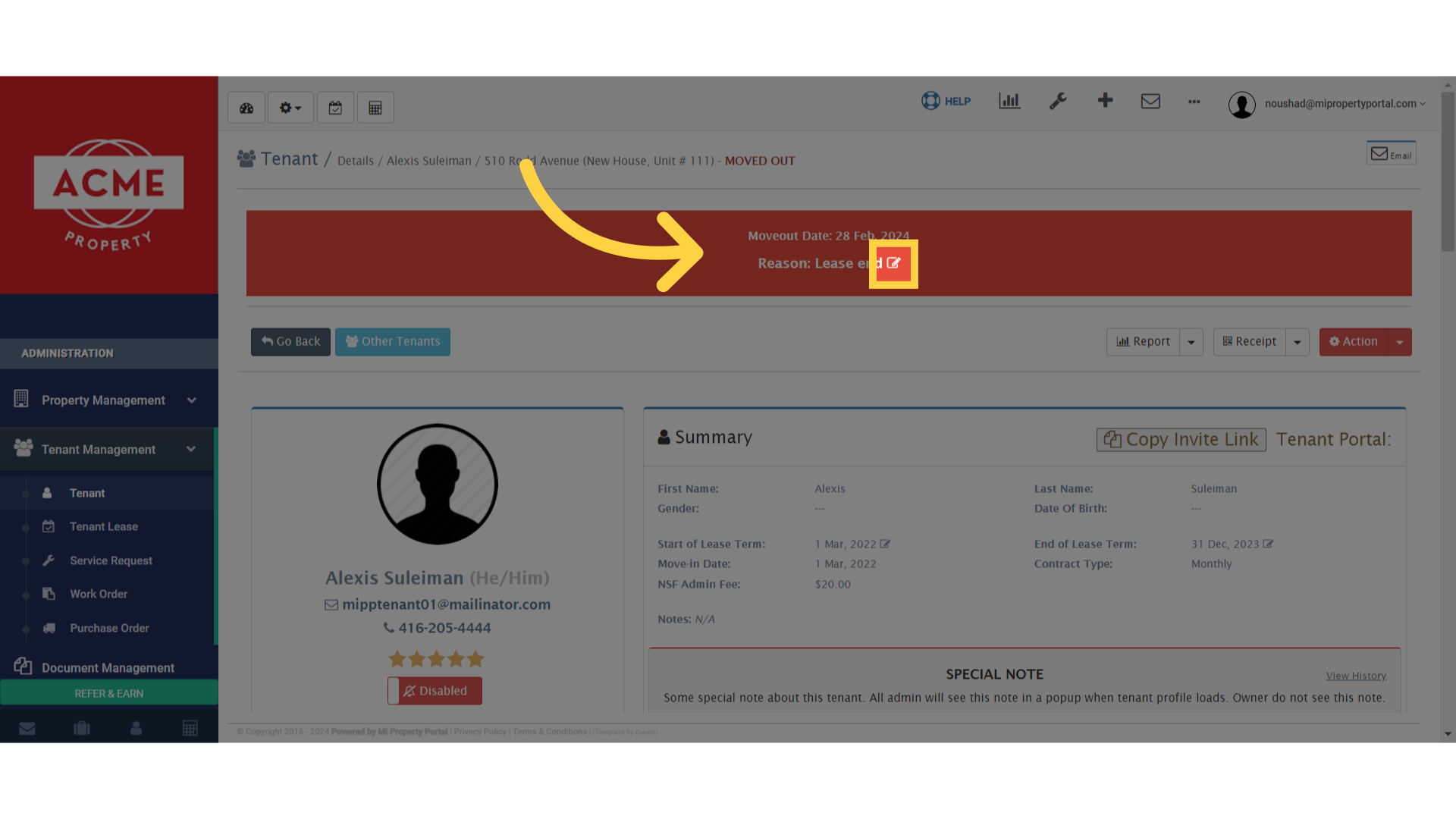
6. Click on the edit icon beside “Reason: Lease end” in the middle of the page
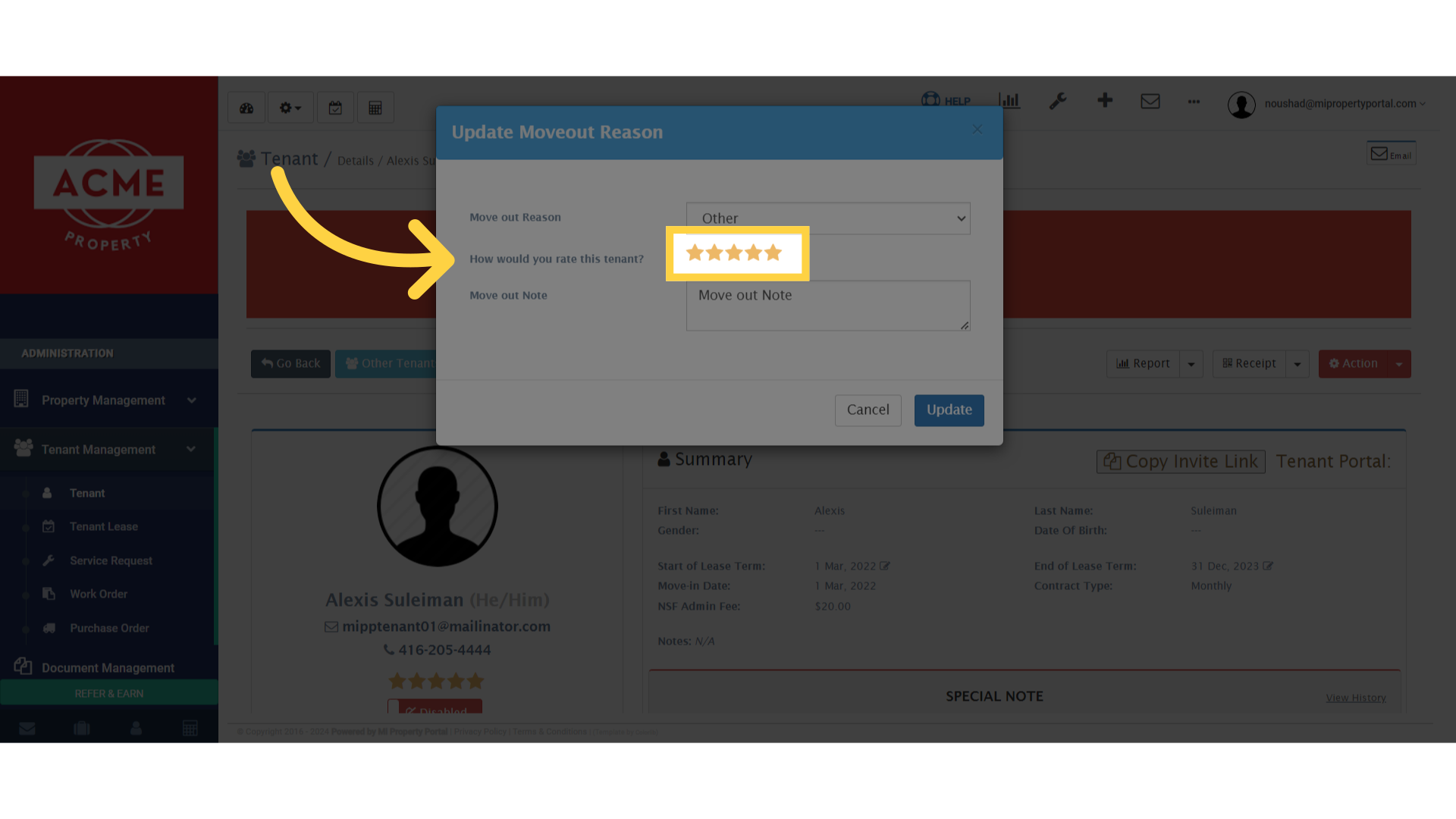
7. Click on the “Stars” beside “How would you rate this tenant?” to give a rating.
8. Click on “Update” to complete the process.