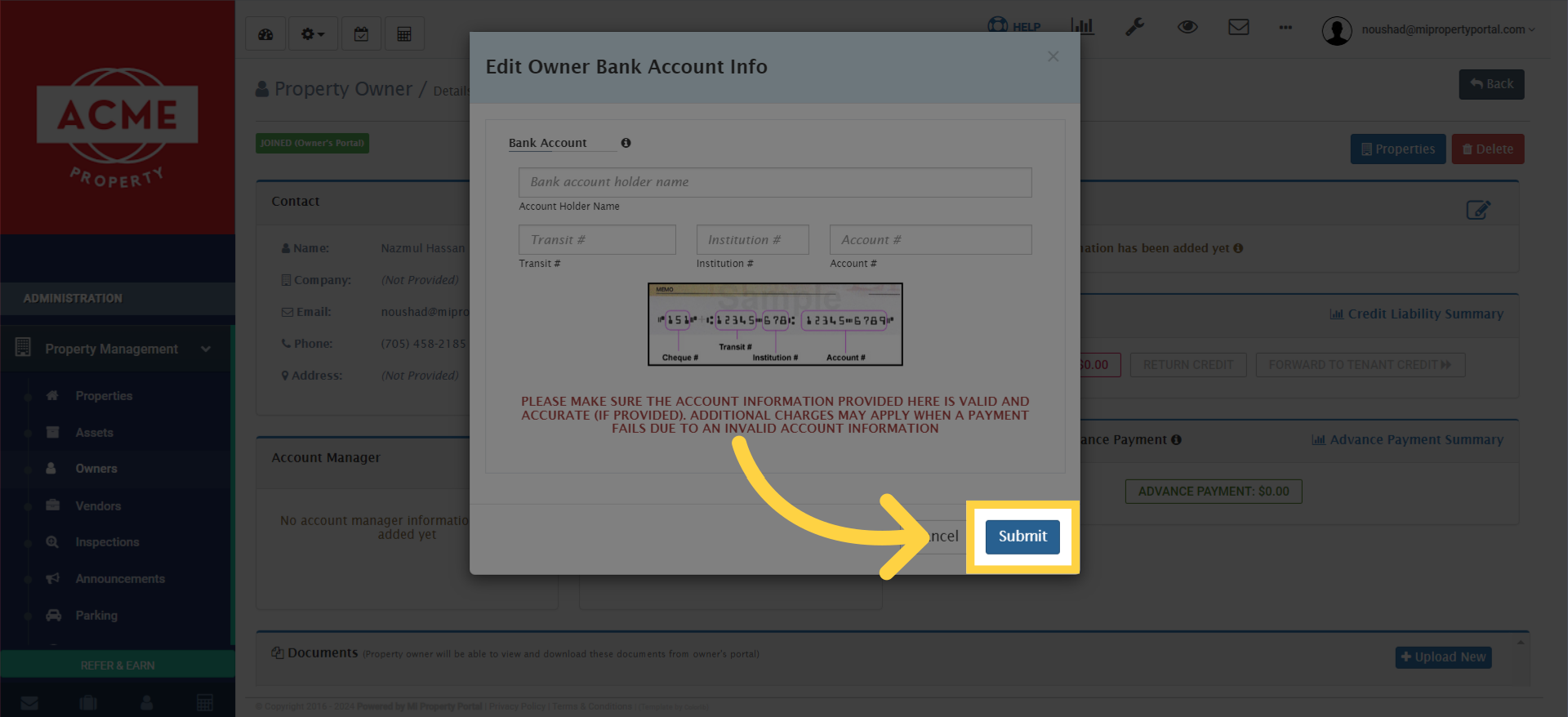
This tutorial will discuss adding bank account information to an owner profile.
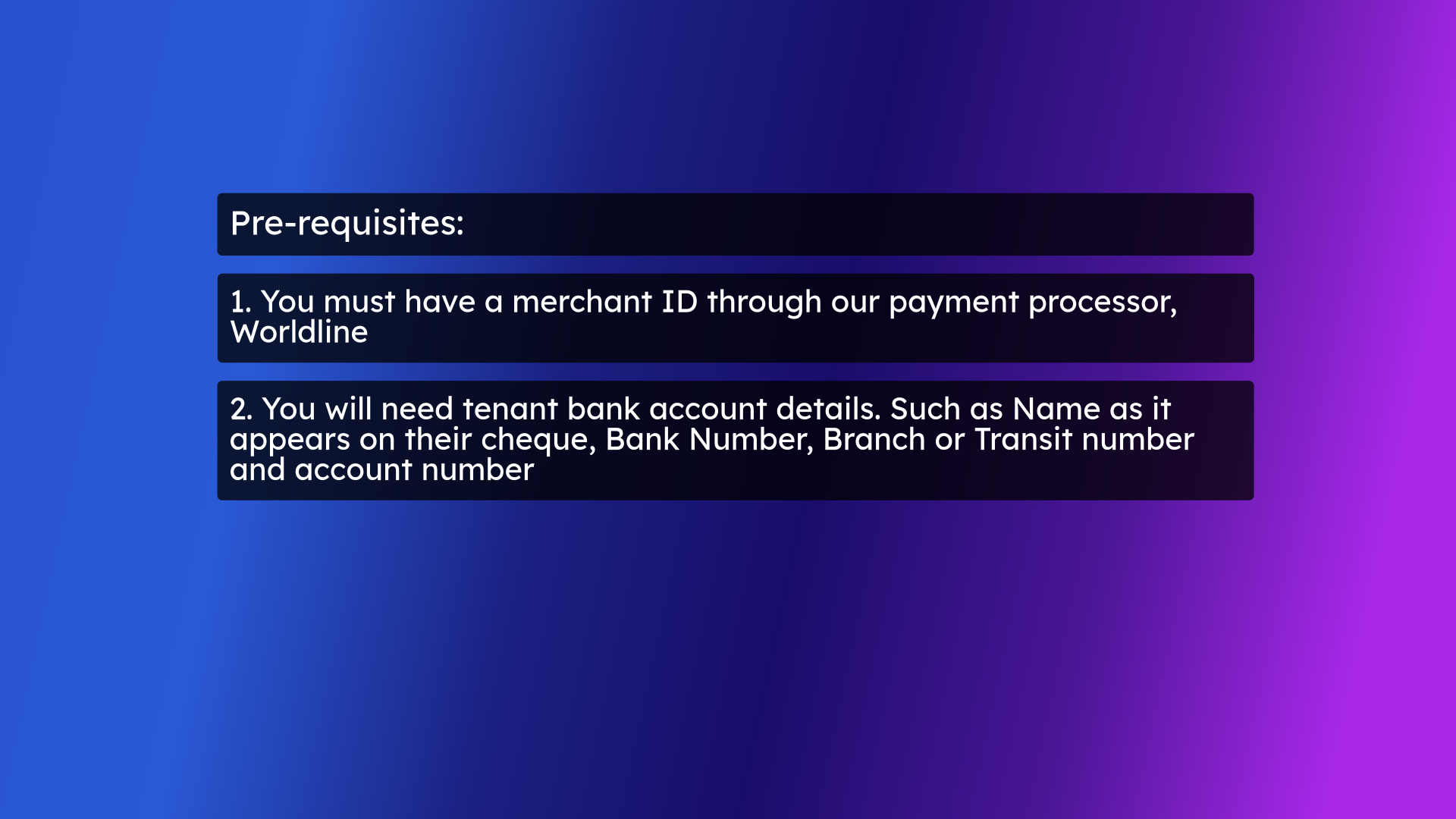
1. pre-requisites
Before you start adding an owner’s bank account, there are a few steps you need to follow:
1. You must have a merchant ID through our payment processor, World line.
2. You will need the owner’s bank account details. Such as Name as it appears on their cheque, Bank Number, Branch or Transit number and, Account number.
1. You must have a merchant ID through our payment processor, World line.
2. You will need the owner’s bank account details. Such as Name as it appears on their cheque, Bank Number, Branch or Transit number and, Account number.
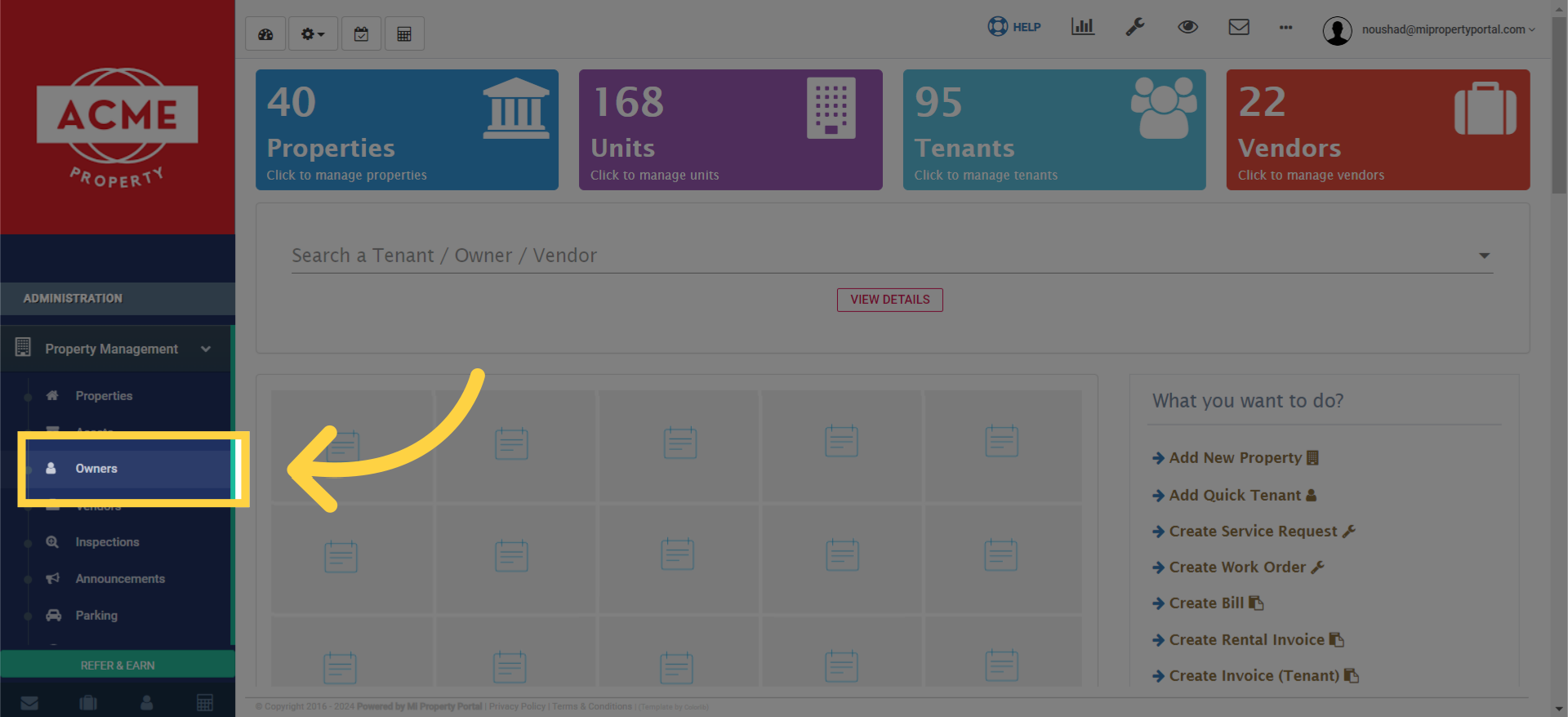
2. Select owner from the dropdown menu from the left navigation to access the owner list
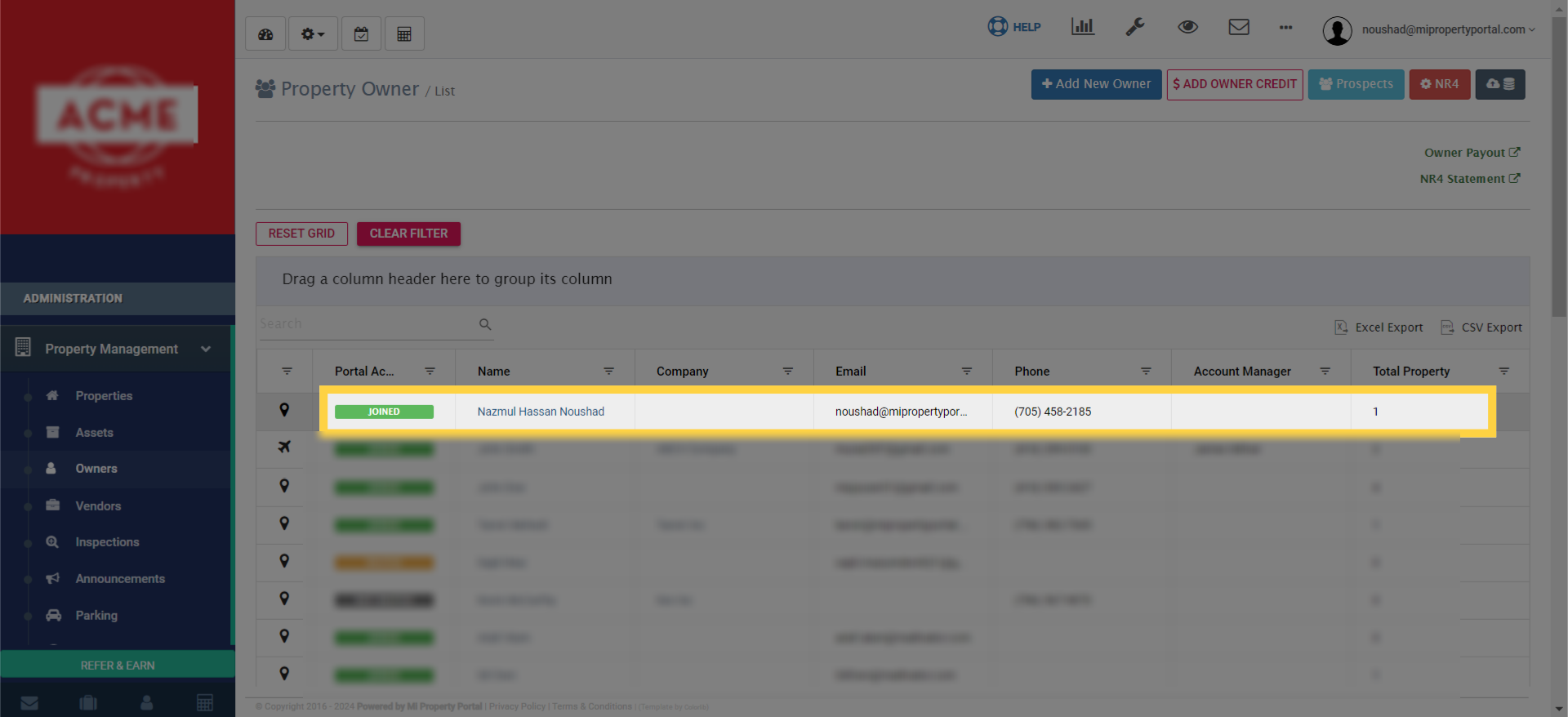
3. Click the owner name to access the owner details page
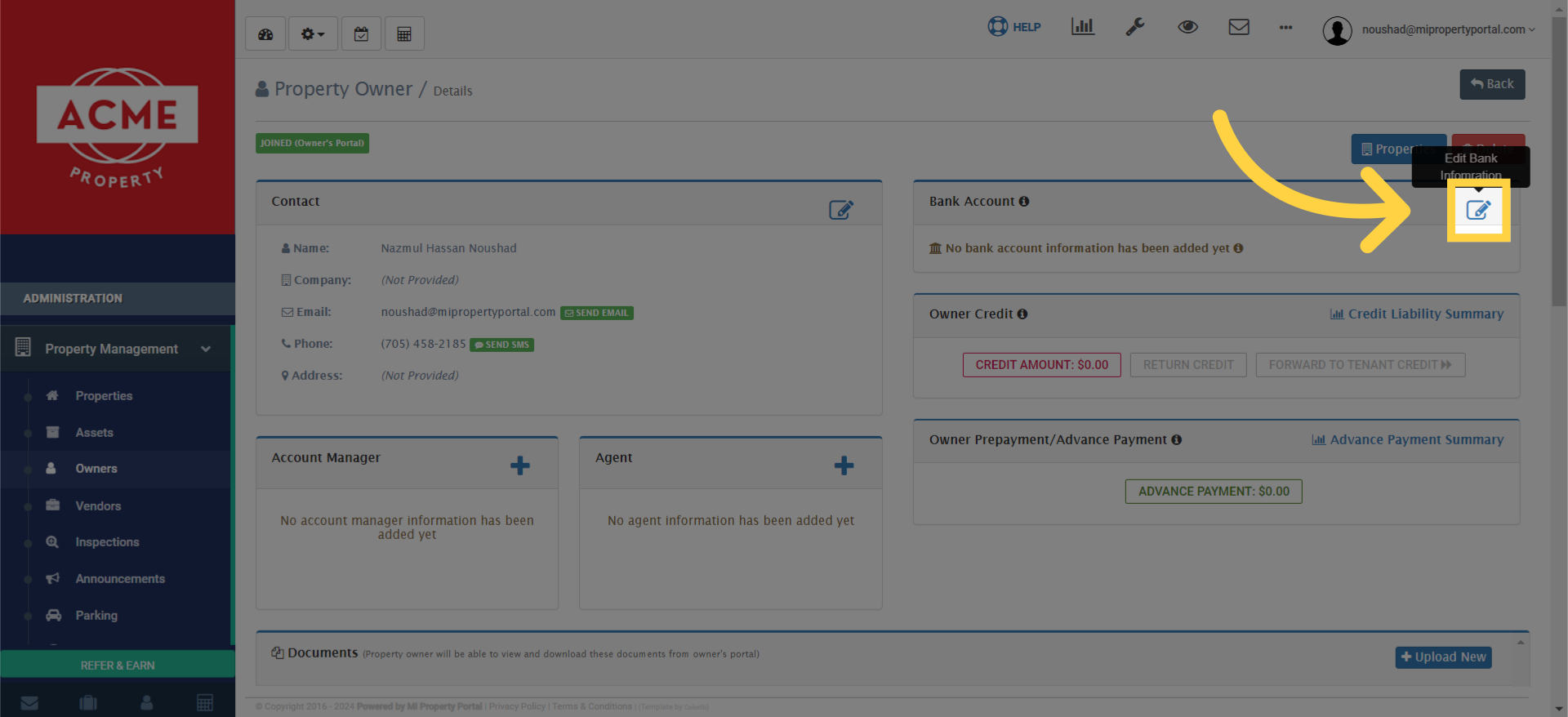
4. Find the Bank Account section on the details page, and click the Edit icon
5. you’ll need to provide the necessary information
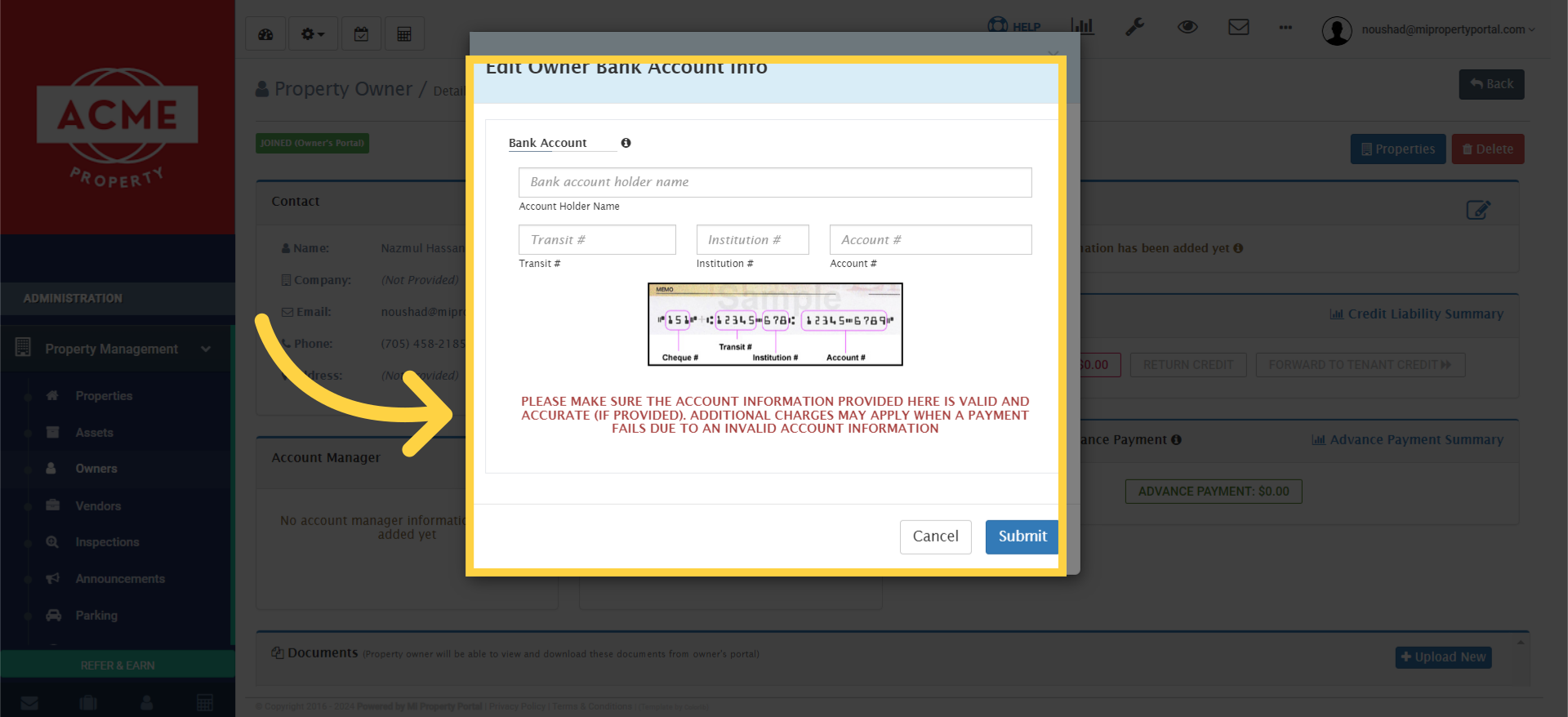
6. click on ‘Submit’ to save the changes