This guide explains how to view subscription invoices in the admin portal
1. Click on User Email dropdown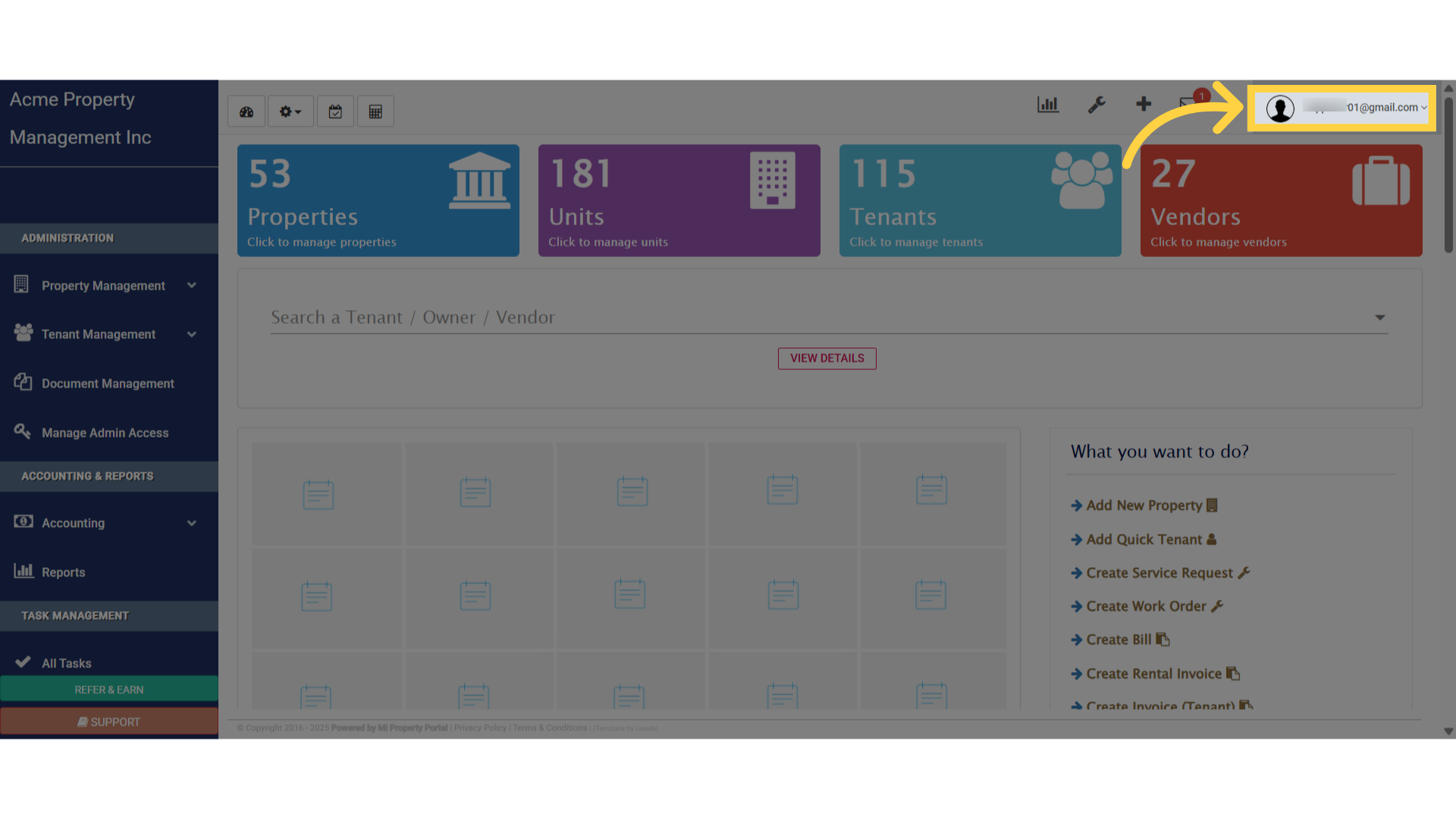
3. Select “Subscriptions” from the menu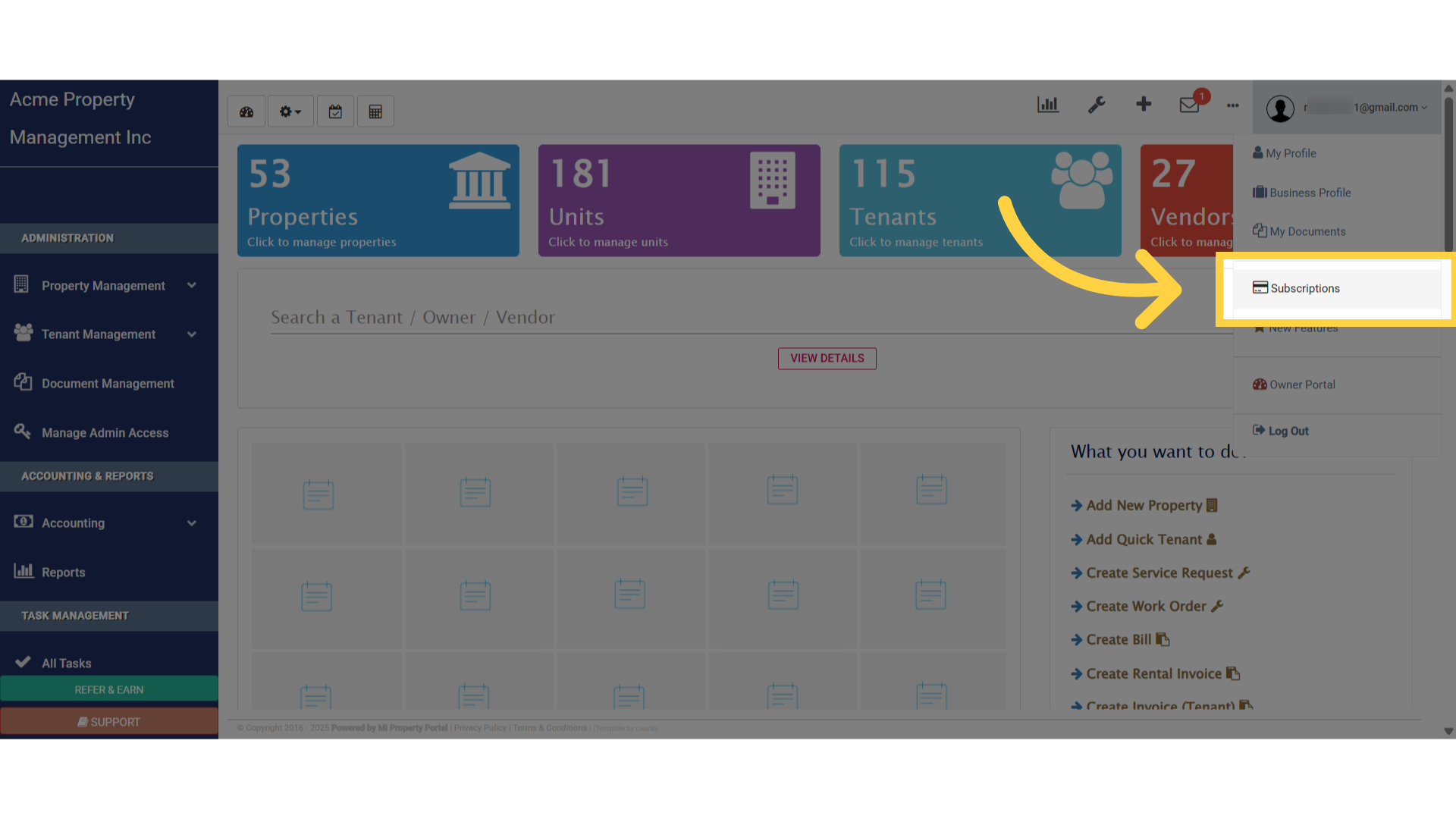
4. On the subscription summary or detail page, scroll down to find more options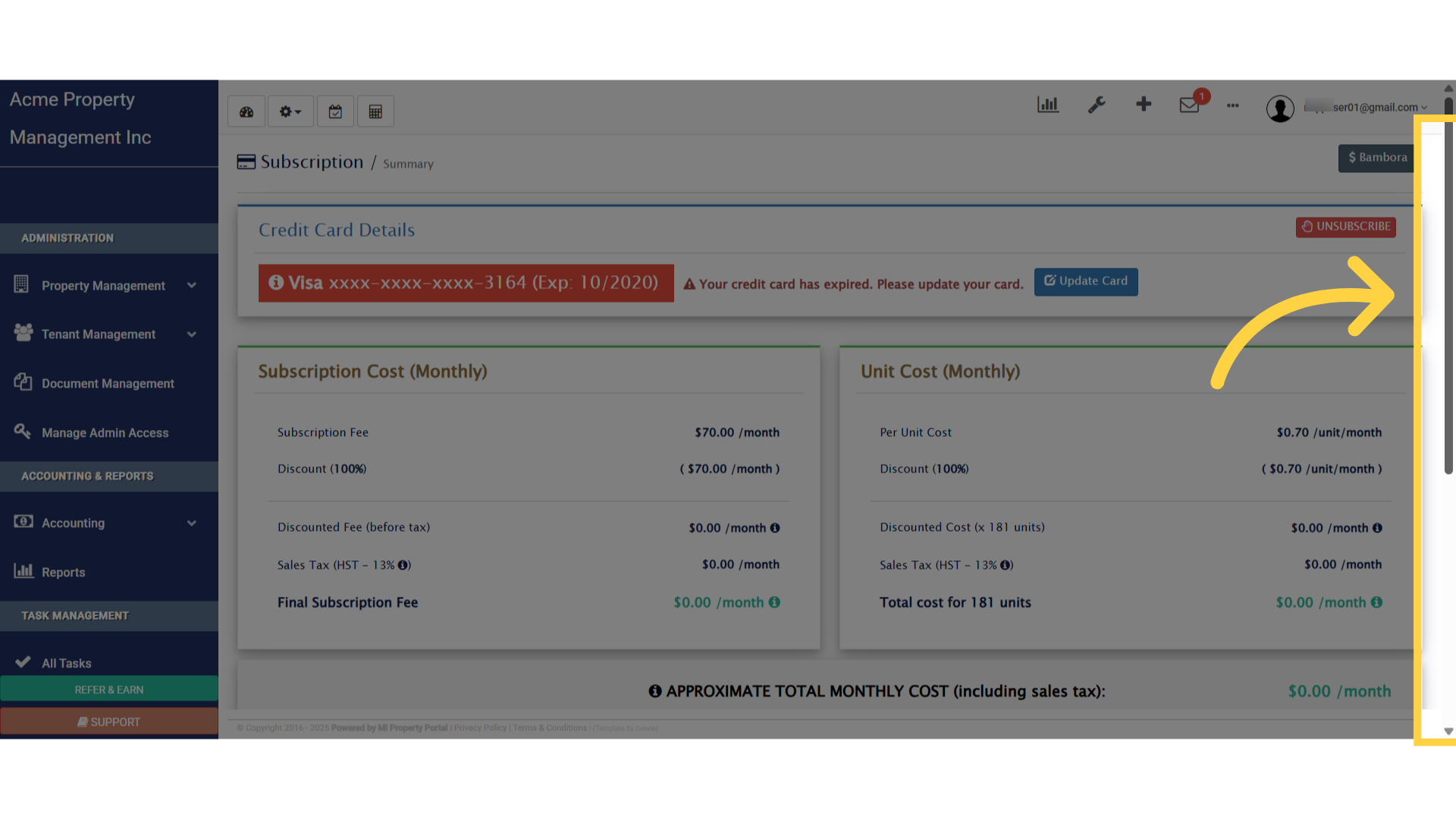
5. Click on “View Subscription Payments” to proceed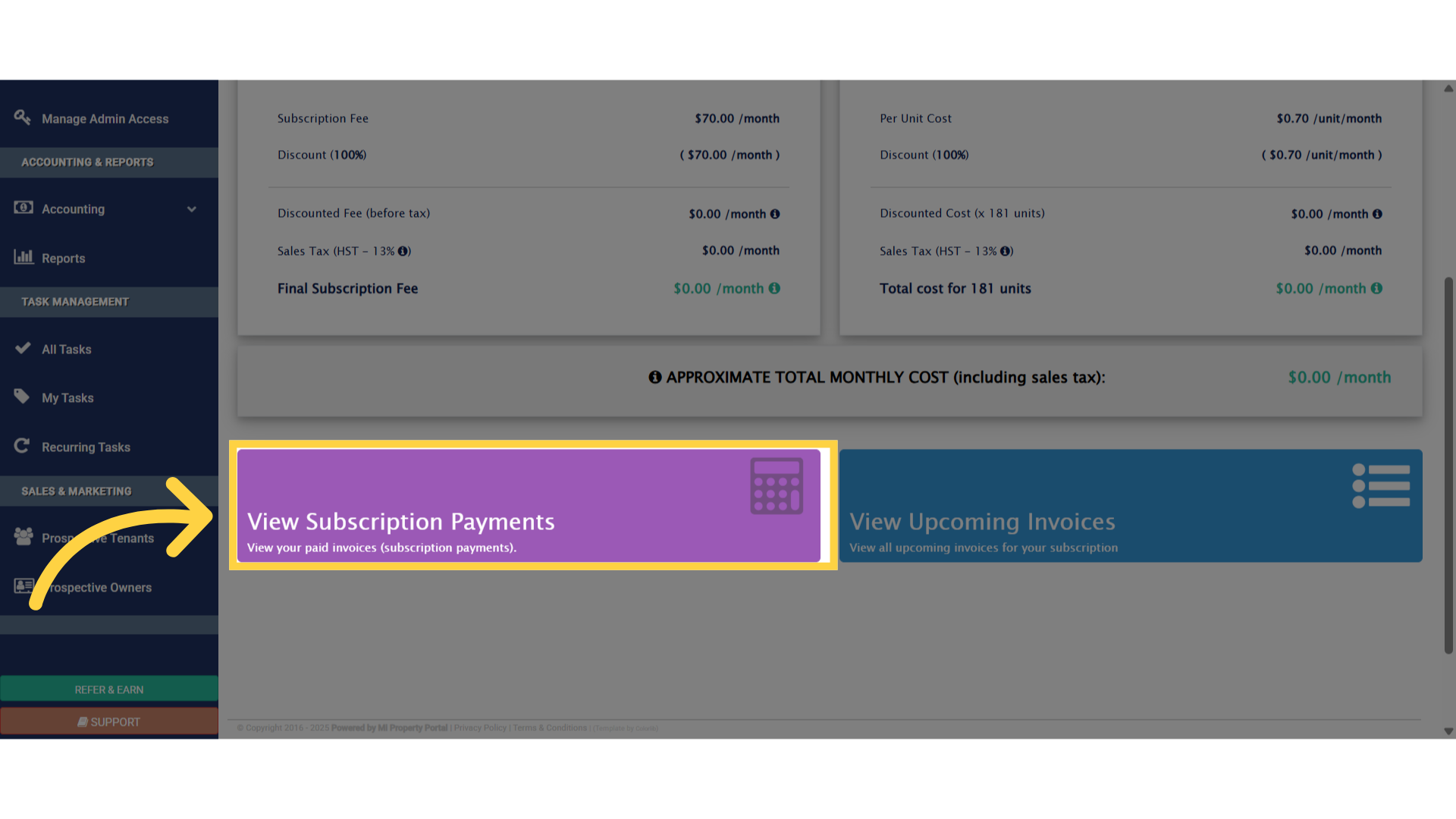
6. Review all the subscription-related invoices that appear on this page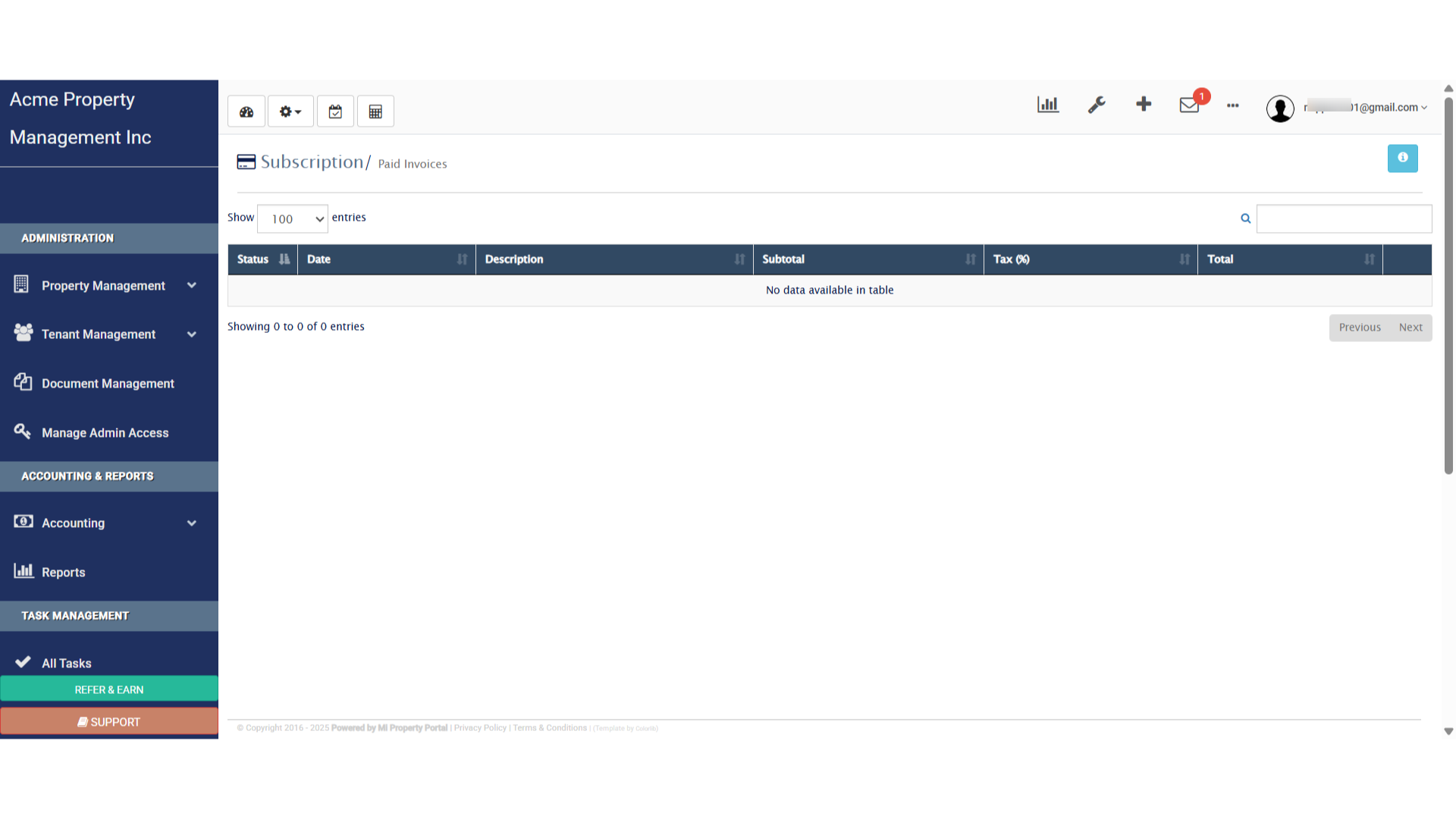
This guide showed how to view all paid invoices related to a subscription in the admin portal. Thanks for Watching!