Lease Management System Overview
43 views 0 September 8, 2025 mippsupportadmin
1. The lease process starts when someone applies for a unit through the online rental application form
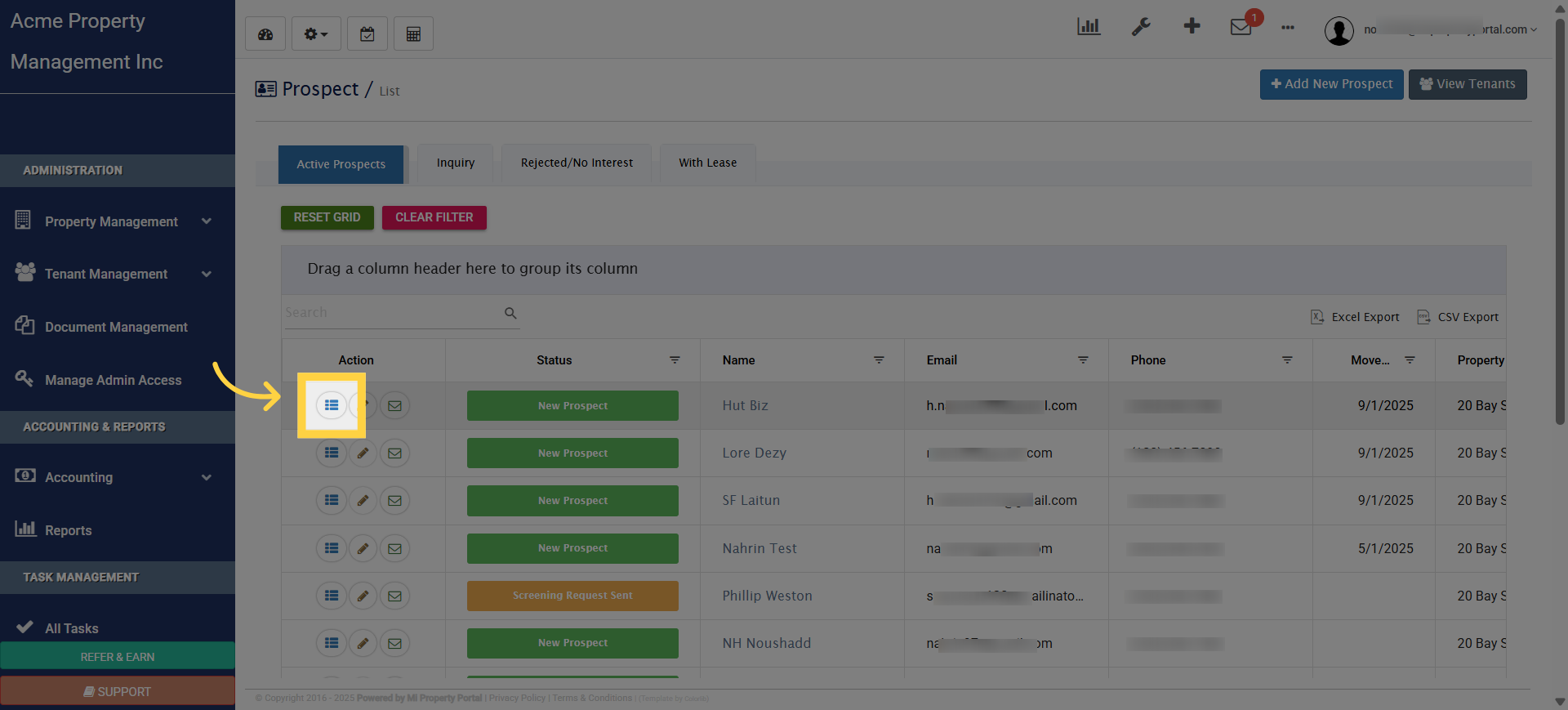
2. If approved, a lease can be created directly from the Prospect Details page
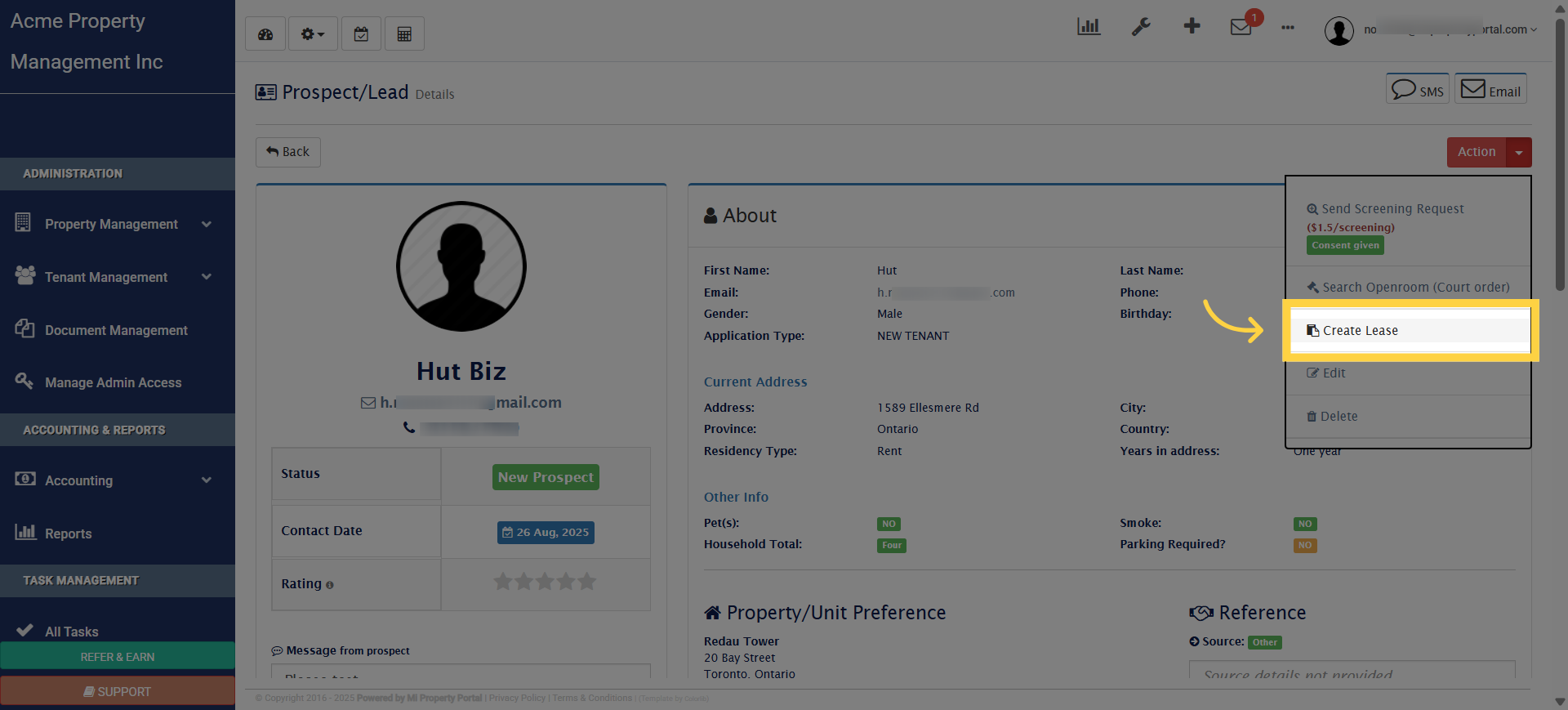
3. Creating a lease is simple because the system automatically pulls in property details, unit information, and tenant information
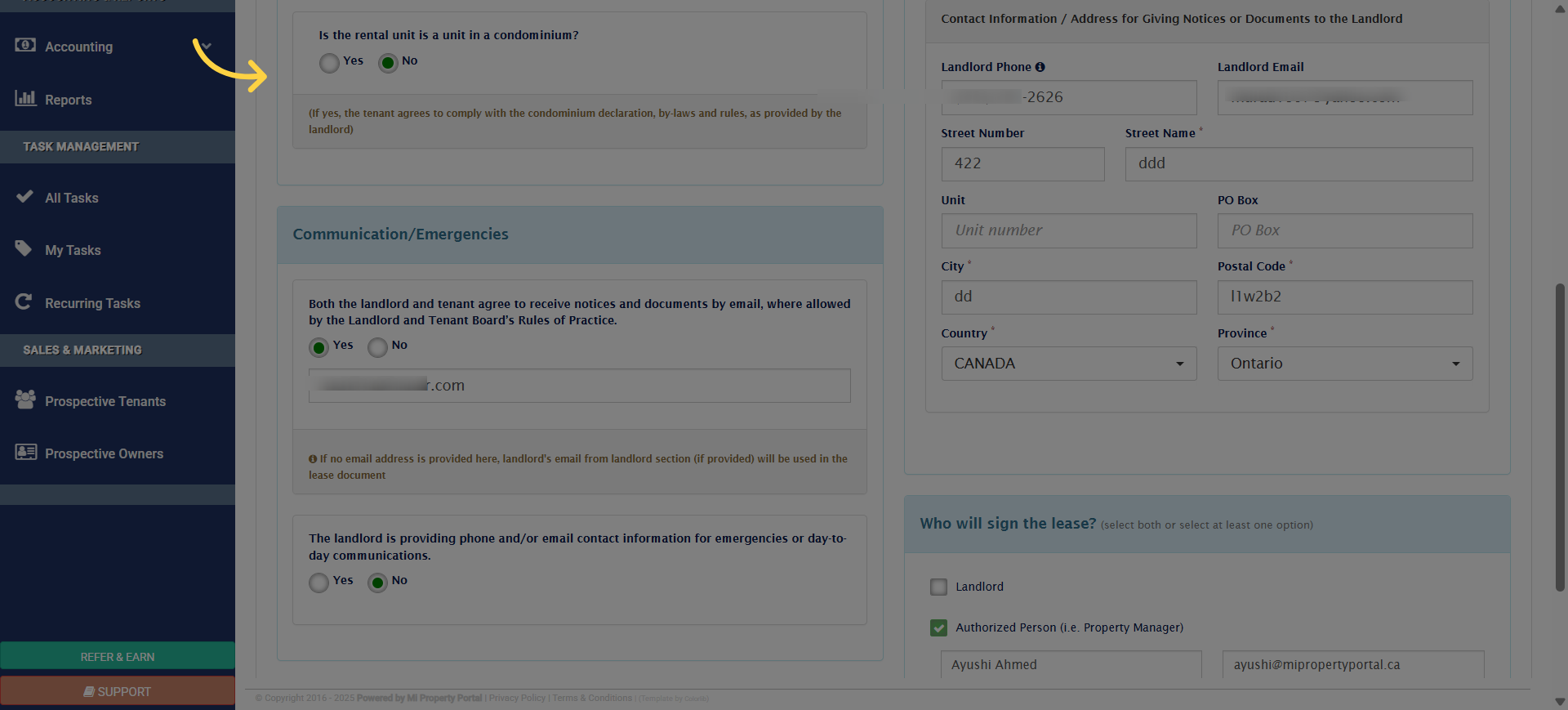
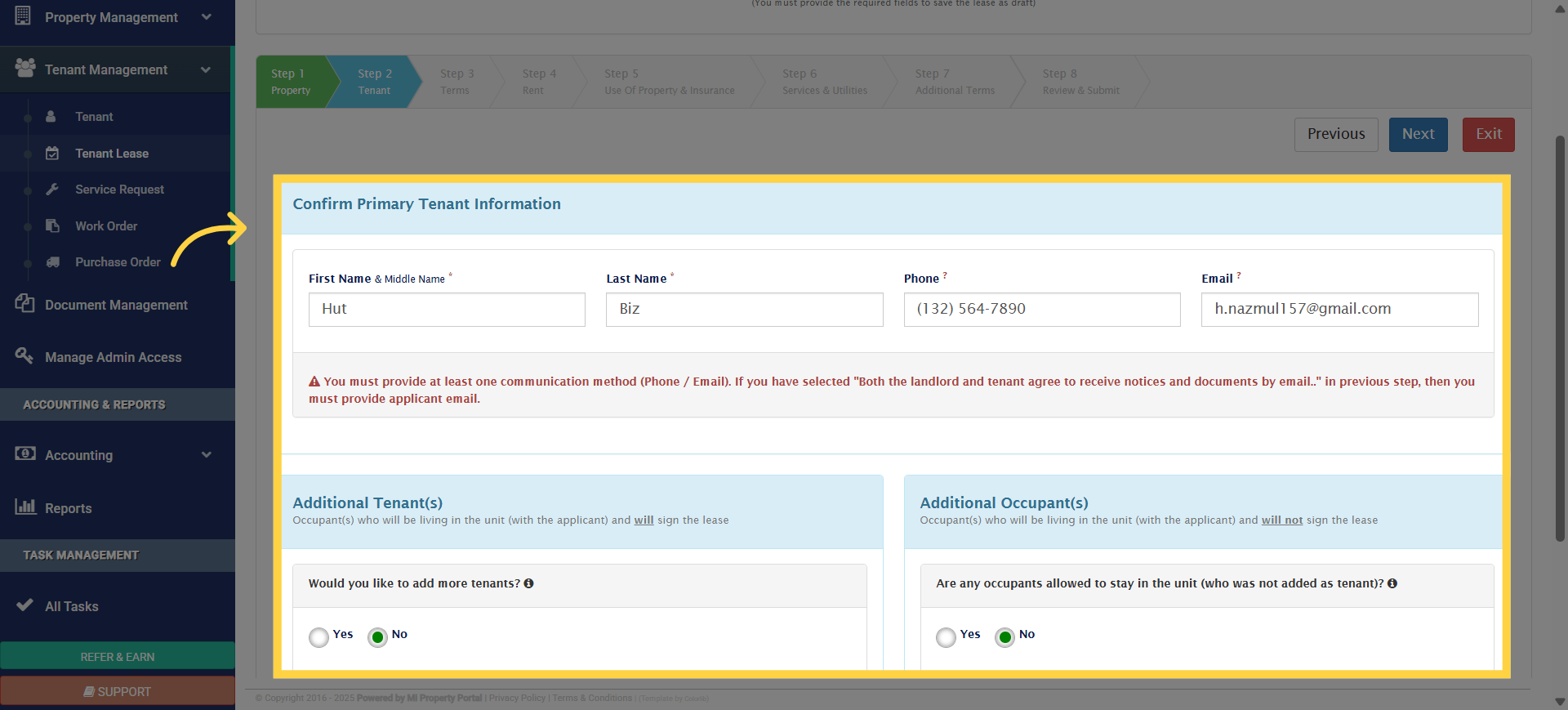
4. Tenant Information
5. Next, choose the lease dates. By default, the system sets a 12-month term
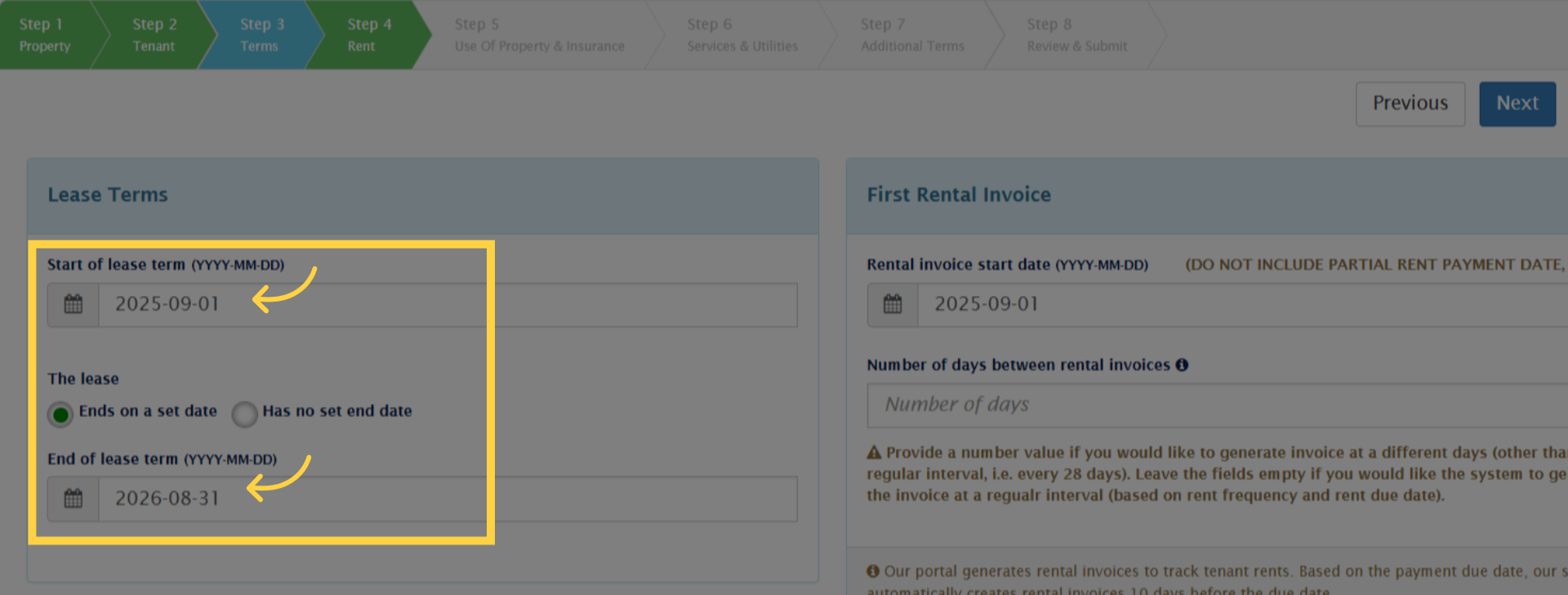
6. You can also select an open-ended, month-to-month option. Any details that need updating can be adjusted at this stage
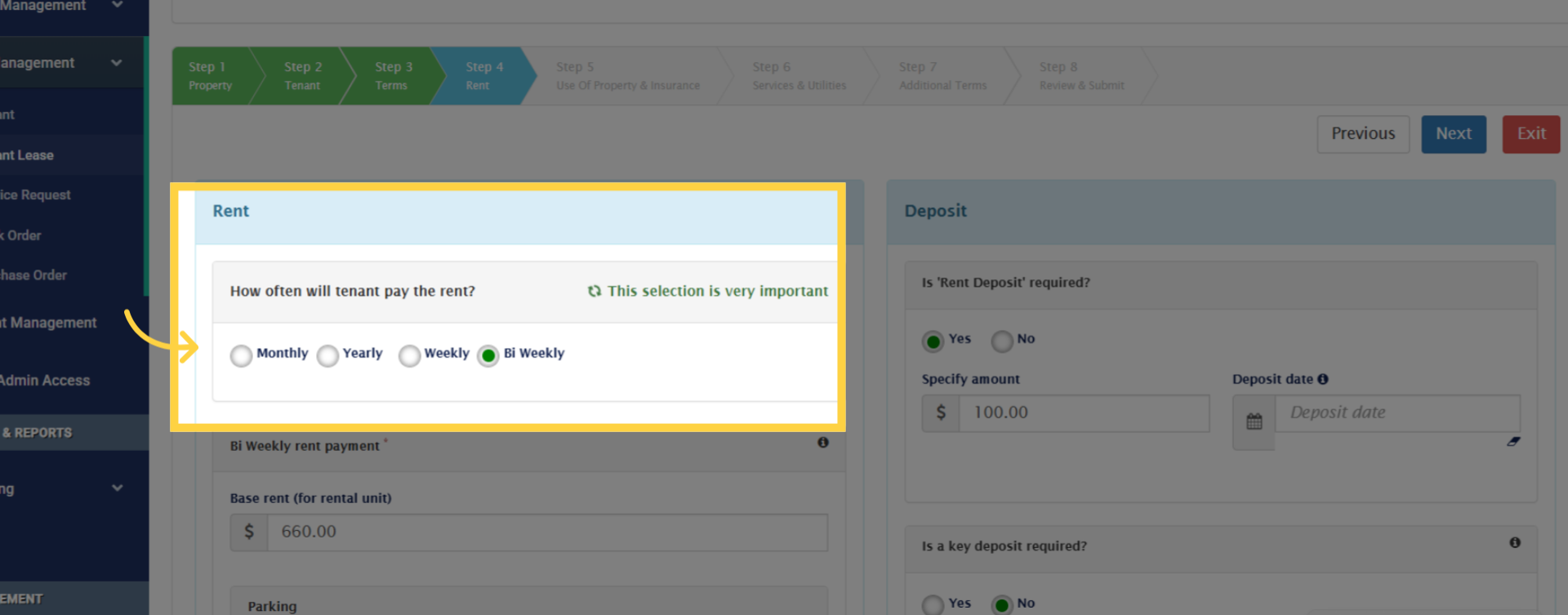
7. Additional Terms
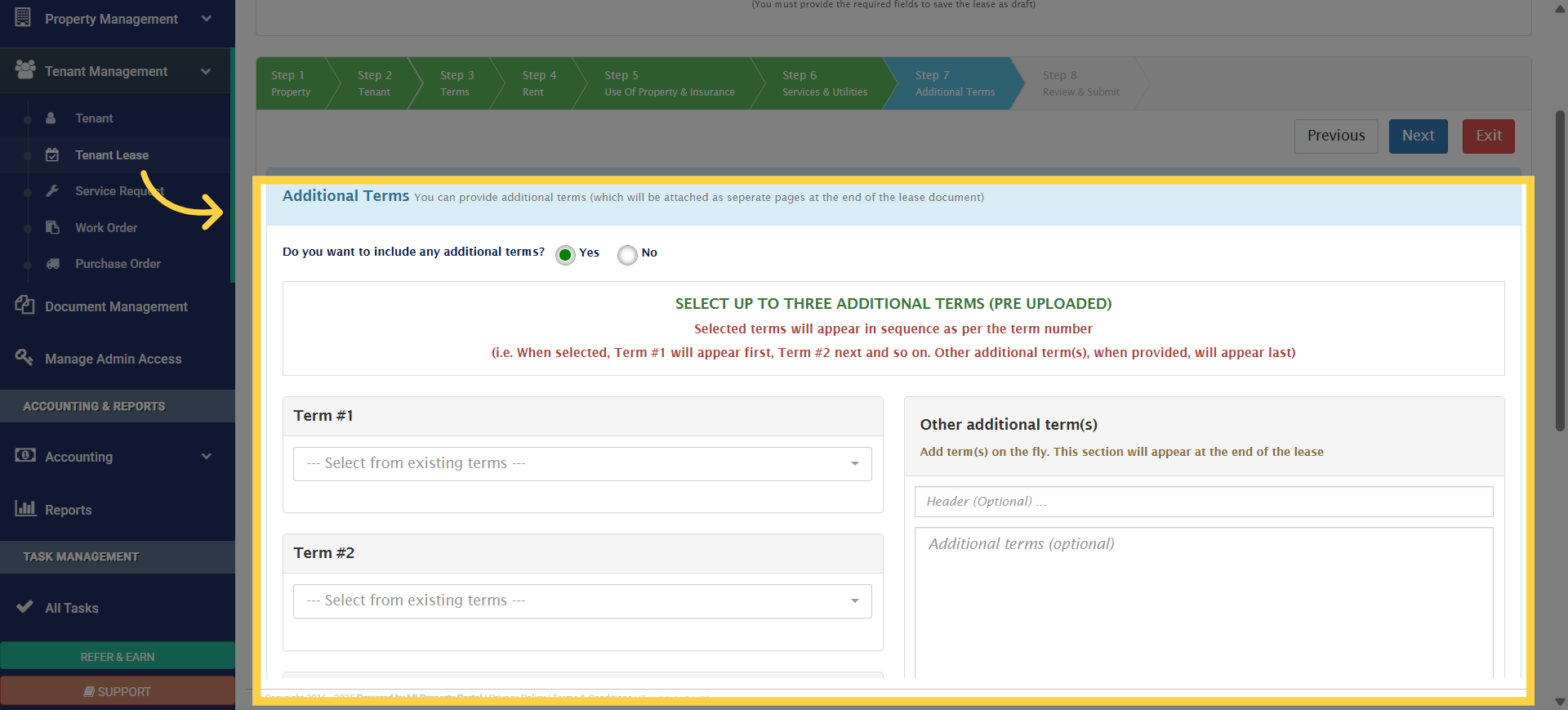
8. The system provides lease documents based on your province
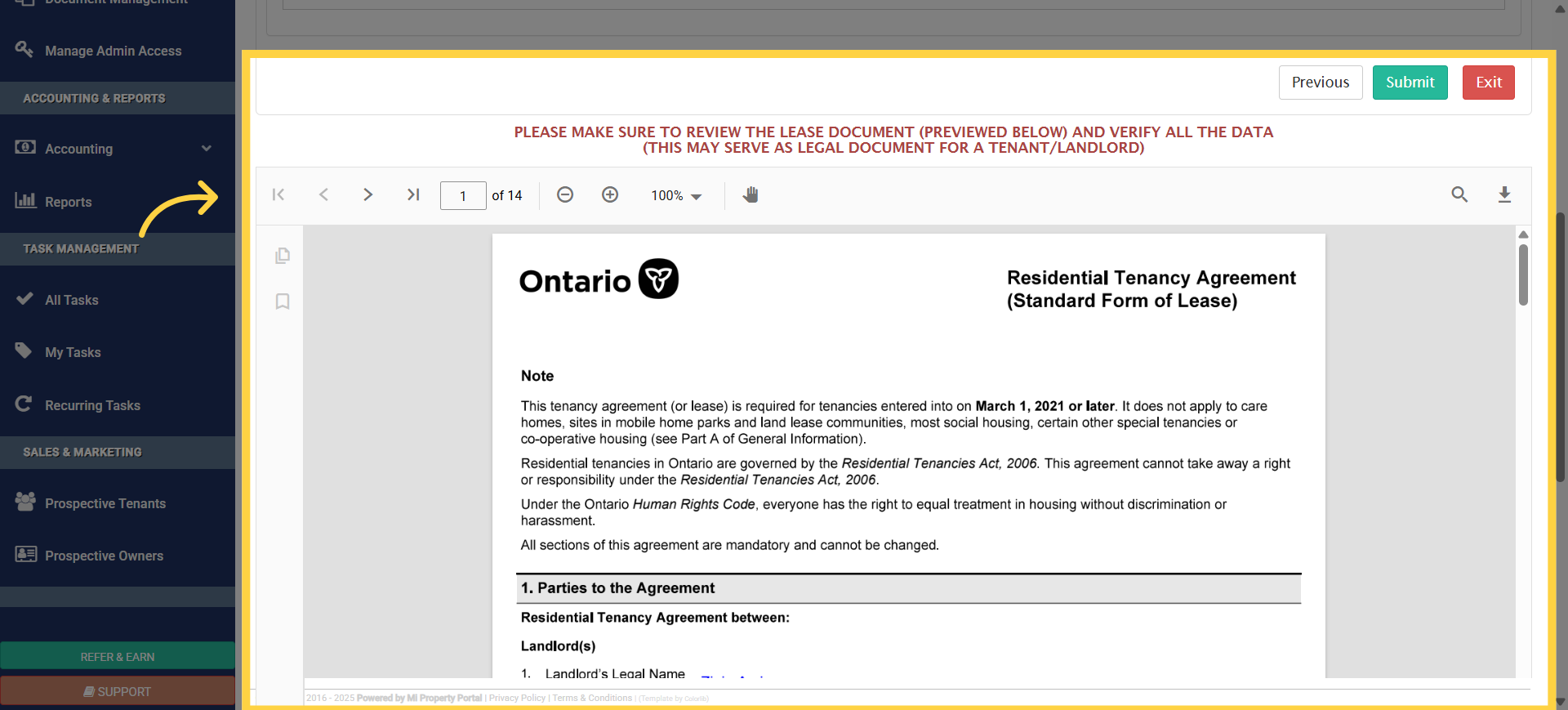
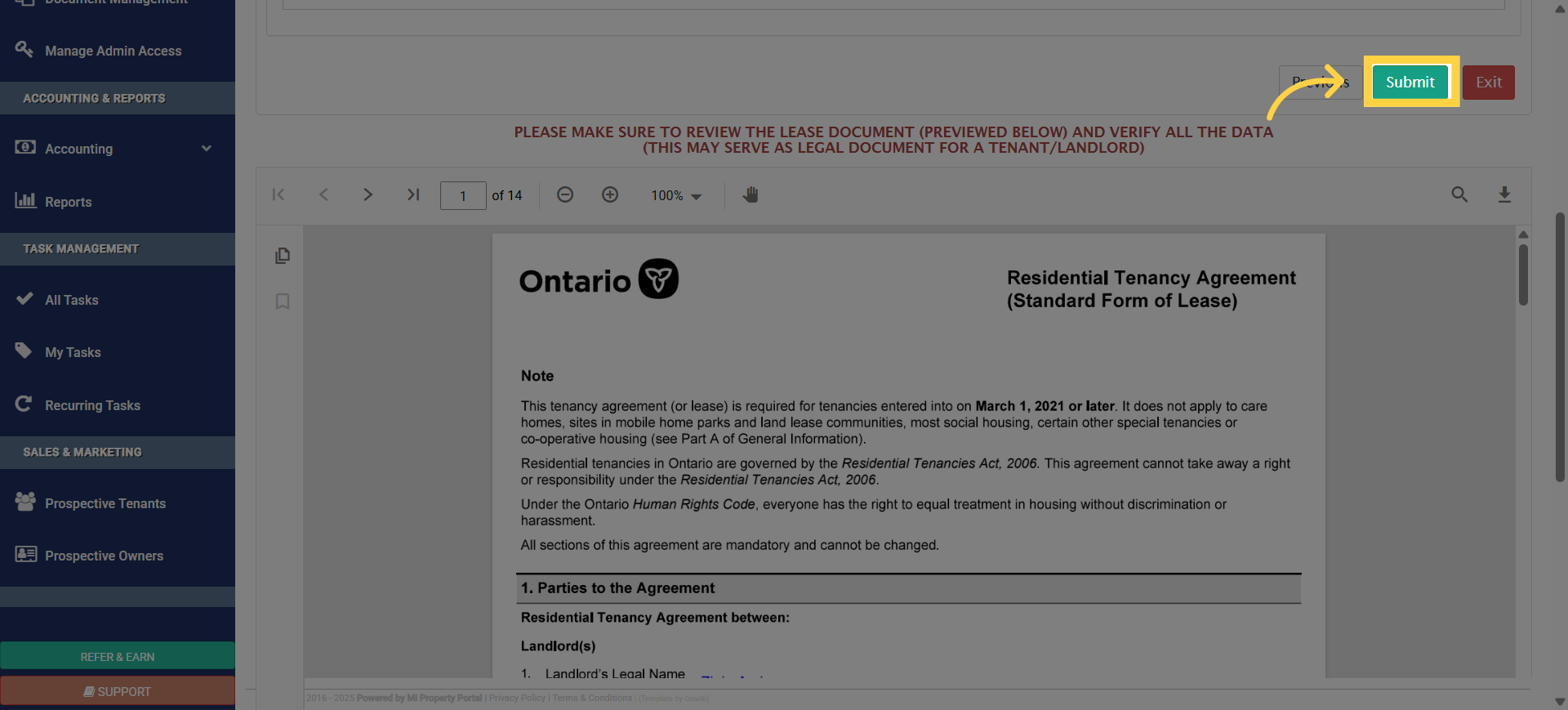
9. Finally click on submit
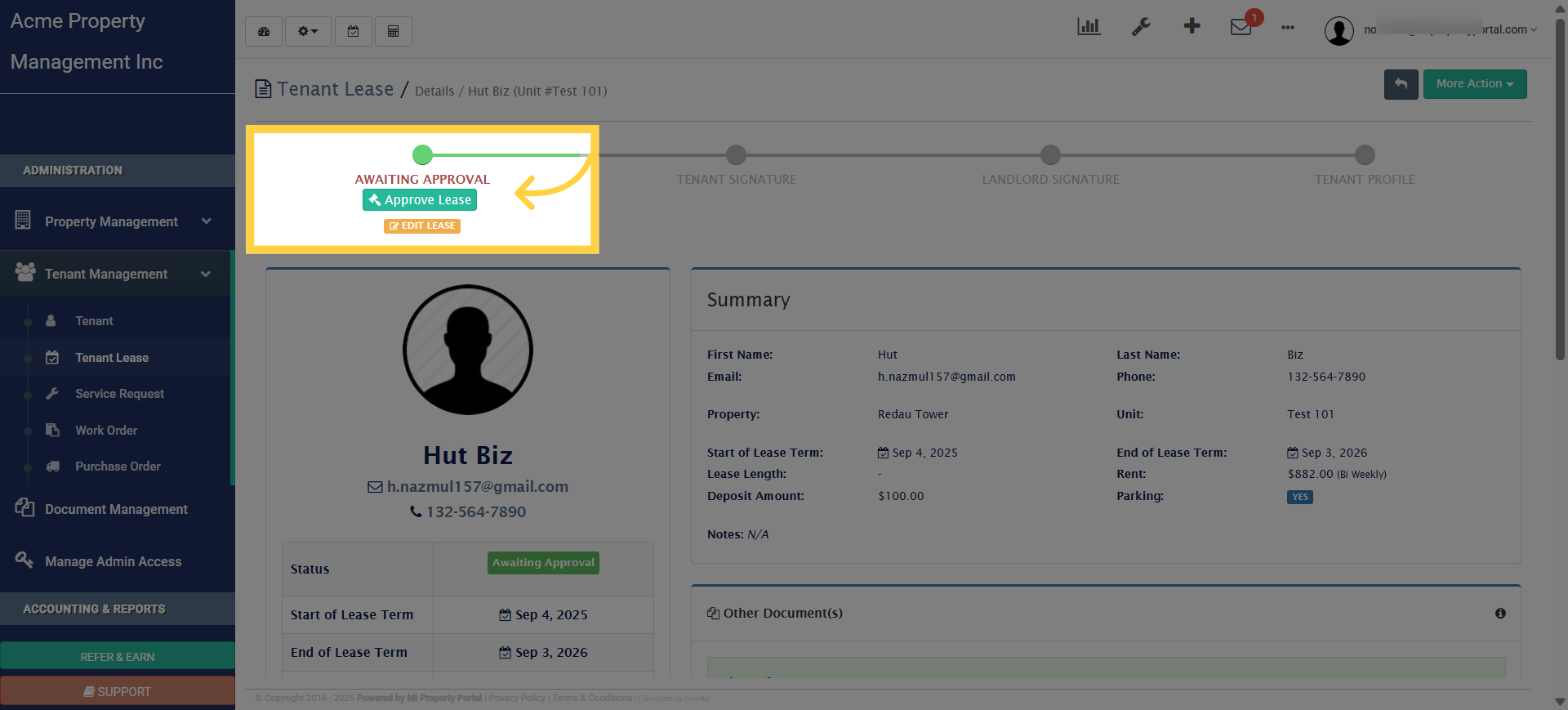
10. Lease approval
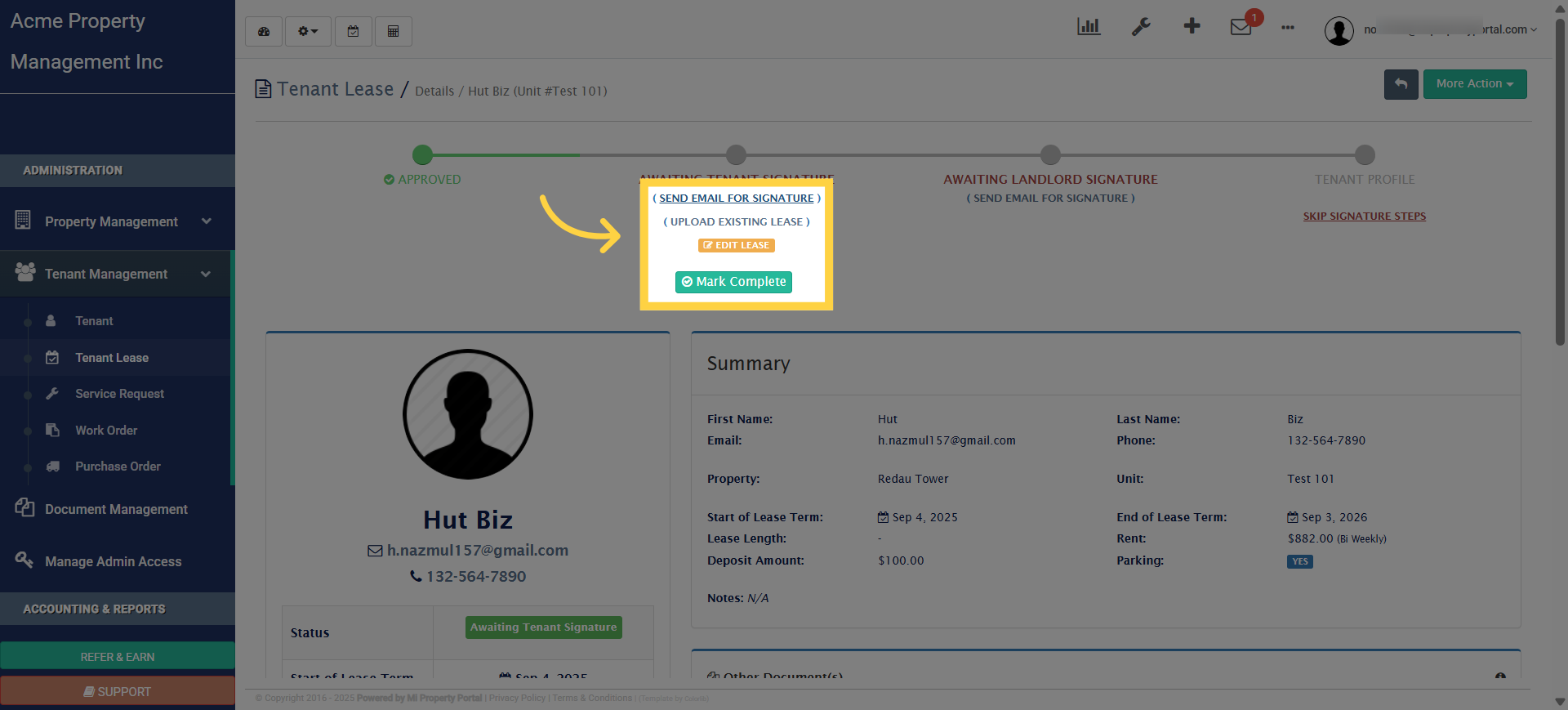
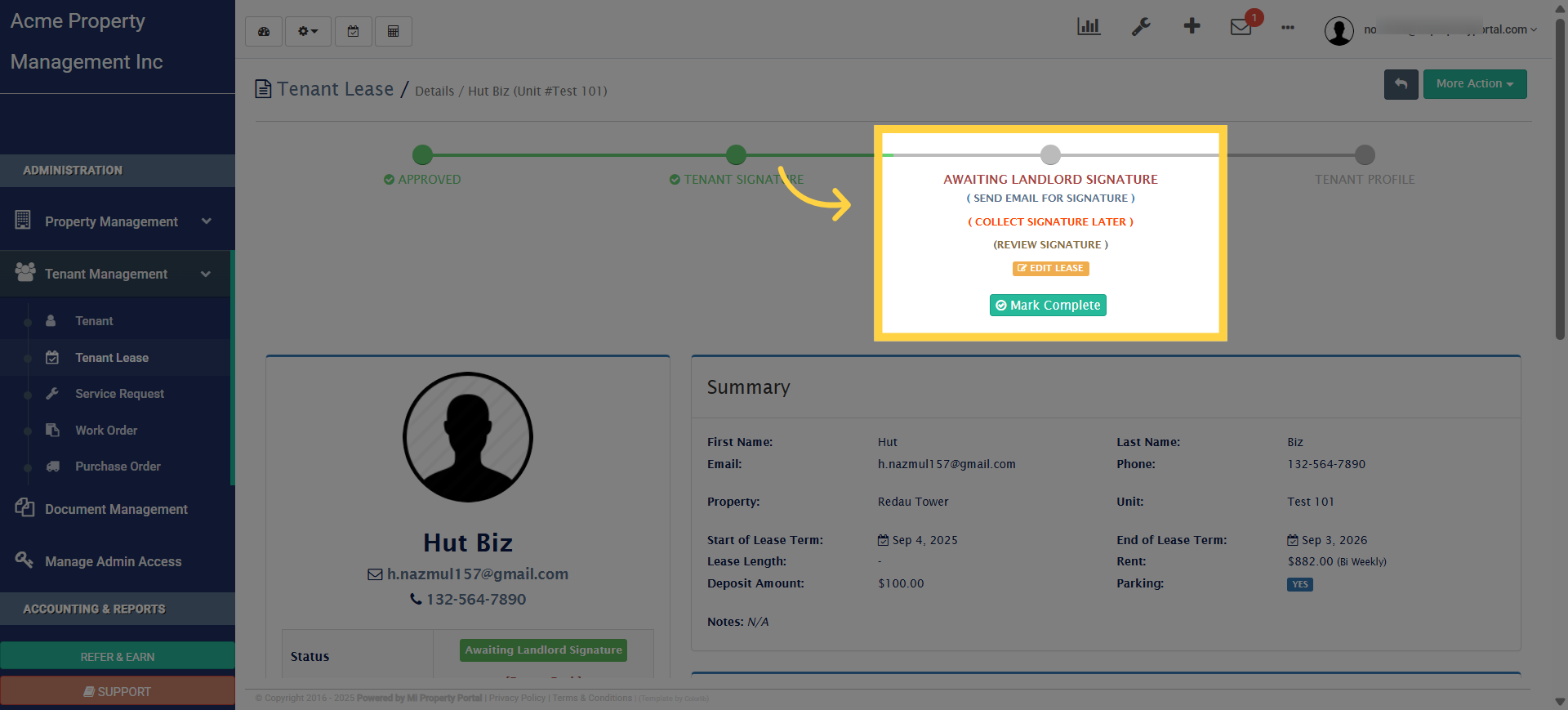
11. Click “Send email for signature”
12. Landlord Signature
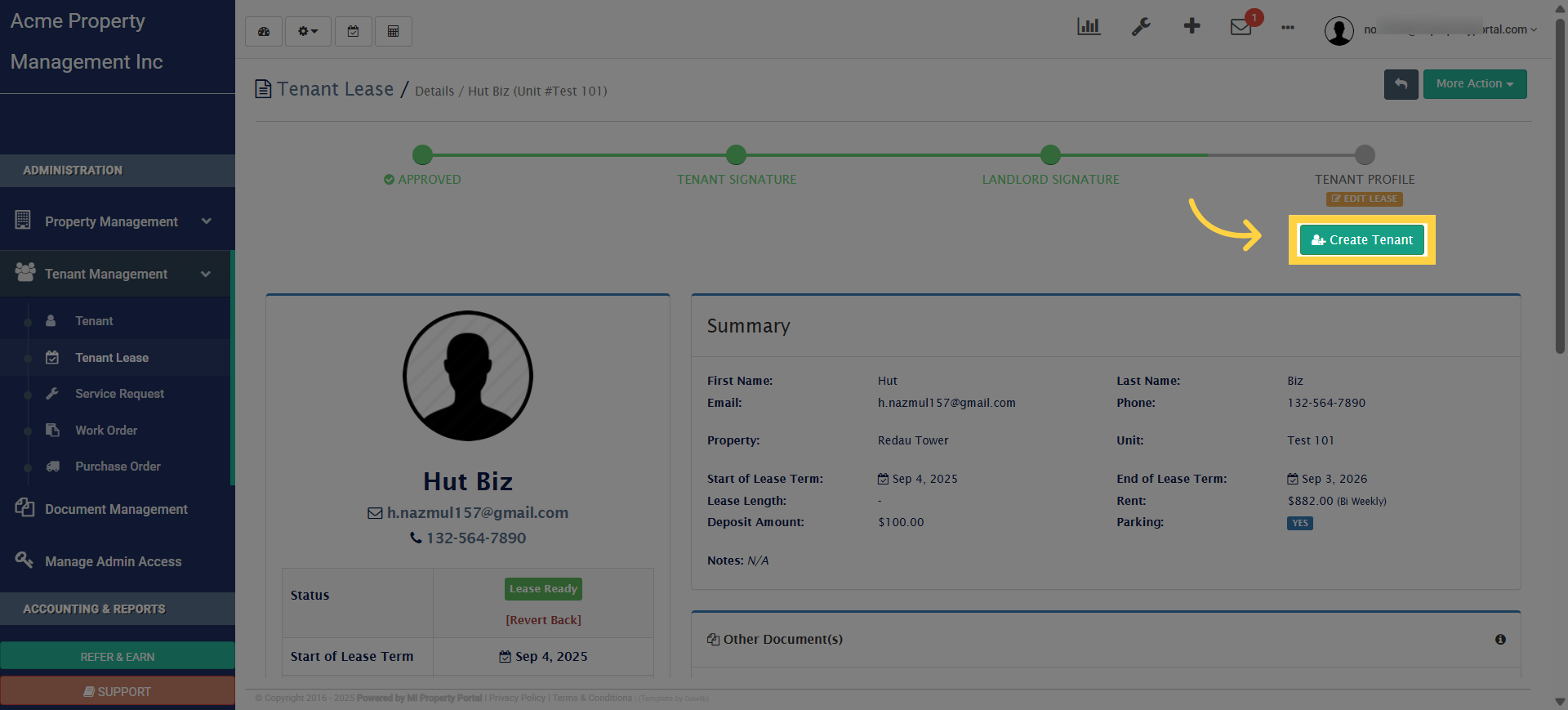
13. Click “Create Tenant”