How to Delete Tenant Credit
21 views 0 November 11, 2025 mippsupportadmin
1. After logging in, click on the Reports icon at the top middle of your screen. This will take you to the main reports section

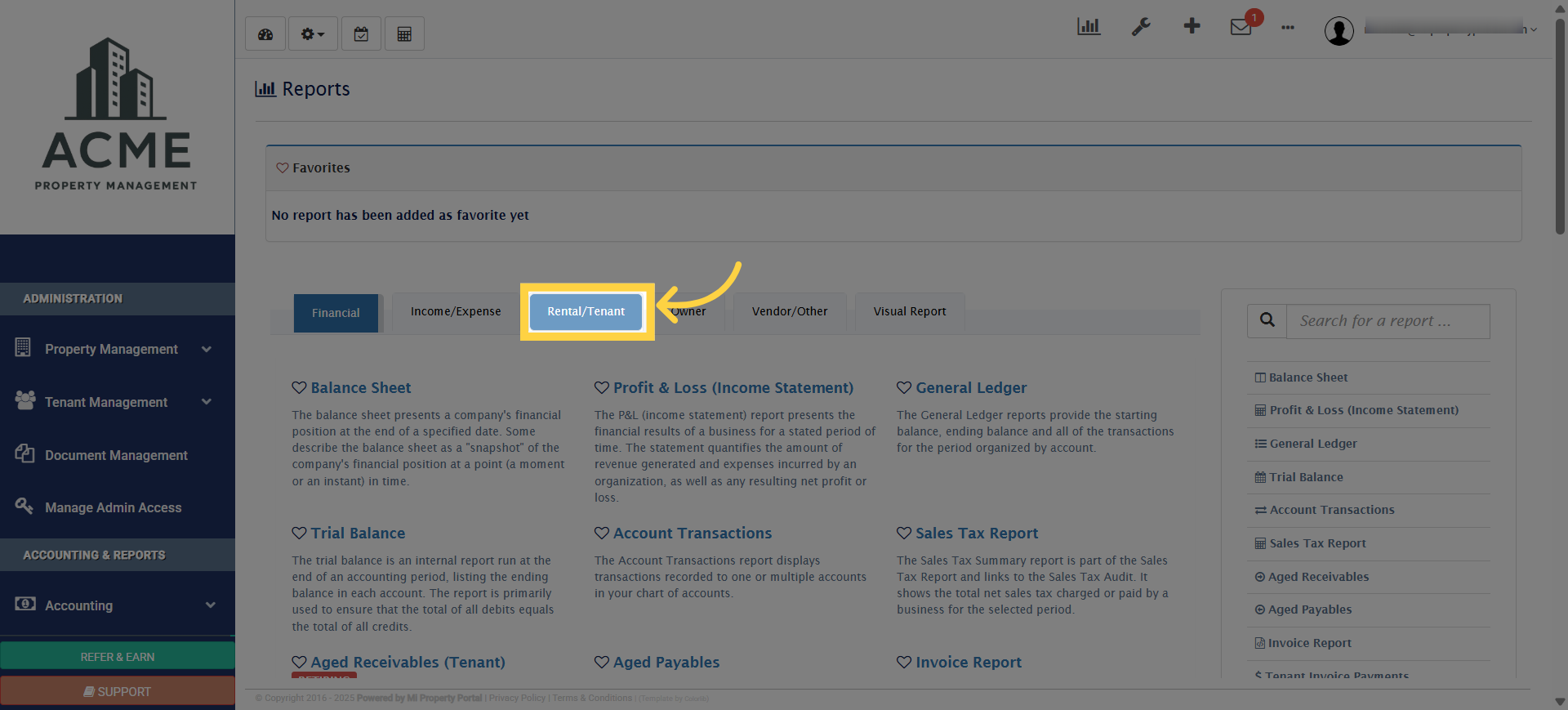
2. Next, click on the Rental/Tenant tab to view all reports related to tenants and rental activities
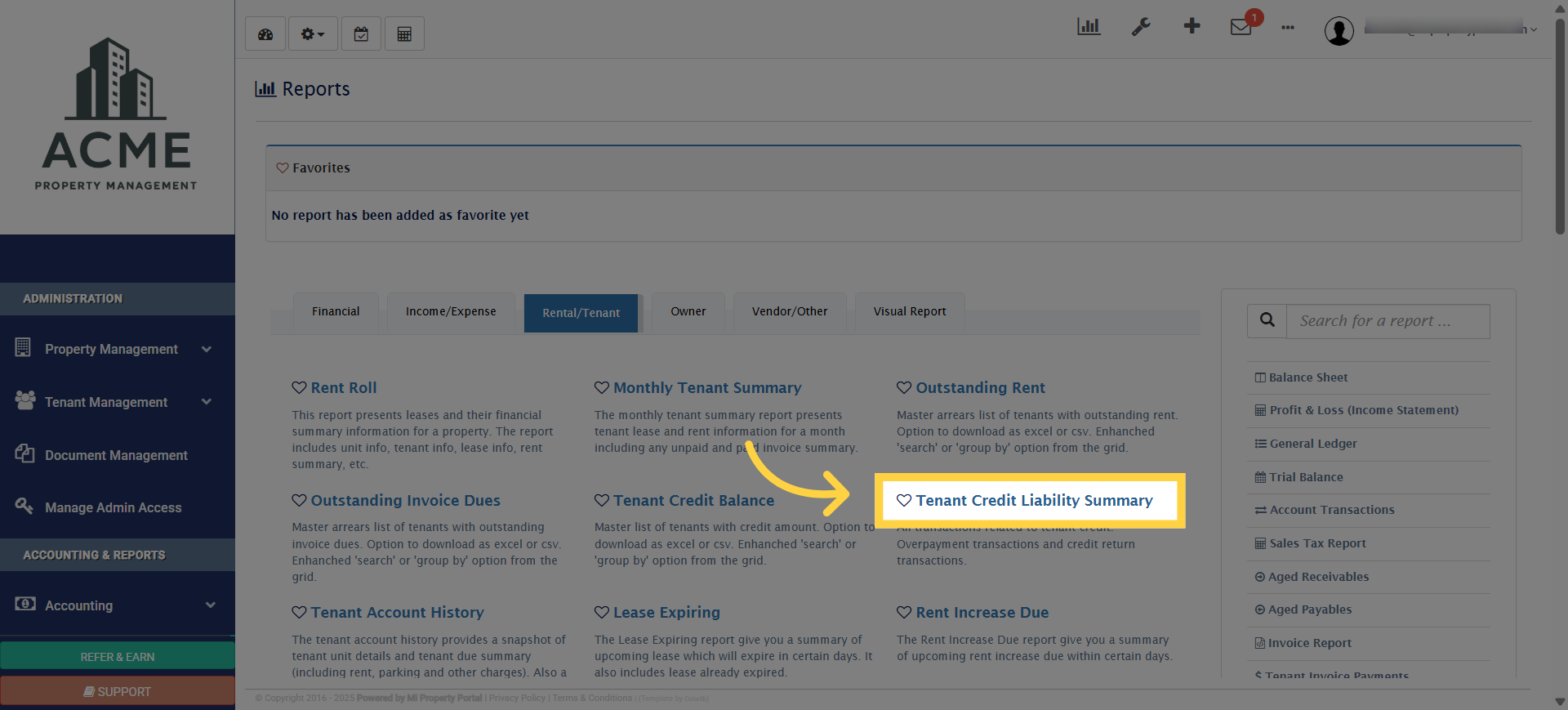
3. From here, select Tenant Credit Liability Summary to open the report
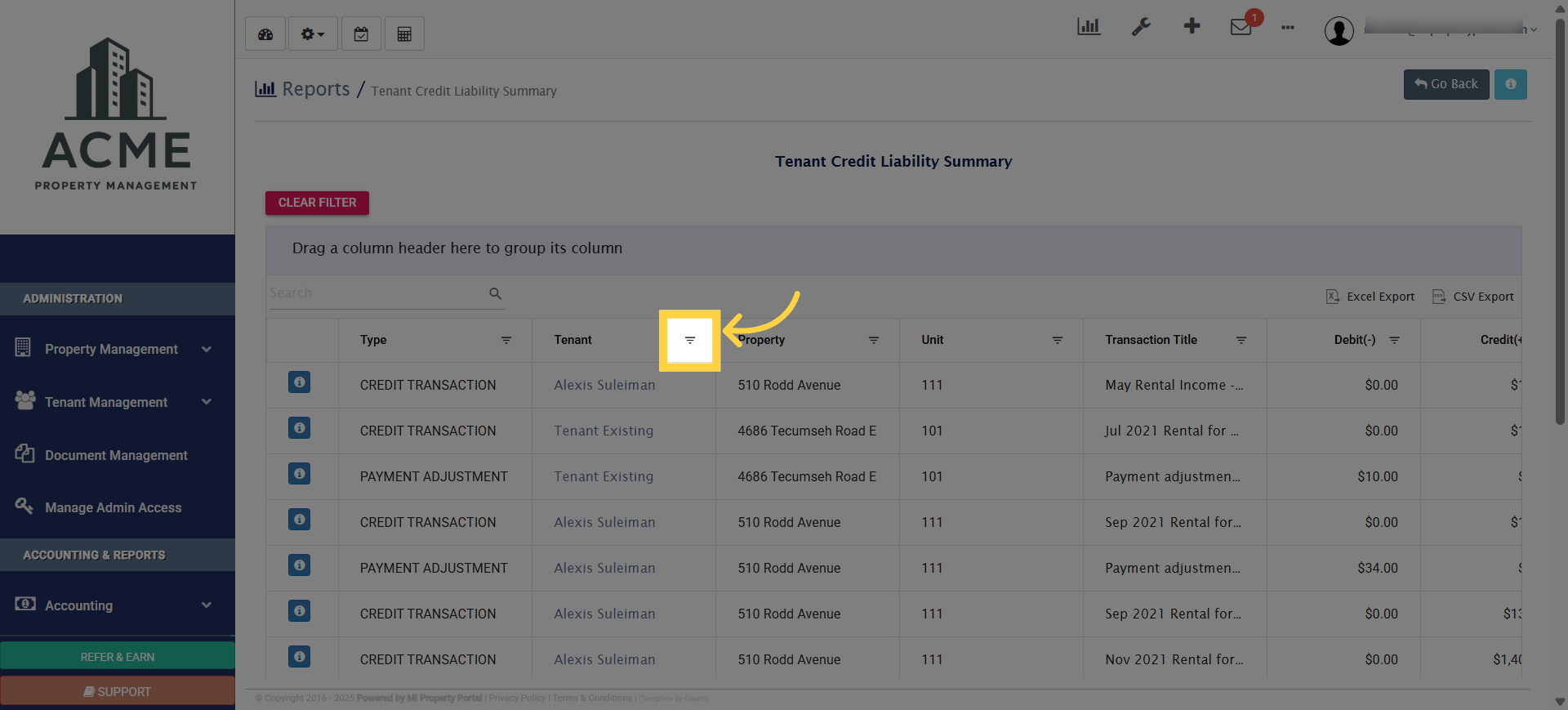
4. You can run the report and filter it by a specific tenant name to view all credit transactions linked to that tenant
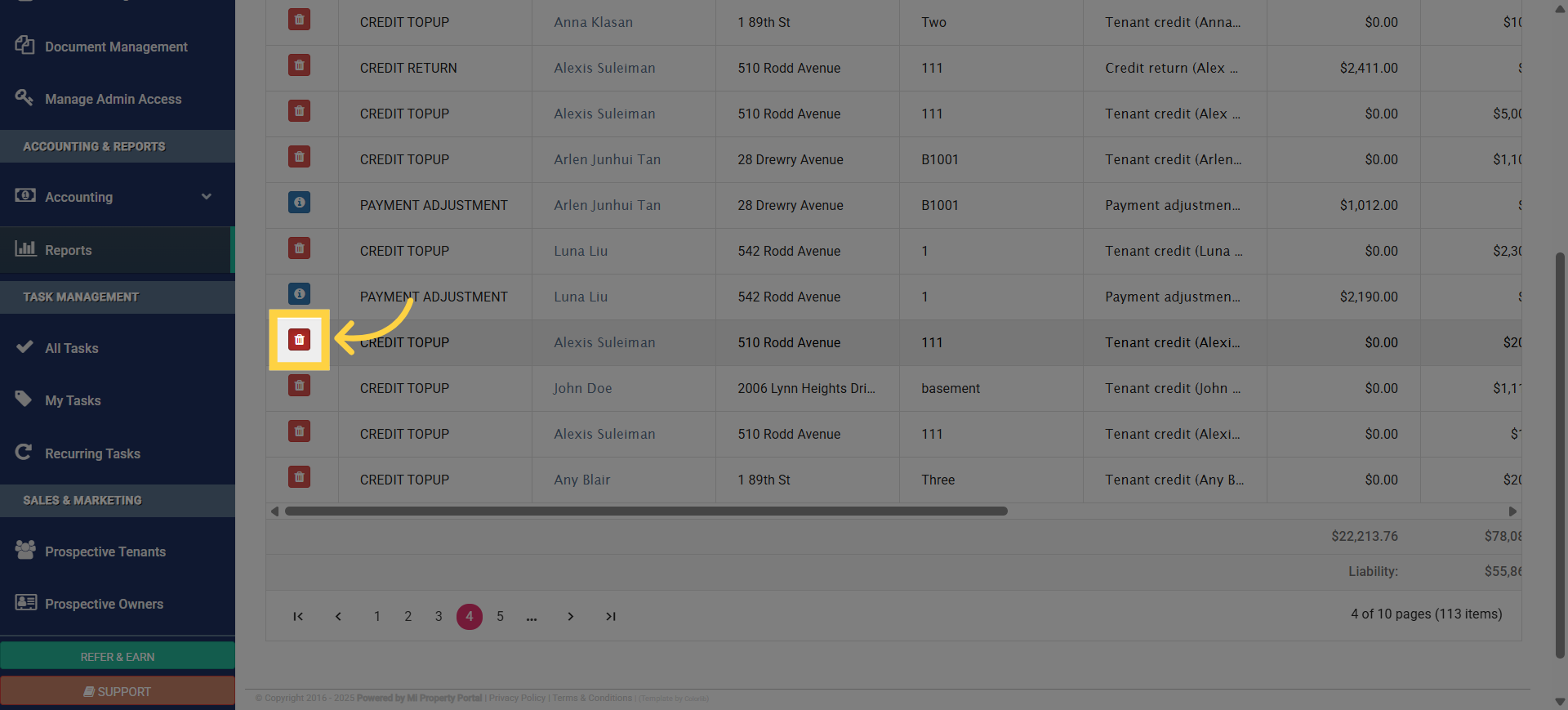
5. Select Transaction for Deletion
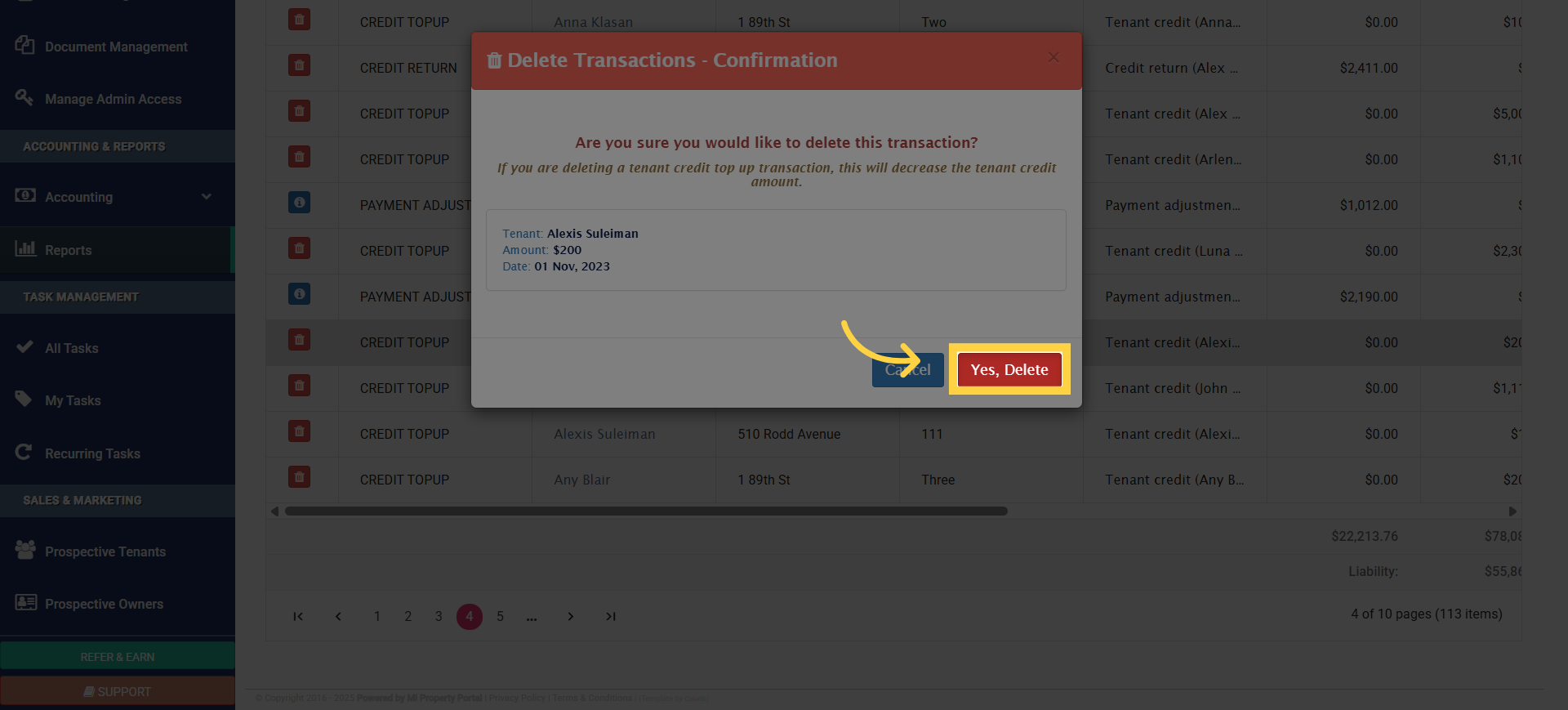
6. A confirmation pop-up will appear. Click Yes, Delete to remove the credit permanently
7. If the credit came from an invoice overpayment, you’ll need to delete the payment itself
