How to Generate an Expense by Property Report?
109 views 0 January 23, 2024 Updated on July 11, 2025 mippsupportadmin
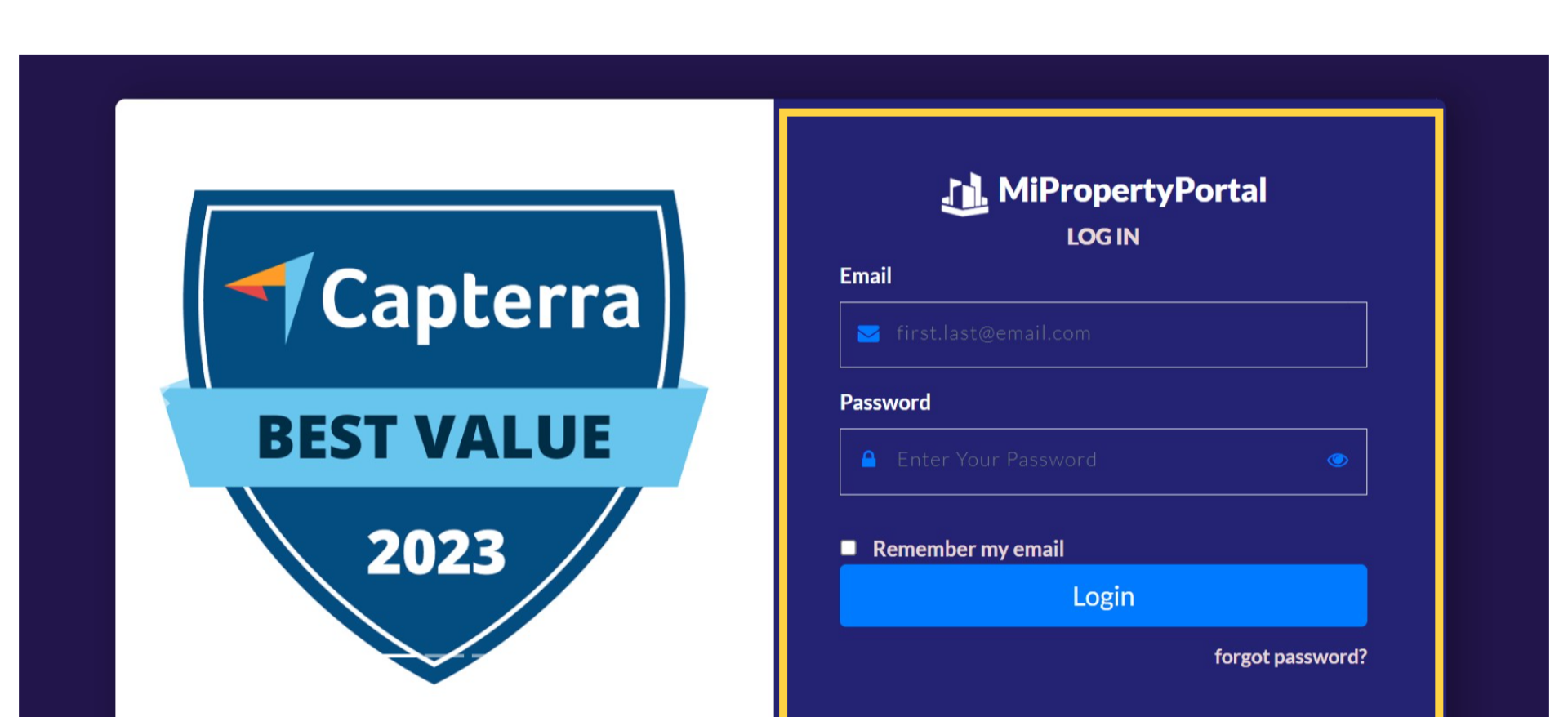
1. go to manage.mipropertyportal.com and login to the admin portal using your login credential
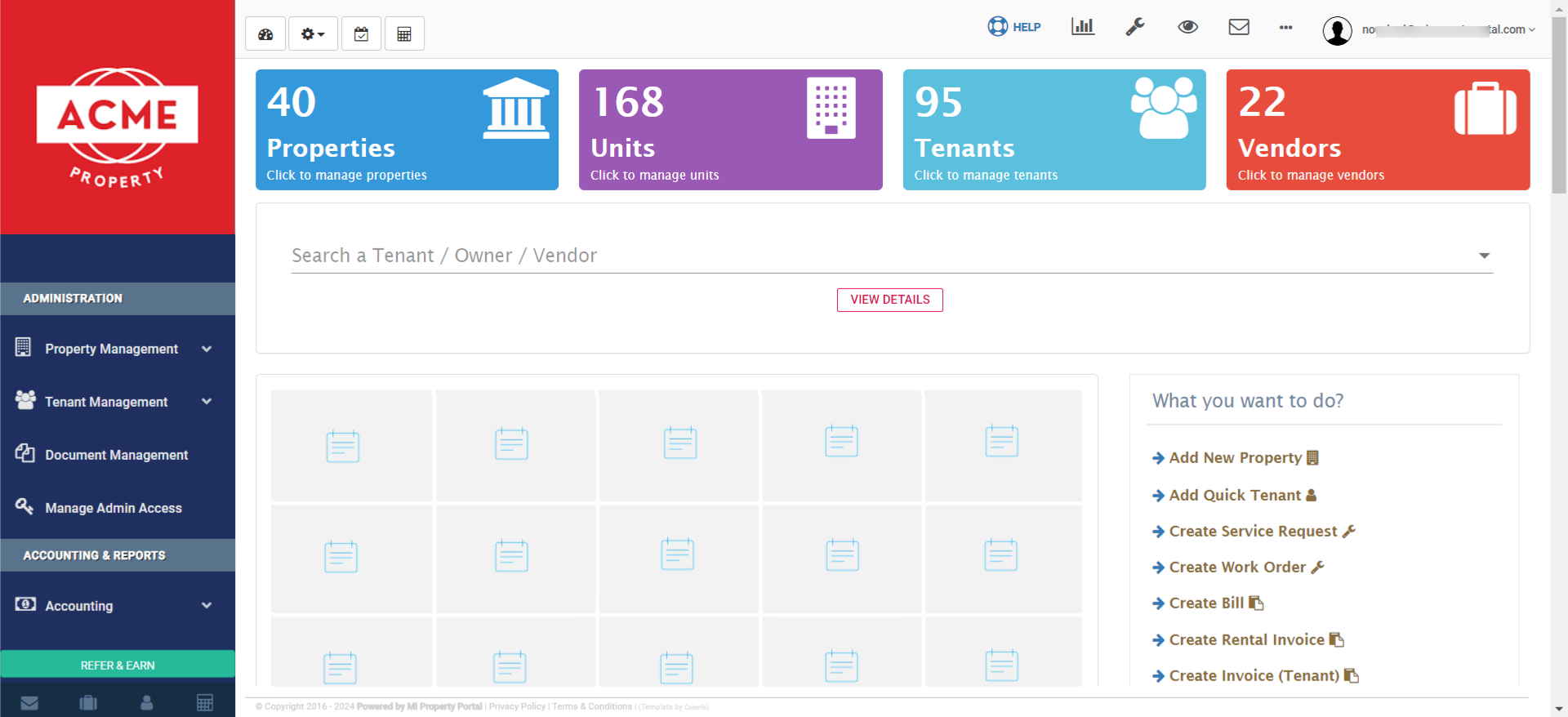
2. This is all about your account dashboard
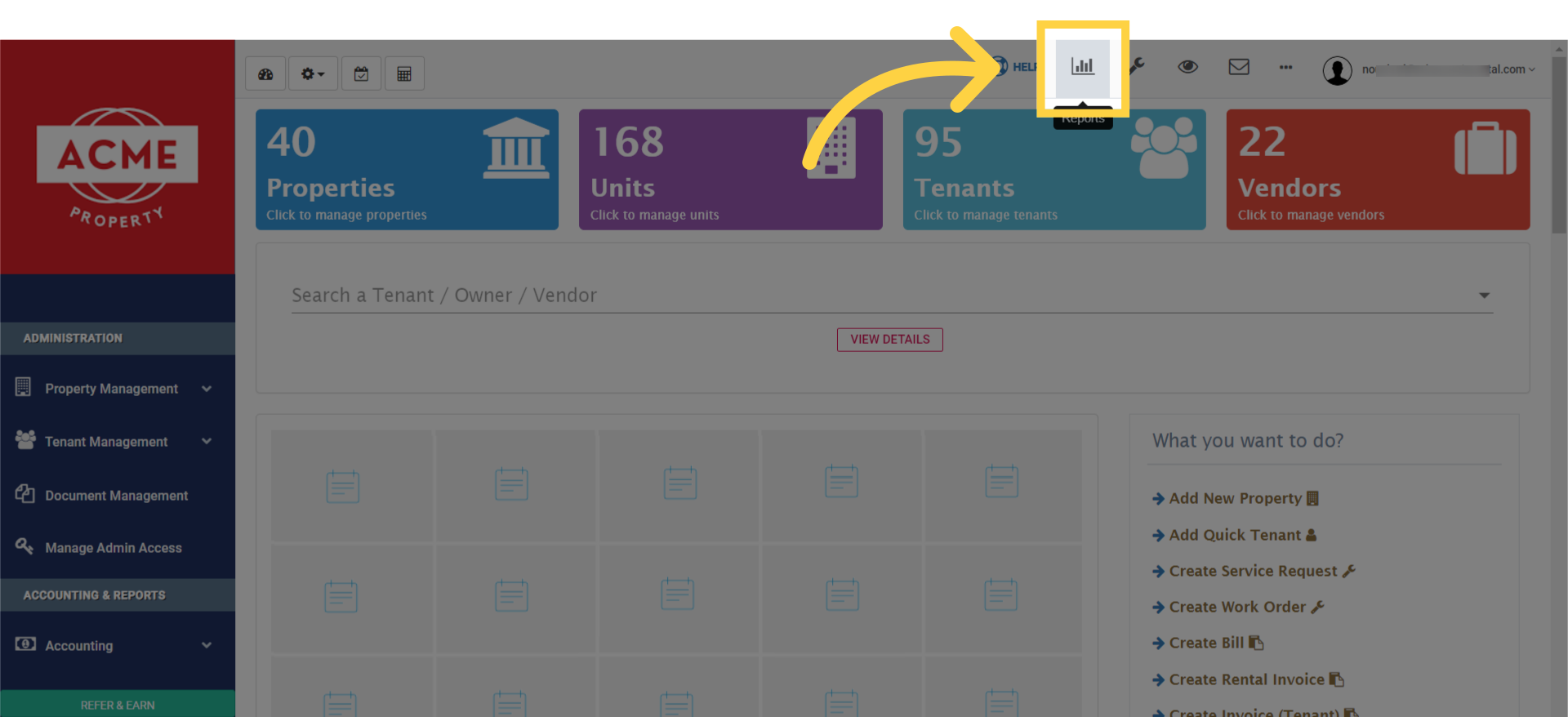
3. First, click on ‘Reports’ on the top of your dashboard
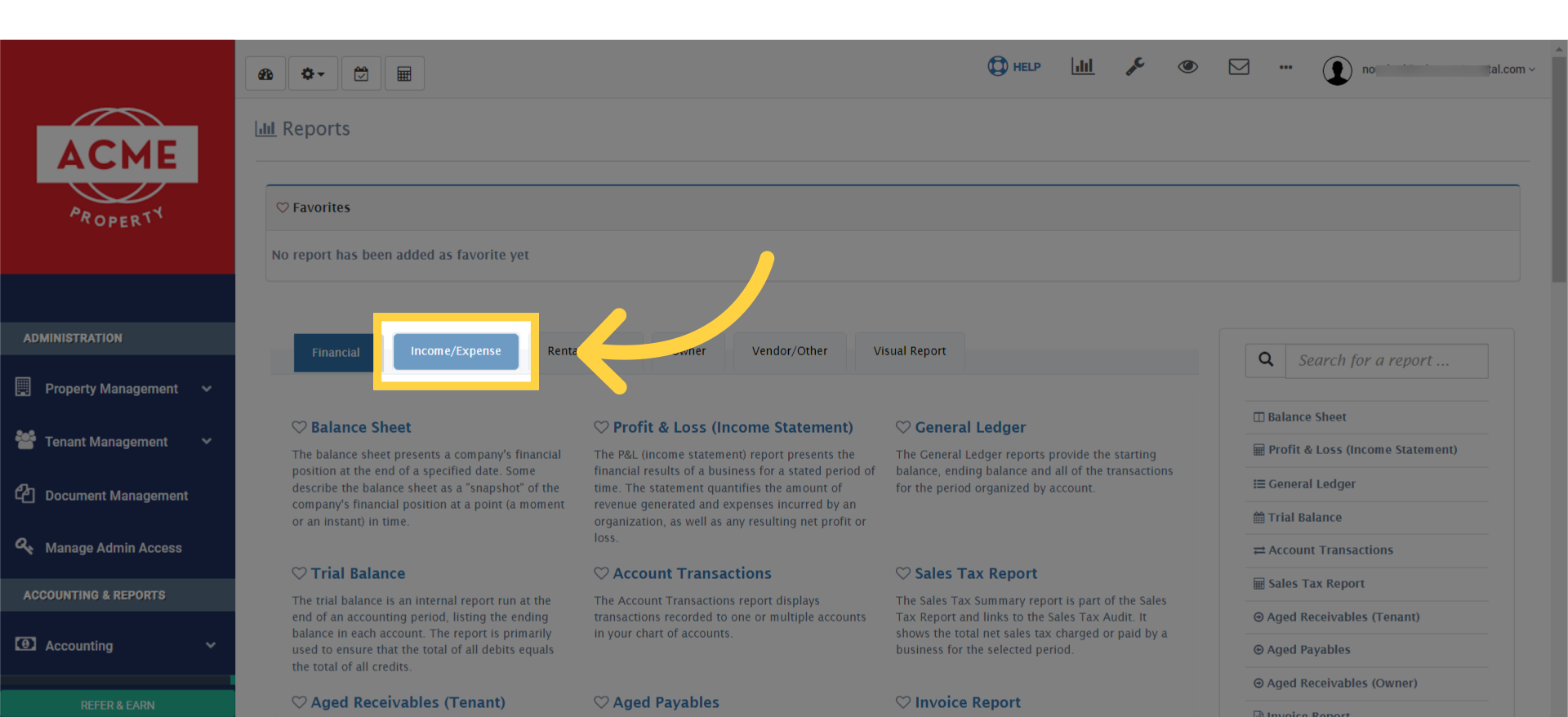
4. Next, click on the ‘Income/Expense’ tab to access the detailed financial activities of your properties
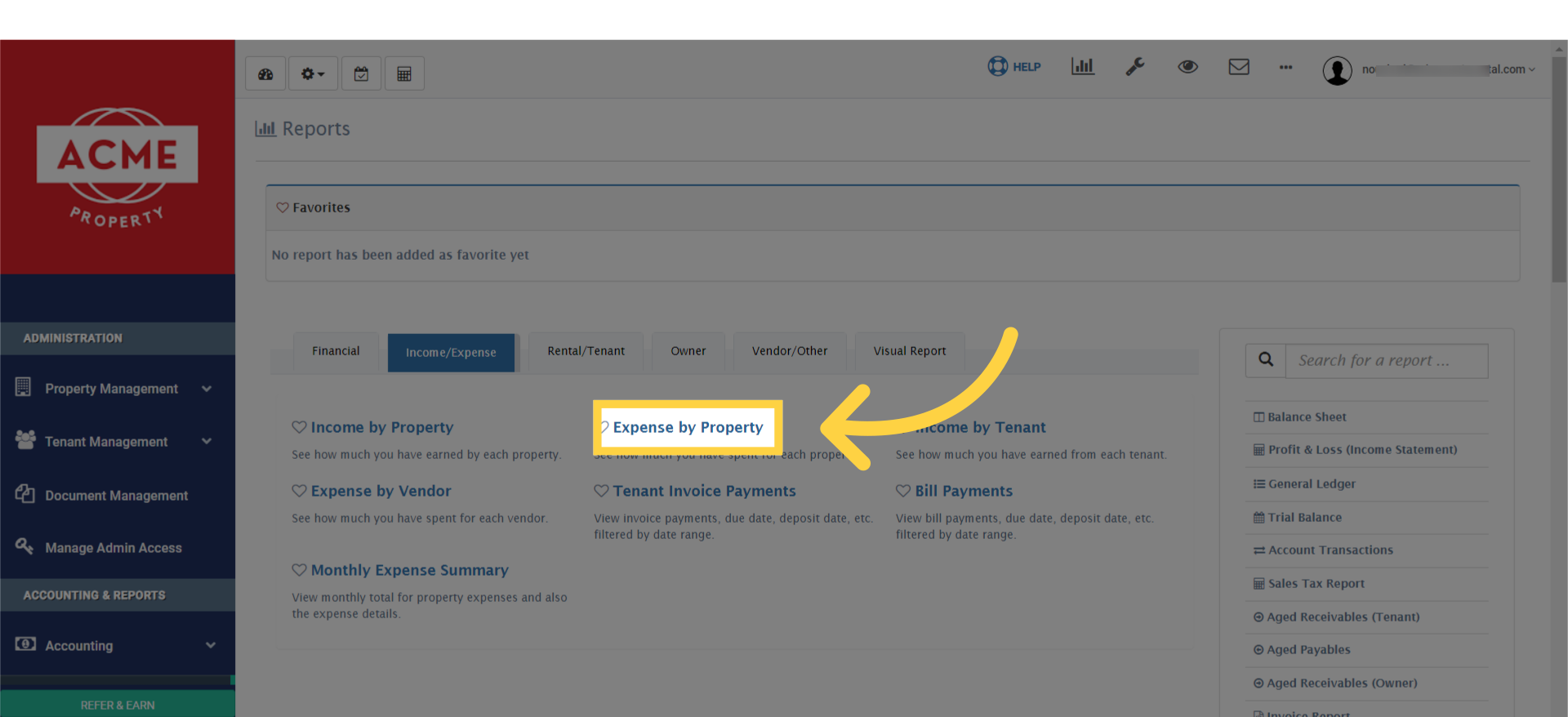
5. Here, you’ll find the option ‘Expense by Property.’ Click on this to start filtering your expenses property-wise
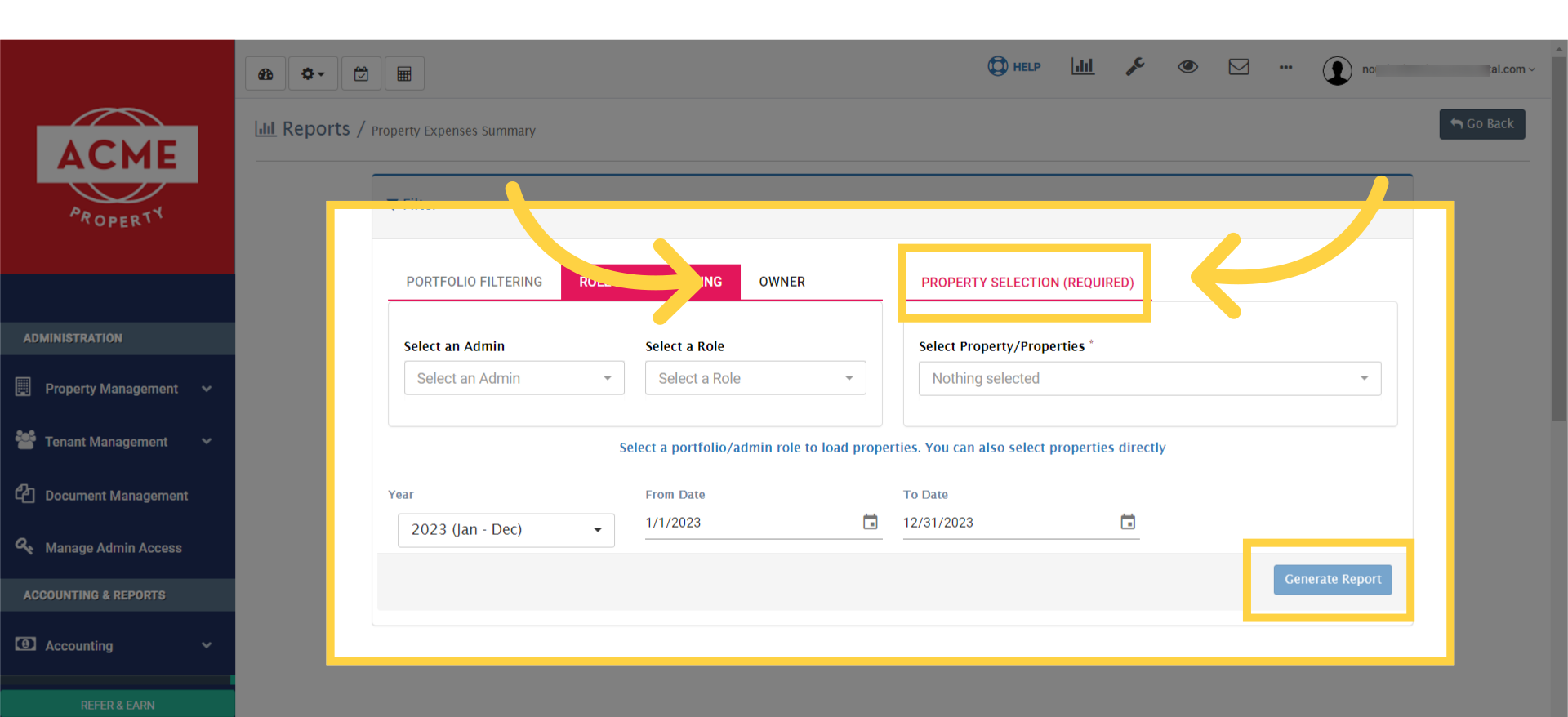
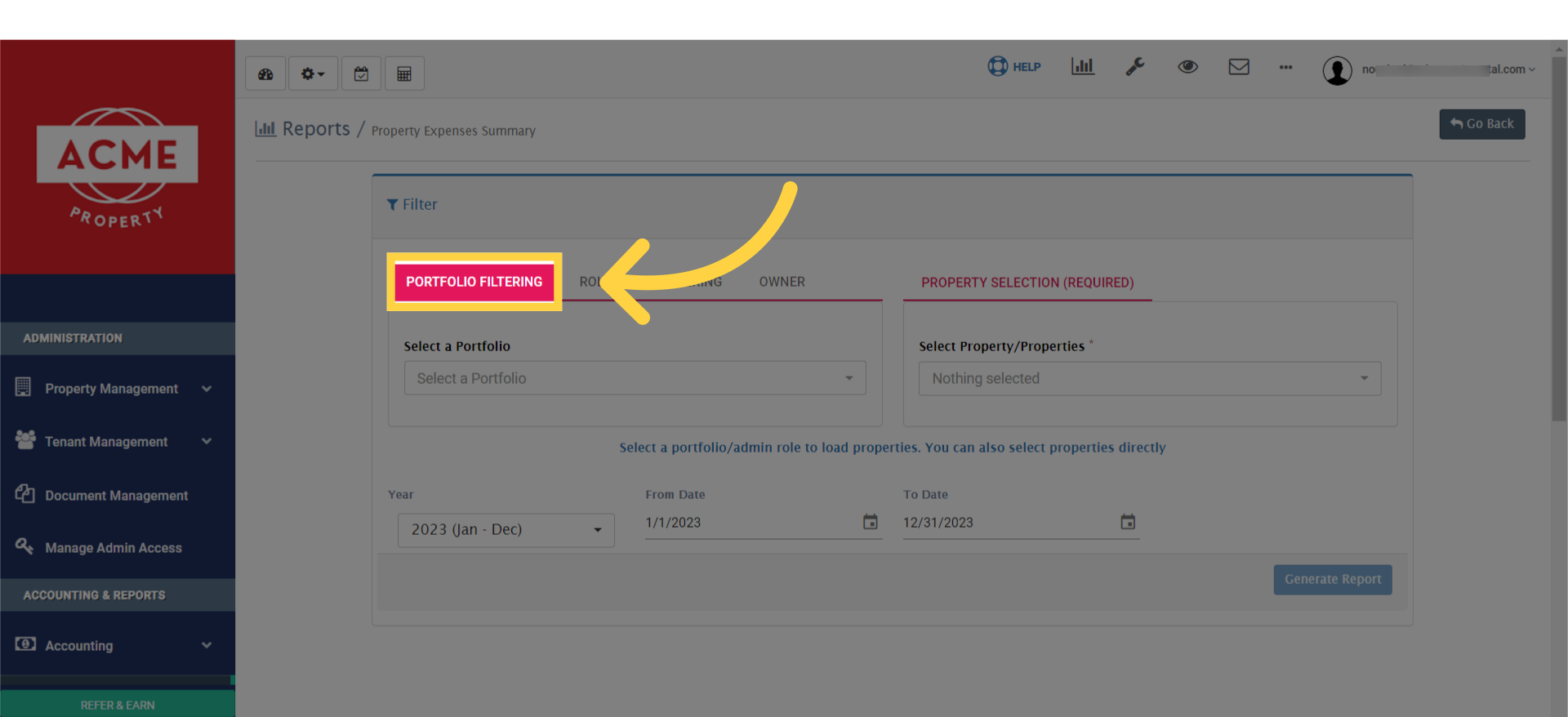
6. You’ll get three different tabs to generate your report as per suitable. First, you may select through portfolio filtering option
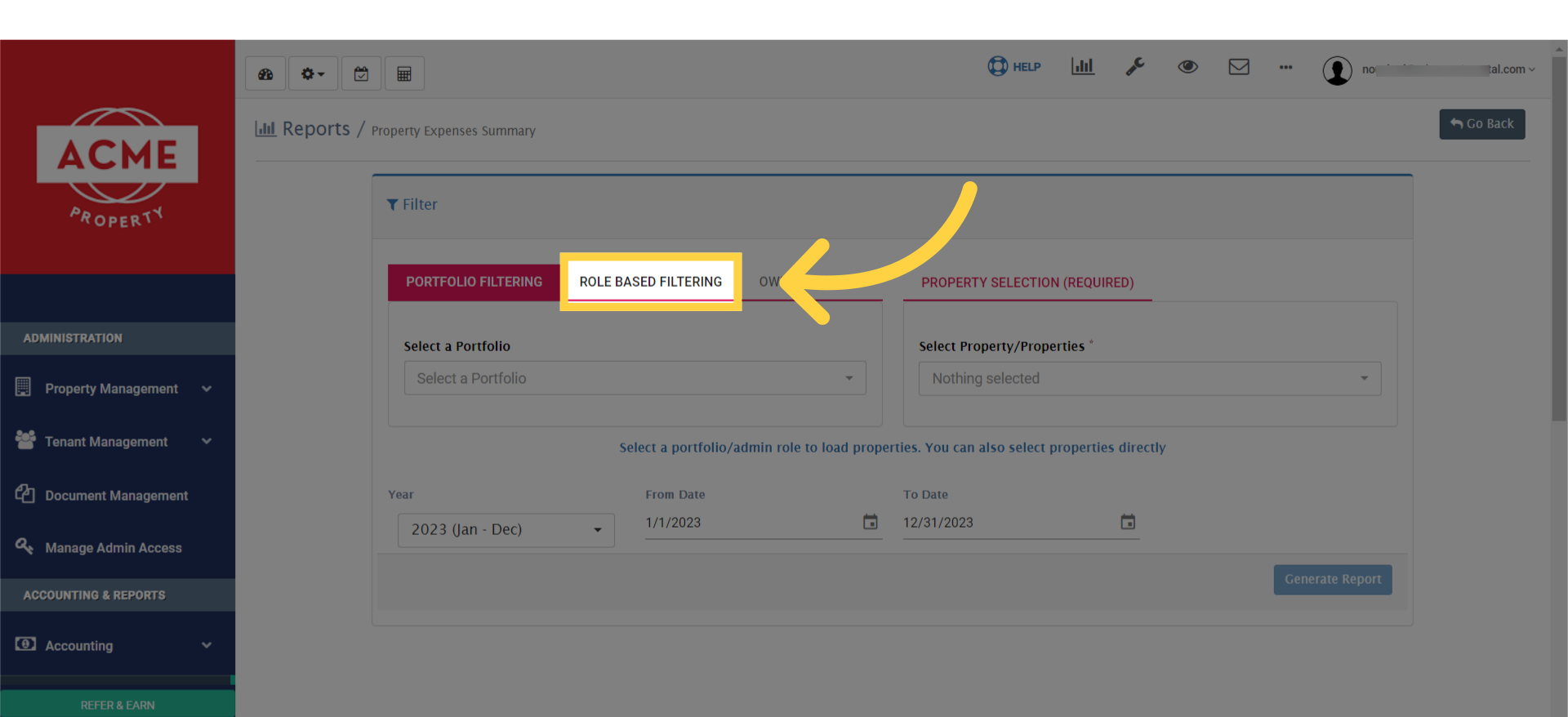
7. You may select role based filtering
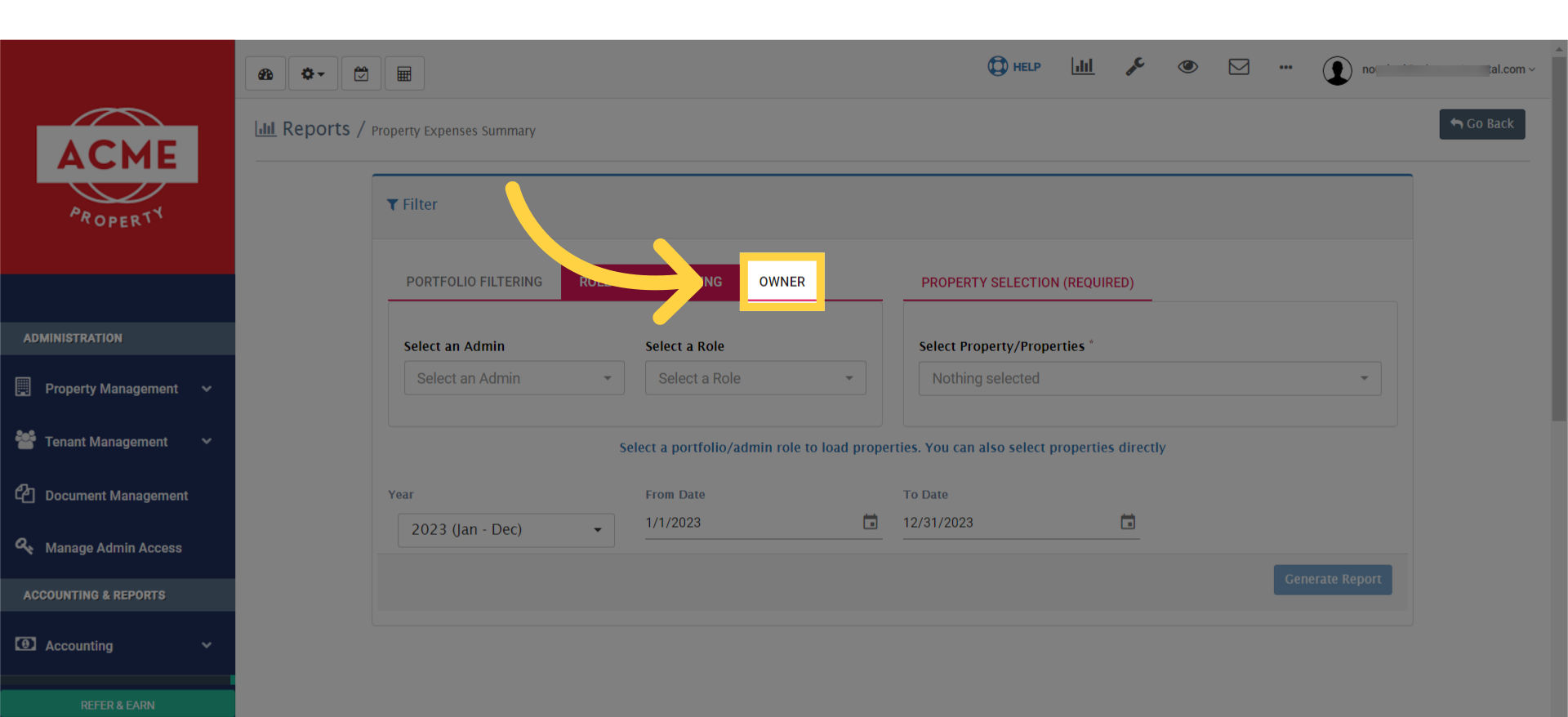
8. 3rd option, you may select Owner
9. You must select Property. Then finally click on generate report