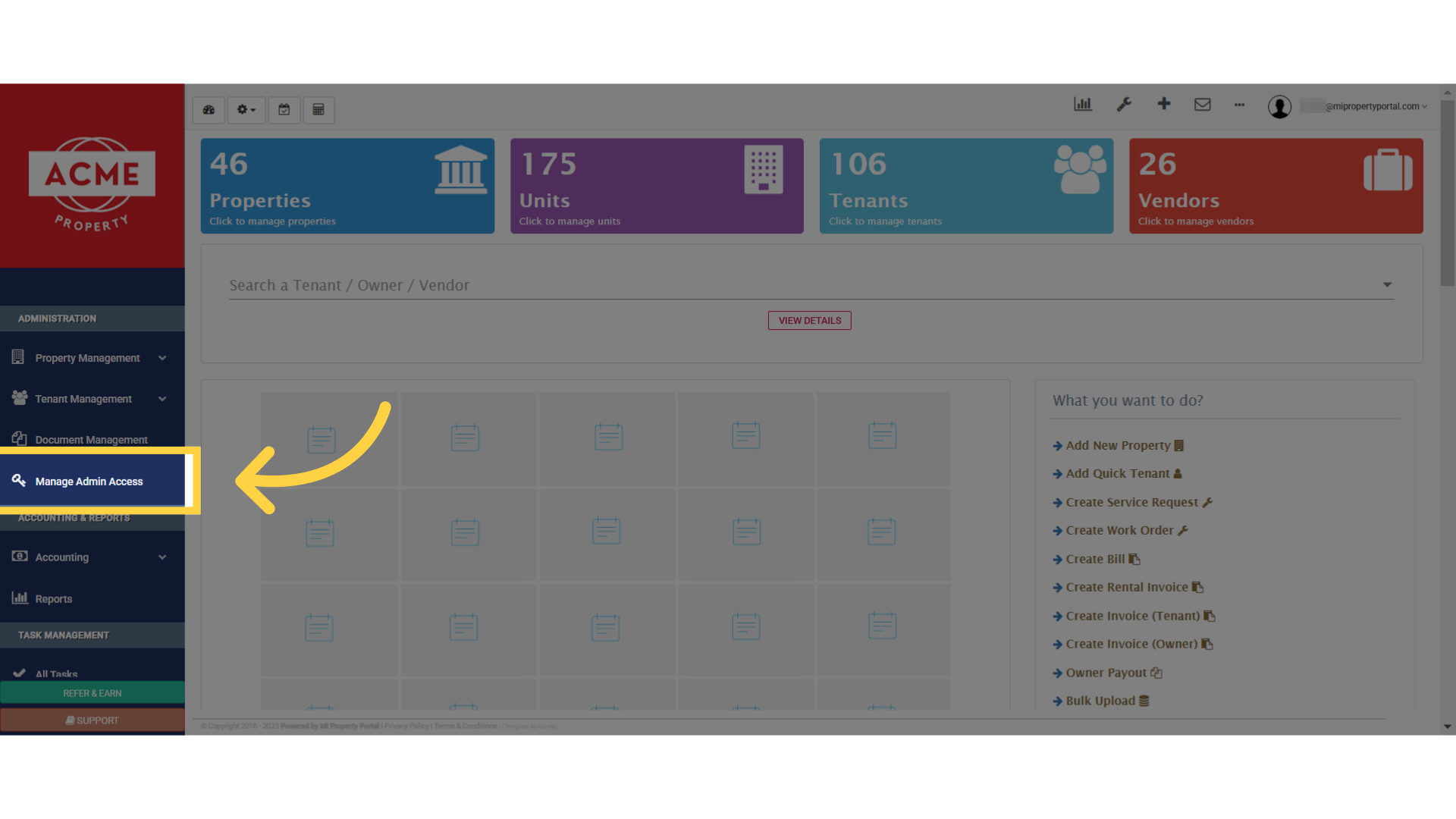
Navigate to the dashboard, and select the option, “Manage Admin Access” , from here.
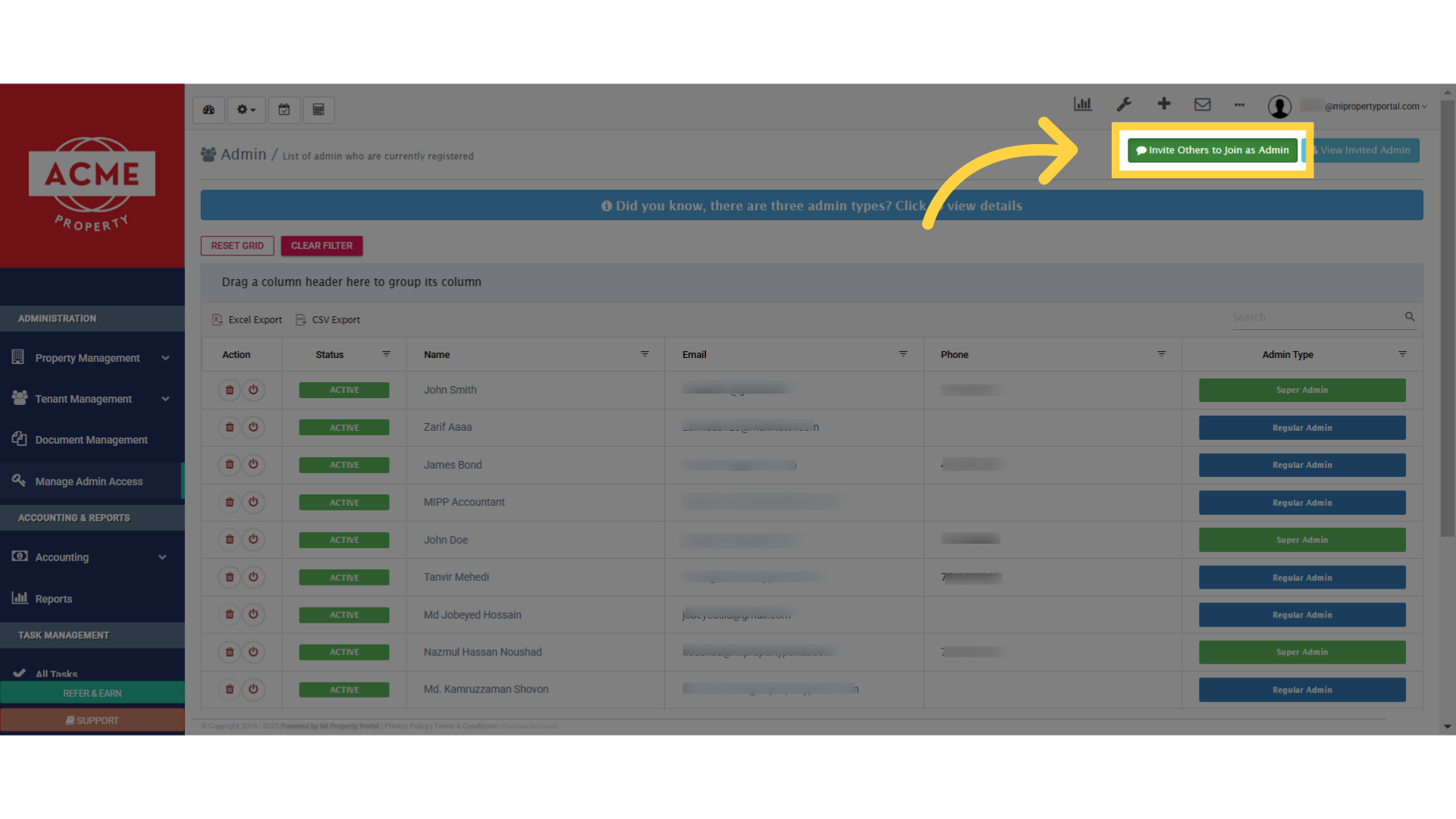
Once you are inside the Admin view page, click on “Invite Others to Join as Admin.”
It will bring you to this page, where you can invite an admin to join the portal.
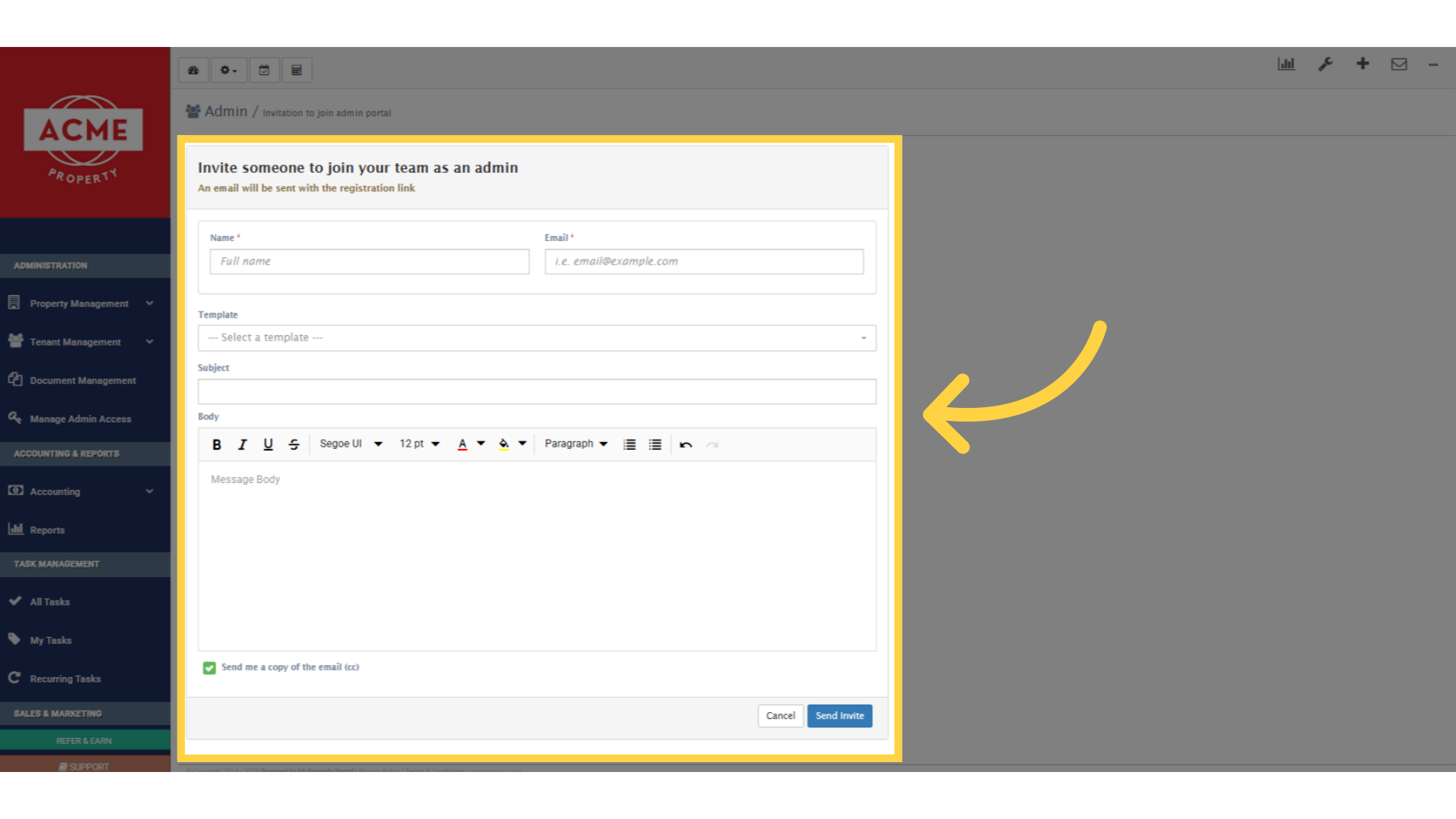
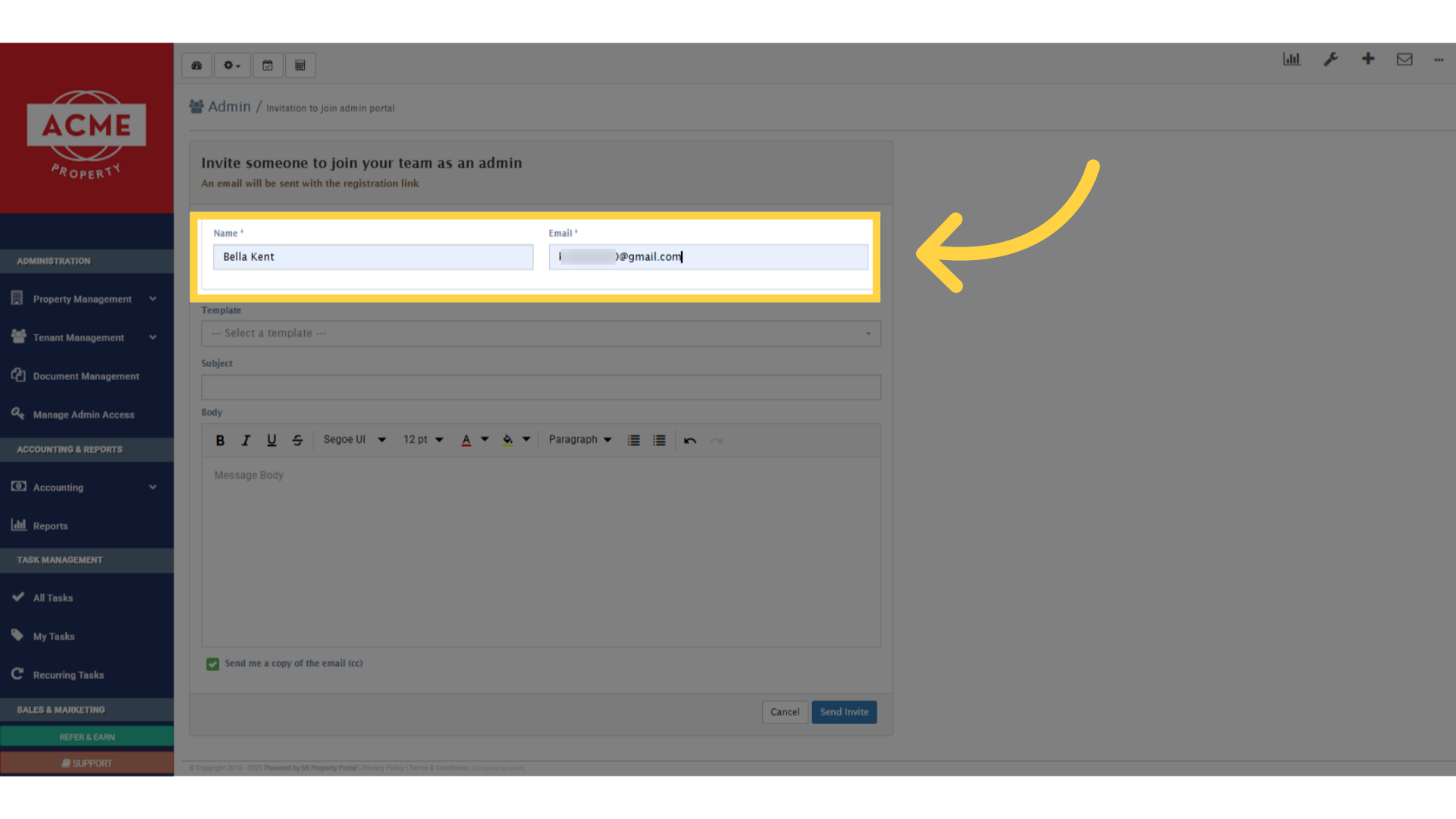
Provide the name and email address of the invitee, as you would do for any other invitation
If you have created a custom email template for inviting the admin, it will be listed in the template drop-down list

Once selected, the template’s content will show up in the body section
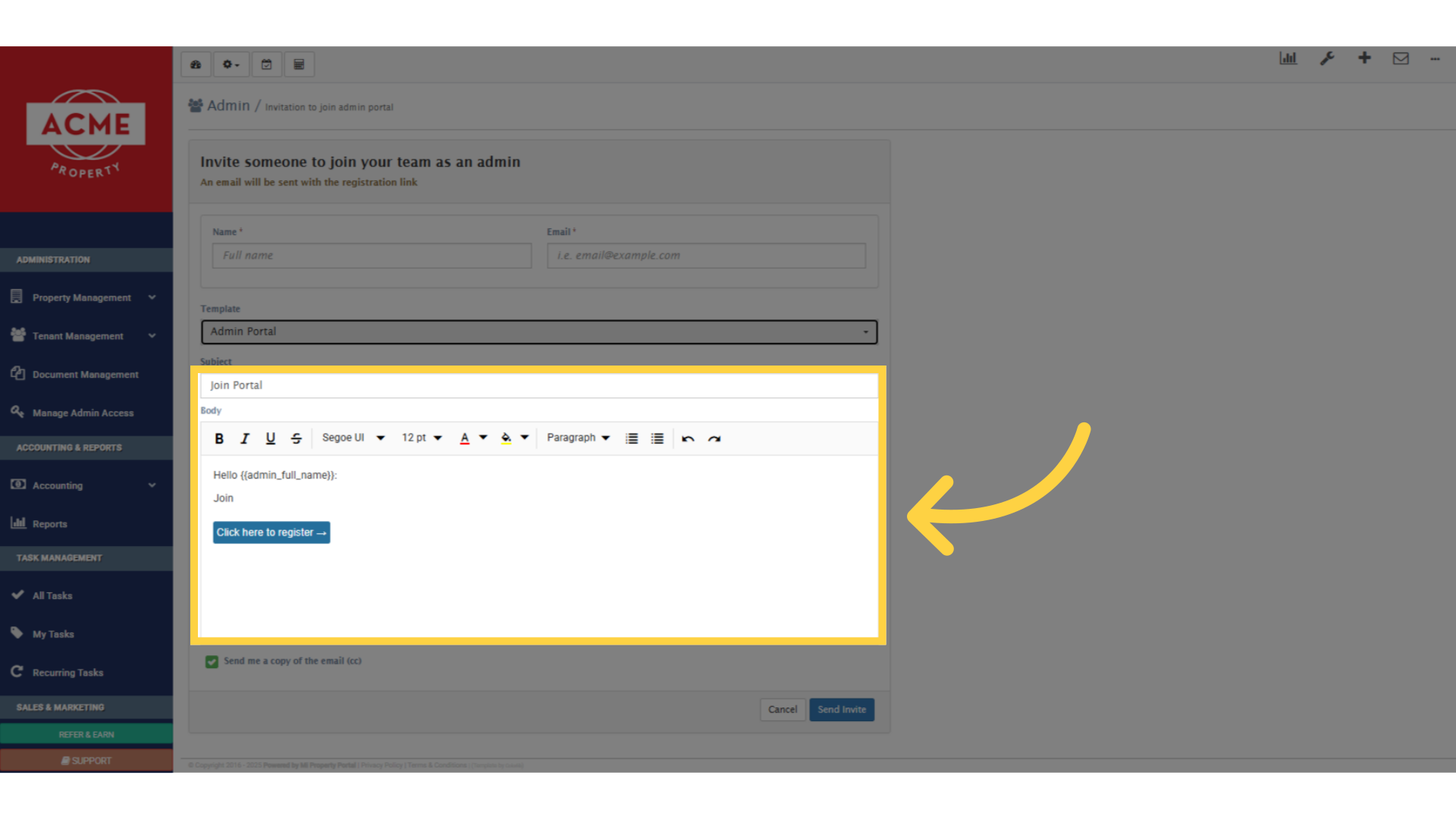
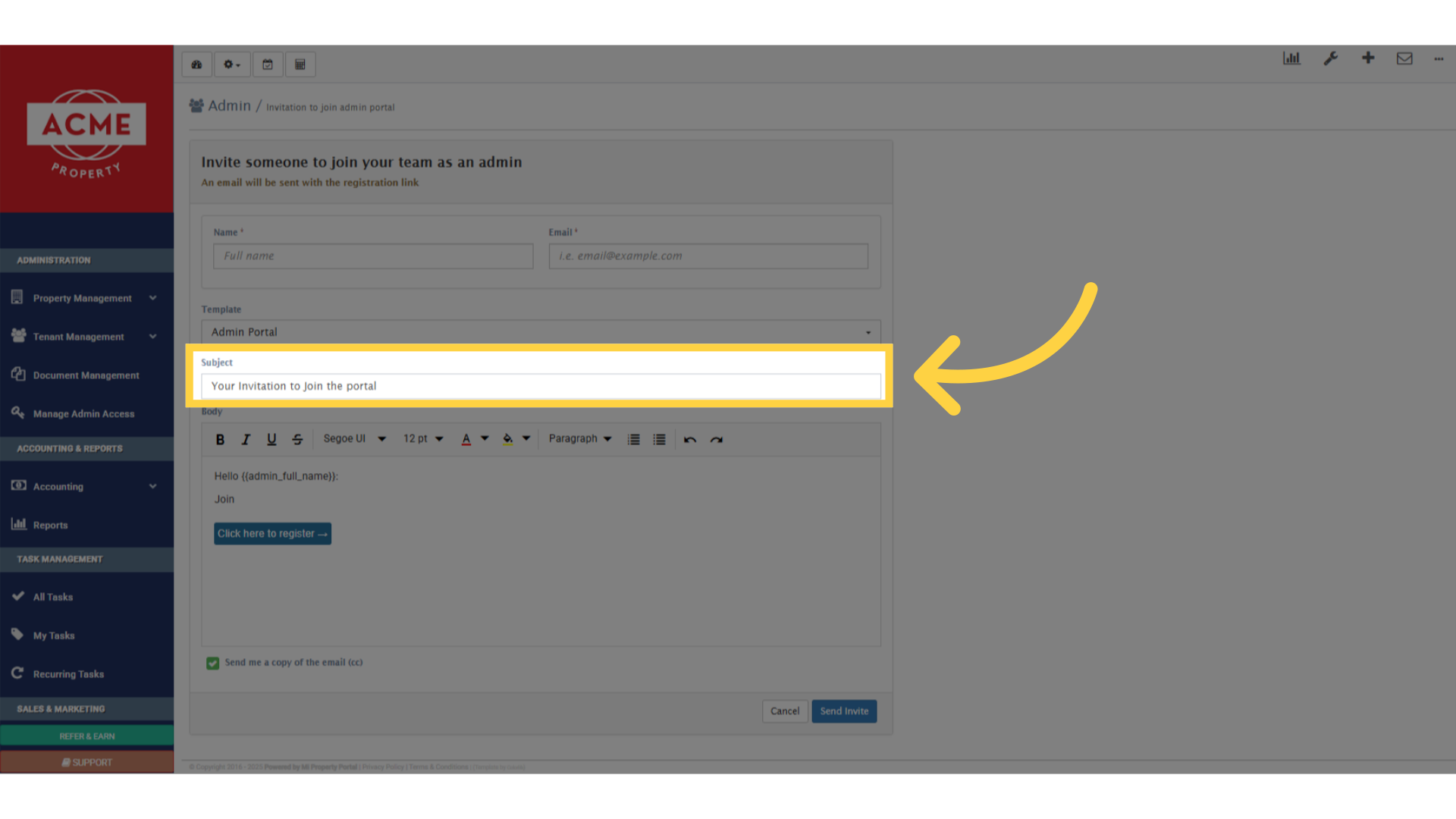
You can edit the subject line
edit body section
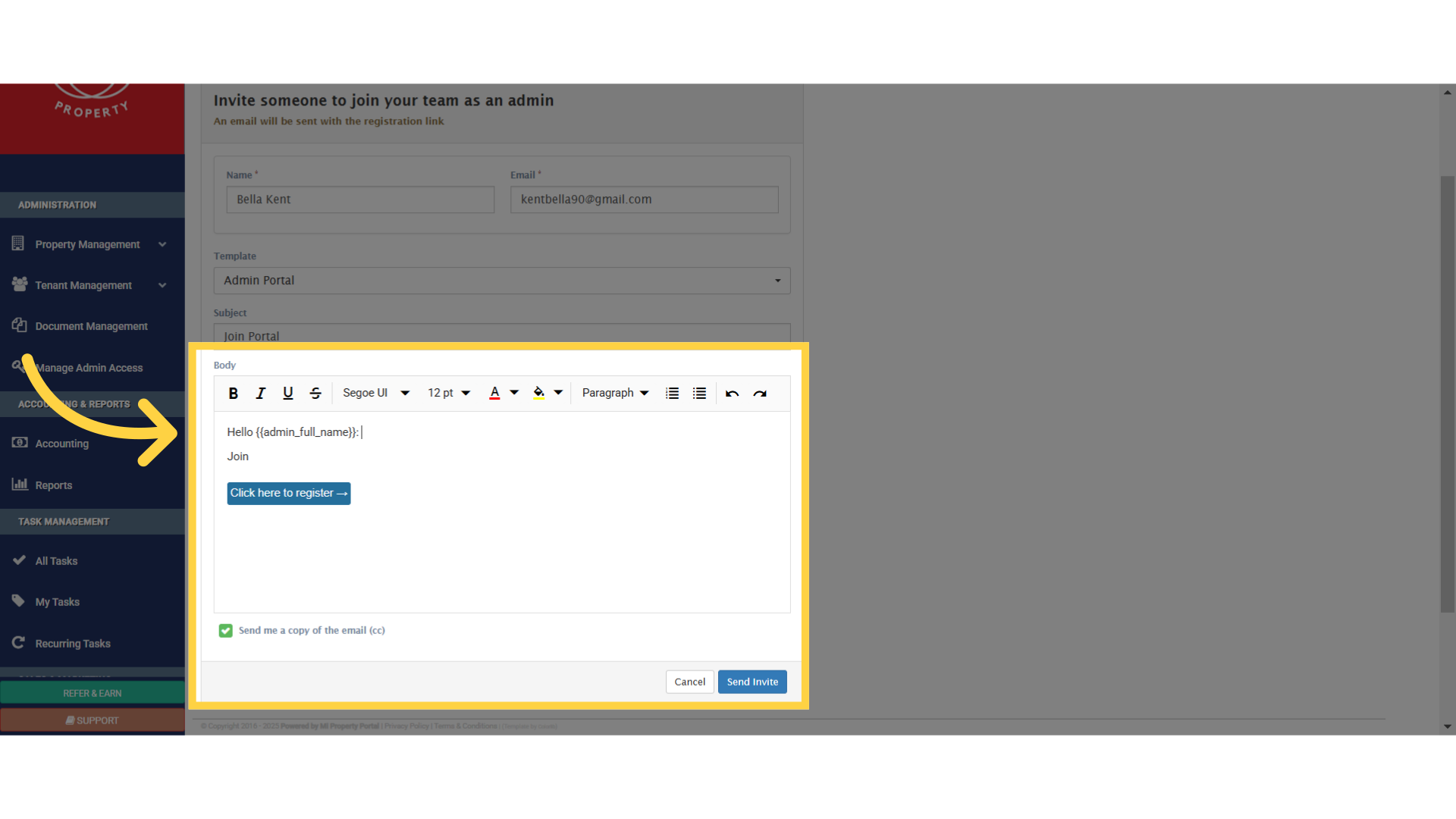
If you want to customize the message, you can do it right here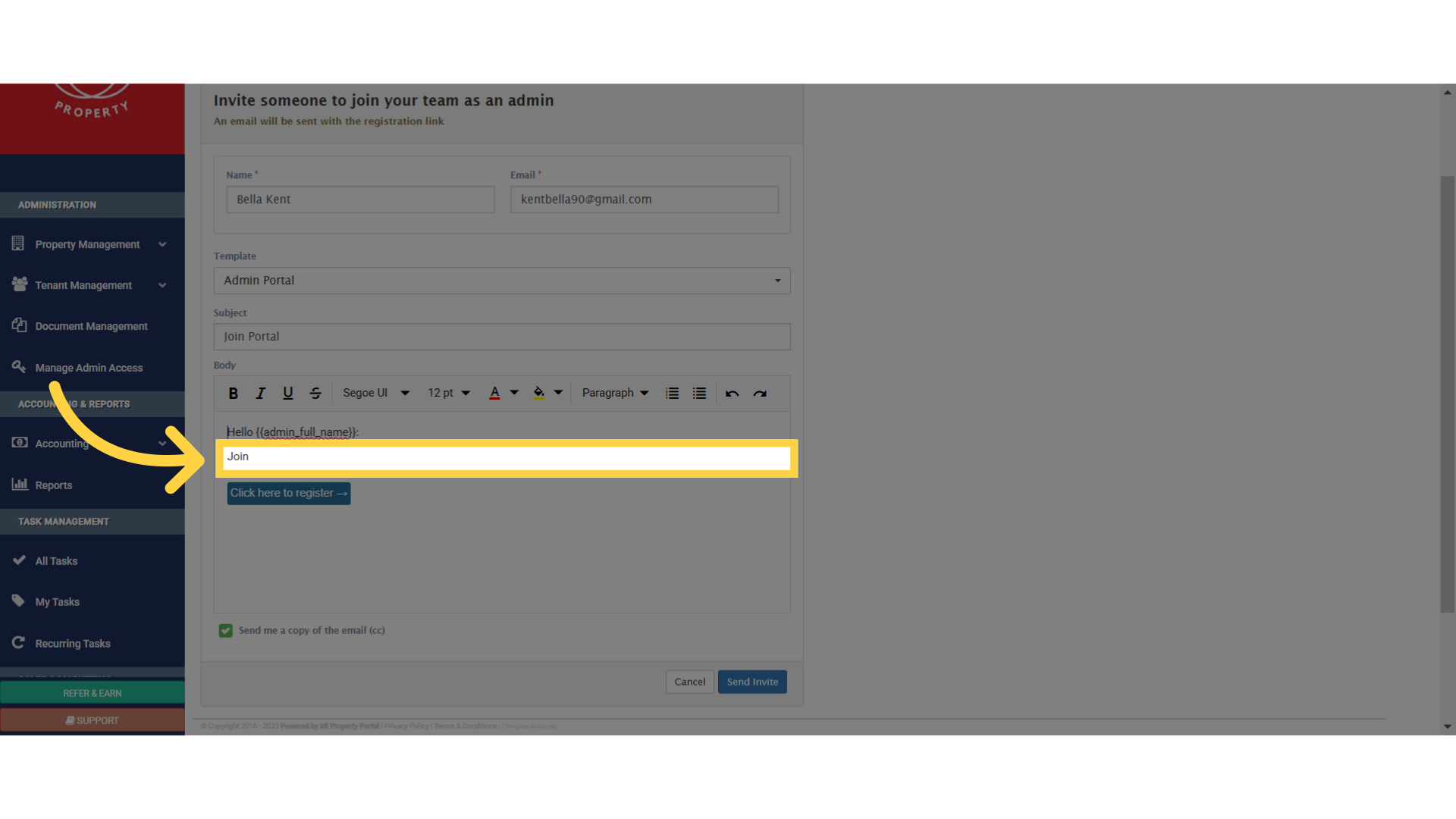
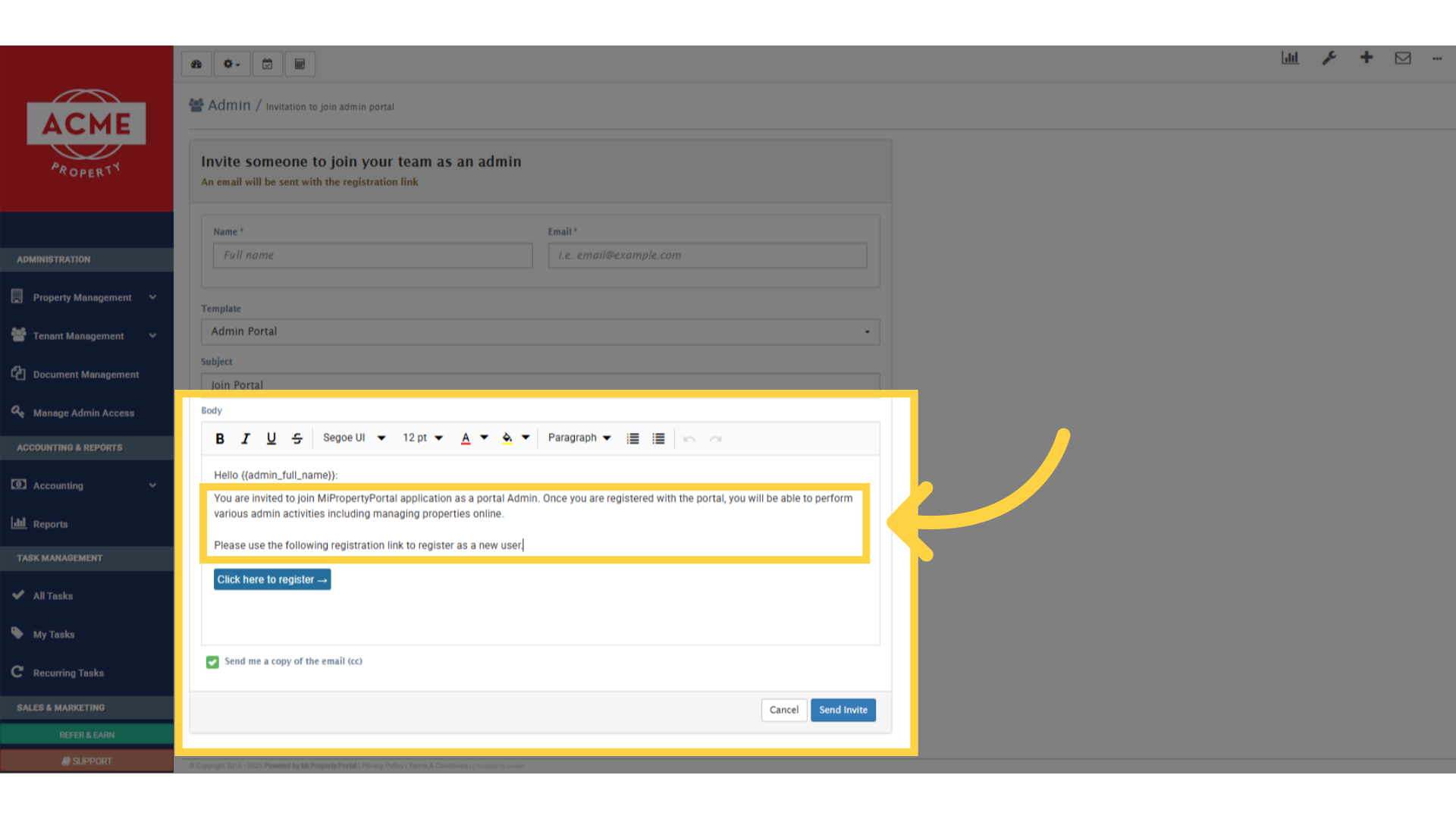
For instance, you could customize it like this
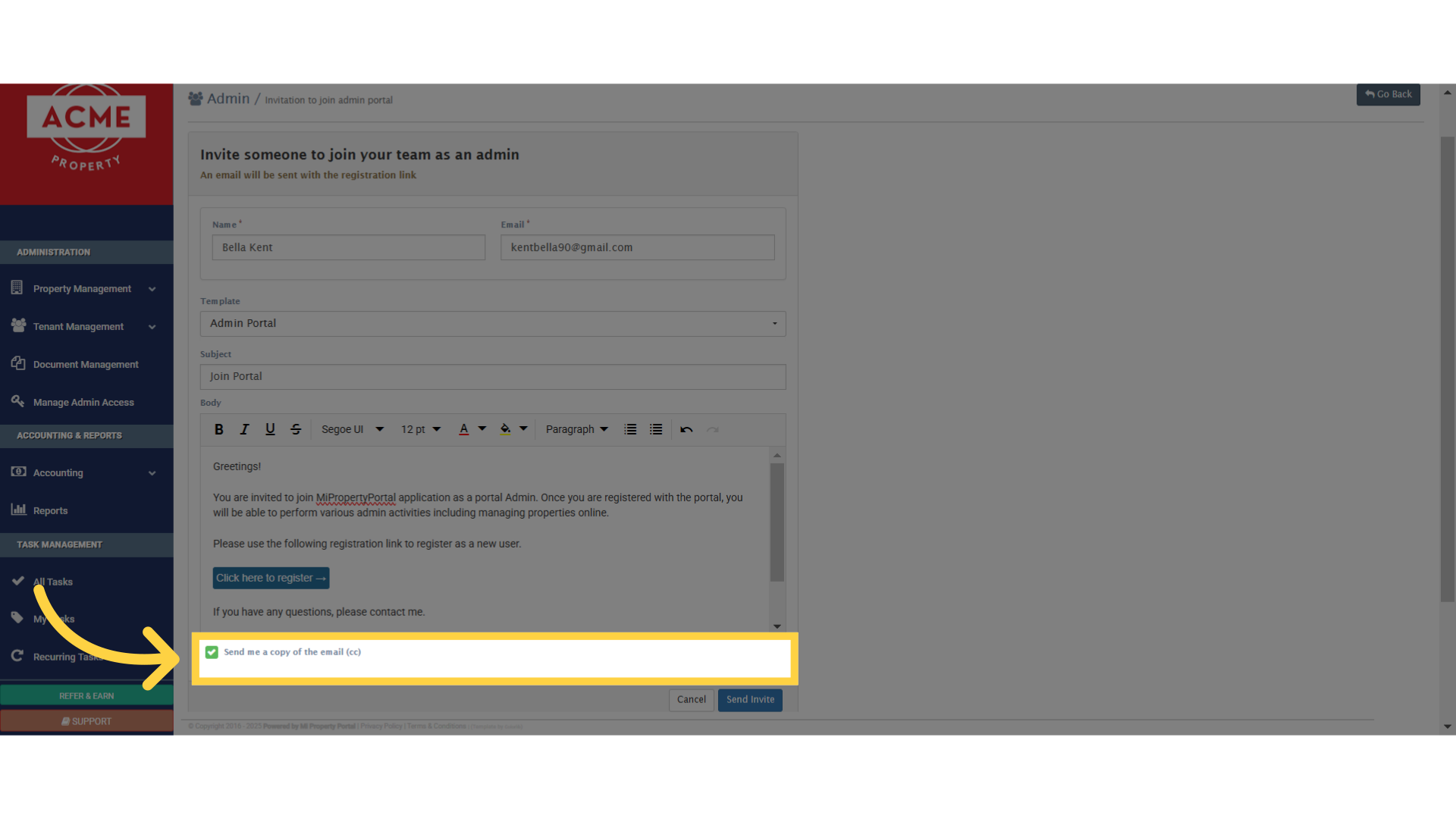
If you’d like a copy of this email for your records, check this box right here
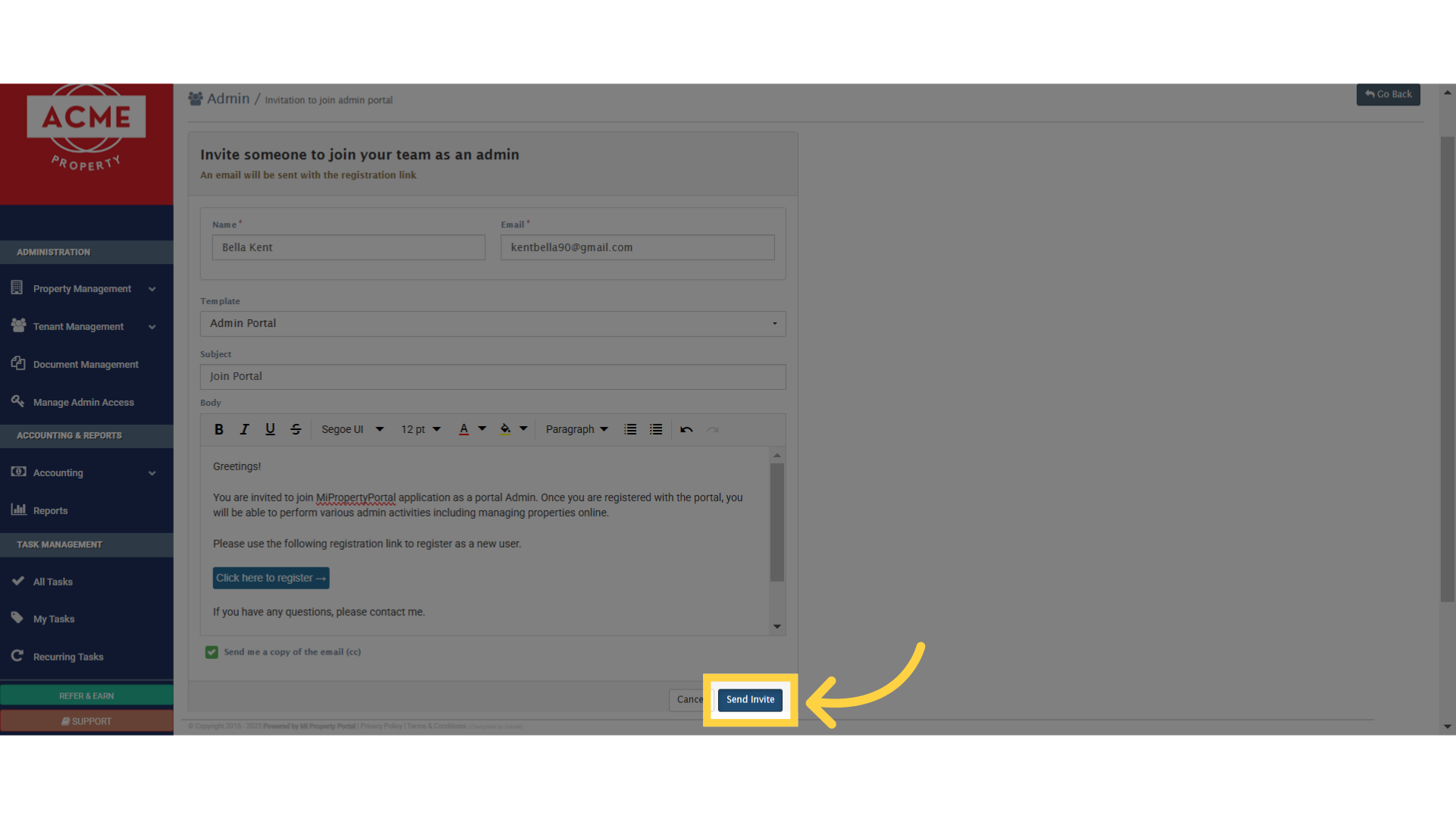
Now, click on this Send Invite button, and the email will be sent to the admin
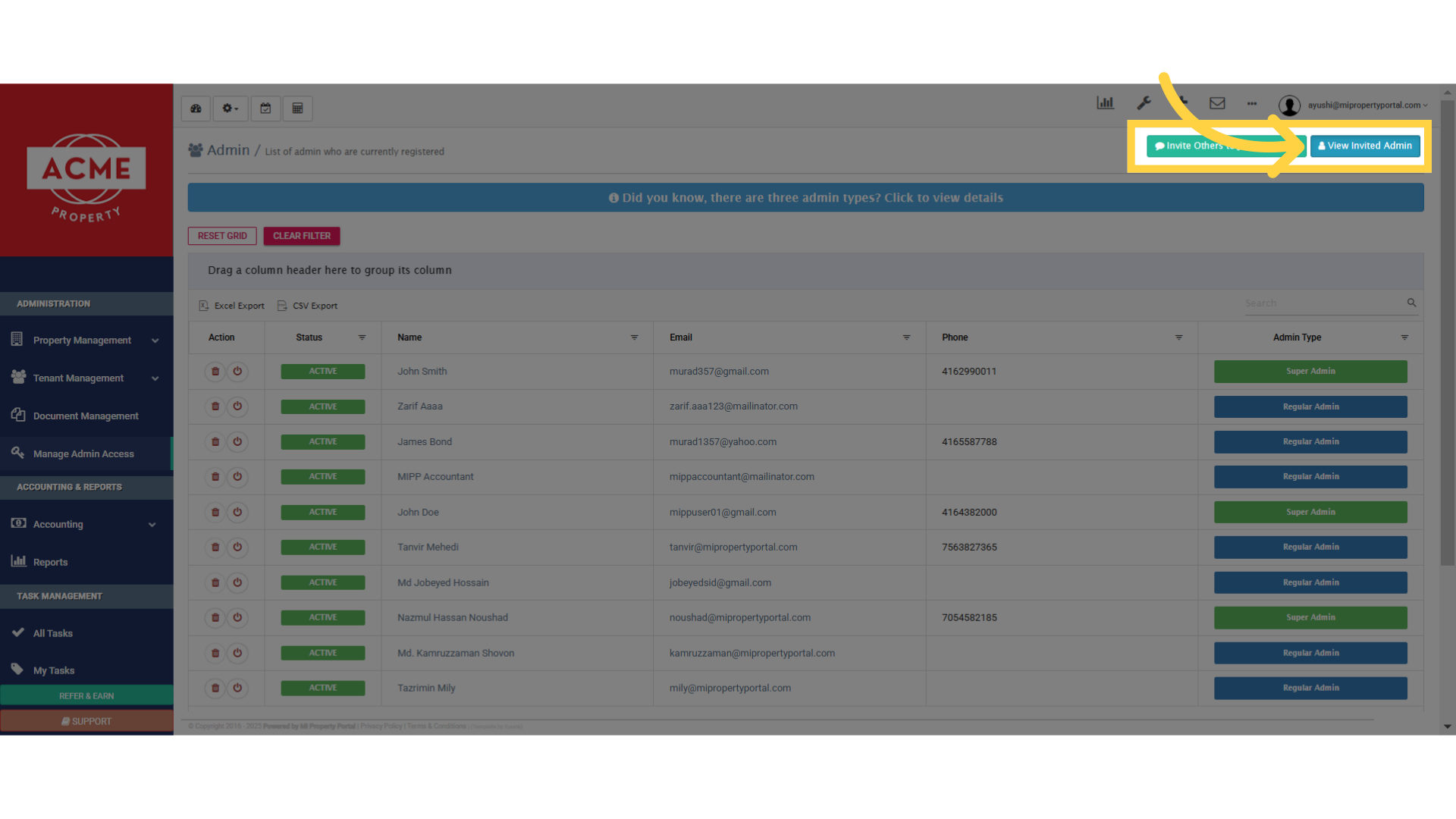
It will redirect you to the list where you will see the admins you have invited to join the portal
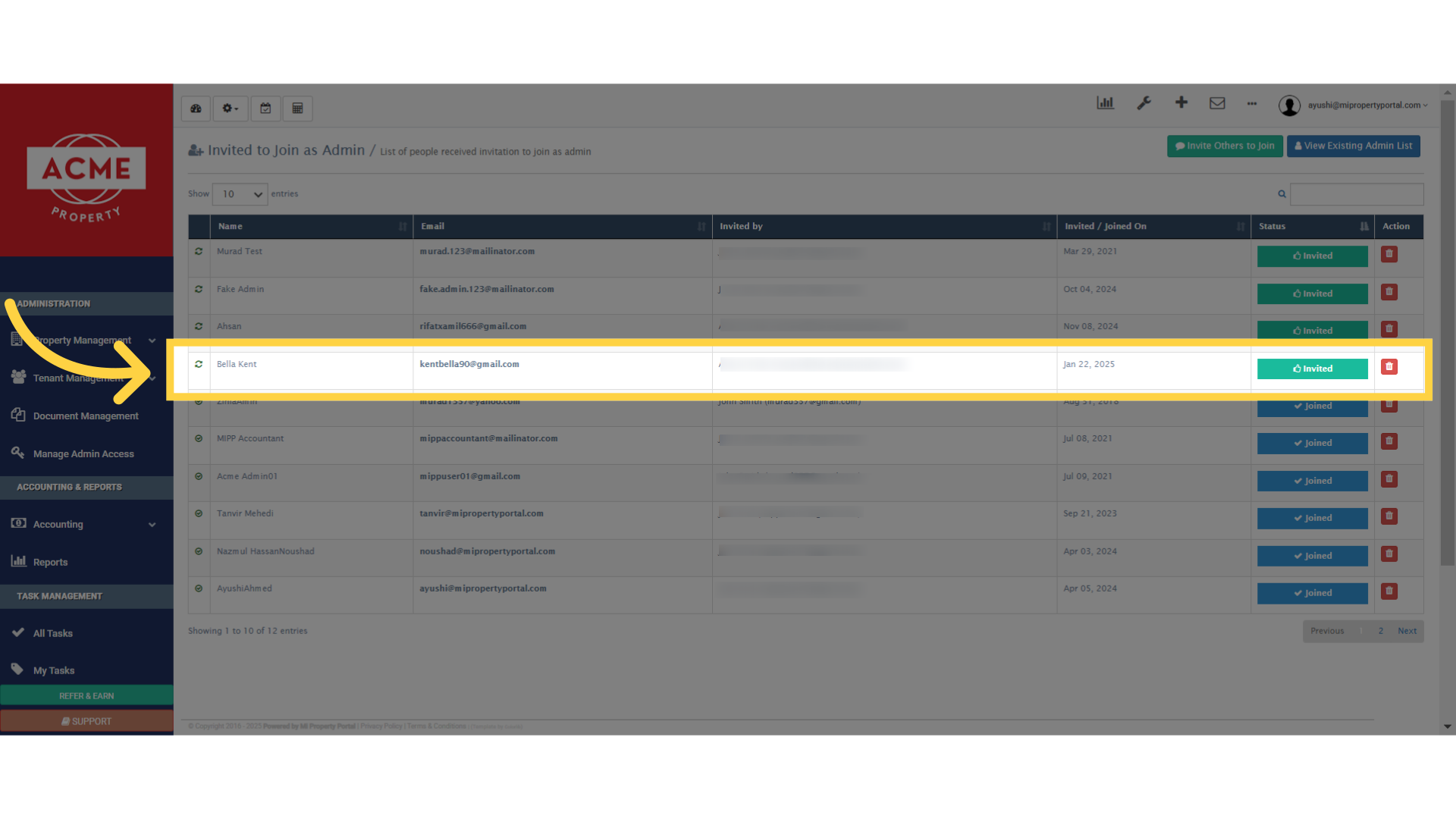
You can also View the invited admins, by clicking this button, from the admin page