How to Transfer an Owner’s Invoice Amount from One Property to Another?
65 views 0 October 30, 2024 Updated on December 17, 2024 mippsupportadmin
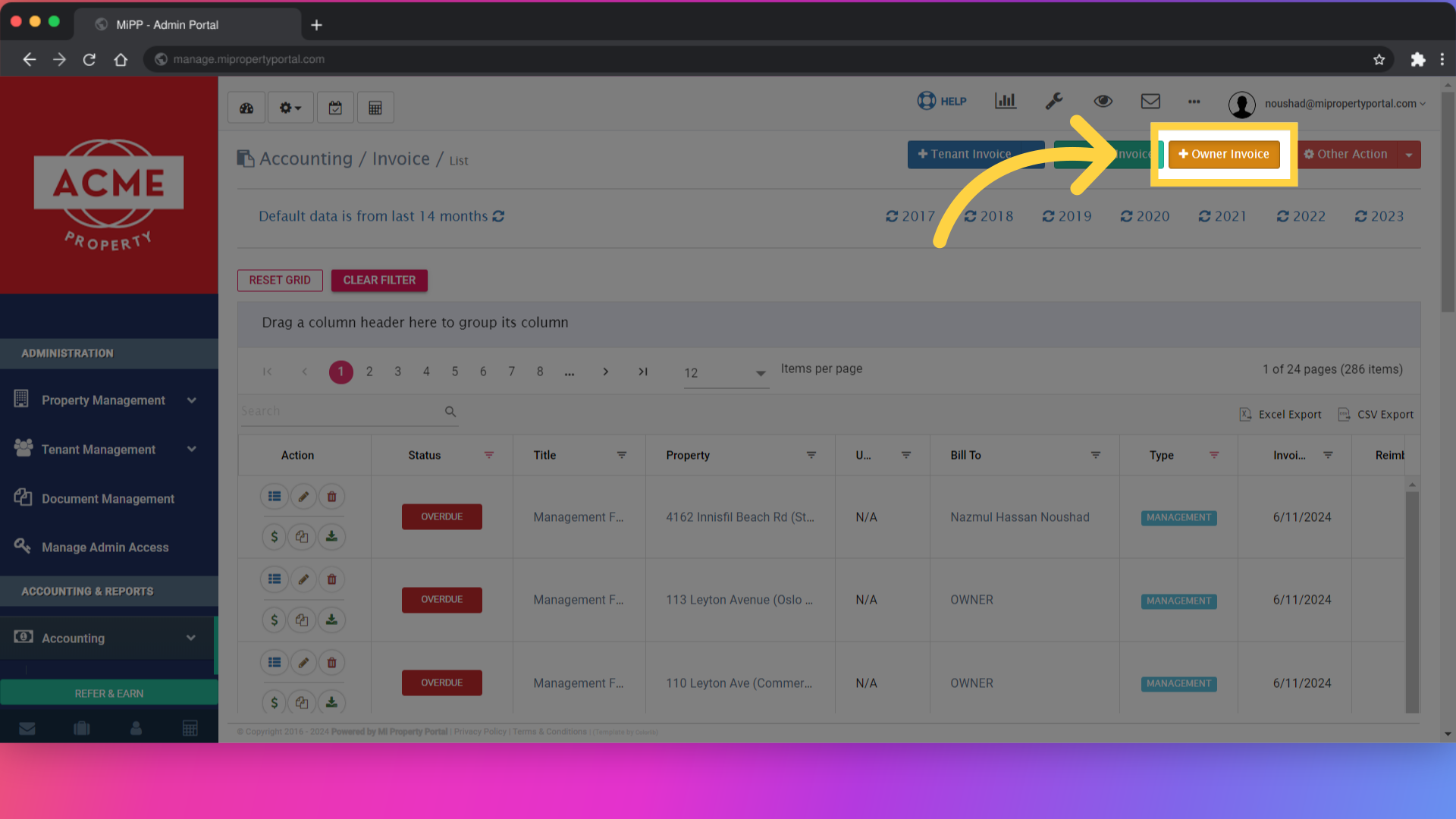
1. Go to the Accounting > Invoice page & click ‘Owner invoice’
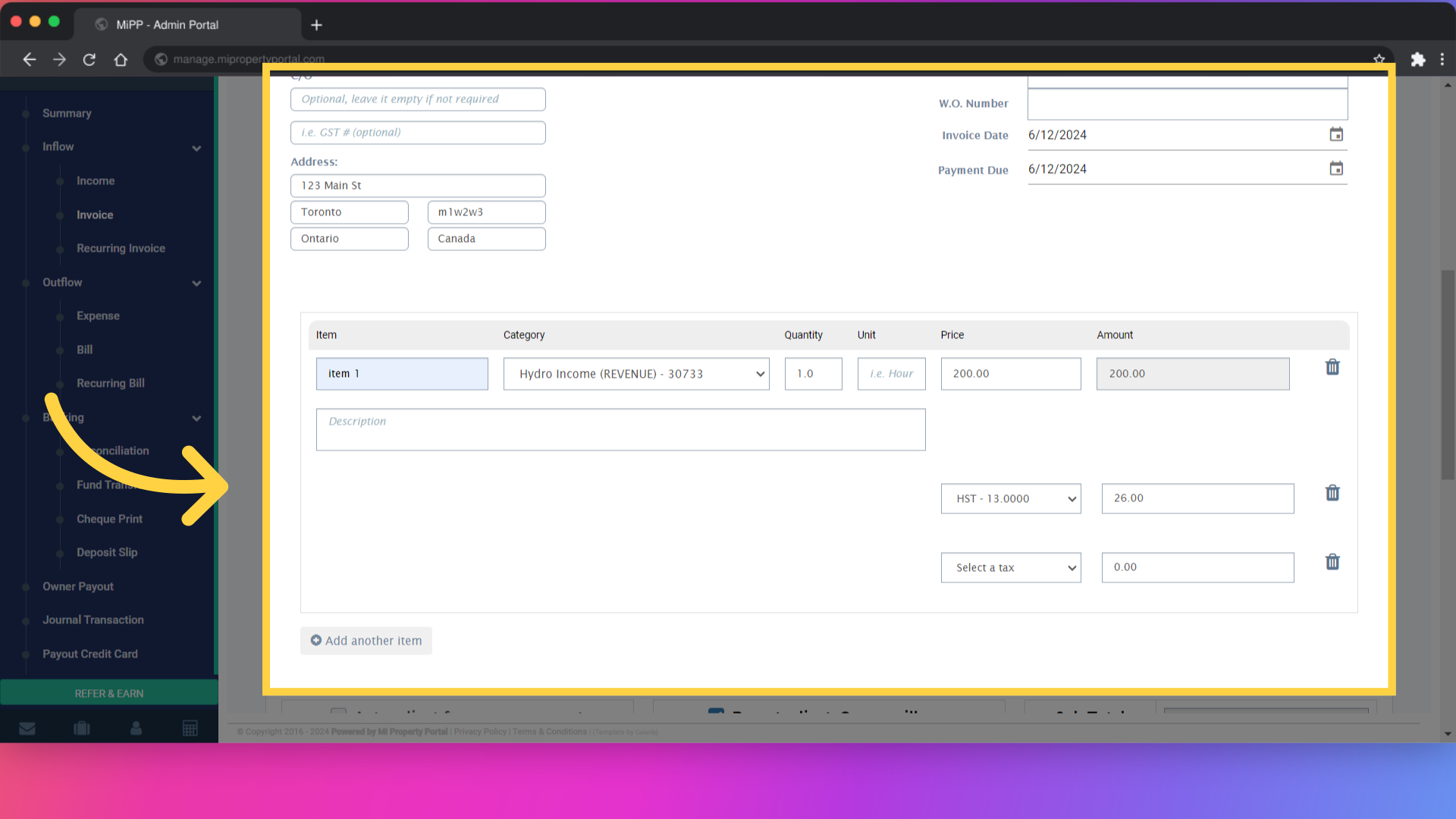
2. Fill out all the necessary information
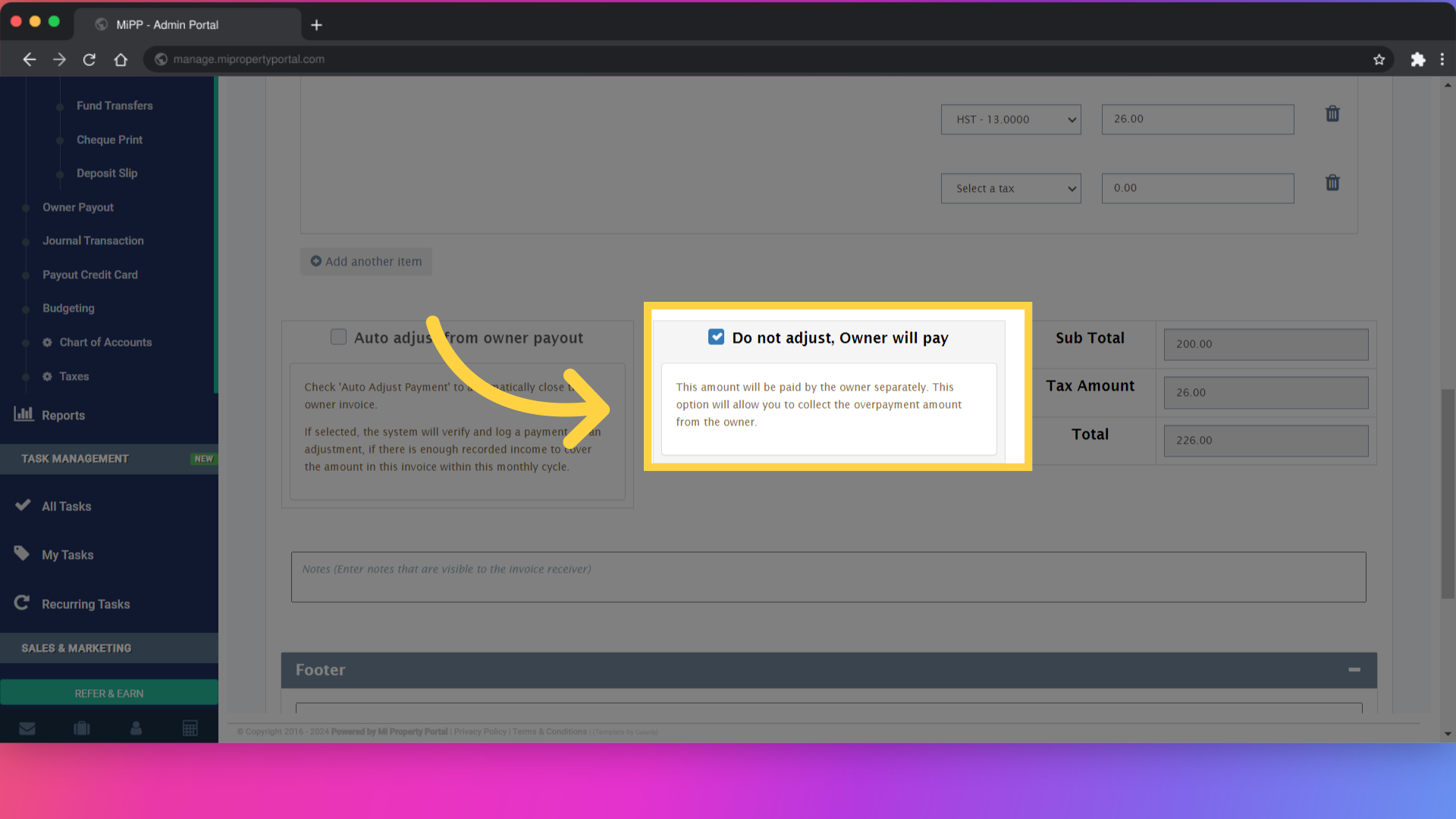
3. Scroll down, check “Do not adjust, Owner will pay” option
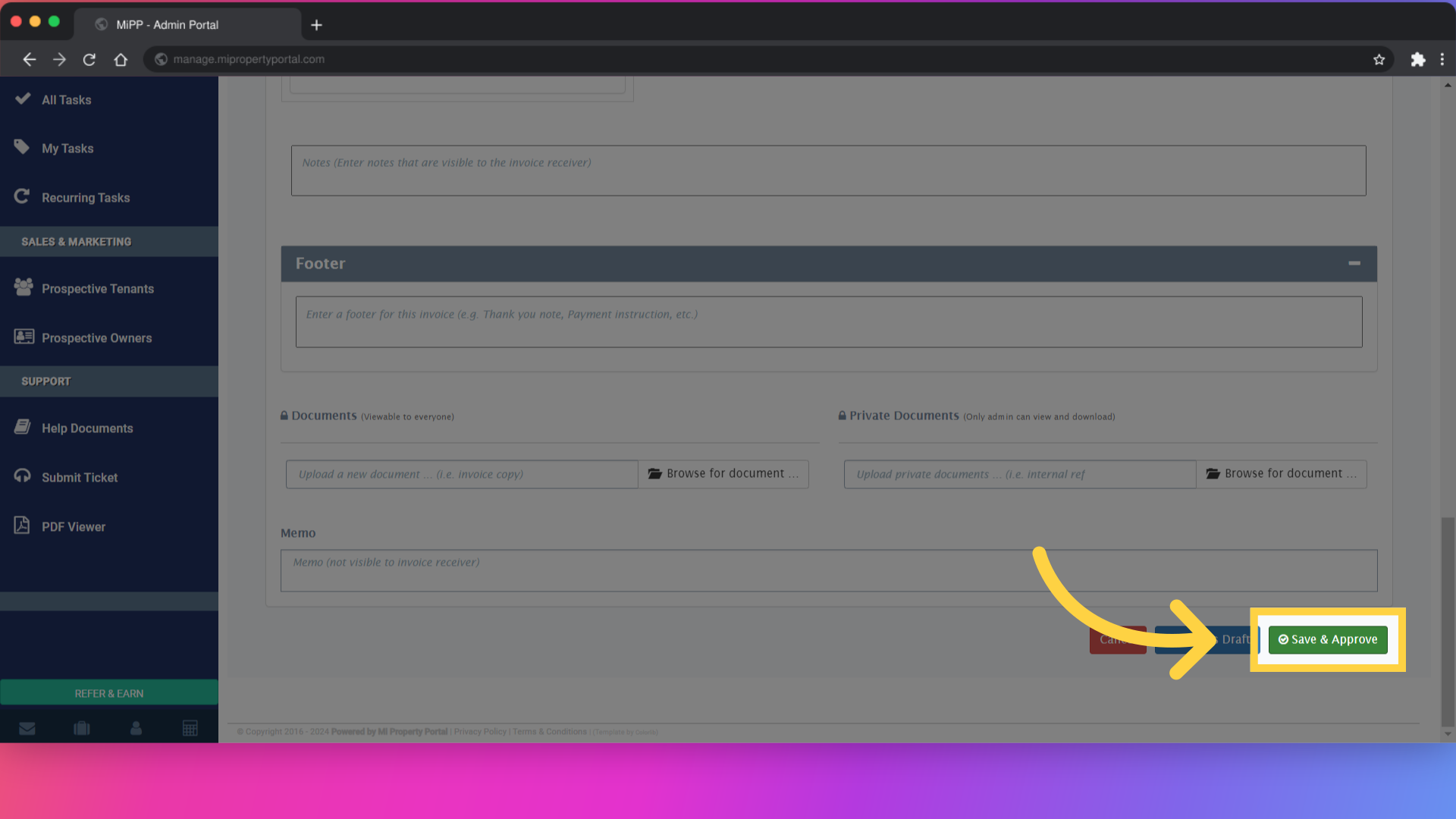
4. Click on save & approve
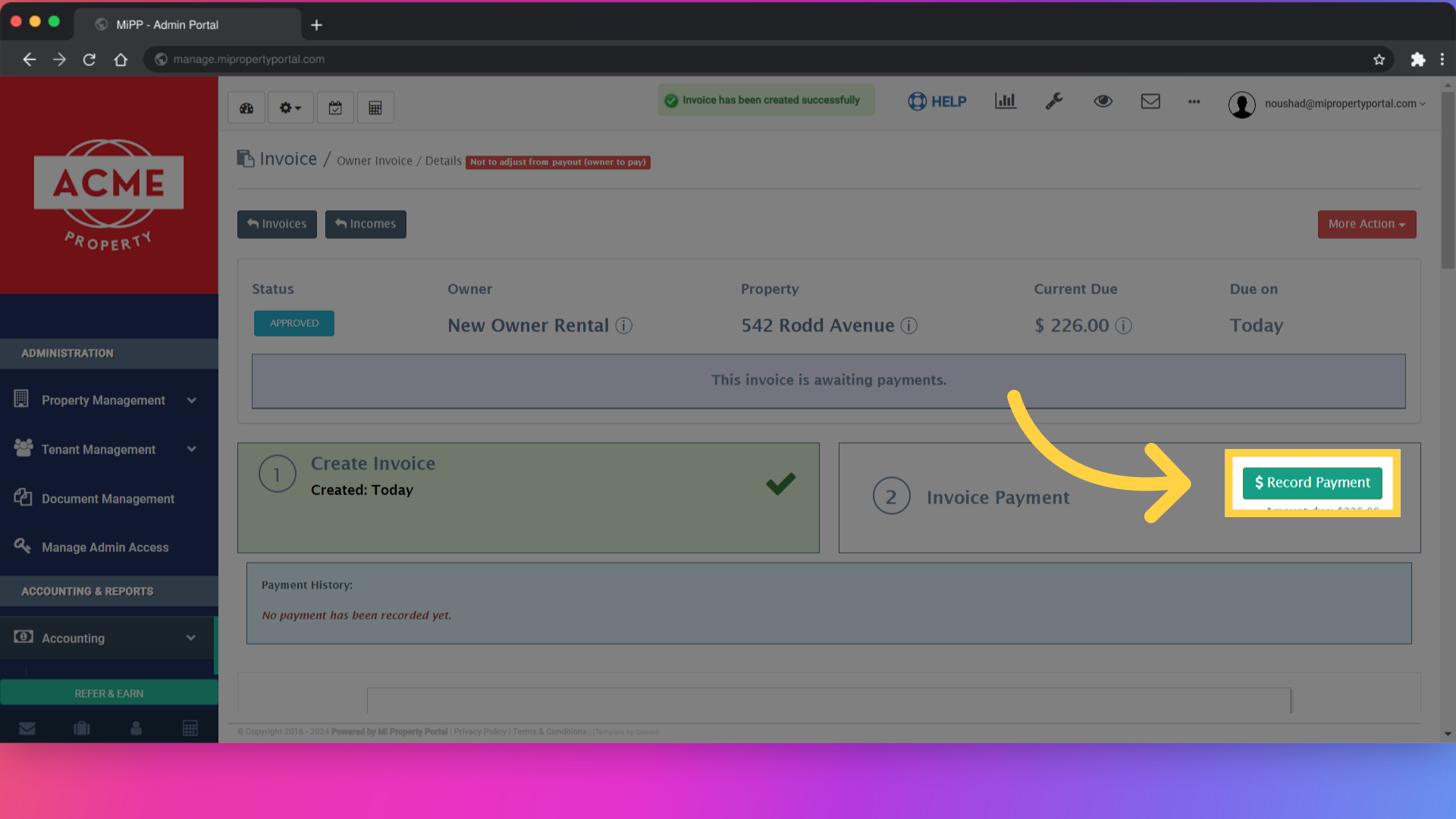
5. Click the record payment button
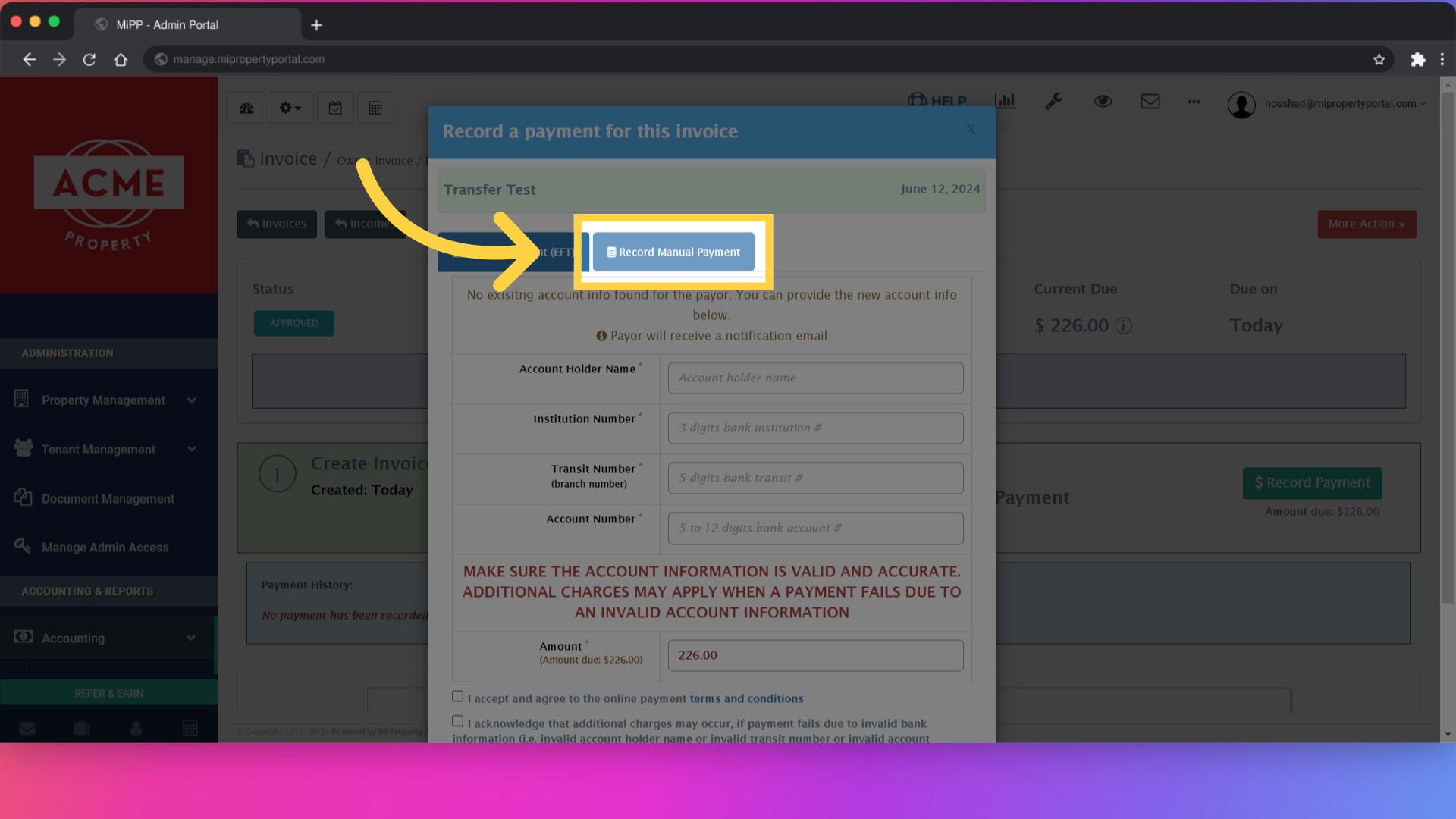
6. Click on the “Manual Payment” tab
7. Check “Transfer Fund (optional) box
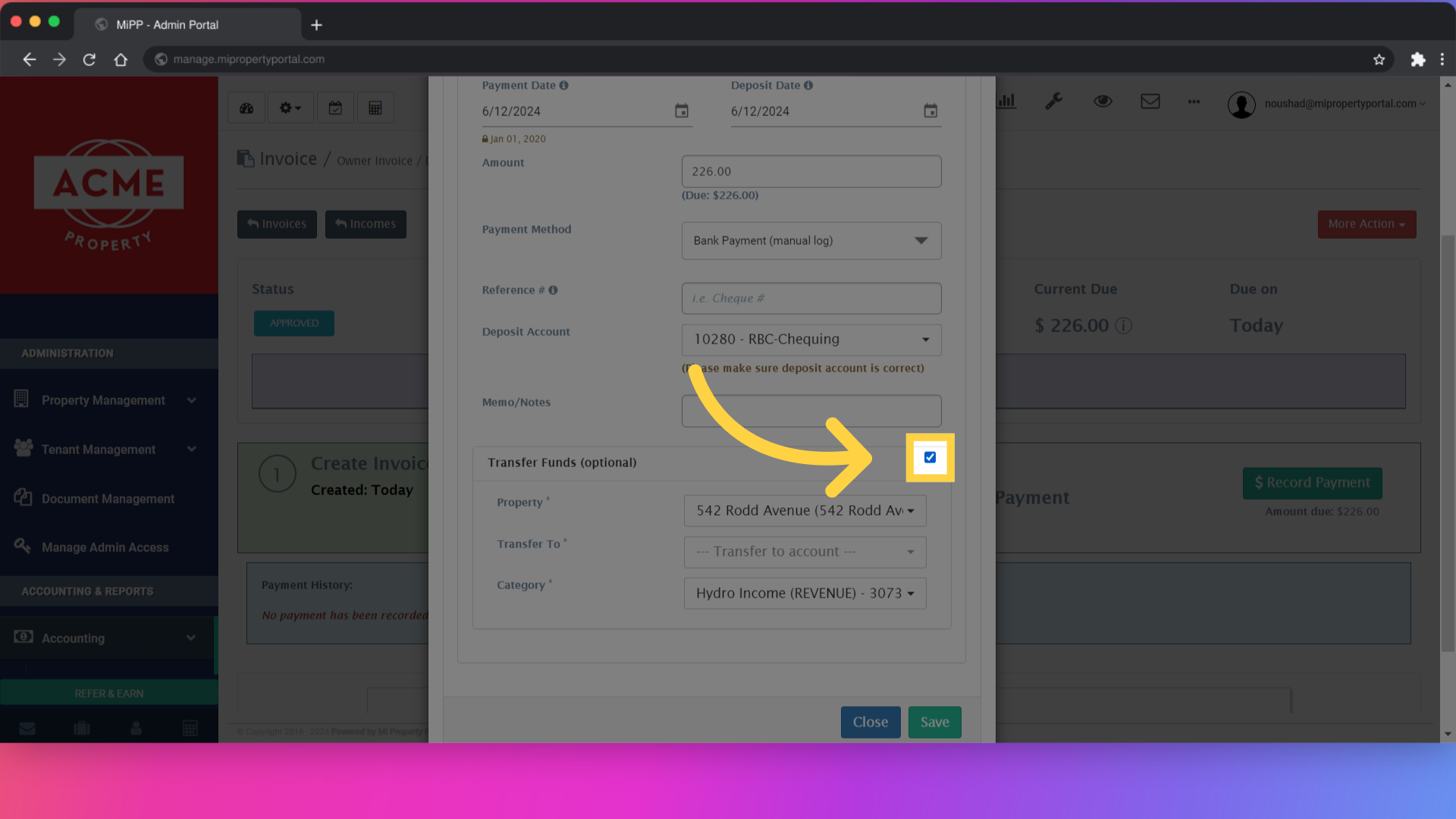
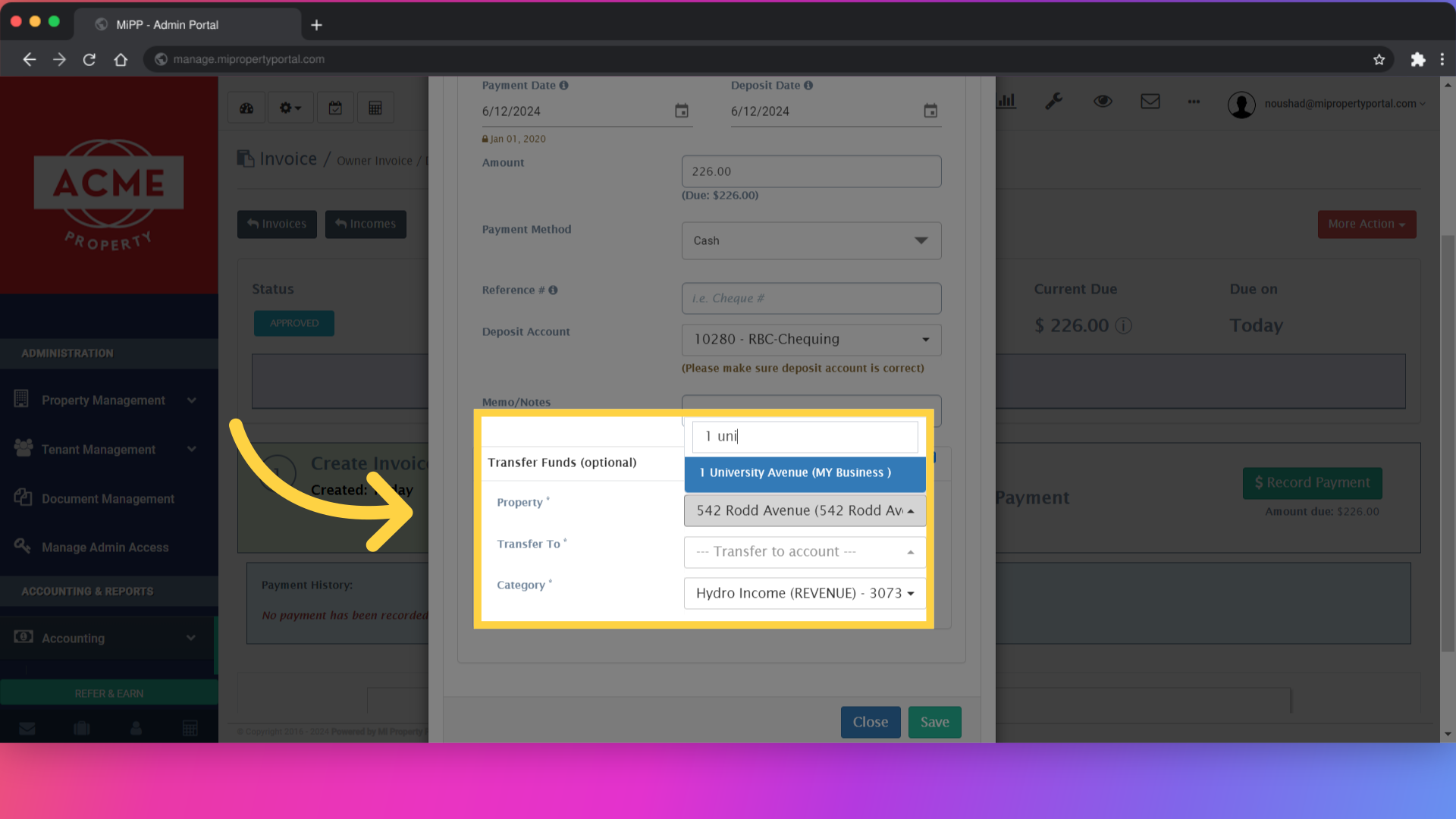
8. Select the ‘To’ property, deposit account and Revenue Category, if applicable
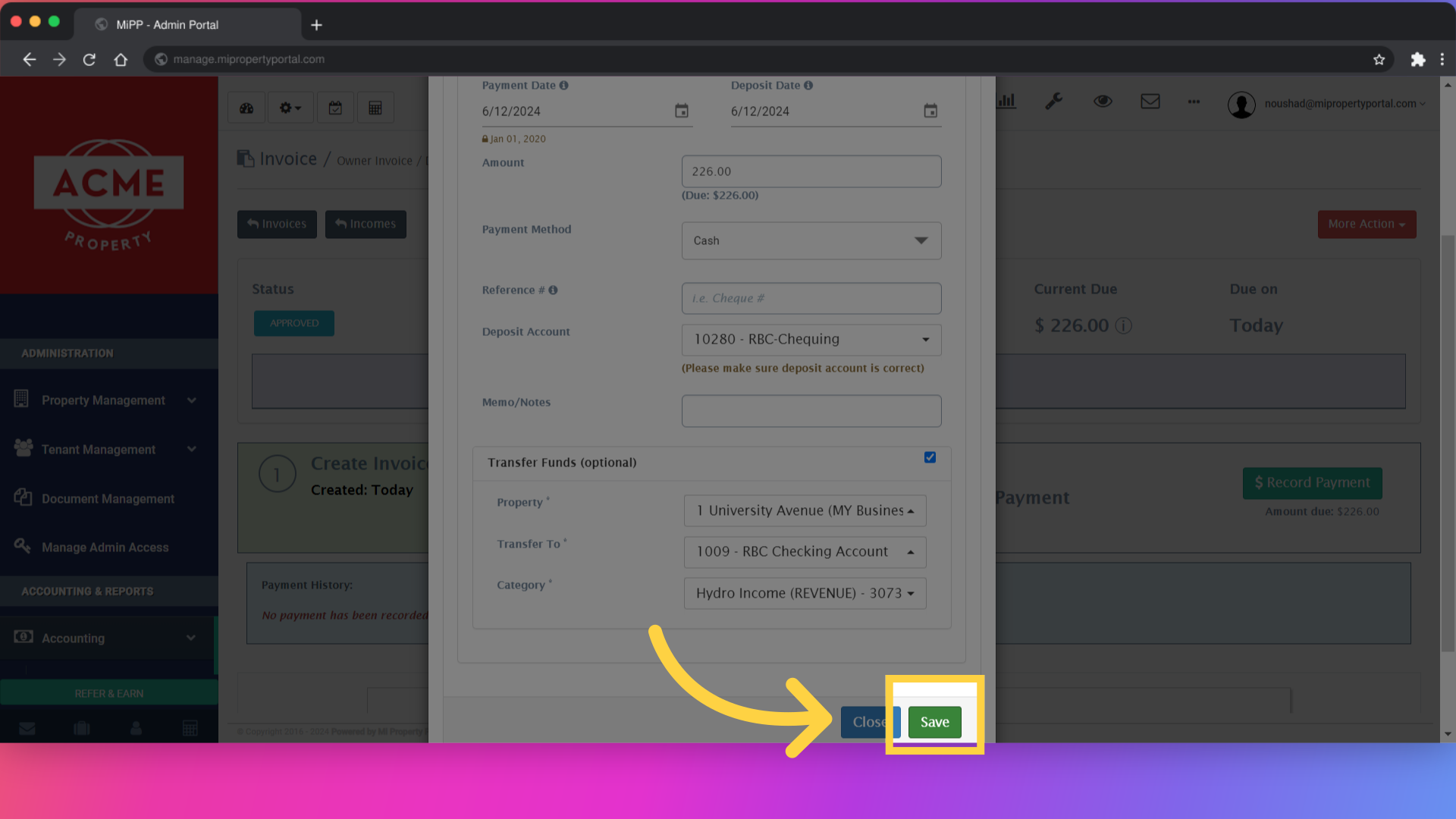
9. Click on save
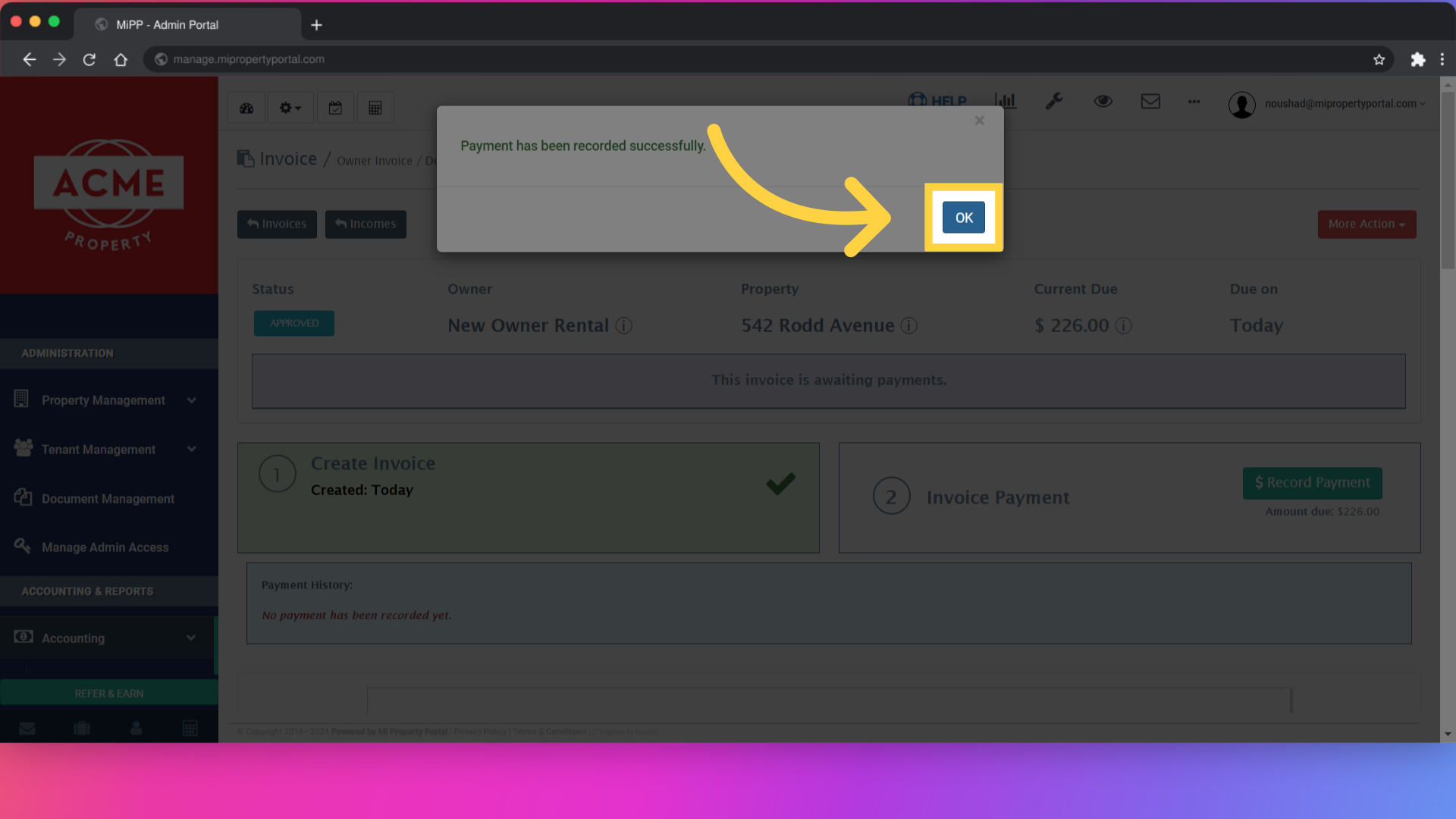
10. Click ok to close the pop-up
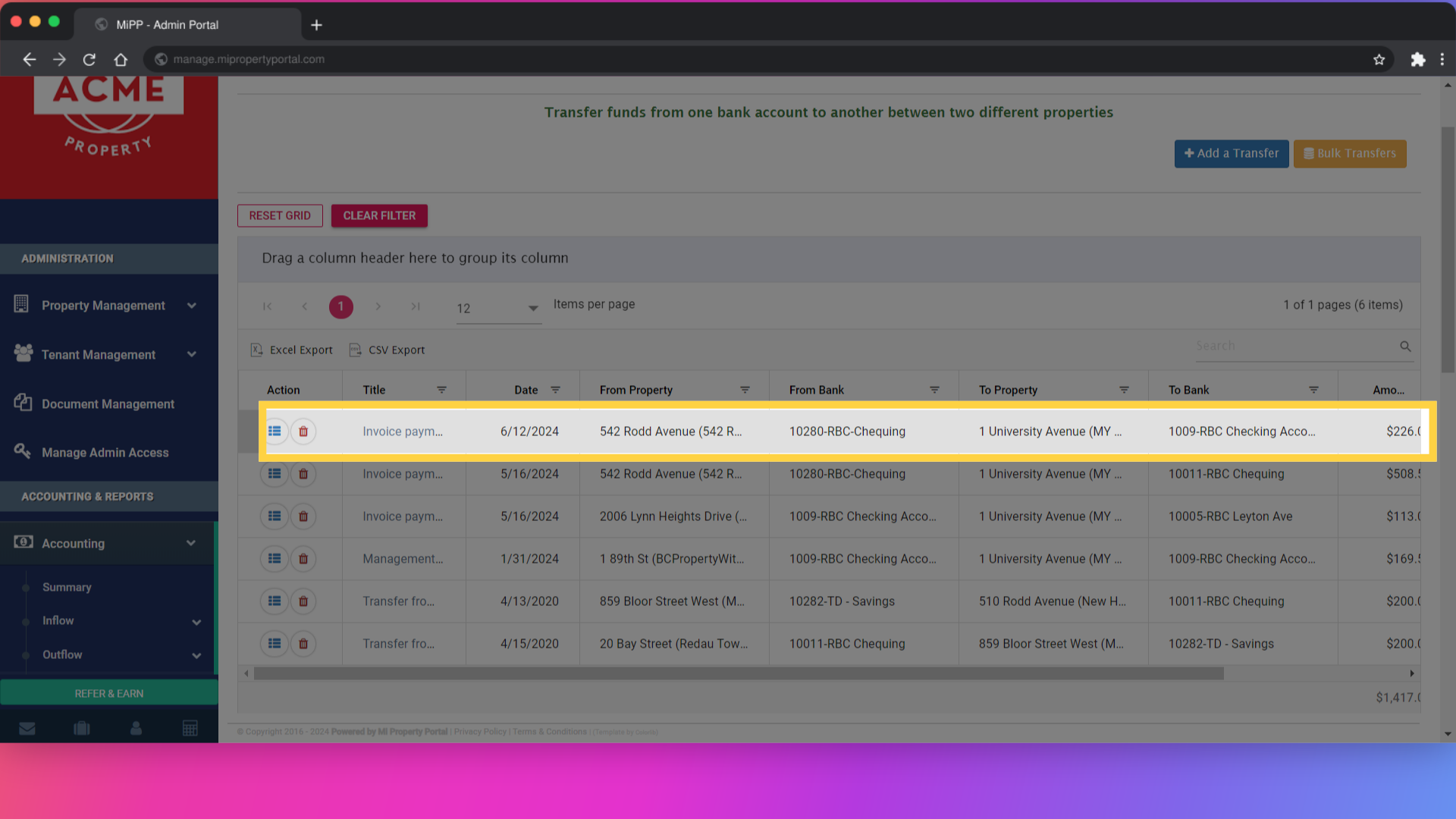
11. To validate, click the Fund transfer option from the left navigation
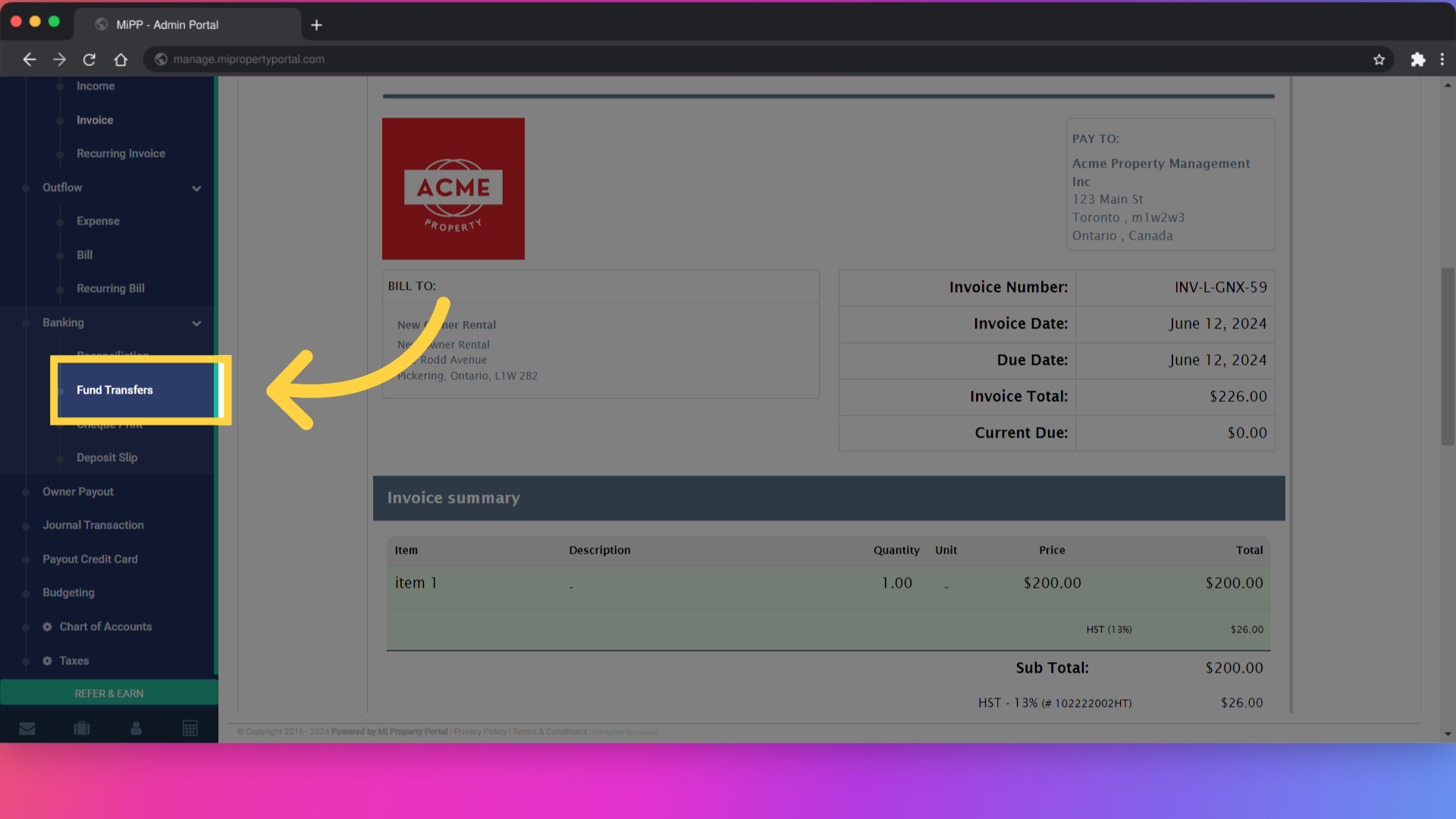
12. you can see your transferred owner invoice