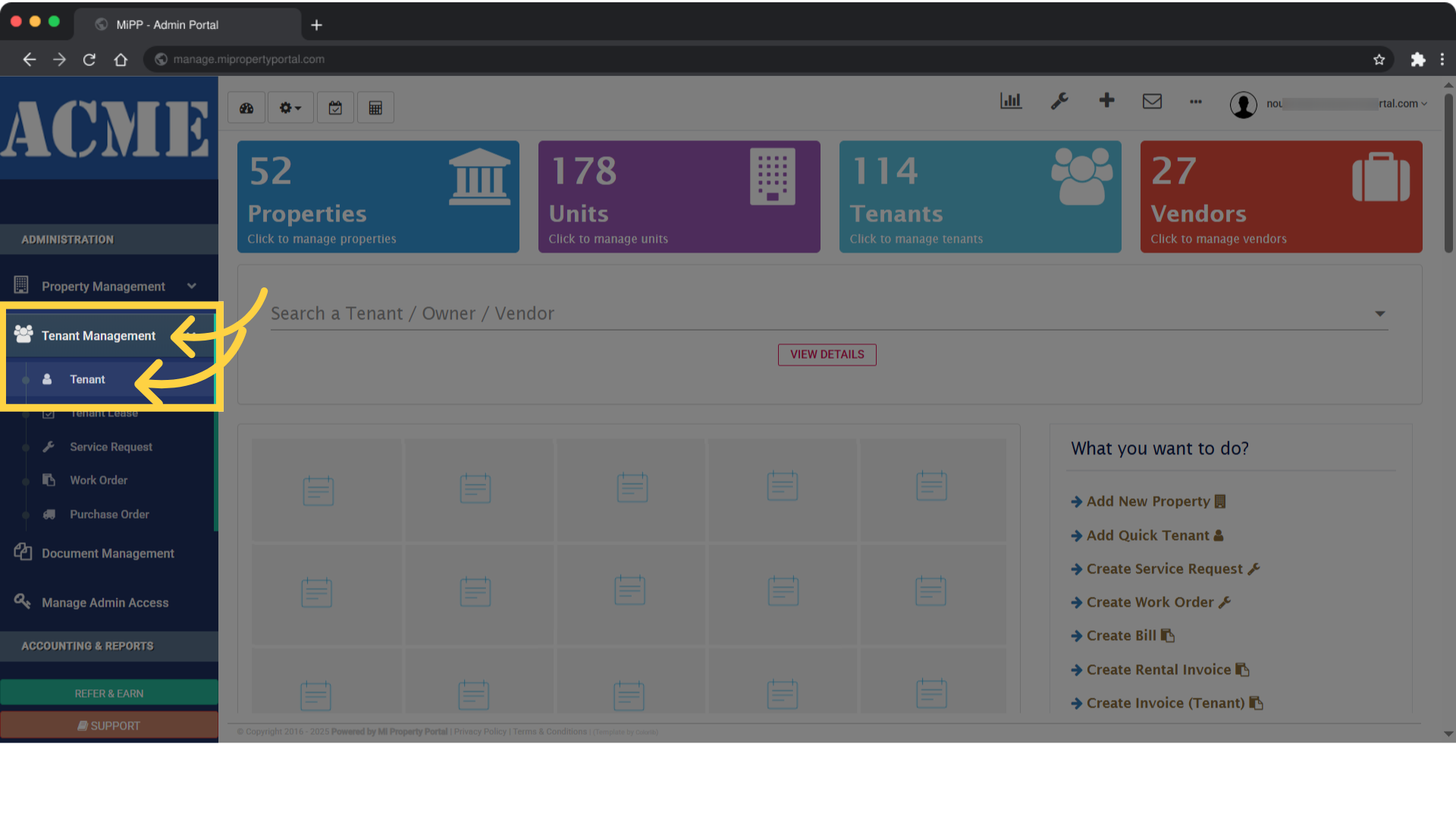
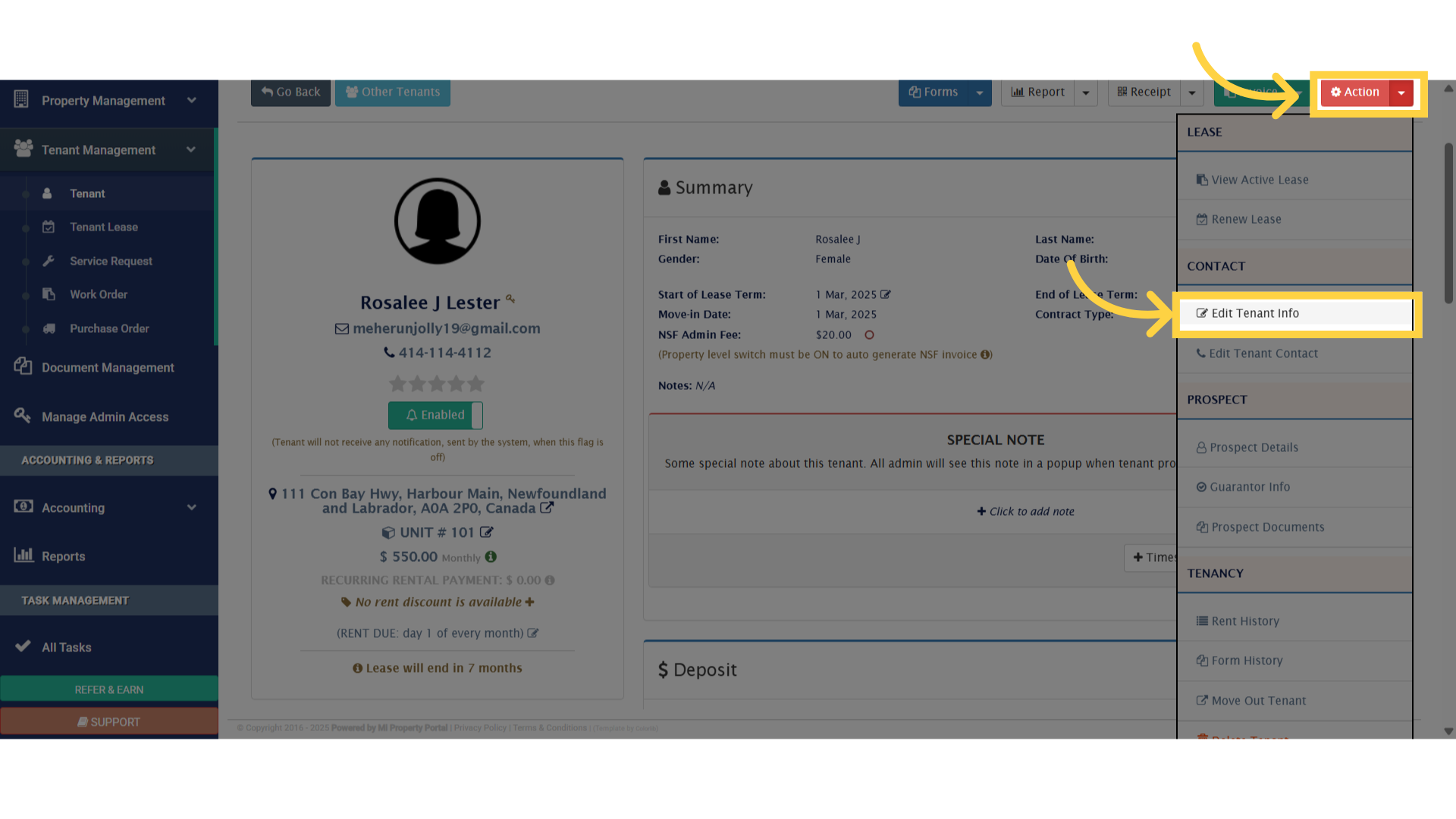
 2. Click on the “Action” dropdown located at the top right of the screen, next to the “Invoice” section. Then, select “Edit Tenant Info” from the menu
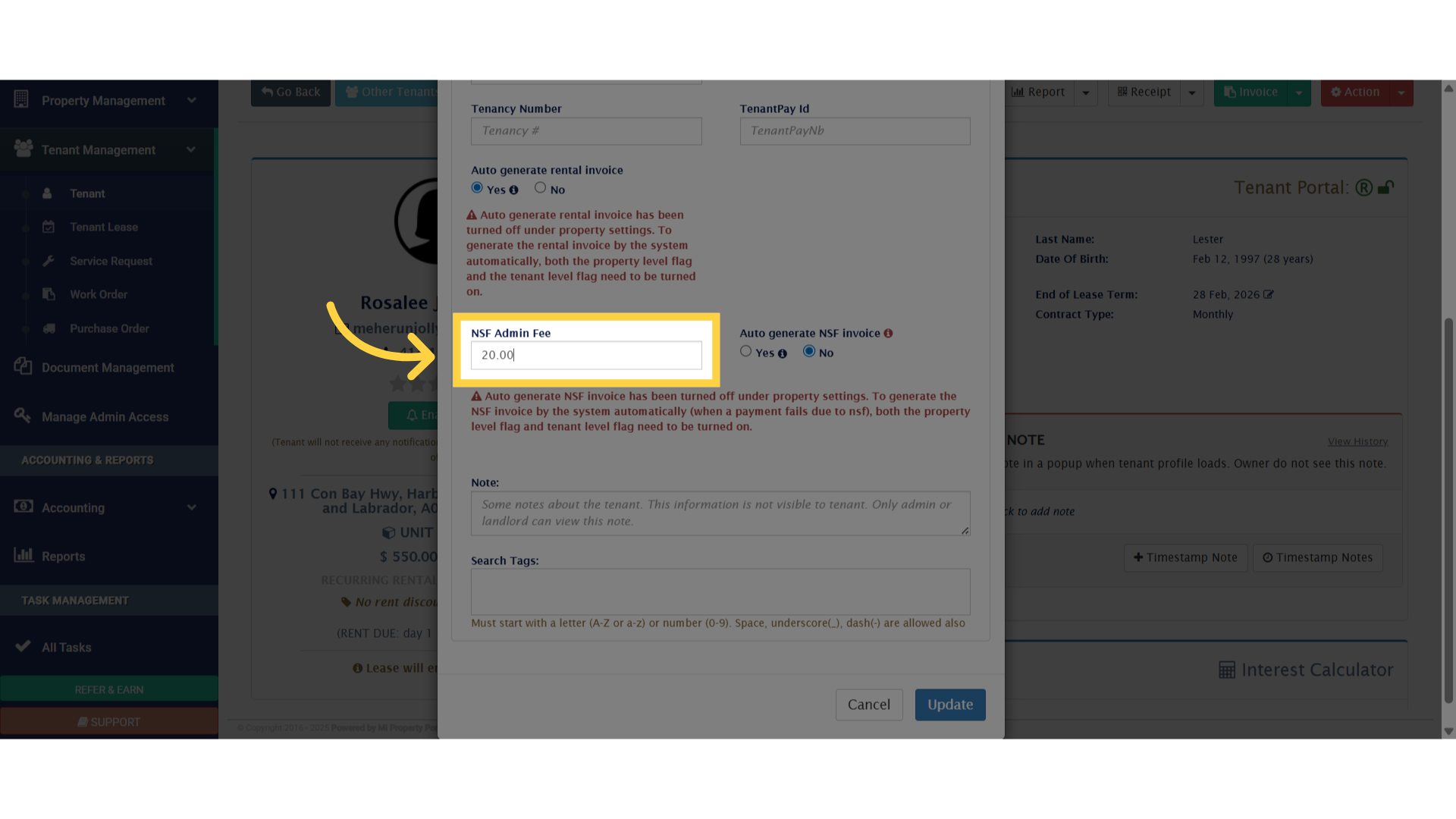
 3. Our system automatically generates an NSF invoice when activated, specifically in cases where a tenant’s EFT (Bank Payment) fails
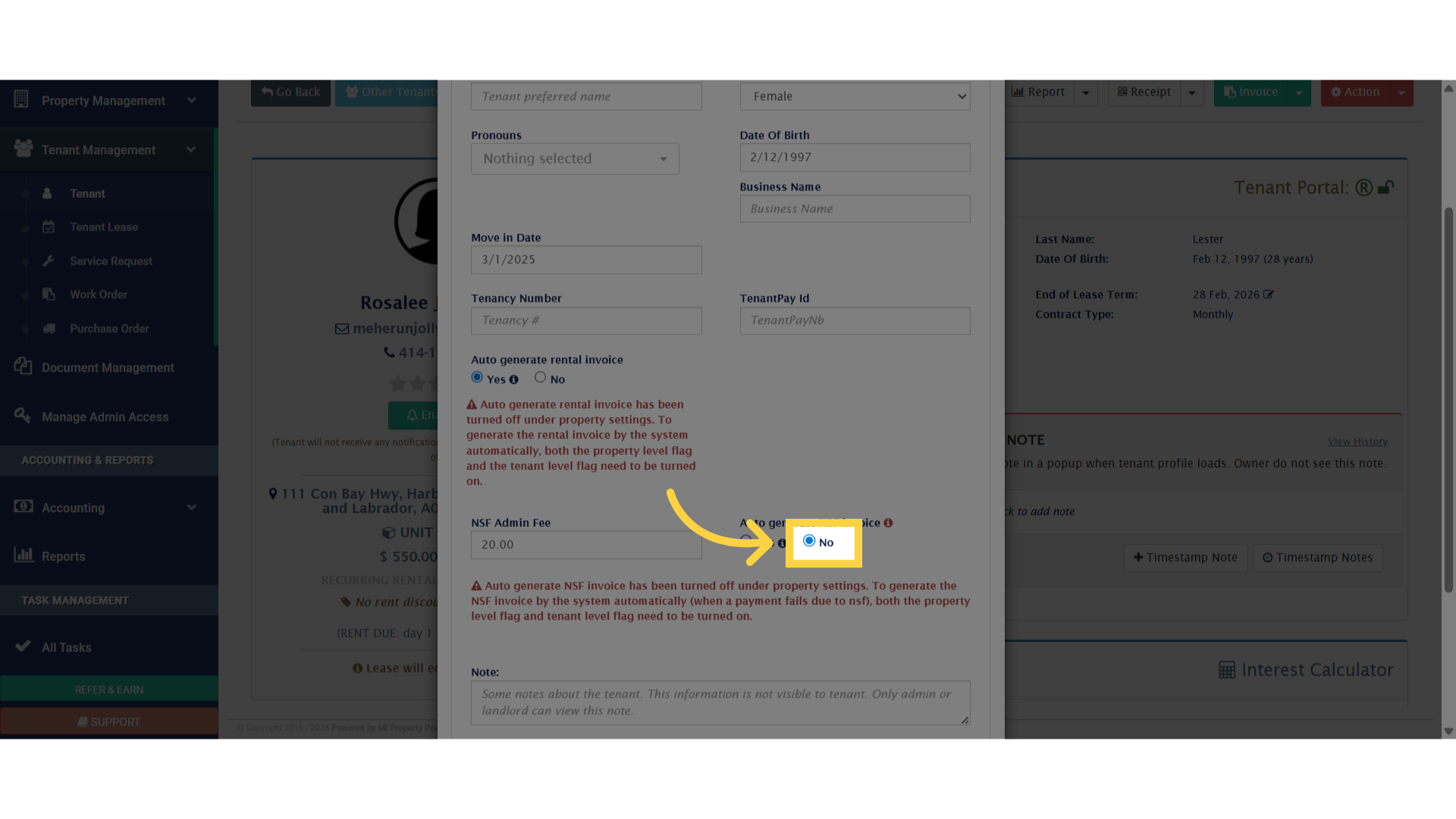
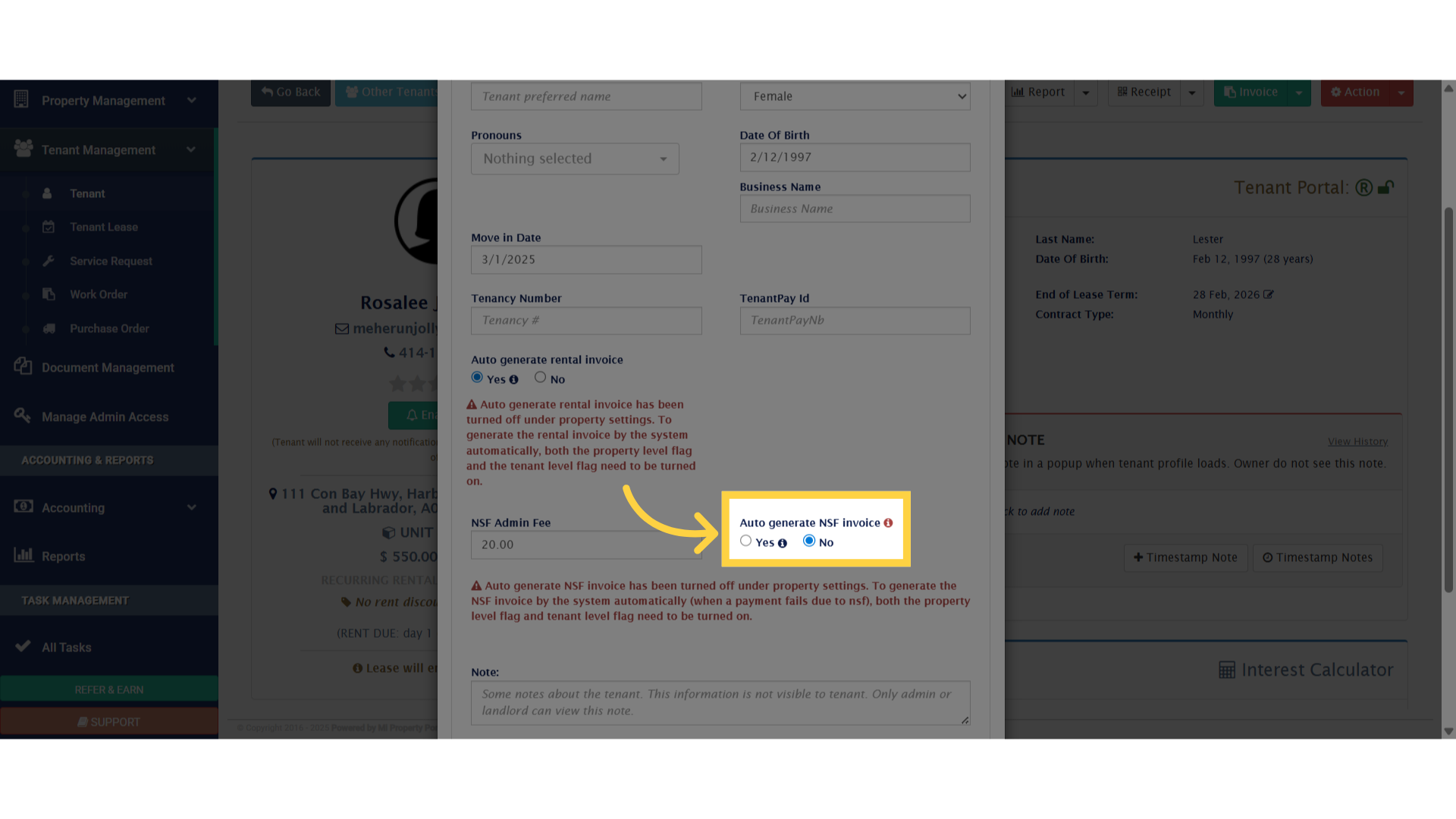 4. To deactivate the NSF invoice feature. select the “No” option within the “Auto generate NSF invoice” field
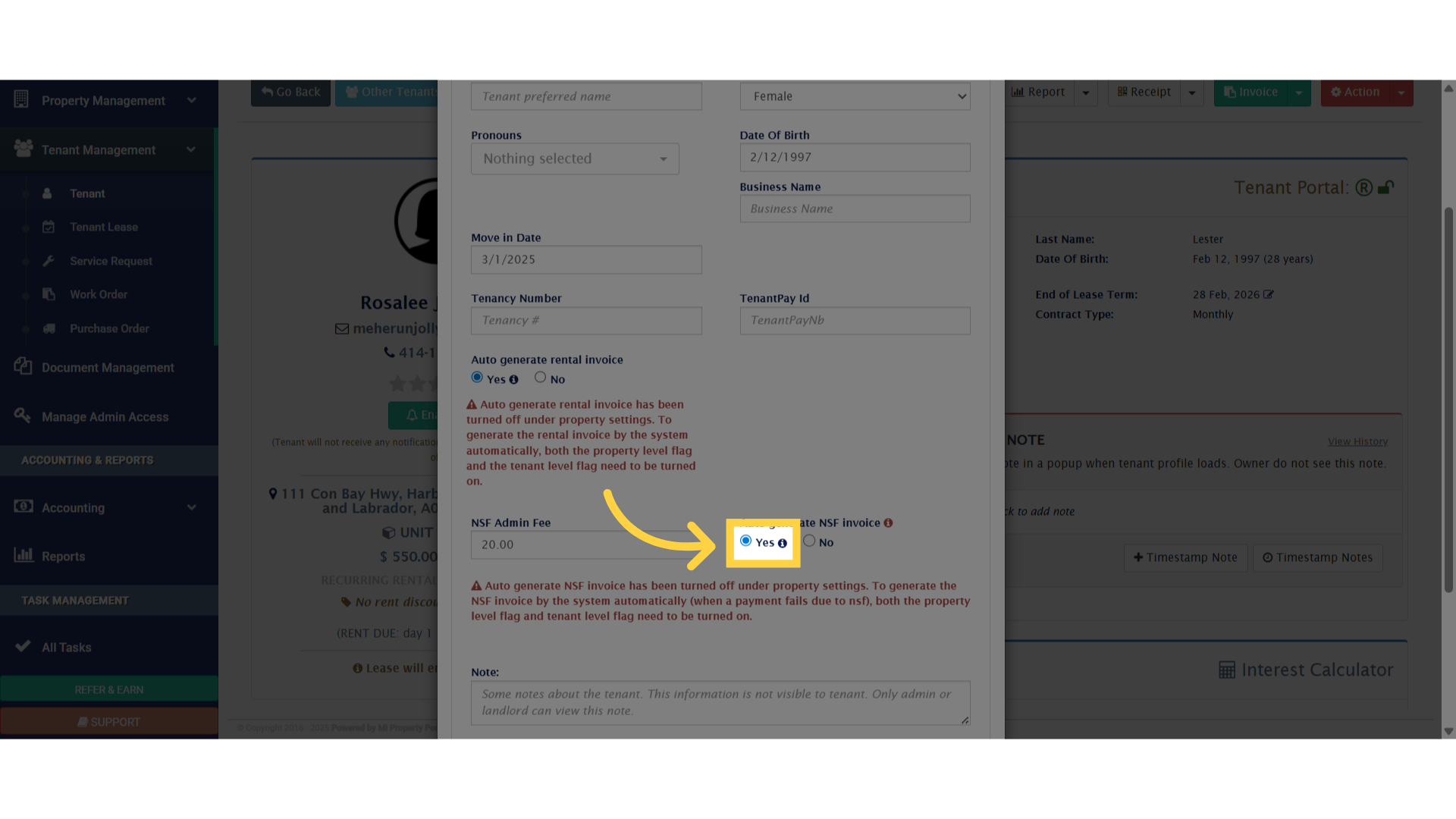
 5. To activate the NSF invoice feature. click on the “Yes” option within the “Auto-generate NSF invoice” field
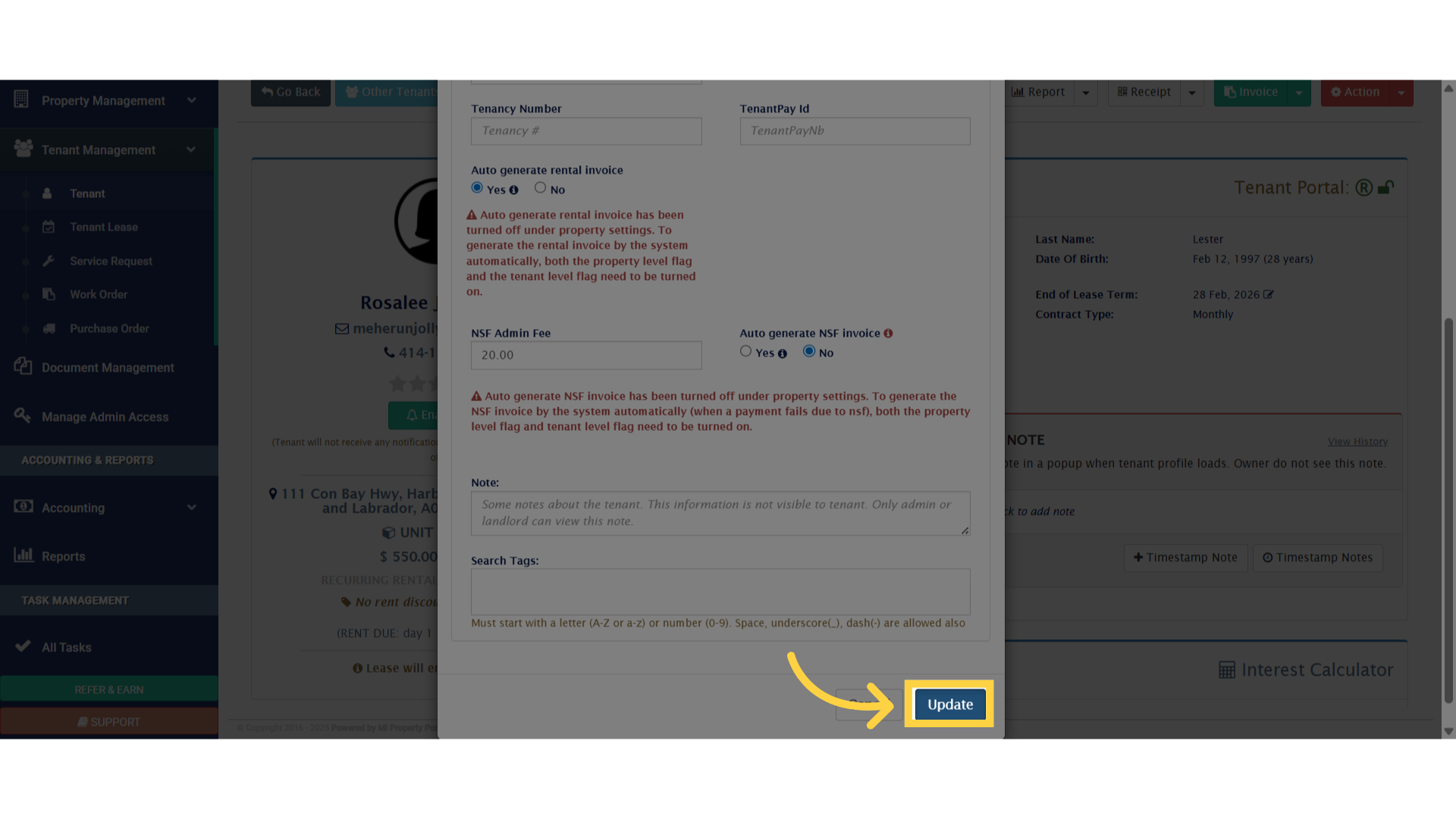
 6. You can set the NSF amount/fee under “NSF Admin Fee” option