• Home
  • Blogs
  • FAQs
  • Login
  • Home
  • Blogs
  • FAQs
  • Login
home/Knowledge Base/General/How to generate Monthly Expense Summary Report?

How to generate Monthly Expense Summary Report?

42 views 0 October 31, 2024 mippsupportadmin

1. Well, first thing first, go to manage.mipropertyportal.com and login to the admin portal using your login credential
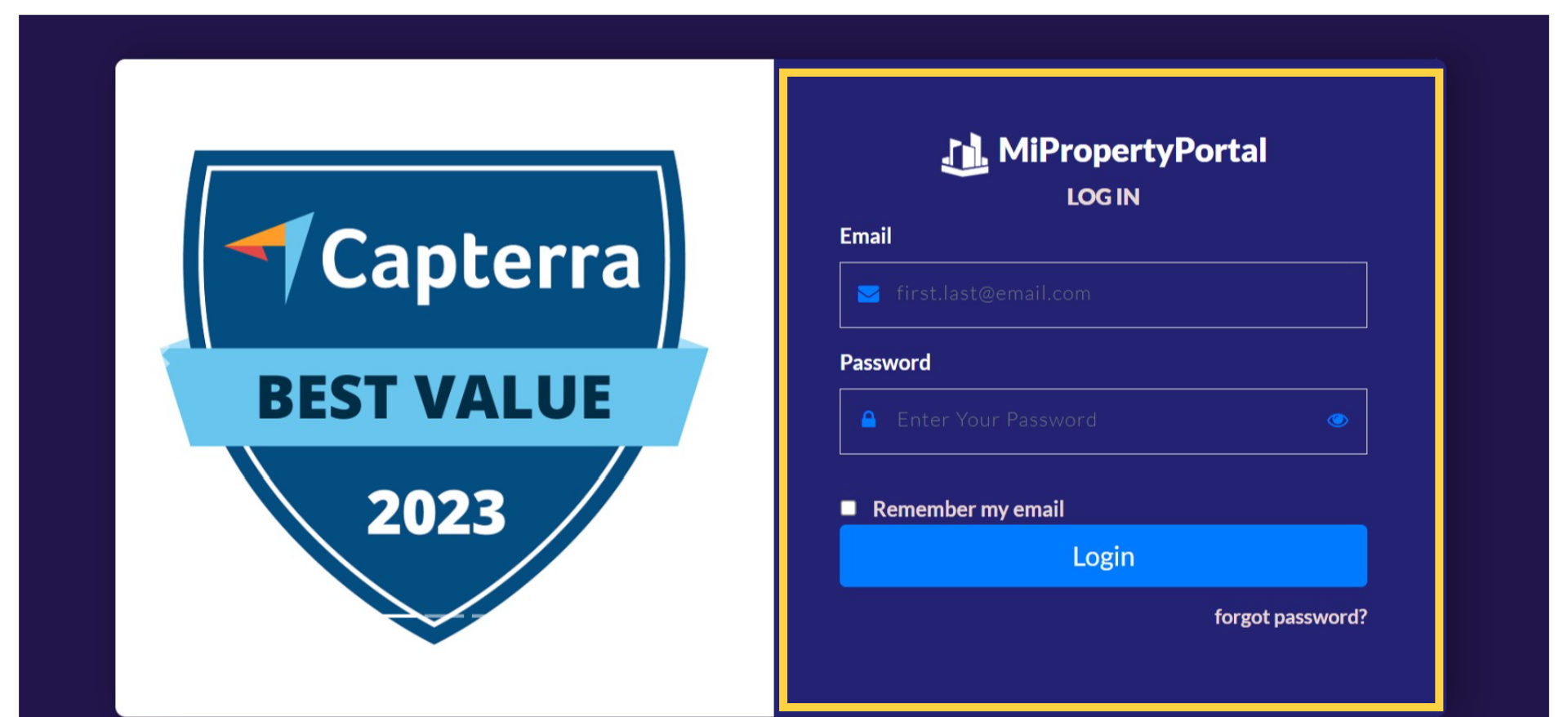
manage.mipropertyportal.com

2. click to the ‘Reports’ section located at the top of your dashboard
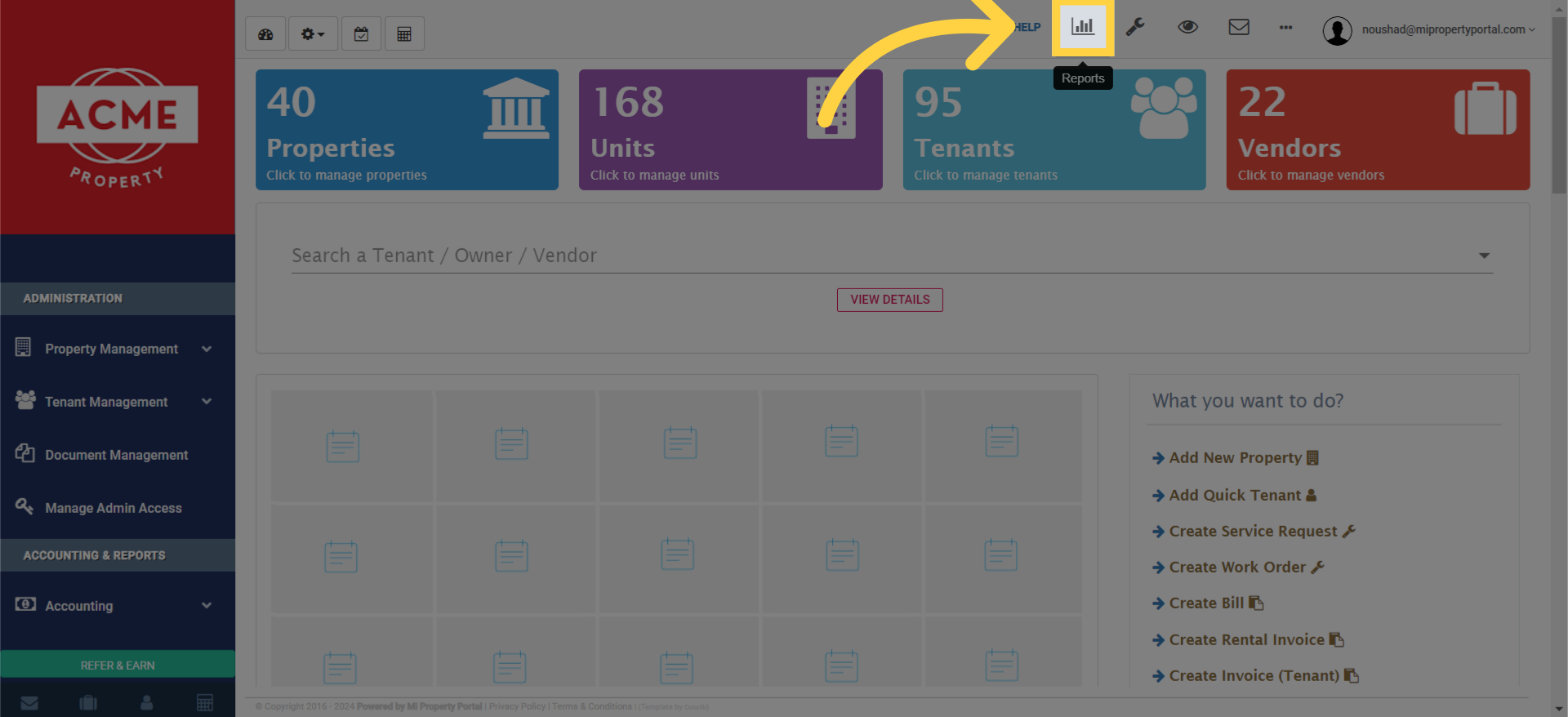
click to the 'Reports' section located at the top of your dashboard.

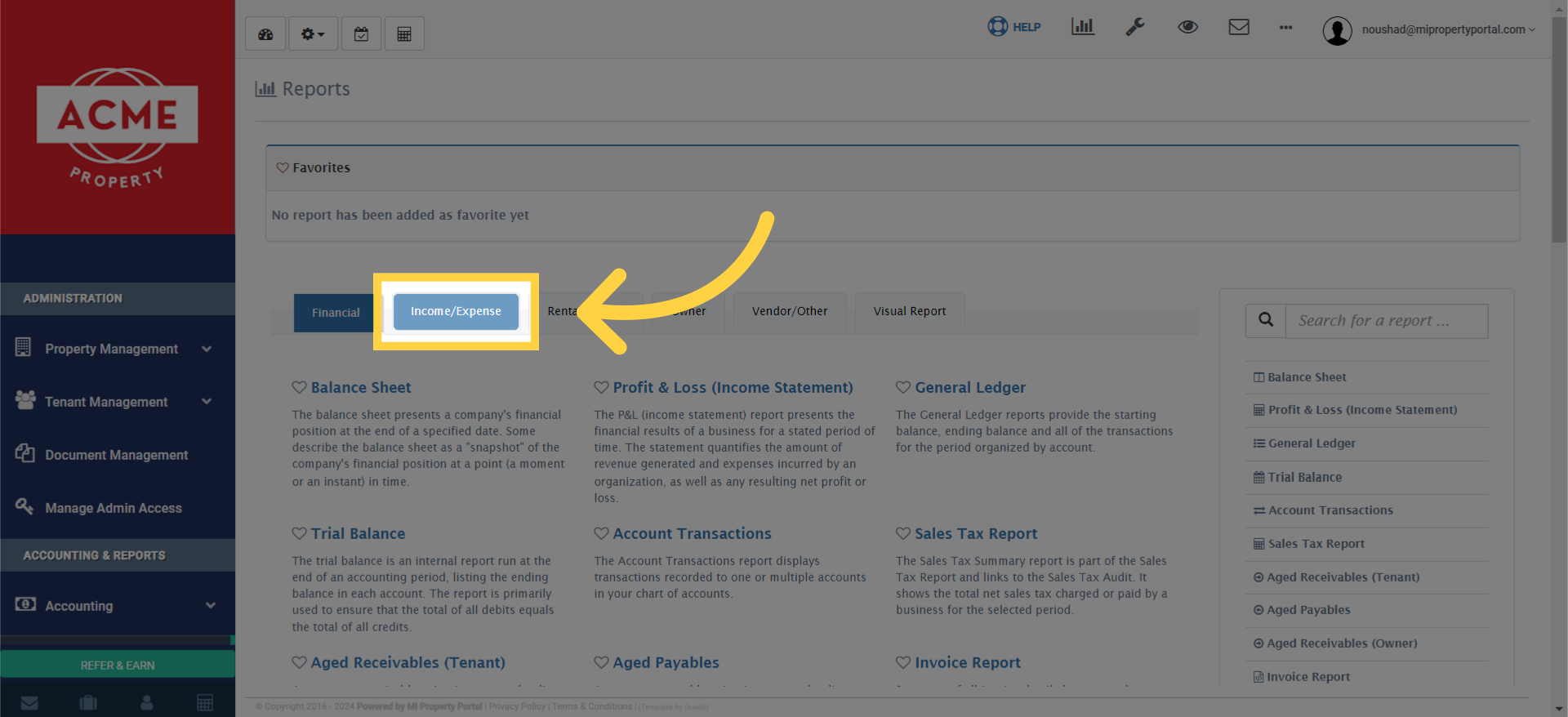
3. Click “Income/Expense” tab

Click 'Income/Expense' tab

4. Under the Income/Expense options, select ‘Monthly Expense Summary’
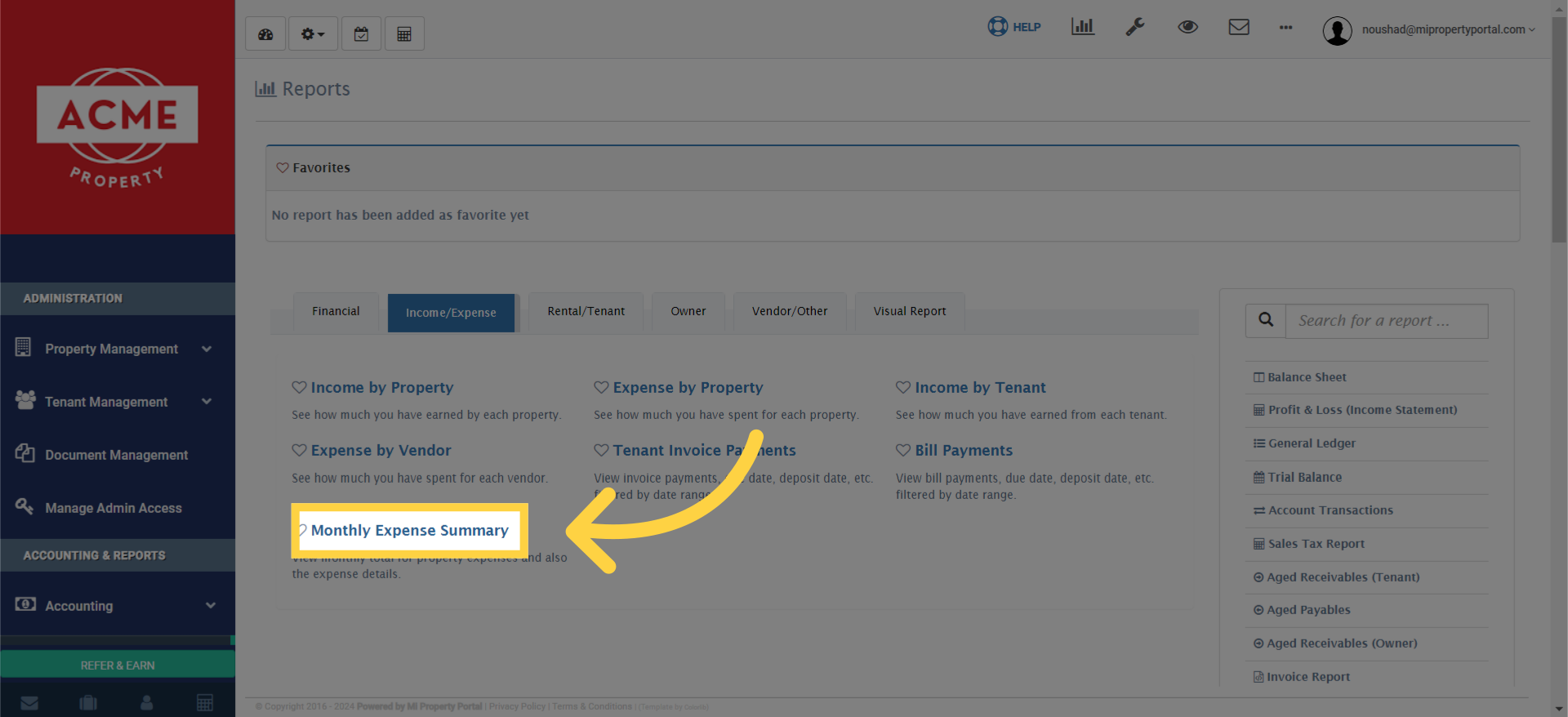
Under the Income/Expense options, select 'Monthly Expense Summary'.

5. Once you select the Monthly Expense Summary, you’ll see a variety of filter options
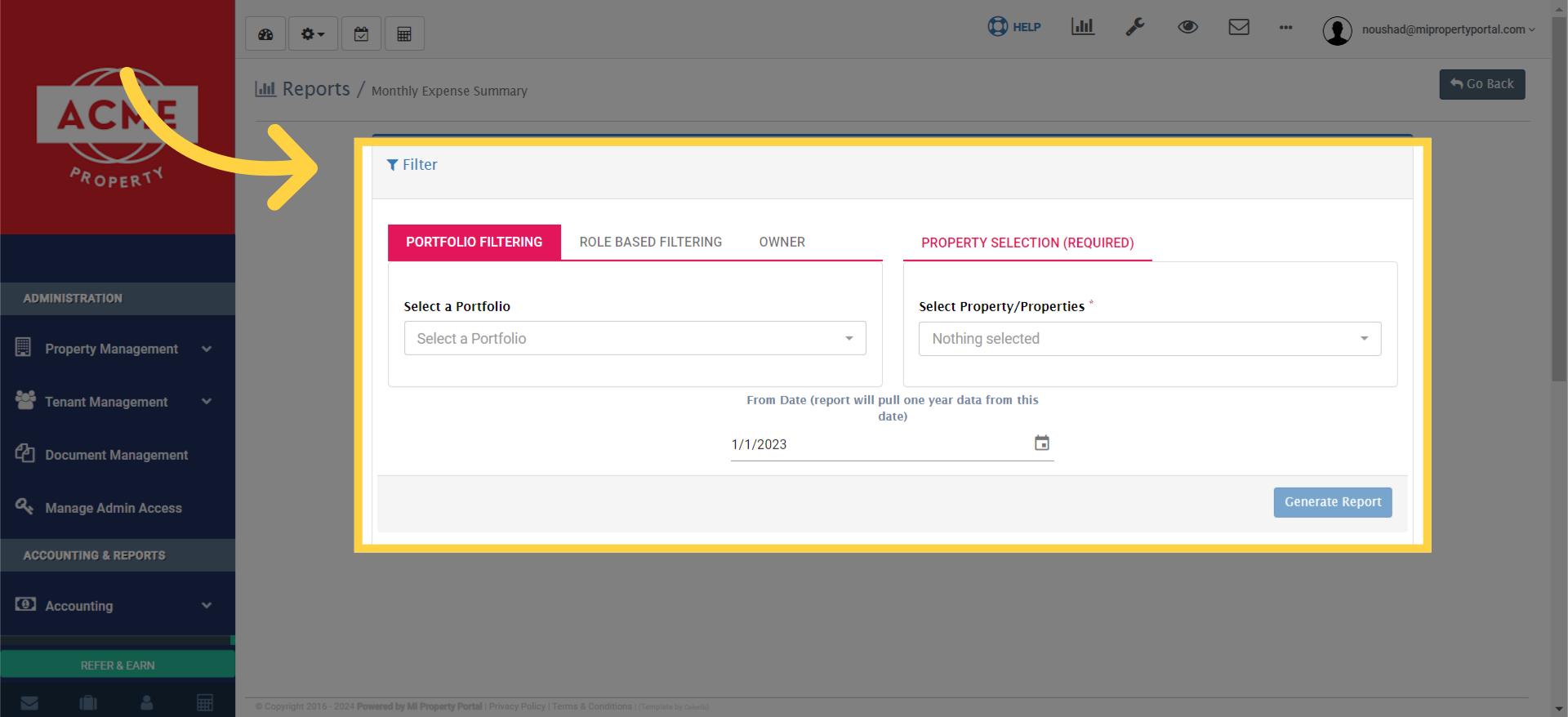
Once you select the Monthly Expense Summary, you’ll see a variety of filter options. You can customize the report to be portfolio-based, role-based, or owner-specific.


Tags:How to generate Monthly Expense Summary Report?Generate monthly expense summary reportHow to create monthly expense summarySteps for monthly expense summary reportGenerate monthly expenses overview reportMonthly expenses report generation guideHow to view monthly expense totalsMonthly expense breakdown reportCreate monthly summary of expensesHow to access monthly expense summaryMonthly expense summary generation tutorial

Was this helpful?

Yes  No
Related Articles
  • Bulk Data Upload Overview
  • How to Fill Property Data Upload Template?
  • How to Fill Unit Data Upload File?
  • How to Edit a Unit
  • Property delete VS Deactivate
  • How to Edit or Delete a Property?

Didn't find your answer? Contact Us

Leave A Comment Cancel reply

You must be logged in to post a comment.

Popular Articles
  • New Feature – Enable All Property Permissions For Regular Admins
  • Can I log rental income for ‘Unpaid’ invoices for ‘Moved-out’ tenants?
  • How to Add Markup to Vendor Bills
  • How to Rent a Parking Spot in Mi Property Portal
  • How to View Bulk Payment History Report
KB Category
  • Service Request
  • Subscription
  • Bulk Data Upload
  • Owner Portal
  • MiPropertyPortal Admins Training Workshop
  • MiPropertyPortal New Features/Improvements Monthly Webinar
  • Task Management
  • Prospective Tenants
  • Setup
  • Vendor Management
  • Tenant Screening
  • Tenant Portal
  • Tenant Management
  • Accounting
  • Security Deposit
  • Reporting
  • Rental Tax
  • Rental Listing
  • Property Owner Related
  • Property
  • Other
  • Asset Management
  • Online Payment
  • Lease Management
  • General
  • Form Management

  How to Generate Reports with Common Filter and Header?

How to Export “Monthly Summary” Separately through P&L Report?  

MiPP
MiProperty Portal is Canadian-made for
Canadian landlords and property managers.
COMPANY
  • About Us
  • Why MiPP?
  • Features
SUPPORT
  • Knowledge Base
  • Get Email Help
SOCIAL
  • Linkedin
  • Facebook
  • Twitter
  • Privacy Policy
  • Terms of Use
  • © 2025 mipropertyportal.com. All Rights Reserved.