• Home
  • Blogs
  • FAQs
  • Login
  • Home
  • Blogs
  • FAQs
  • Login
home/Knowledge Base/Accounting/New Improvement of Sales Tax Report

New Improvement of Sales Tax Report

42 views 0 April 17, 2025 mippsupportadmin


1. First, click on the Reports icon
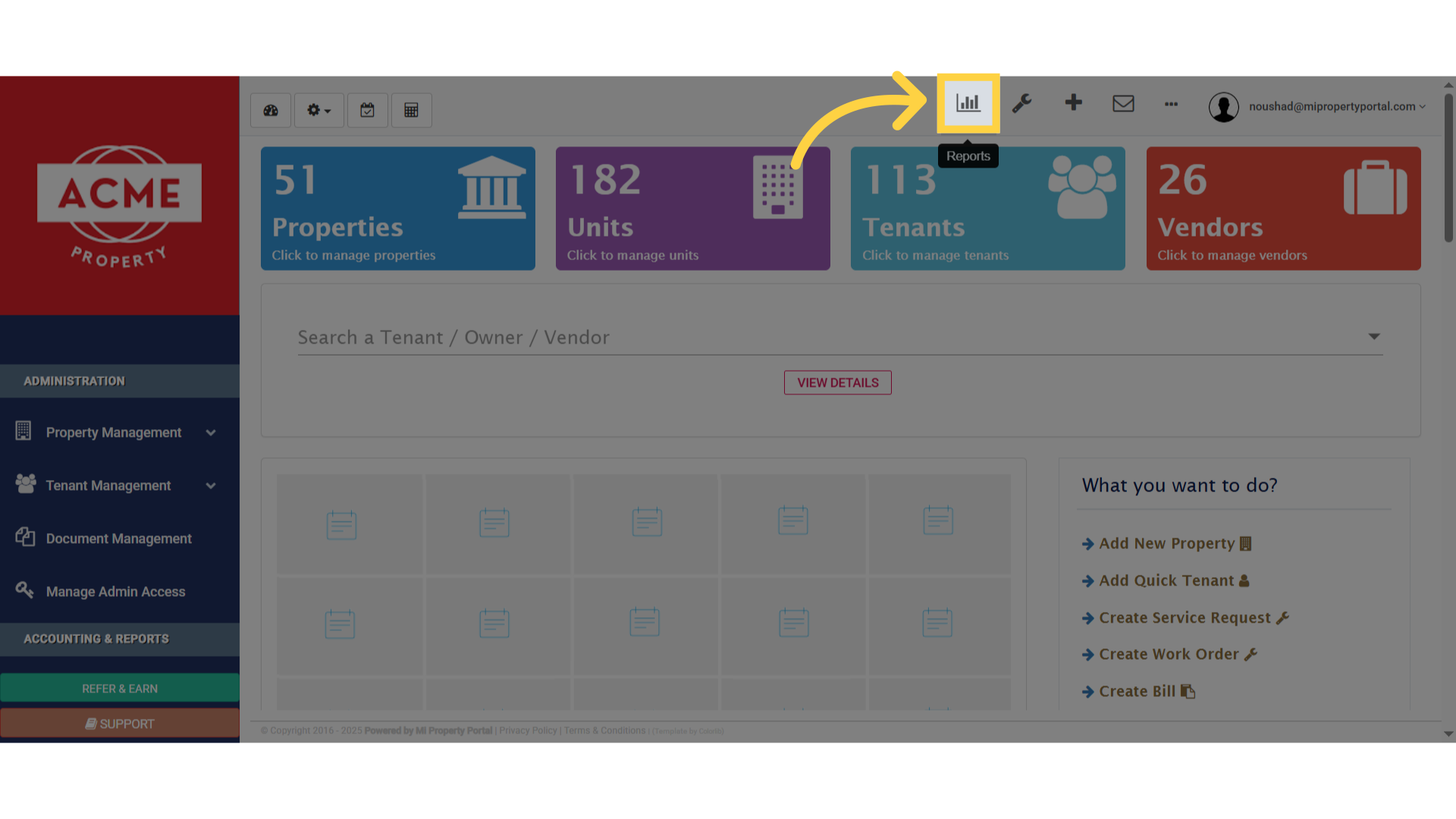
Click here

2. Then under the Financial tab, go ahead and select Sales Tax Report
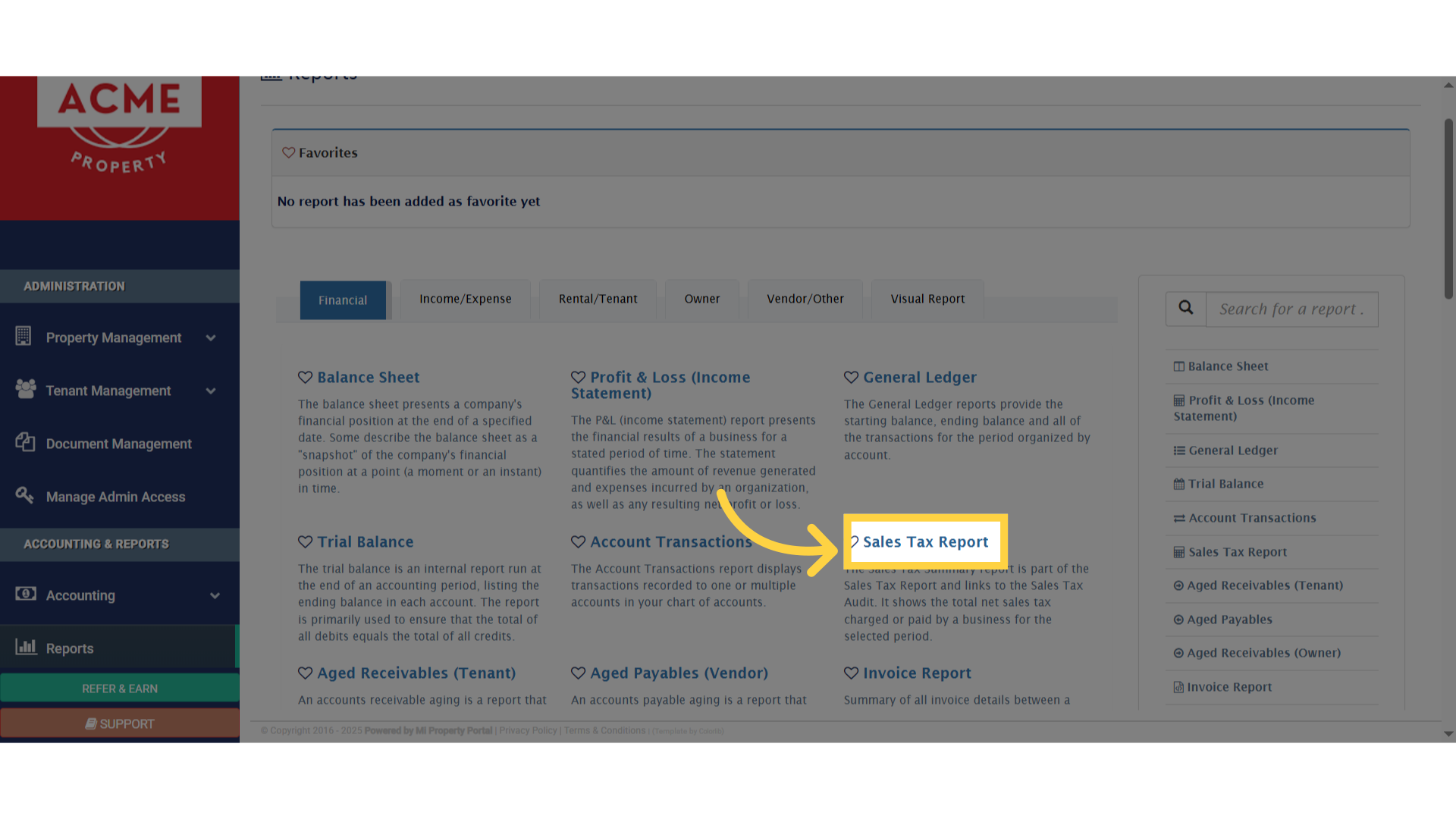
Click 'Sales Tax Report'

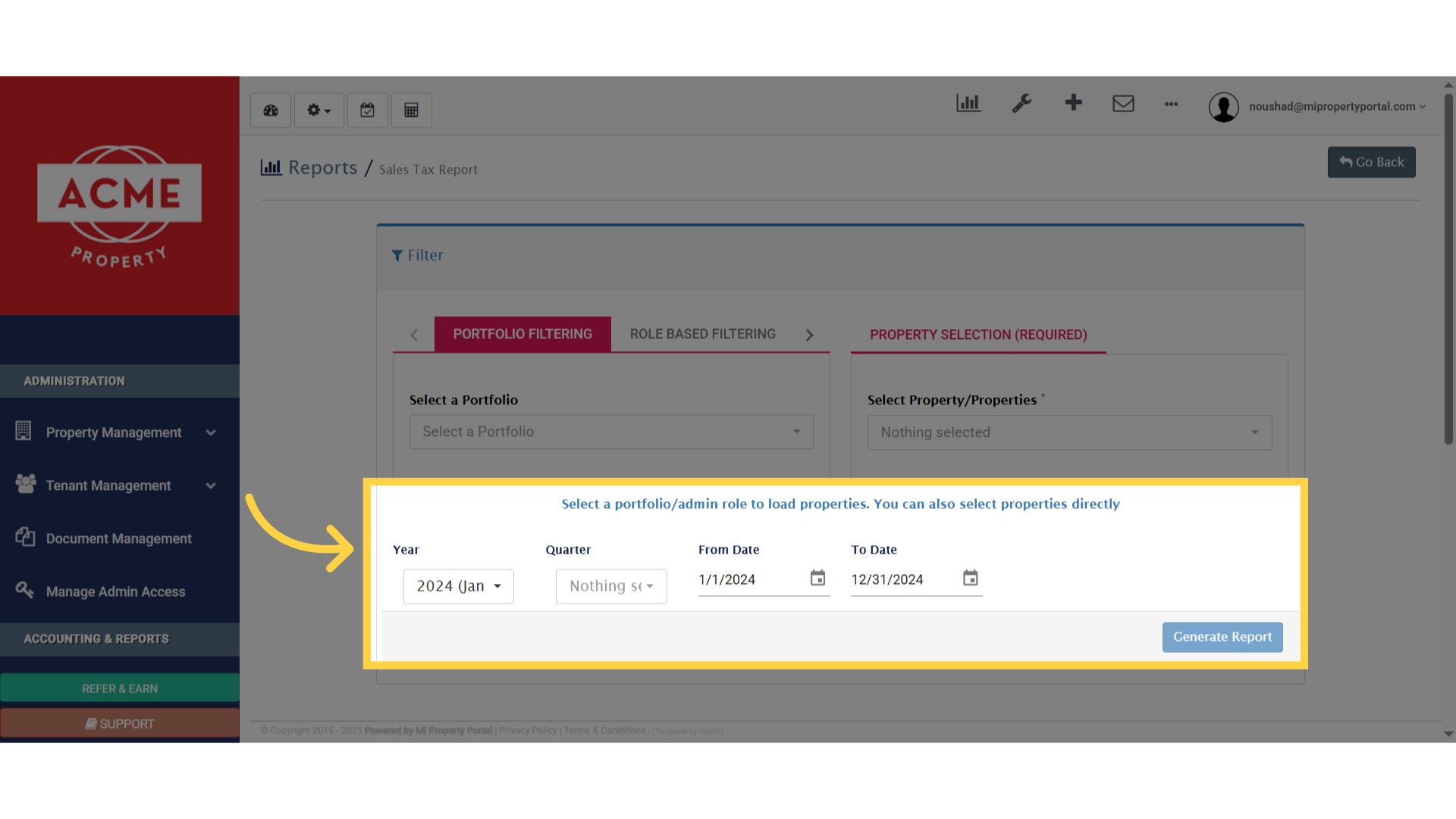
3. Now, here’s a new improvement you’ll notice on the report generation page, there’s a new tab called Property Selection
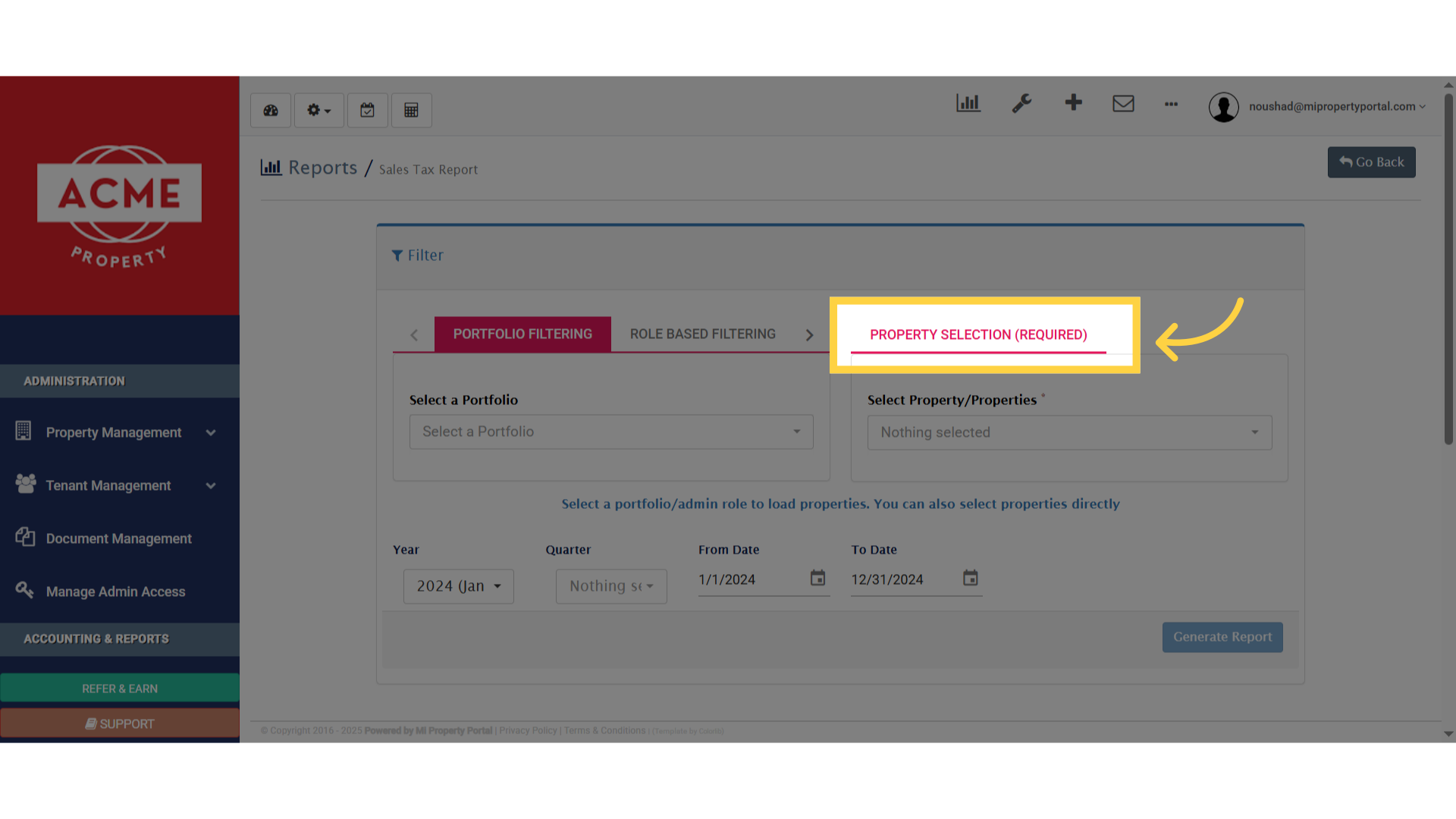
Click 'Property Selection (required)'

4. You can now choose to select all properties, just one, or even multiple—whatever works best for your report
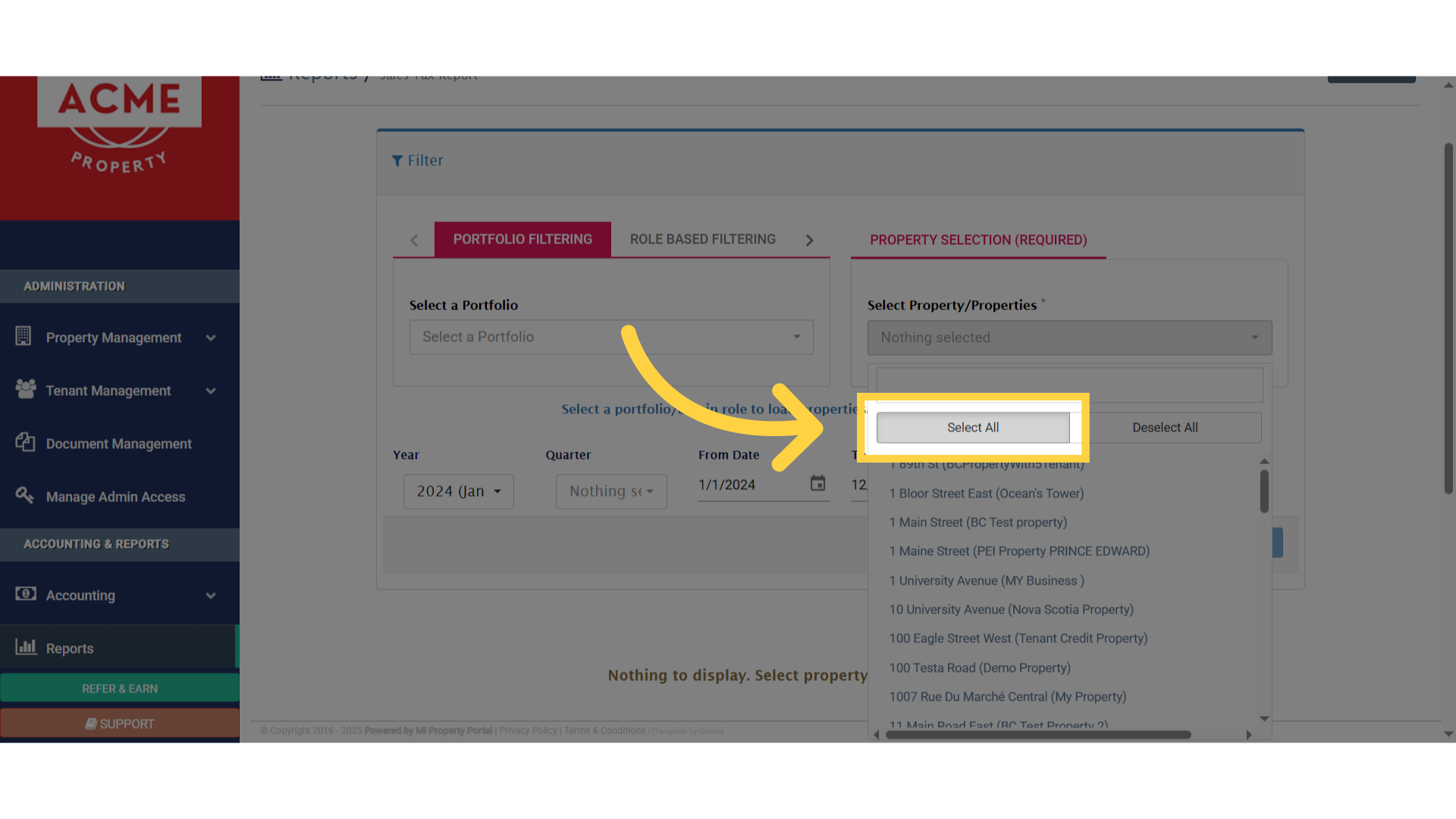
Click 'Select All'

5. Go ahead and choose the year, quarter, or set a custom from/to date
Click 'Property Selection (required)'

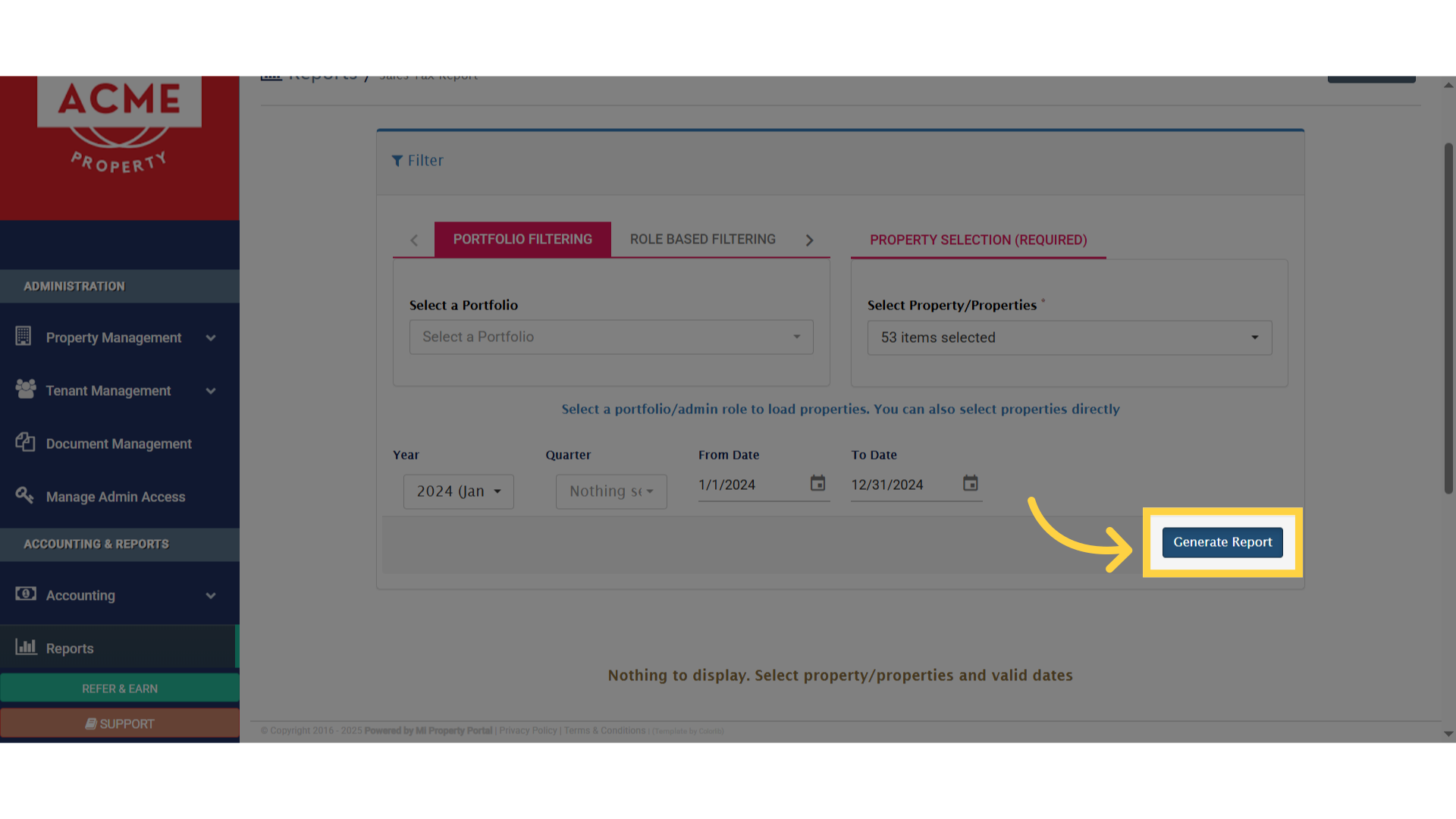
6. Once everything’s set, just click on Generate Report to view the results
Click 'Generate Report'

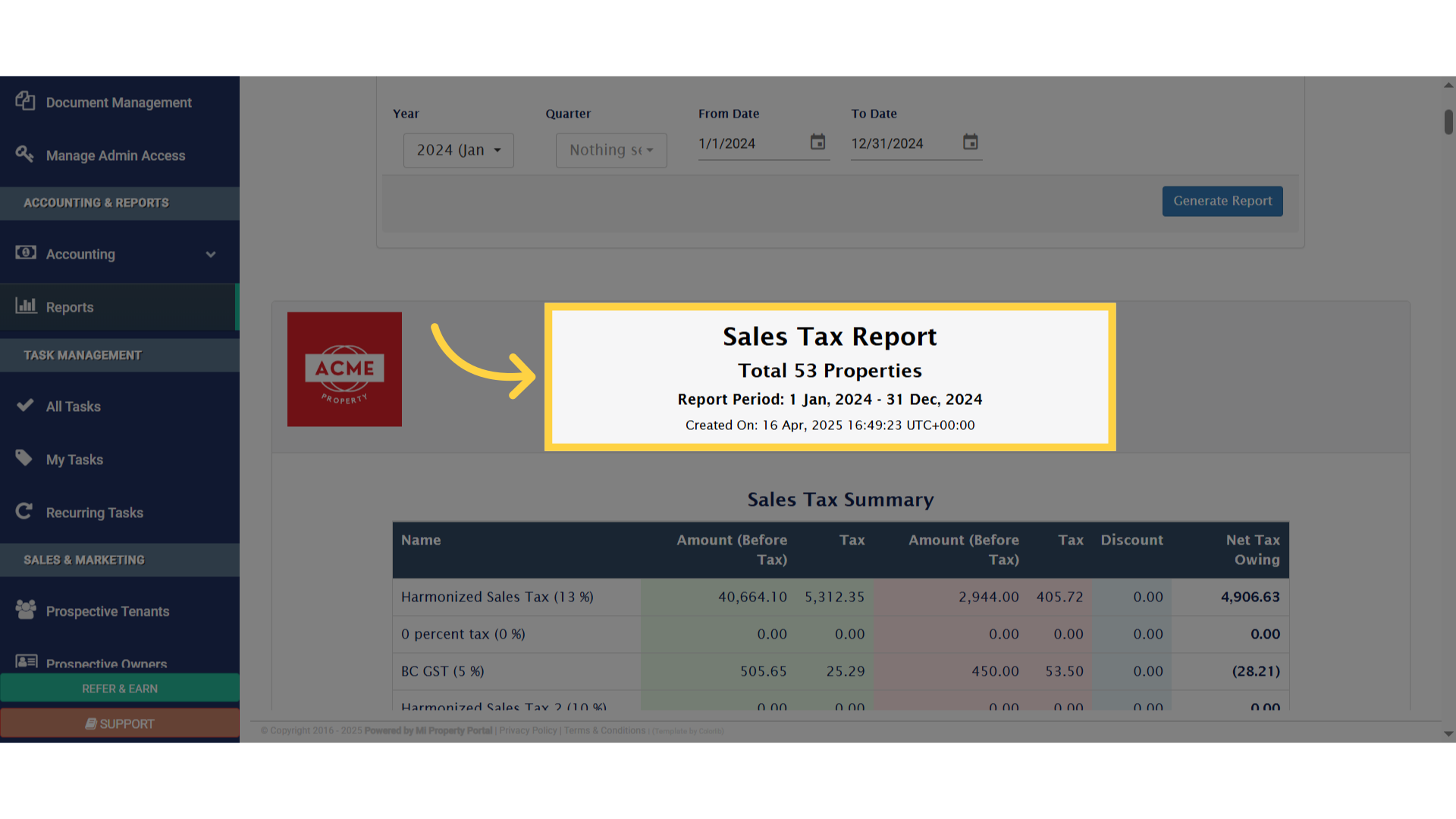
7. Now, take a look at the generated Sales Tax Report
fv

Tags:New Improvement of Sales Tax Report

Was this helpful?

Yes  No
Related Articles
  • How to Add Markup to Vendor Bills
  • How to Configure Bill Settings for a Property
  • How to Configure Invoice Settings for a Property
  • How to Adjust Invoice from Tenant Deposit?
  • How to pay the owner payout dues?
  • How to Share Reports with Owner

Didn't find your answer? Contact Us

Leave A Comment Cancel reply

You must be logged in to post a comment.

Popular Articles
  • New Feature – Enable All Property Permissions For Regular Admins
  • Can I log rental income for ‘Unpaid’ invoices for ‘Moved-out’ tenants?
  • How to Add Markup to Vendor Bills
  • How to Rent a Parking Spot in Mi Property Portal
  • How to View Bulk Payment History Report
KB Category
  • Service Request
  • Subscription
  • Bulk Data Upload
  • Owner Portal
  • MiPropertyPortal Admins Training Workshop
  • MiPropertyPortal New Features/Improvements Monthly Webinar
  • Task Management
  • Prospective Tenants
  • Setup
  • Vendor Management
  • Tenant Screening
  • Tenant Portal
  • Tenant Management
  • Accounting
  • Security Deposit
  • Reporting
  • Rental Tax
  • Rental Listing
  • Property Owner Related
  • Property
  • Other
  • Asset Management
  • Online Payment
  • Lease Management
  • General
  • Form Management

  Types of Invoices (Overview)

New Improvement of Account Transaction Report  

MiPP
MiProperty Portal is Canadian-made for
Canadian landlords and property managers.
COMPANY
  • About Us
  • Why MiPP?
  • Features
SUPPORT
  • Knowledge Base
  • Get Email Help
SOCIAL
  • Linkedin
  • Facebook
  • Twitter
  • Privacy Policy
  • Terms of Use
  • © 2025 mipropertyportal.com. All Rights Reserved.