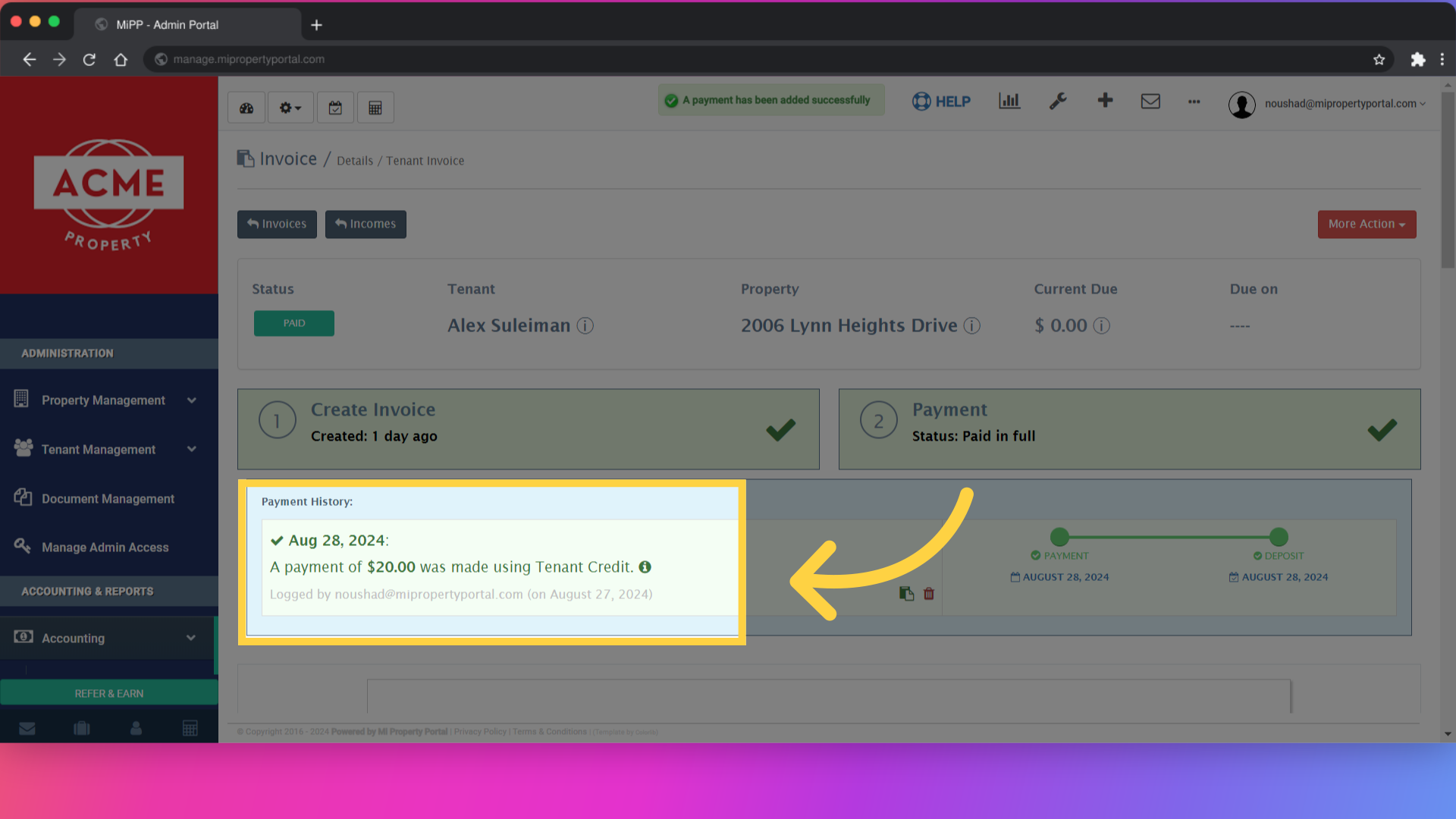
How to Adjust Tenant Invoice with Tenant Credit?
59 views 0 August 28, 2024 mippsupportadmin
How to Adjust Tenant Invoice with Tenant Credit?
1. Click “Tenant Management”
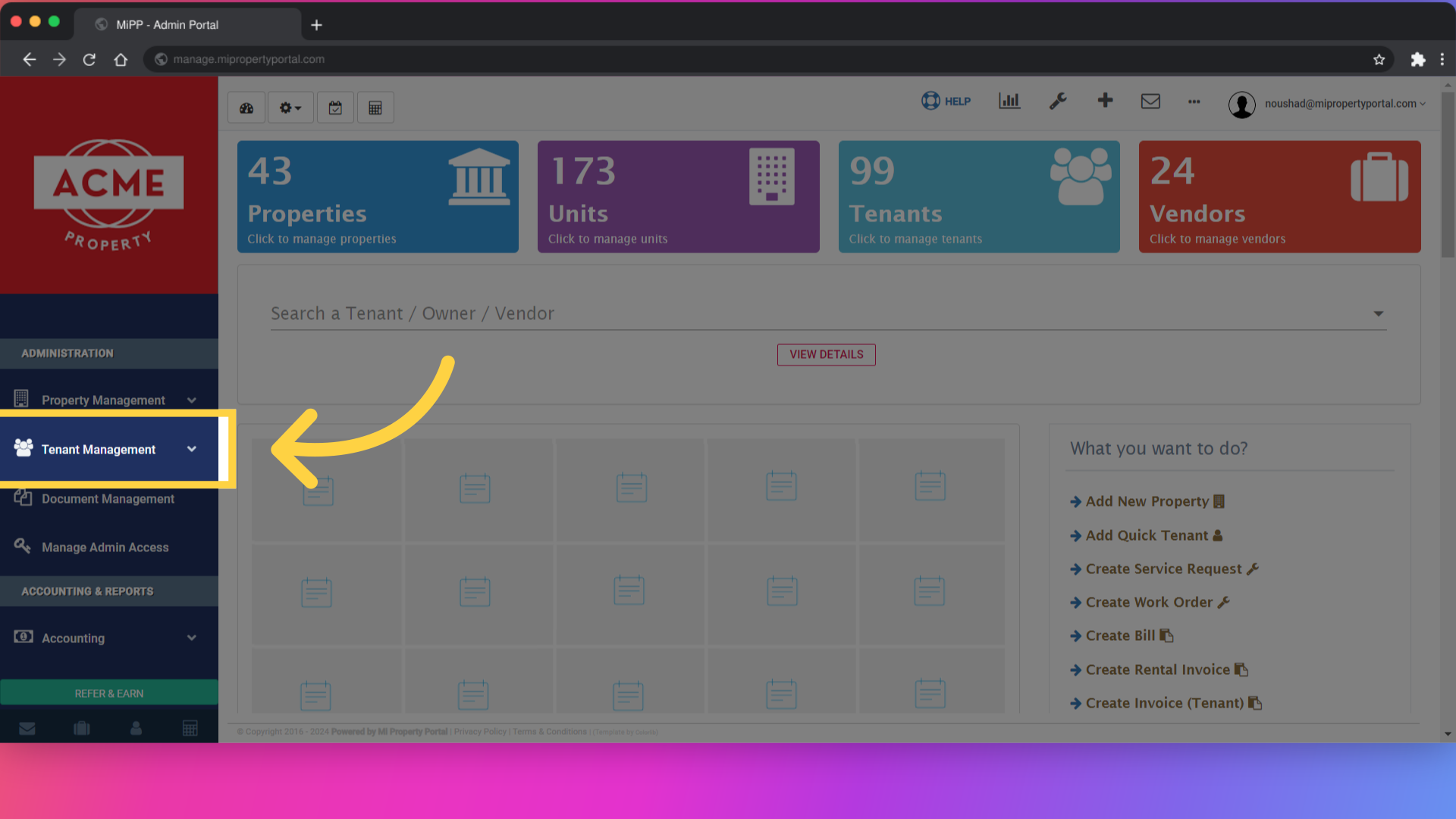
2. Click “Tenant”
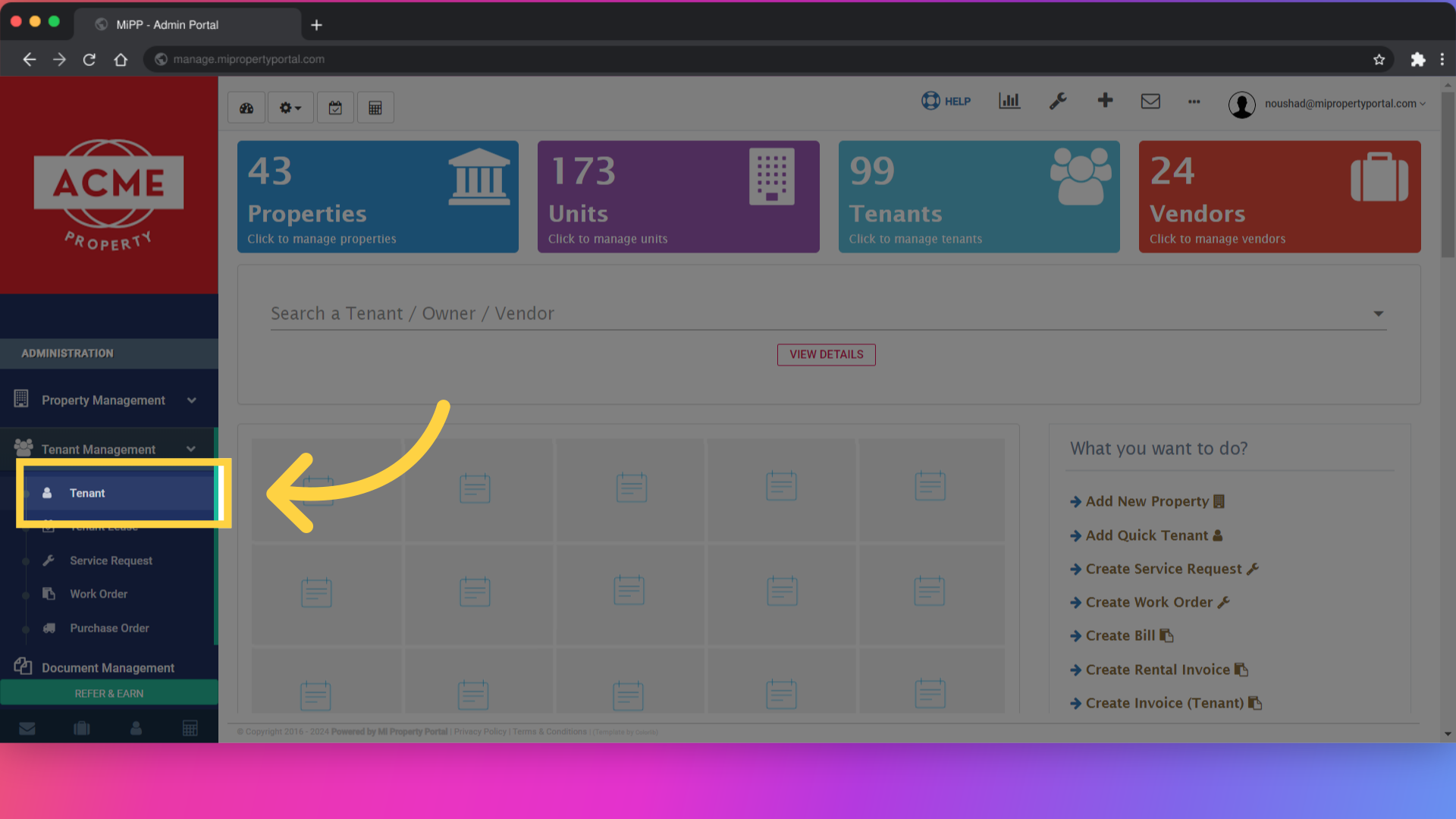
3. Click on a tenant name
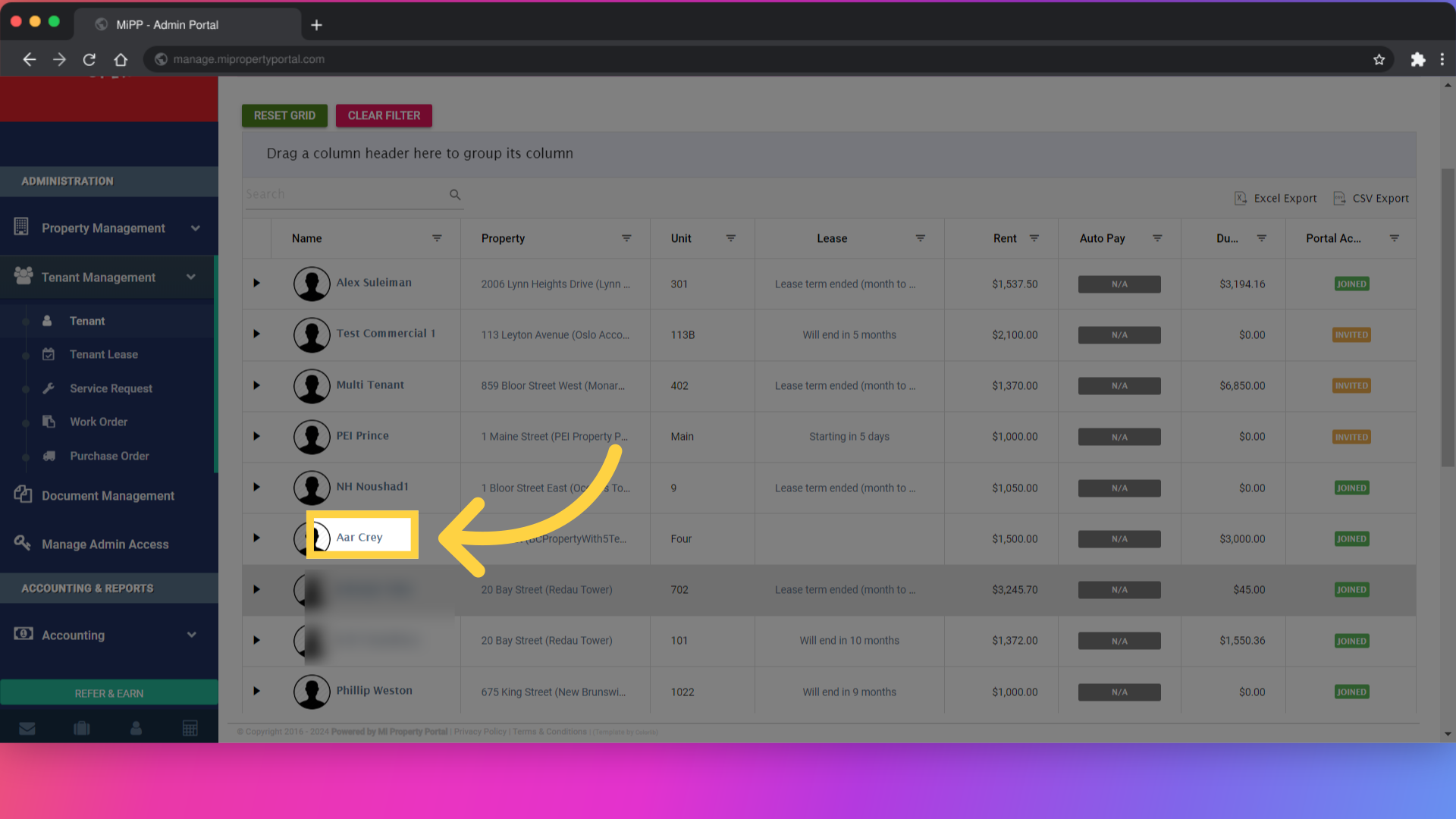
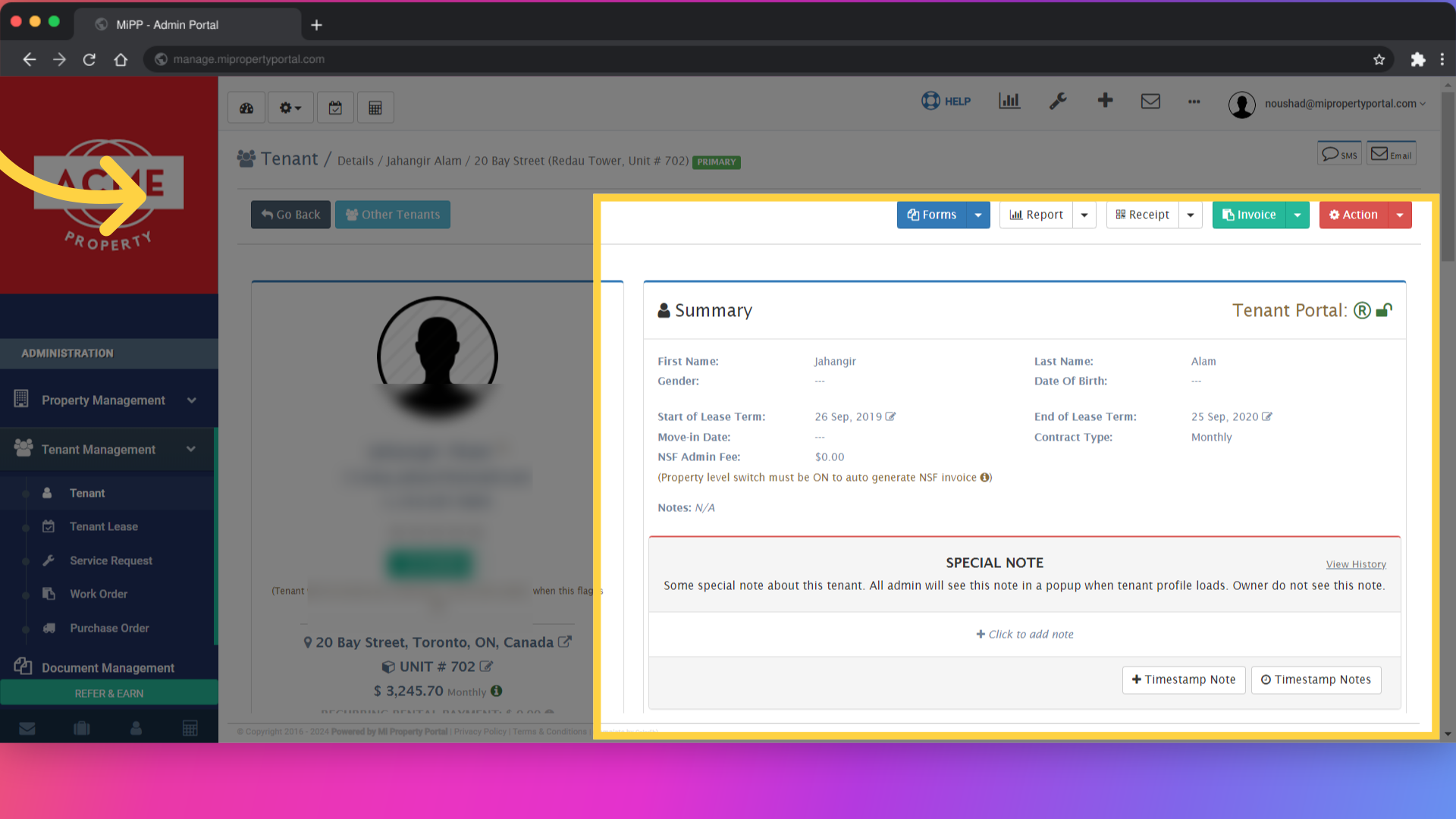
4. Click “Action
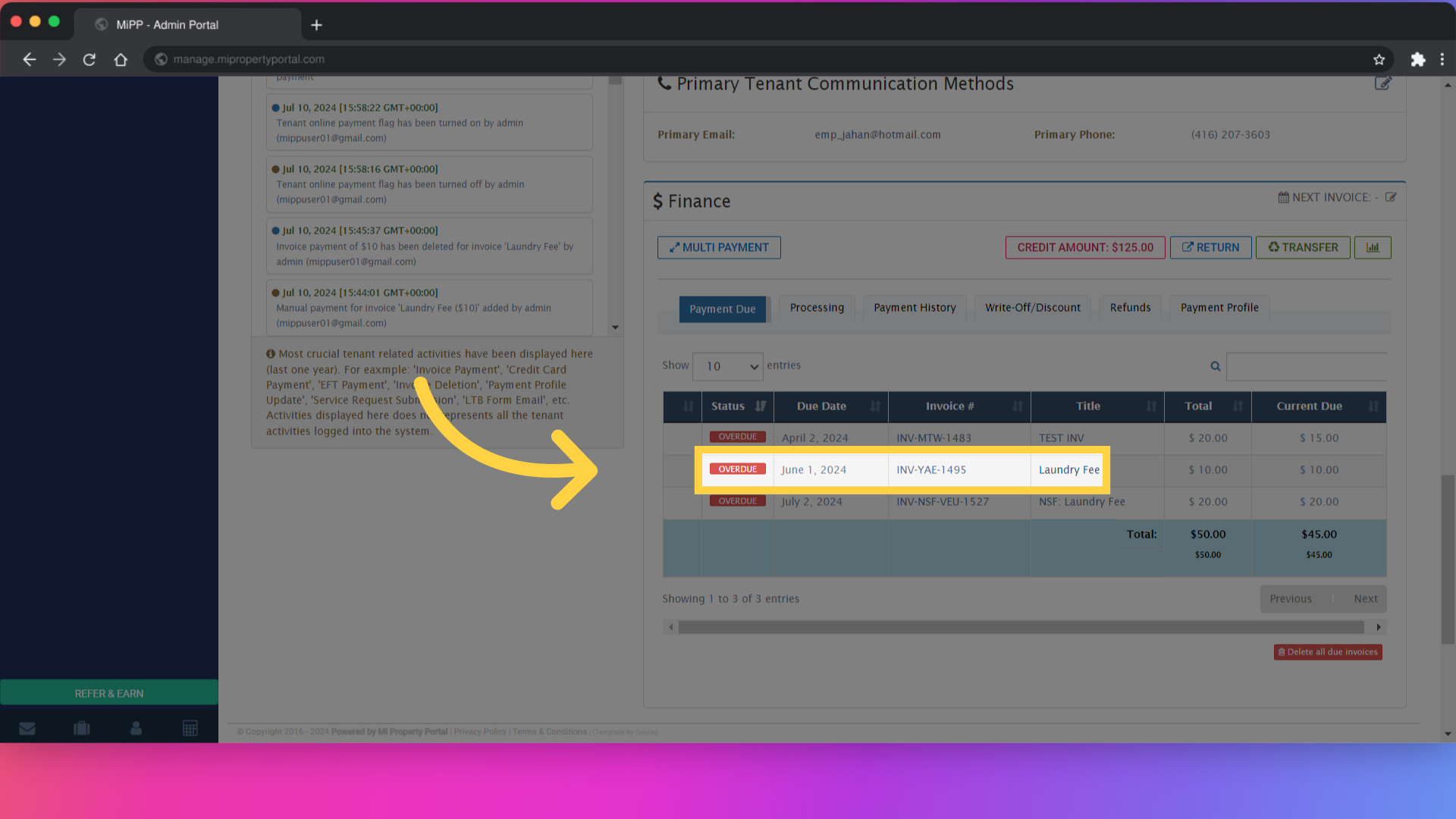
5. Click “Laundry Fee”
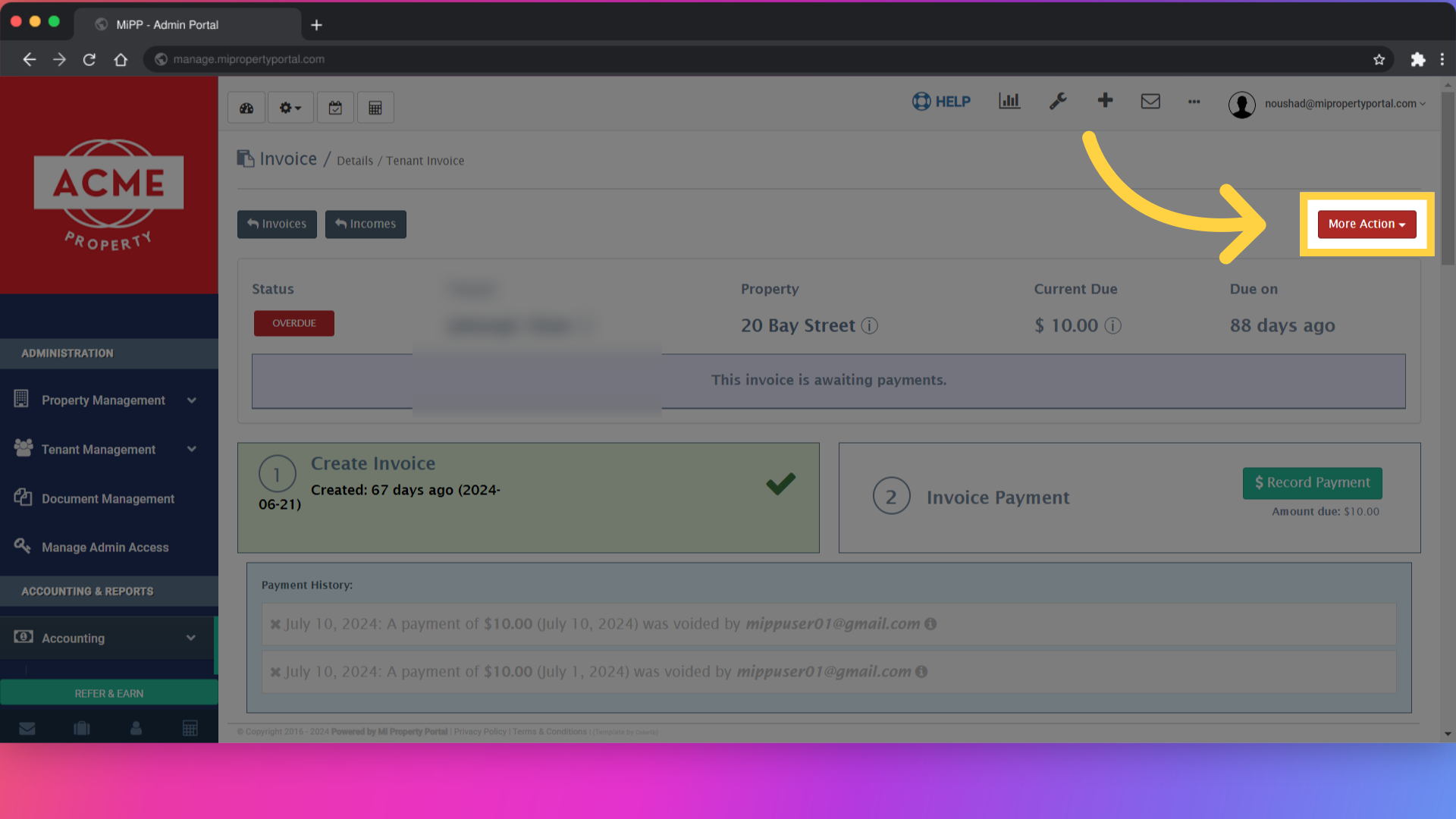
6. Click “More Action”
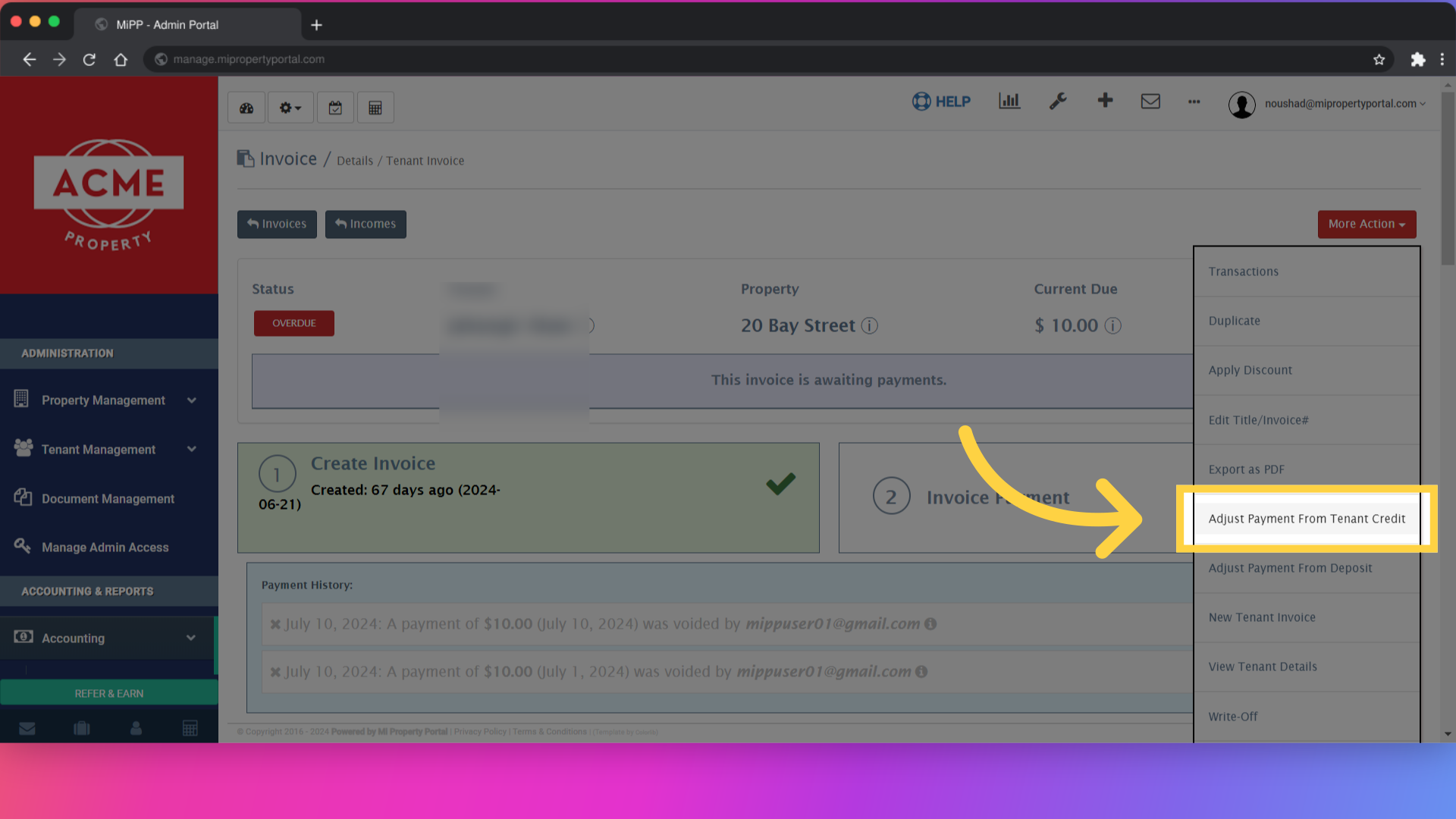
7. Click “Adjust Payment From Tenant Credit”
8. Click “Cancel Record Payment”
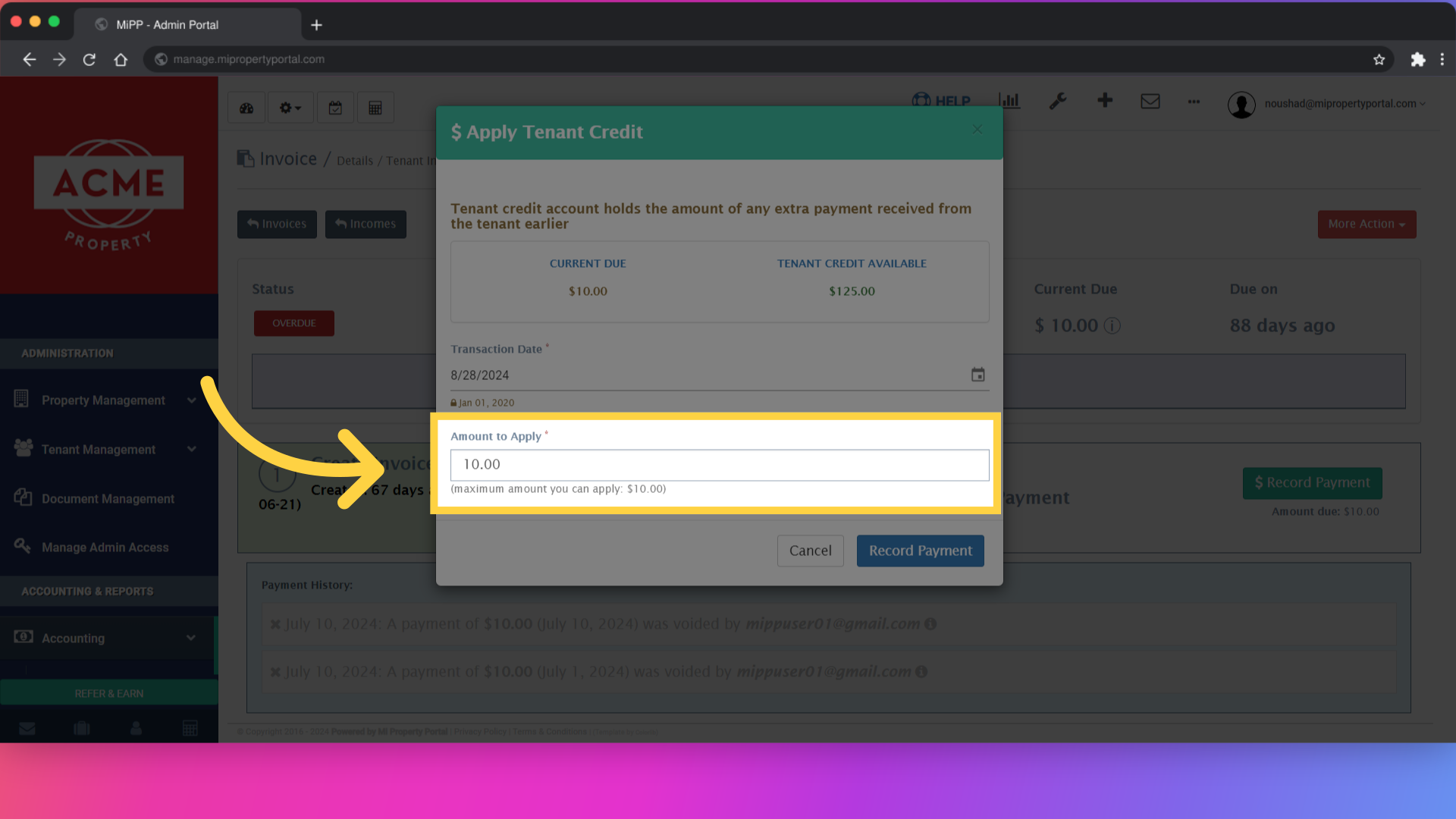
9. Click “Record Payment”
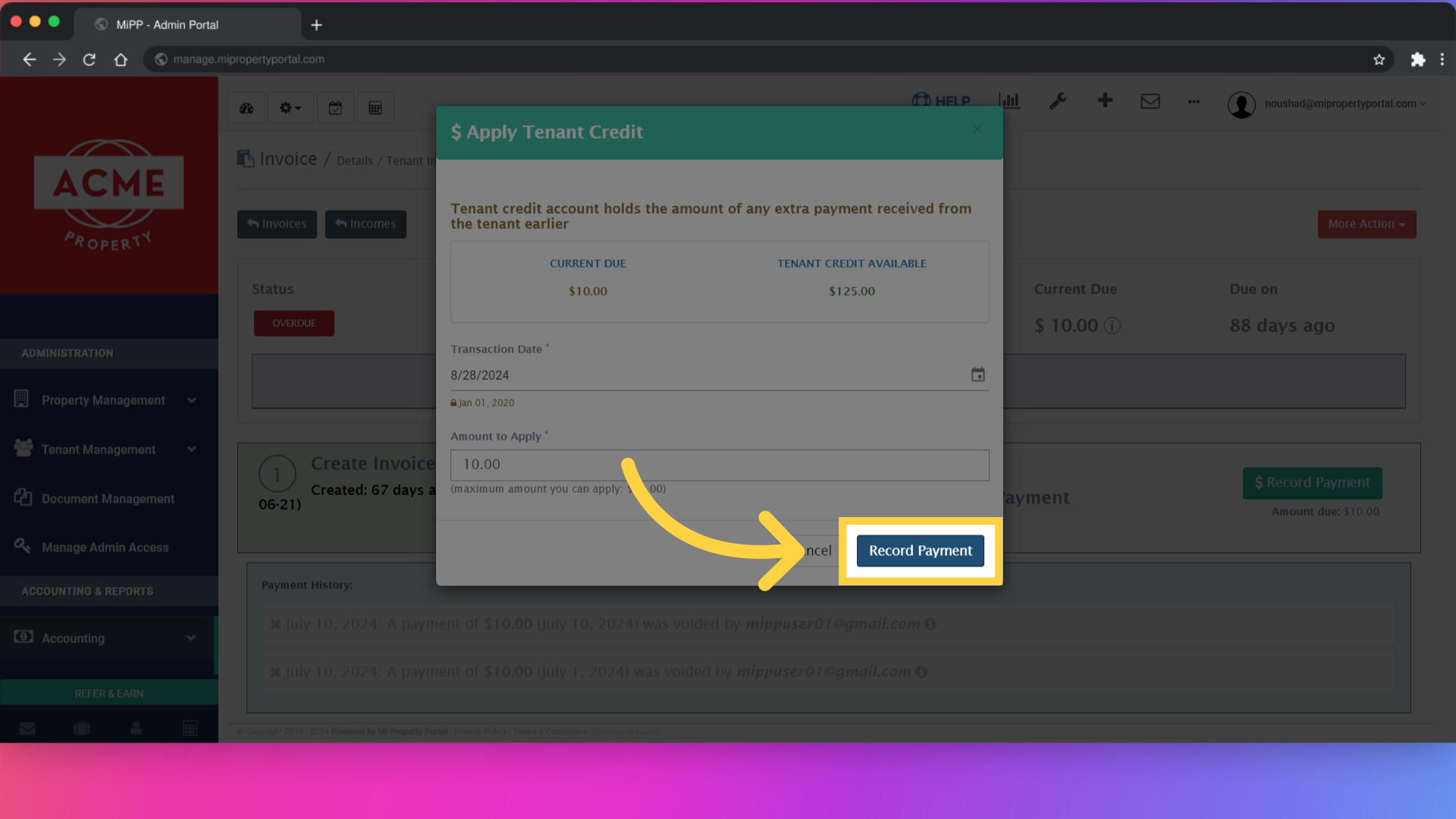
10. Click “Invoices Incomes”
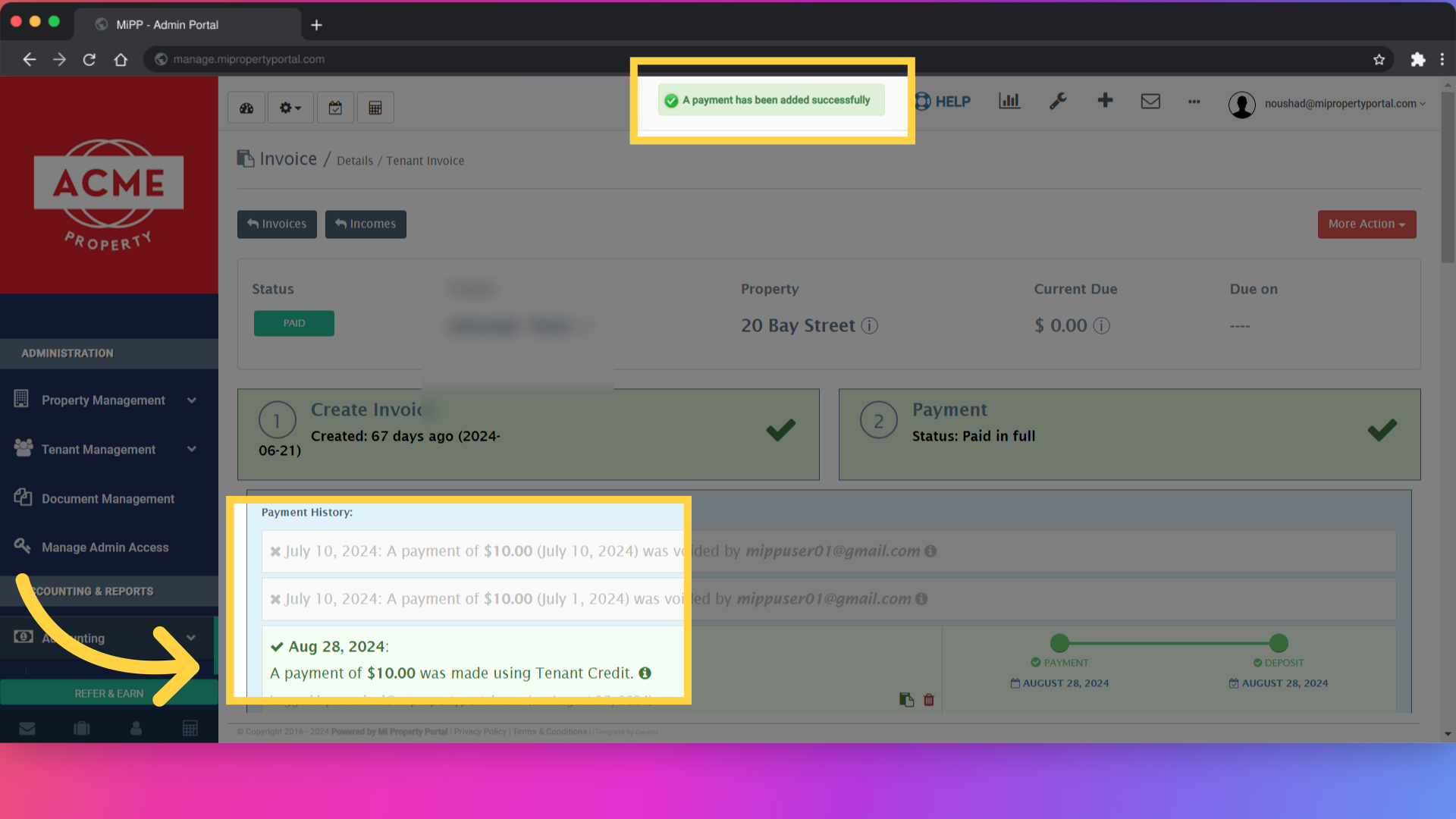
11. Click “Accounting”
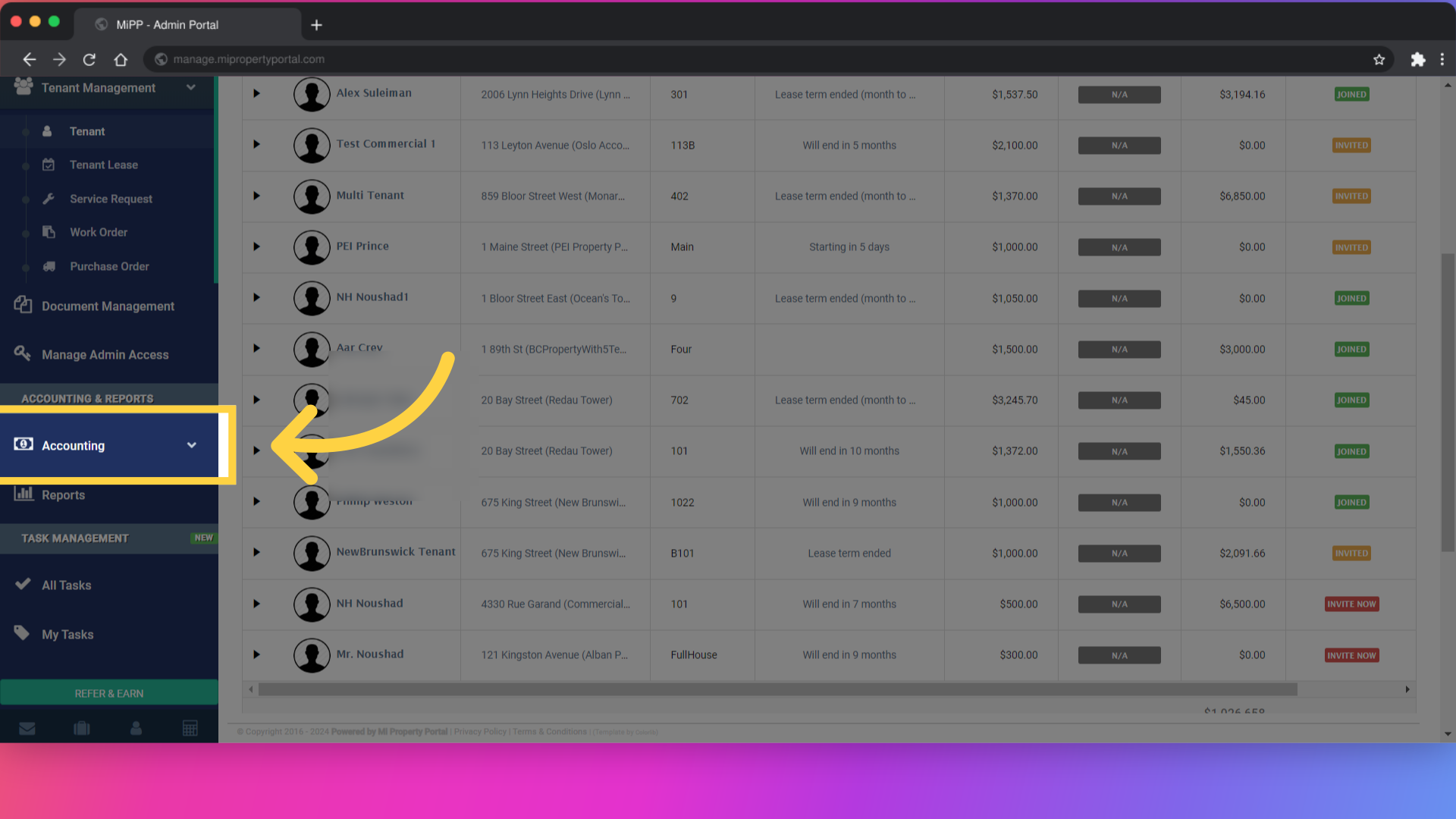
12. Click “Invoice”

13. Click here
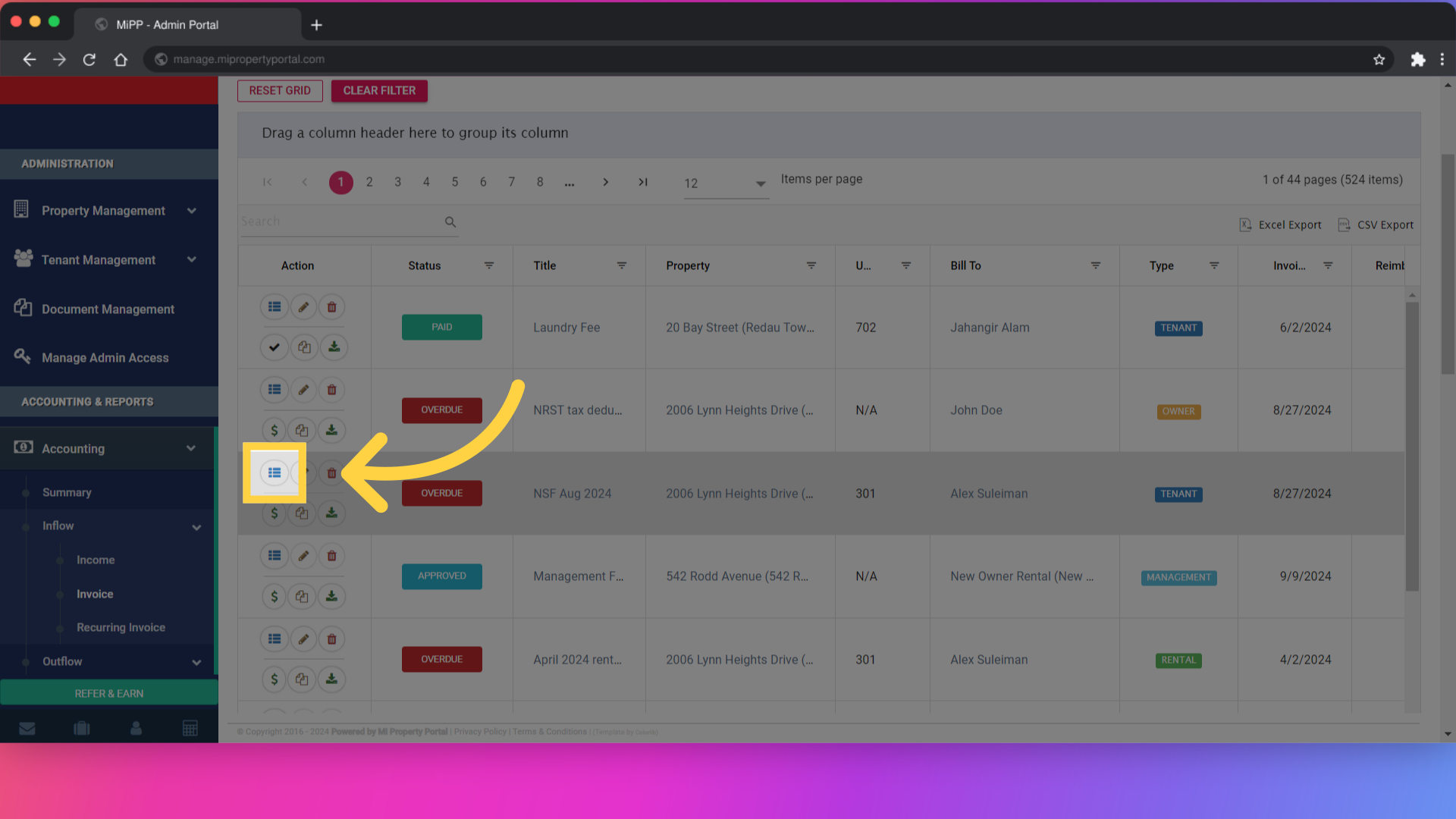
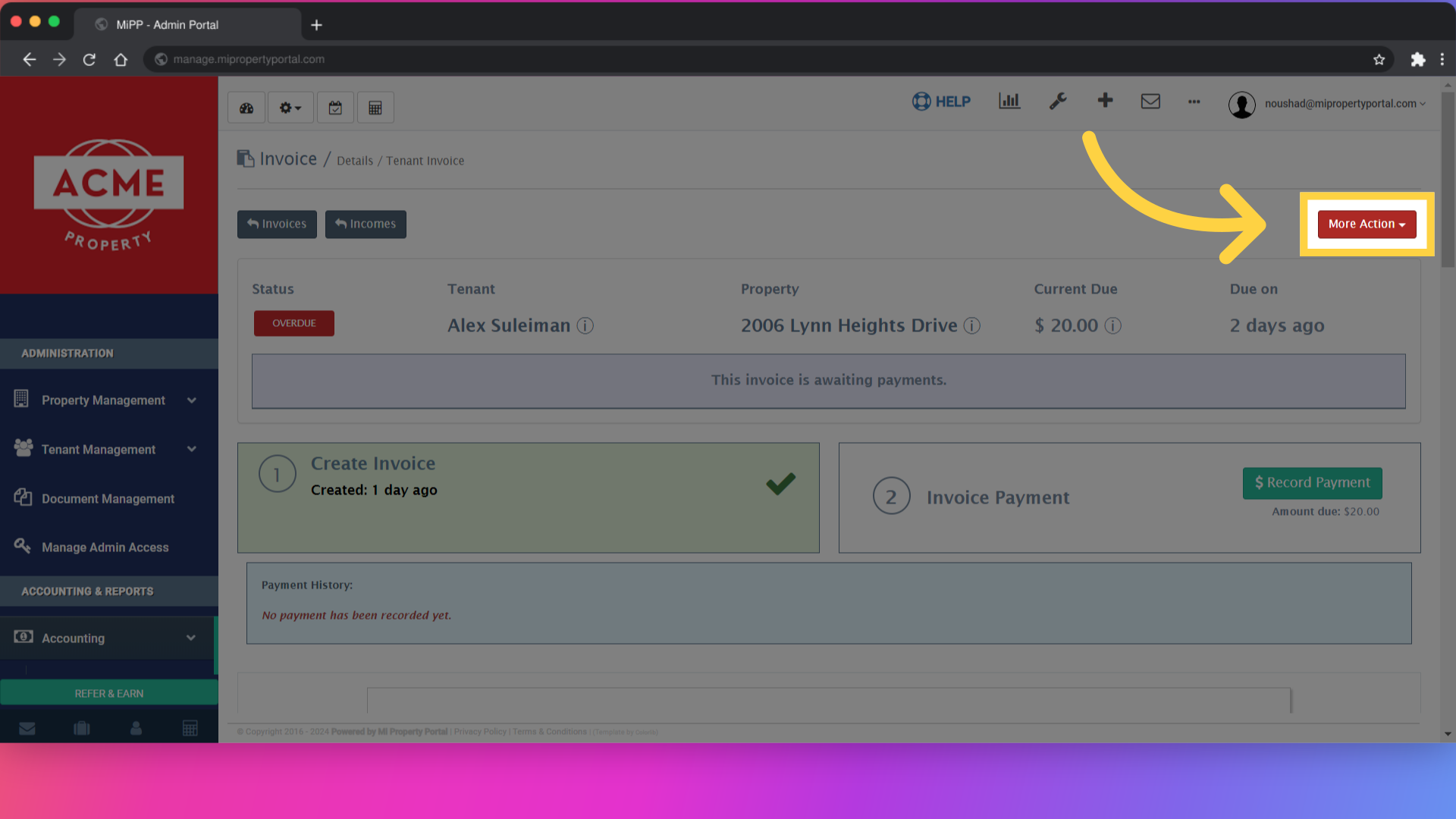
14. Click “More Action”
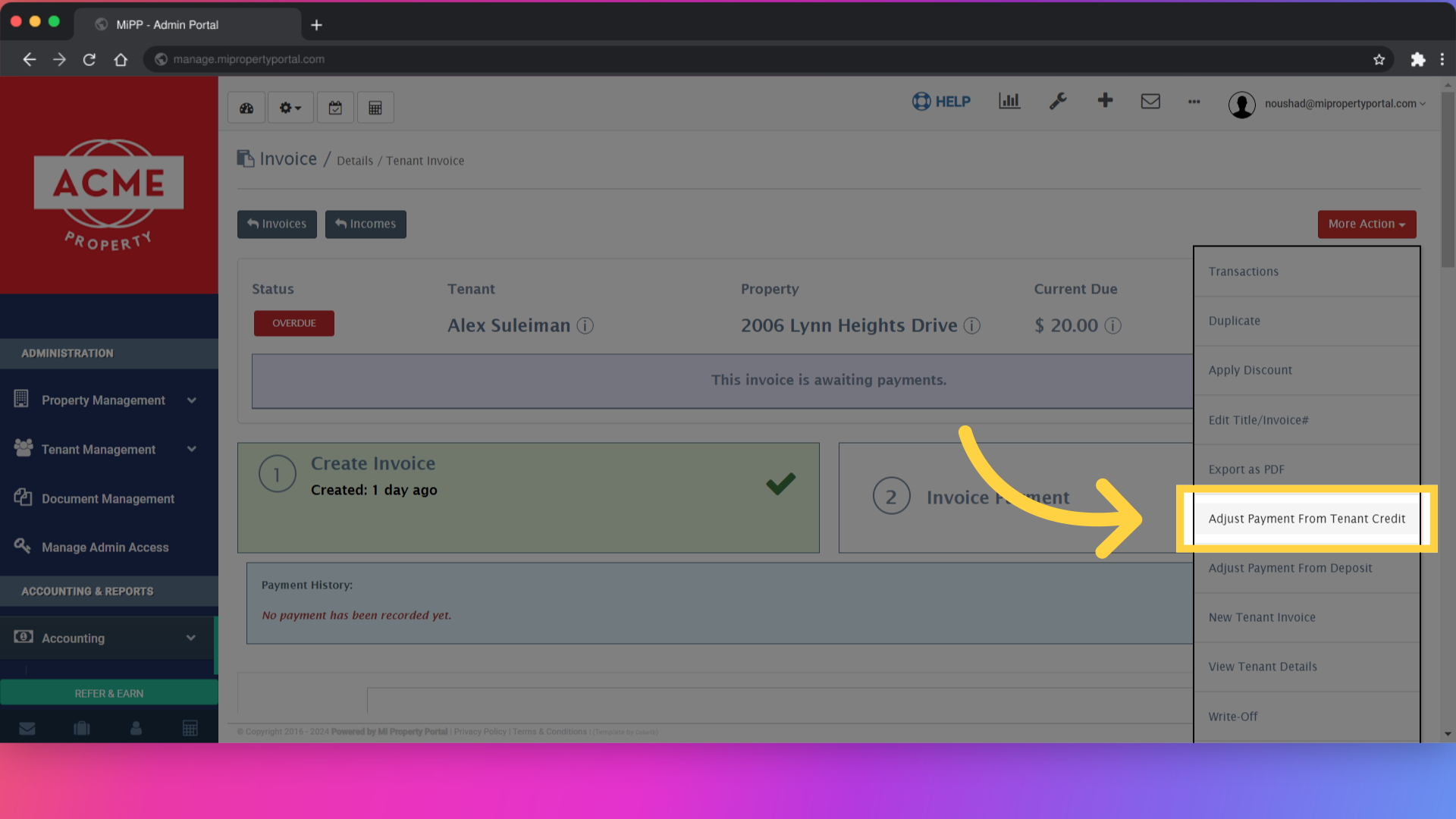
15. Click “Adjust Payment From Tenant Credit”
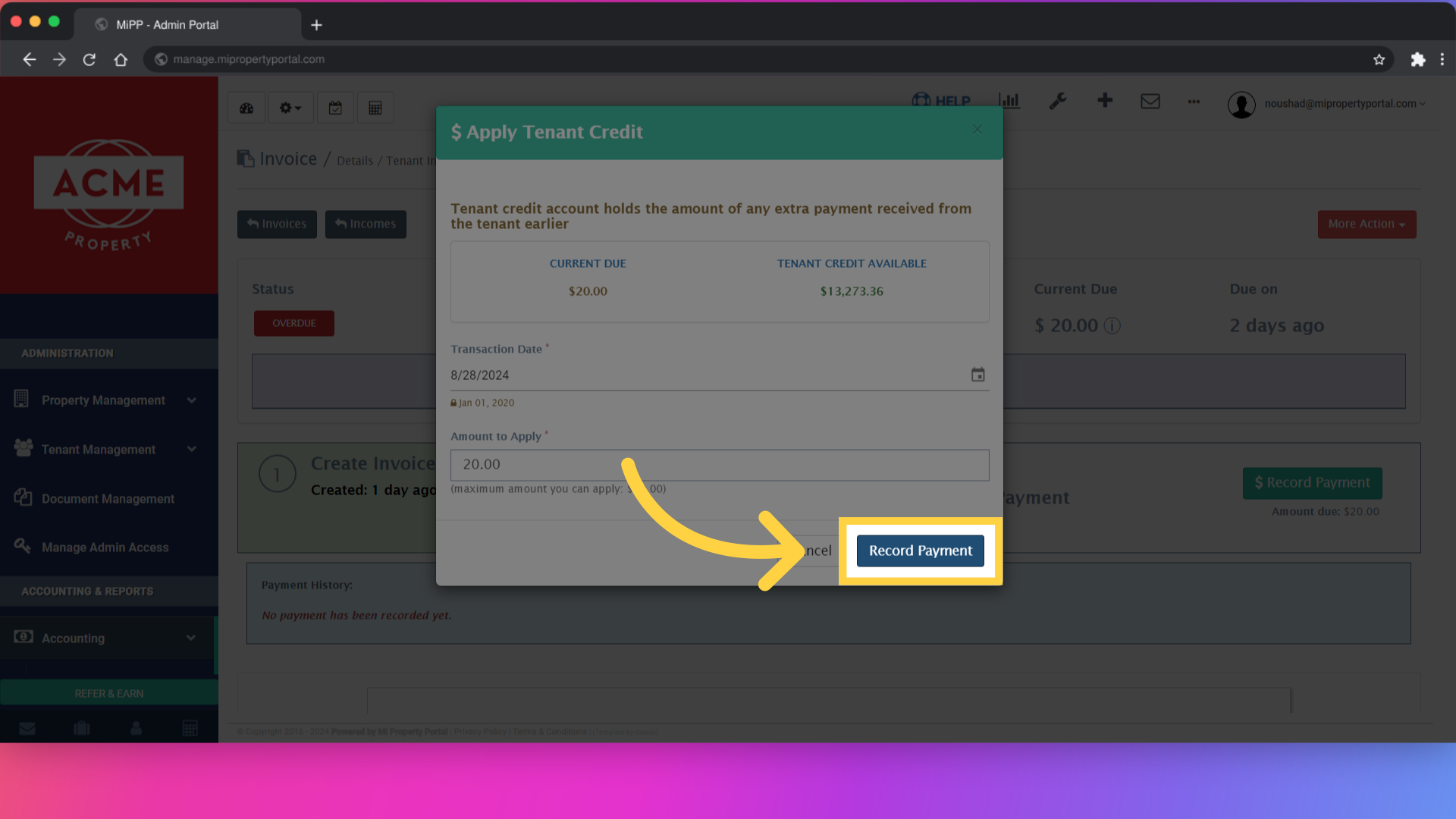
16. Click “Cancel Record Payment”
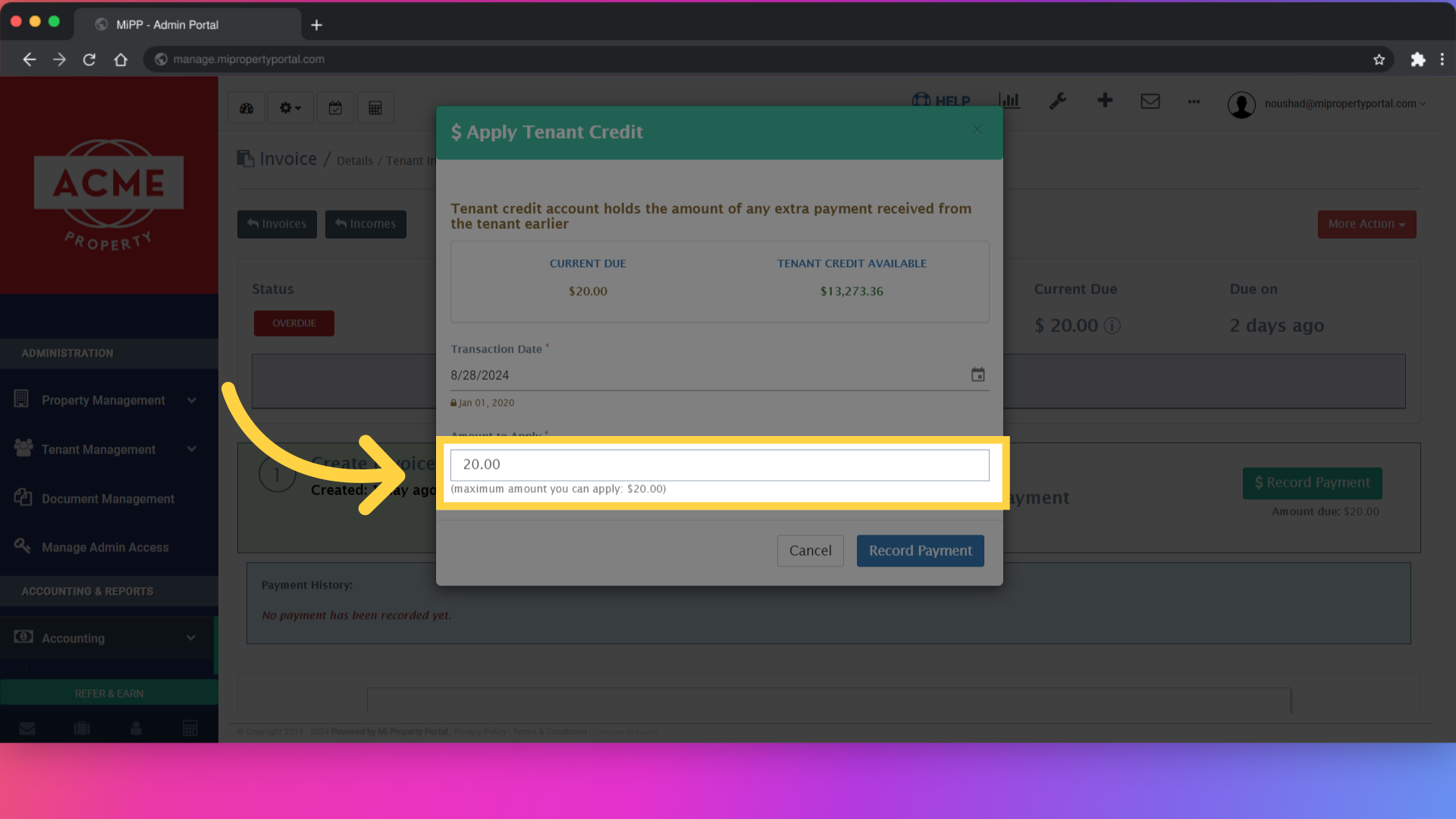
17. Click “Record Payment”
18. Click “PAID”