How to Configure CAM Calculation for a Property
100 views 0 February 7, 2023 Updated on August 29, 2025 mippsupportadmin
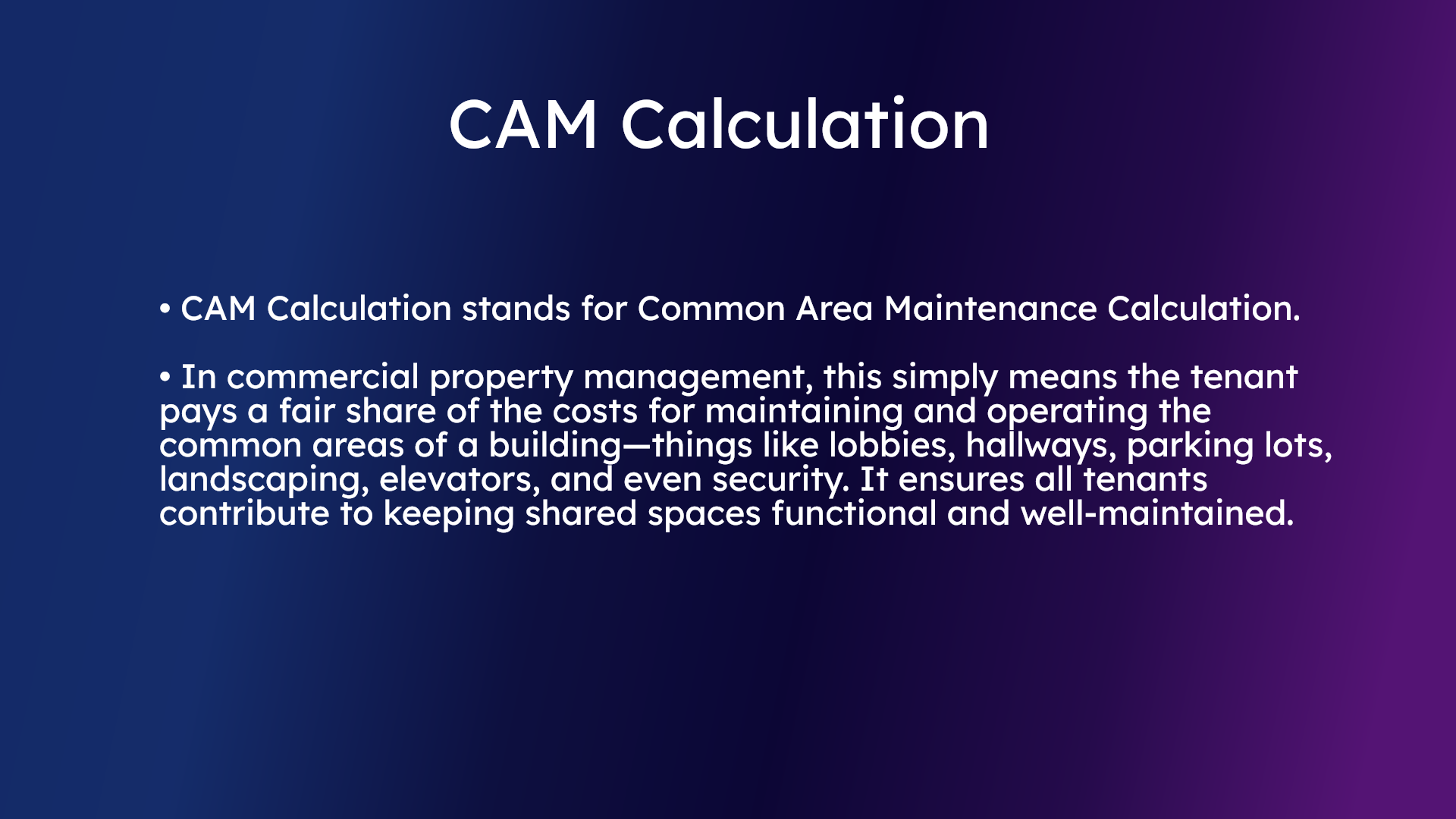
1. CAM Calculation
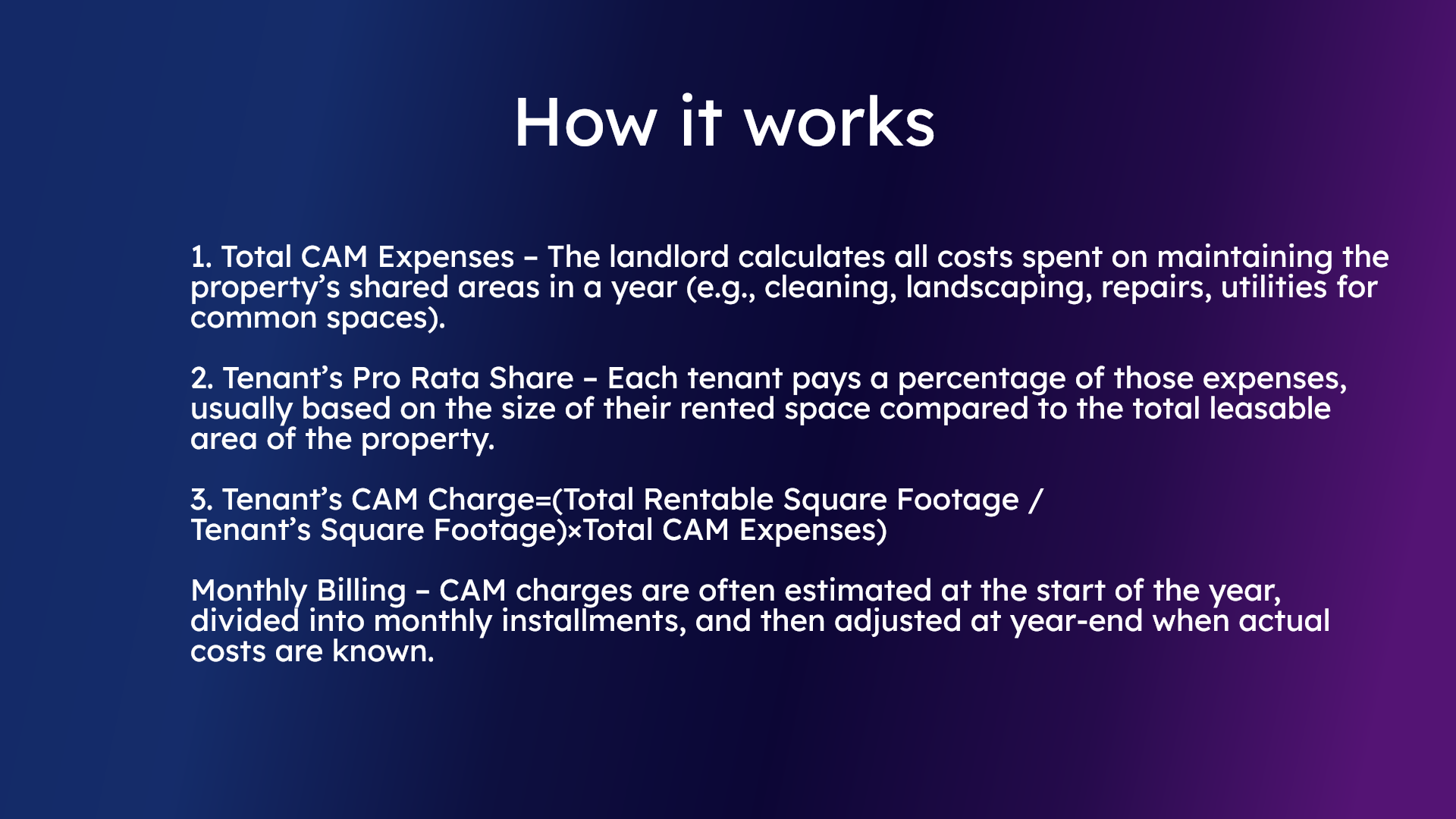
2. How it works
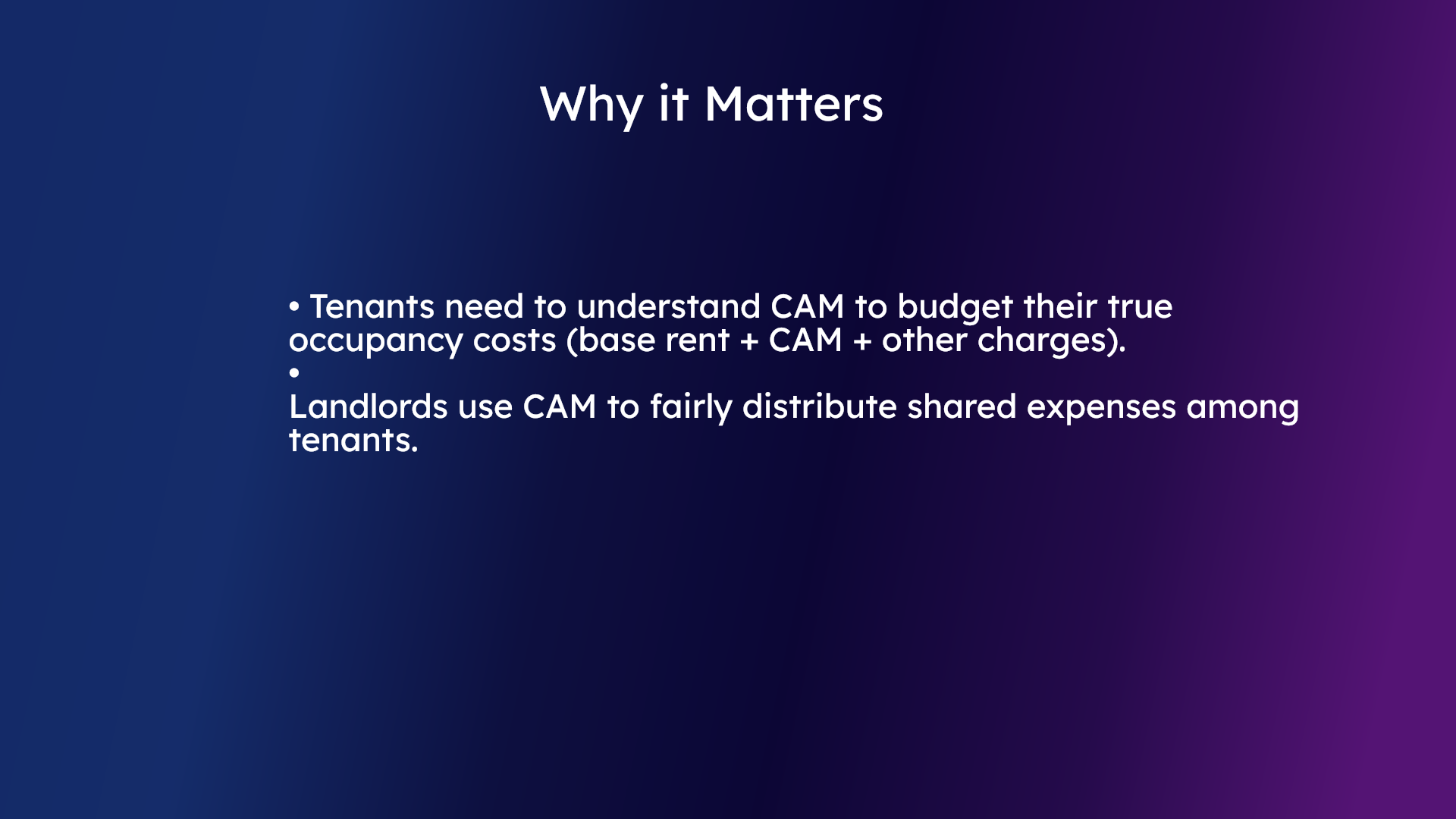
3. Why it matters
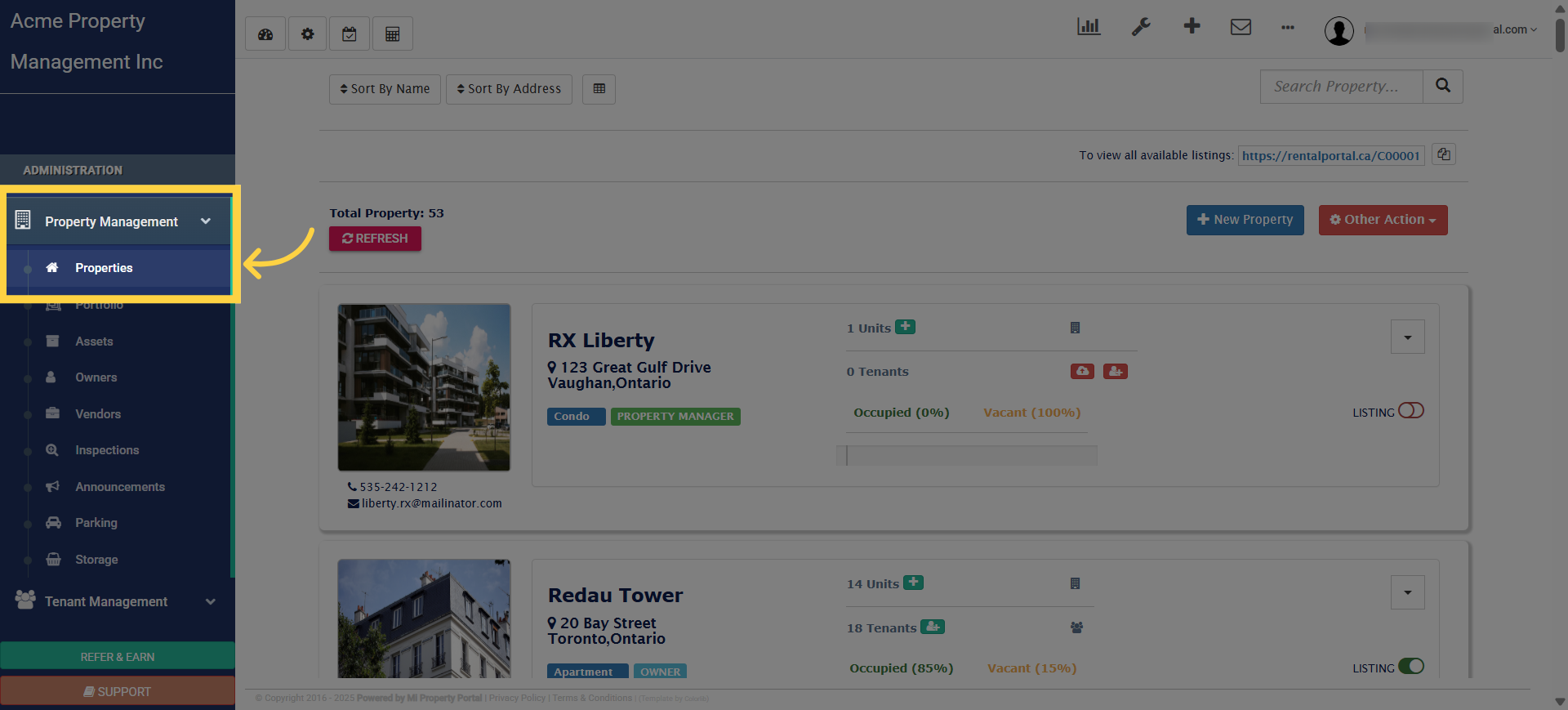
4. There are two ways to configure CAM settings. The first way is to click on the Property Management dropdown and select Property
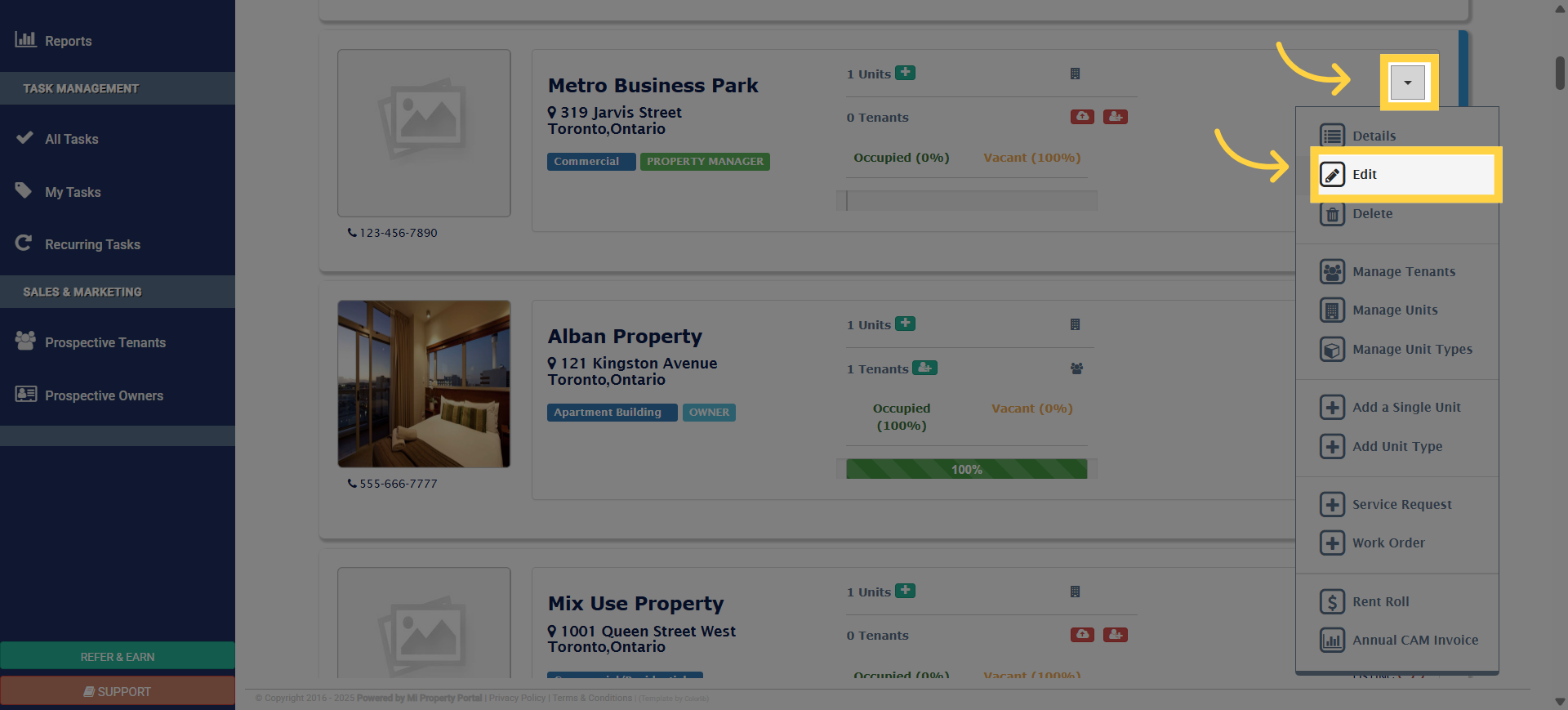
5. Select a commercial property, then open the dropdown and click ‘Edit
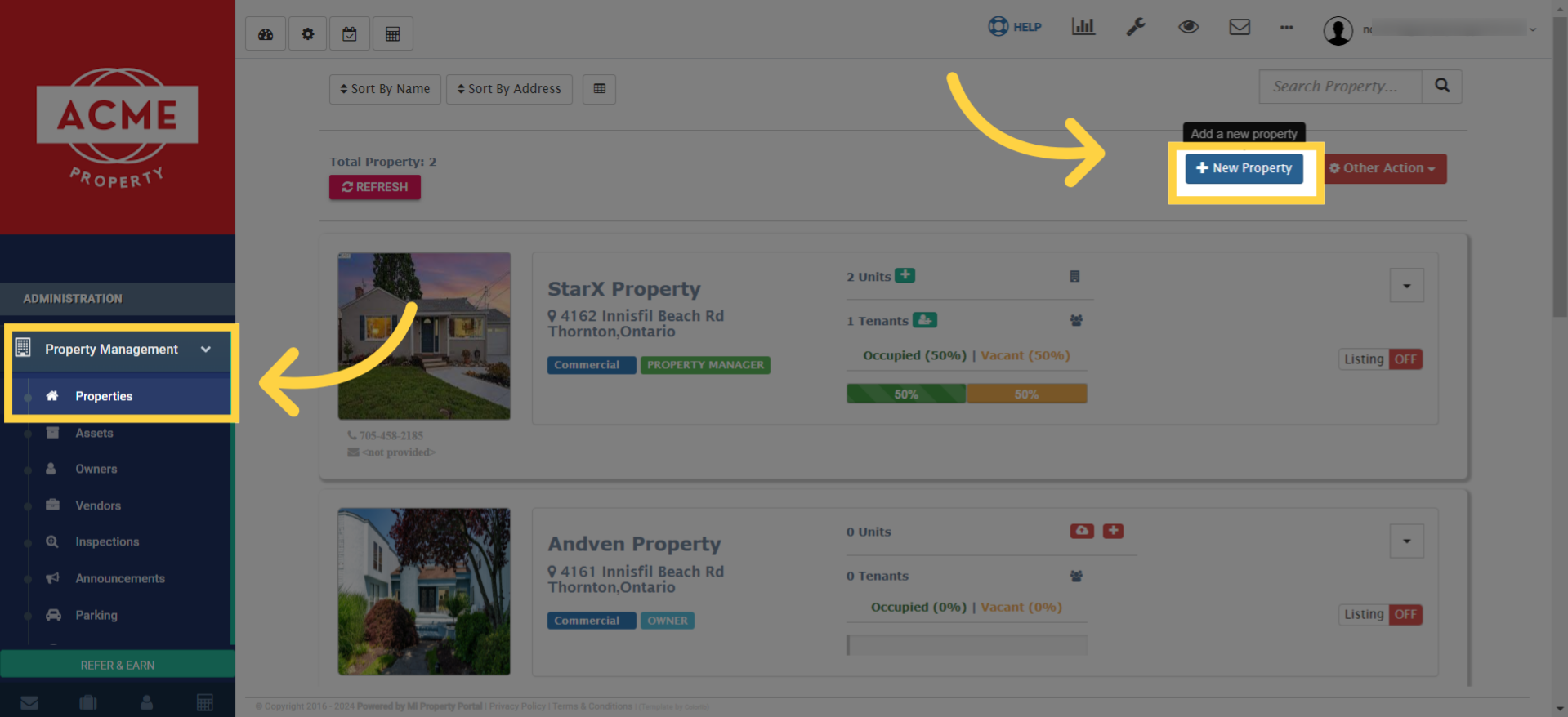
6. The another way is to create a new commercial property. To start creating a property, go to the properties list. and click New Property
7. Click “Commercial/Residential”
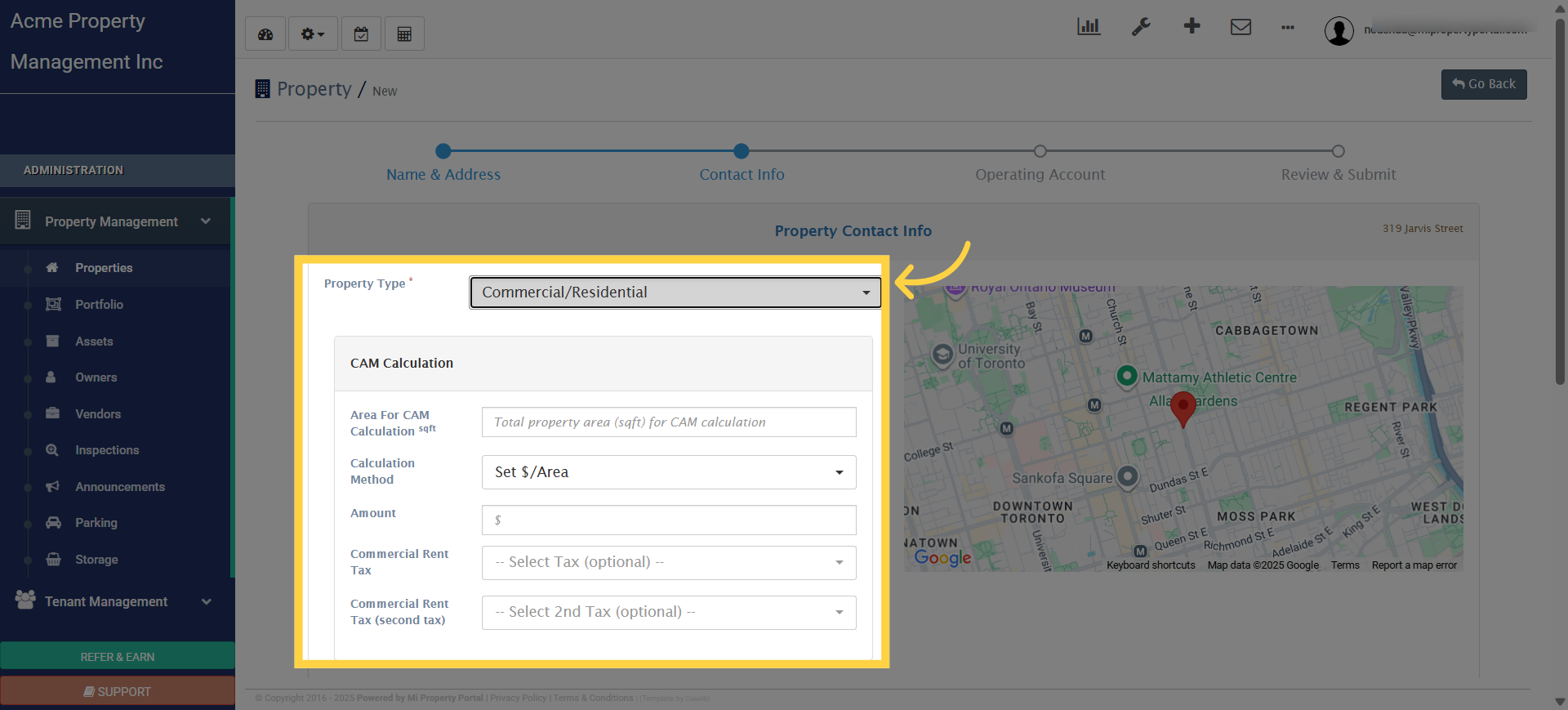
8. Click “Commercial/Residential”
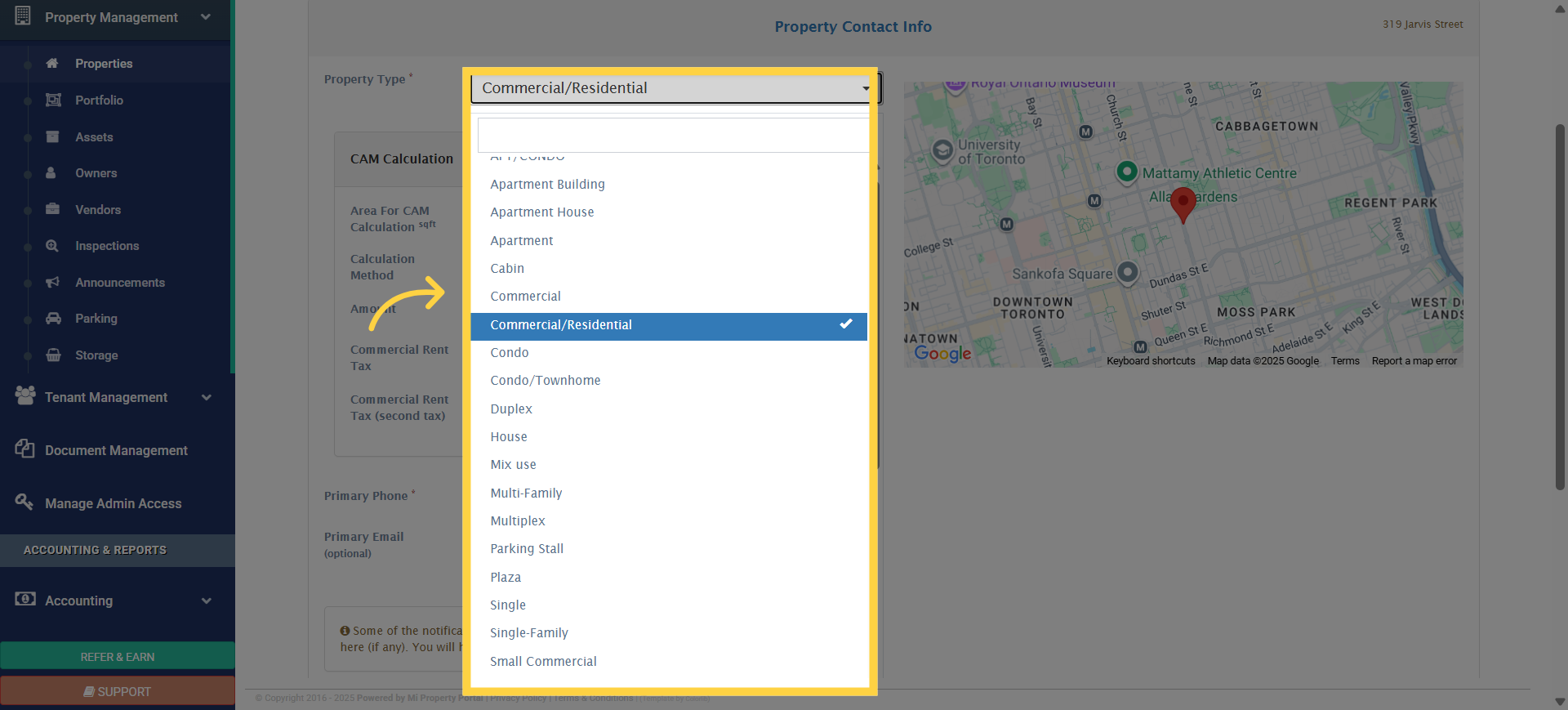
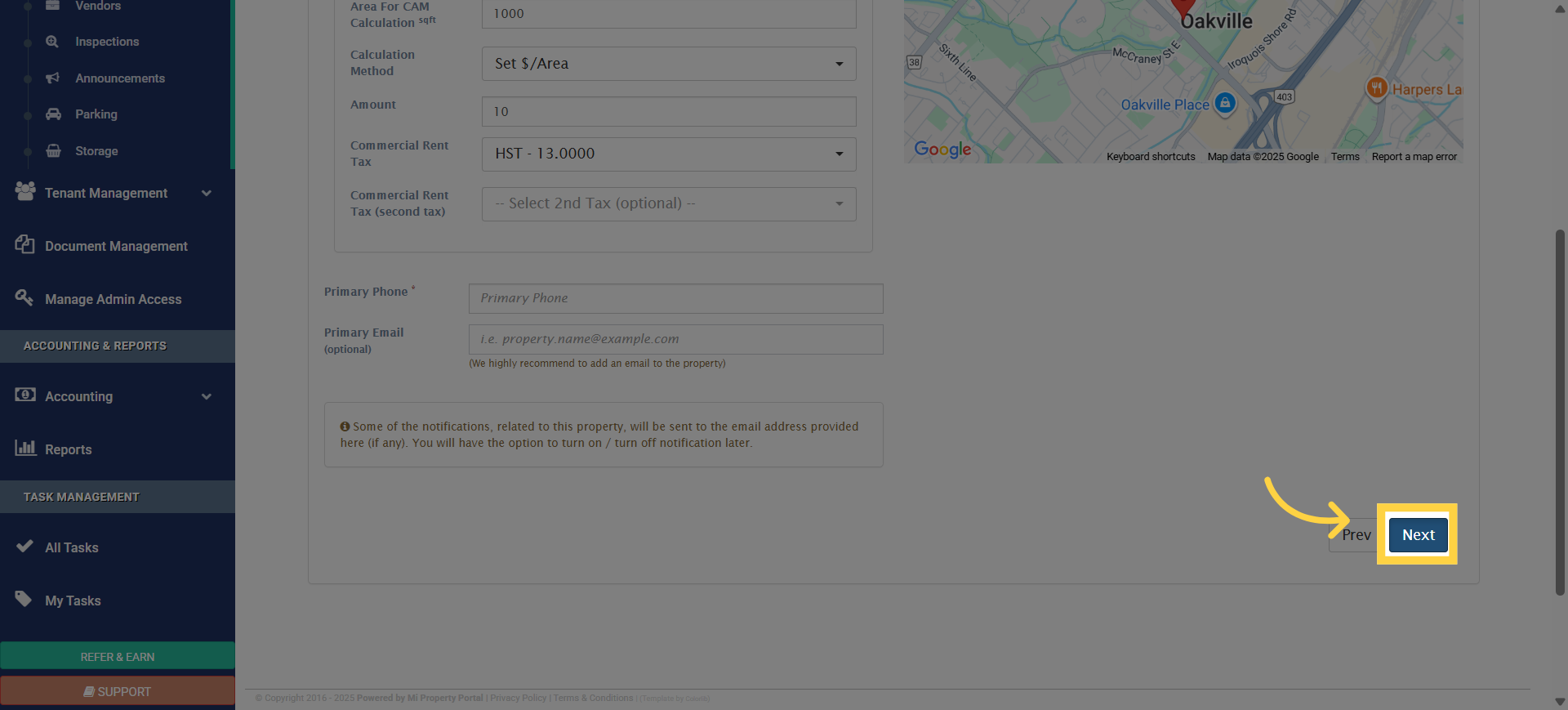
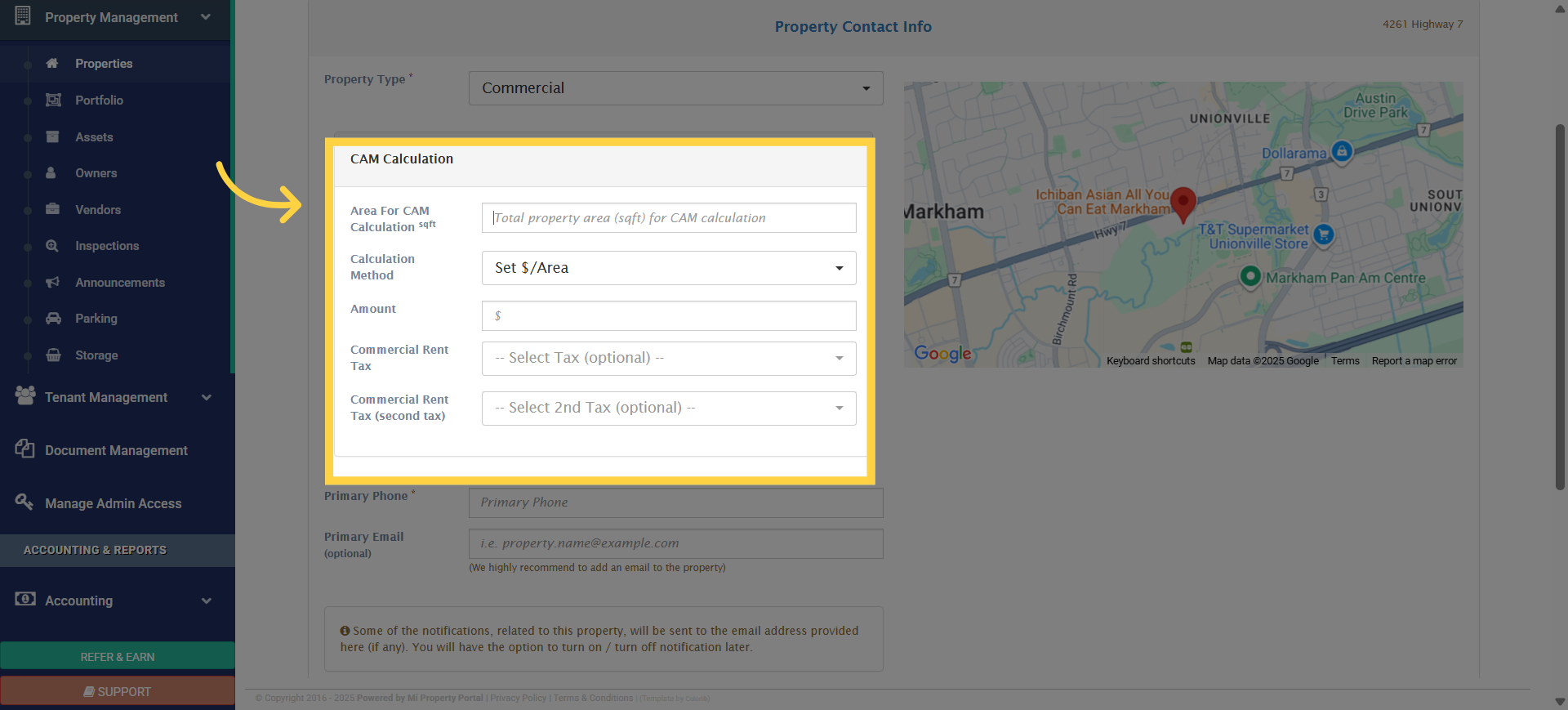
9. Click “Area For CAM Calculation sqft”
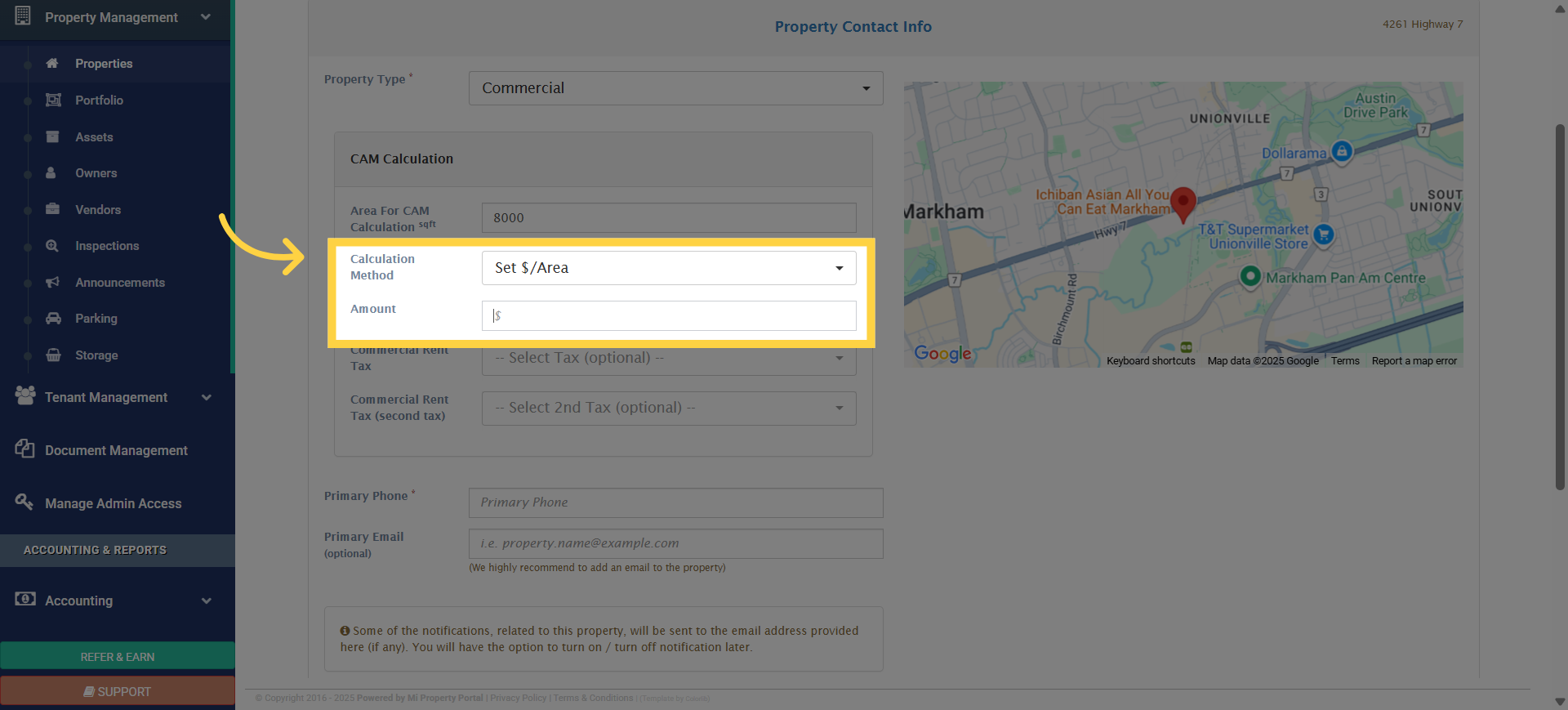
10. Click “Amount”
11. Select the Commercial Rent Tax from the available options. We recommend adding HST at 13%, but this may vary depending on your province. Please select the appropriate sales tax based on your location
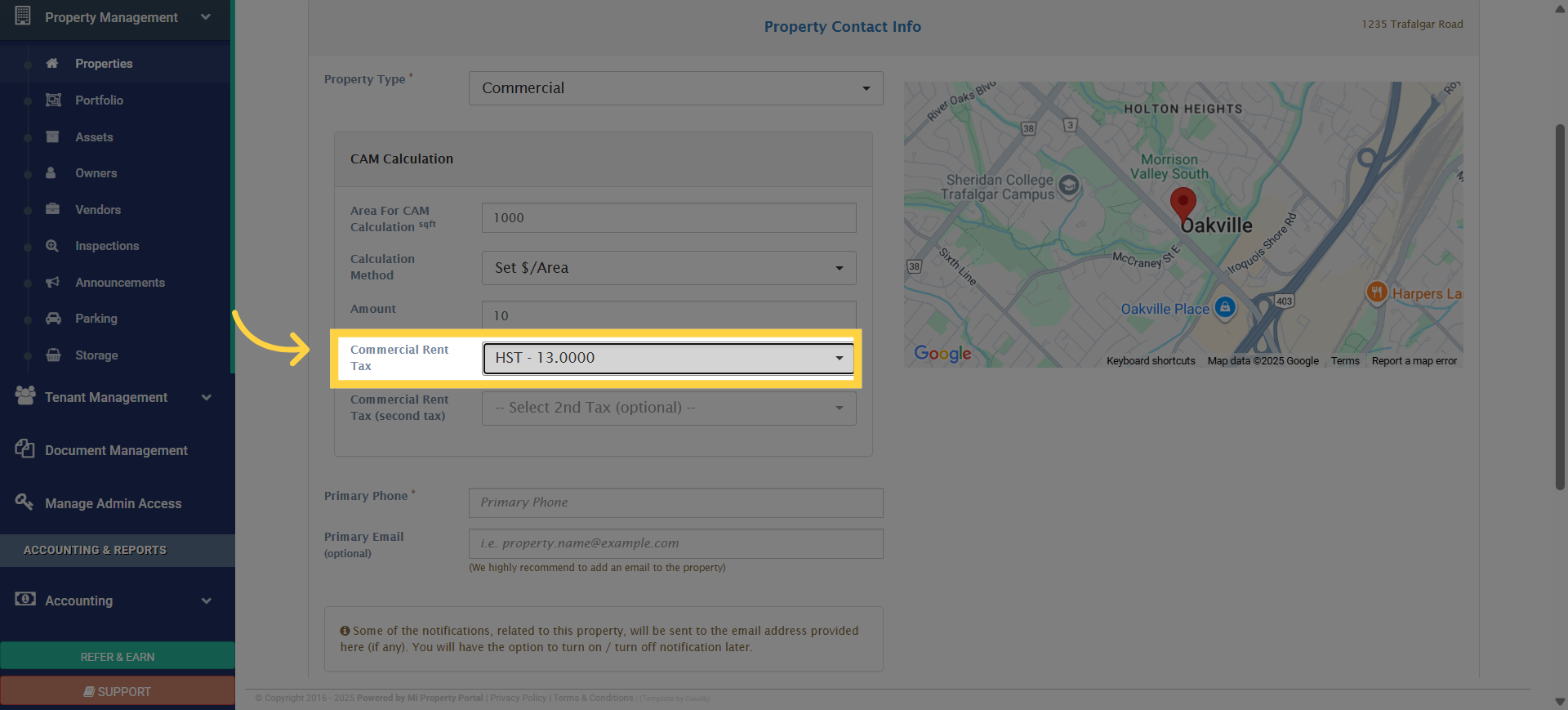
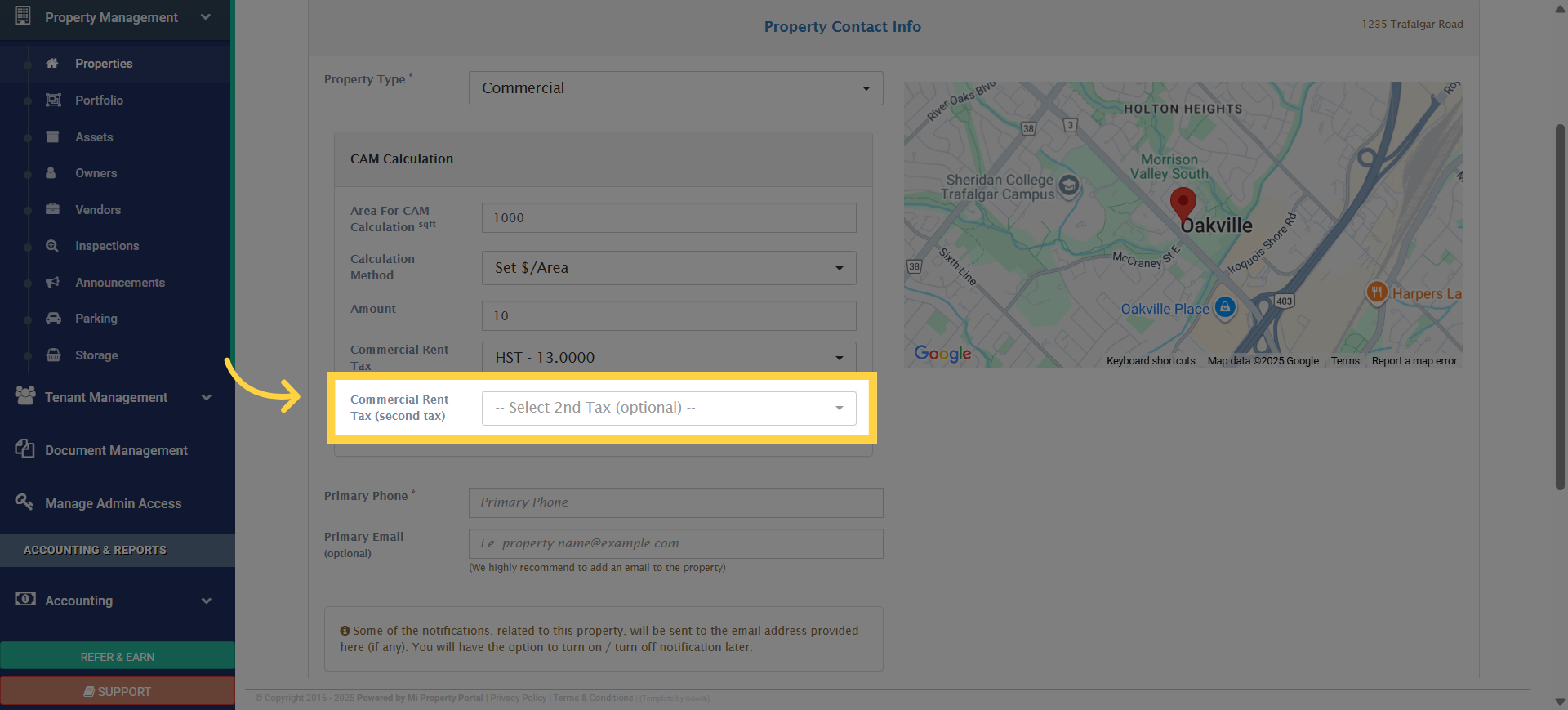
12. You can also add a second tax from the dropdown, though this step is optional
13. Enter the primary phone number in the box
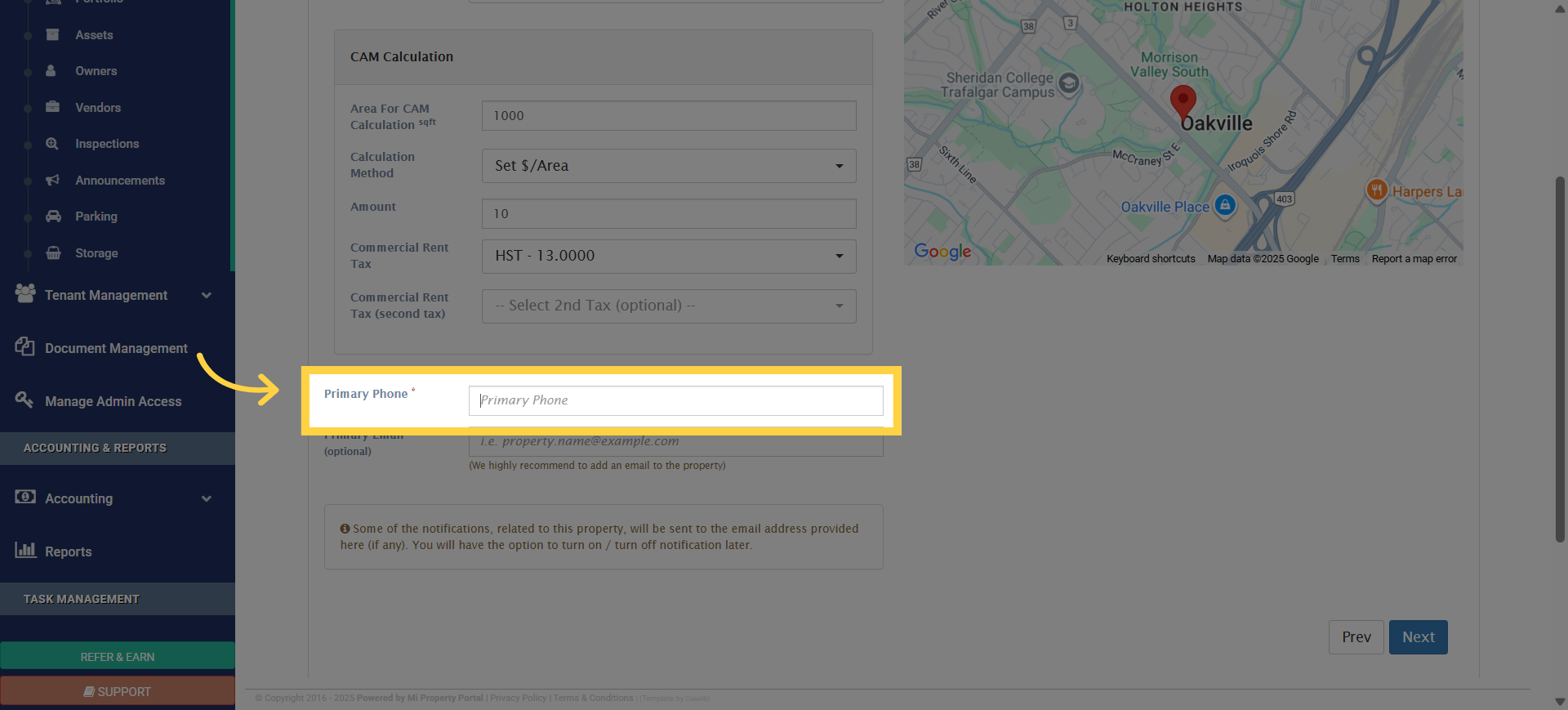
14. And that’s it for configuring the CAM settings. Click ‘Next’ to continue creating the commercial property