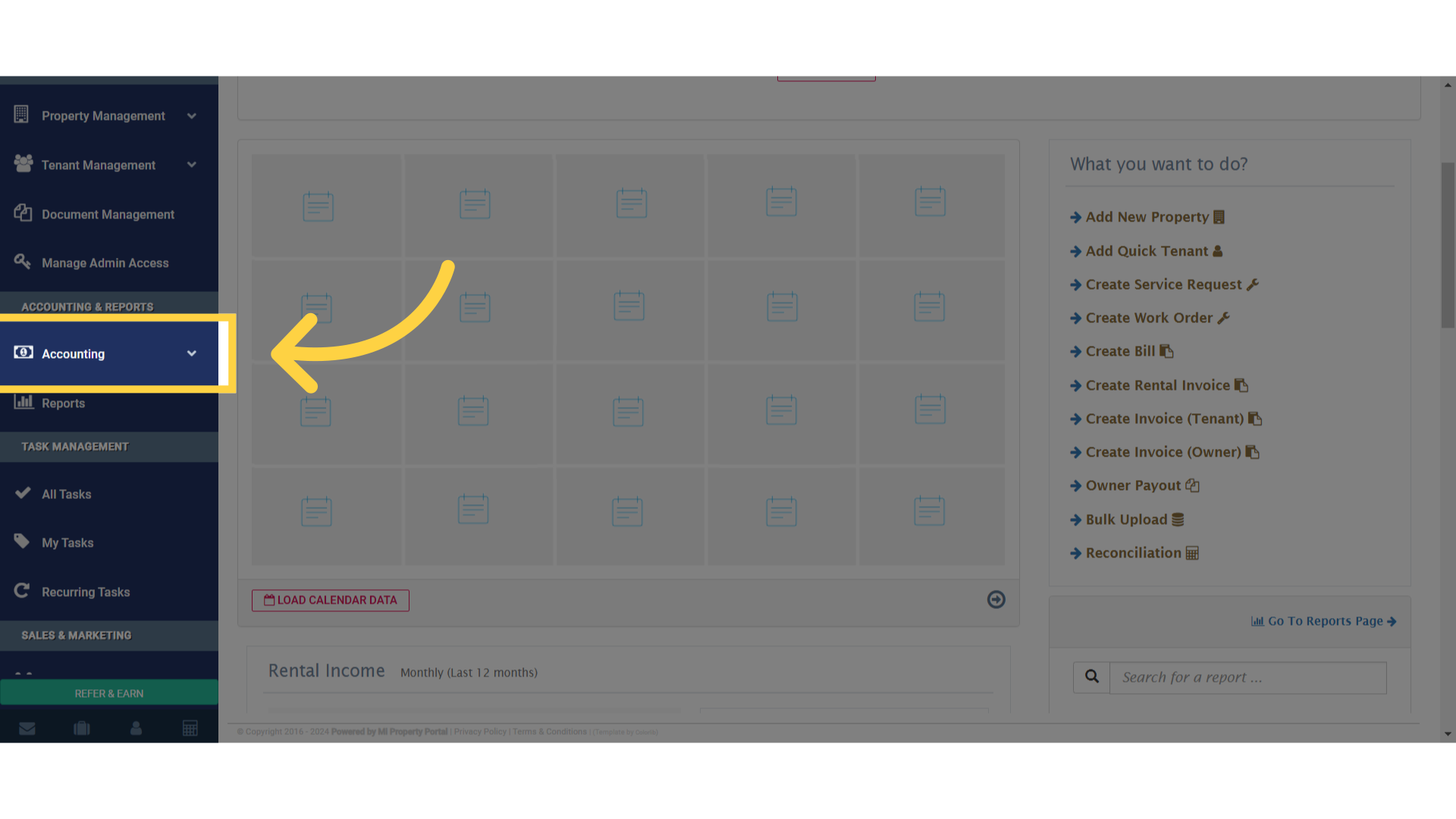
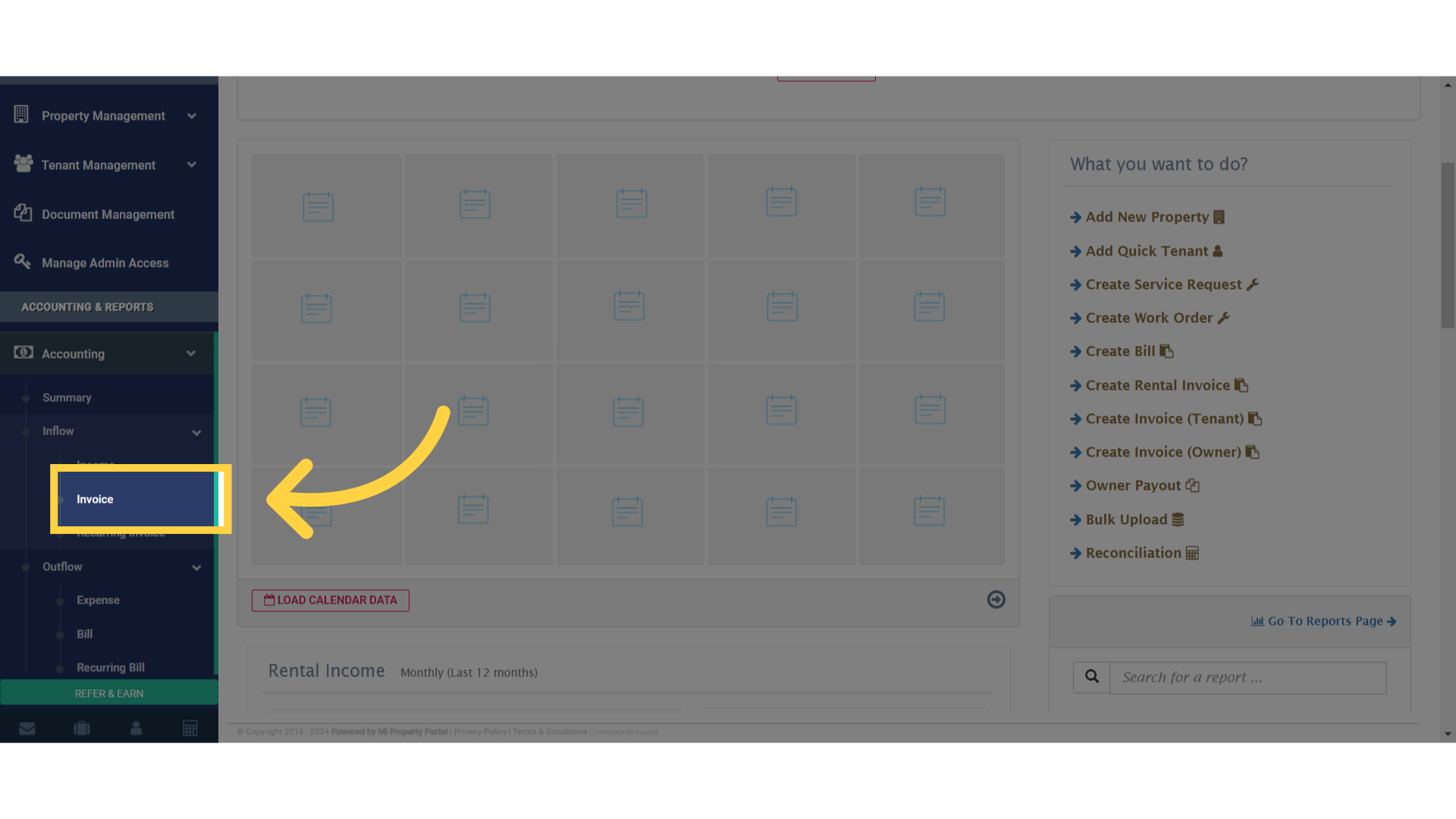
 2. Click on Invoice
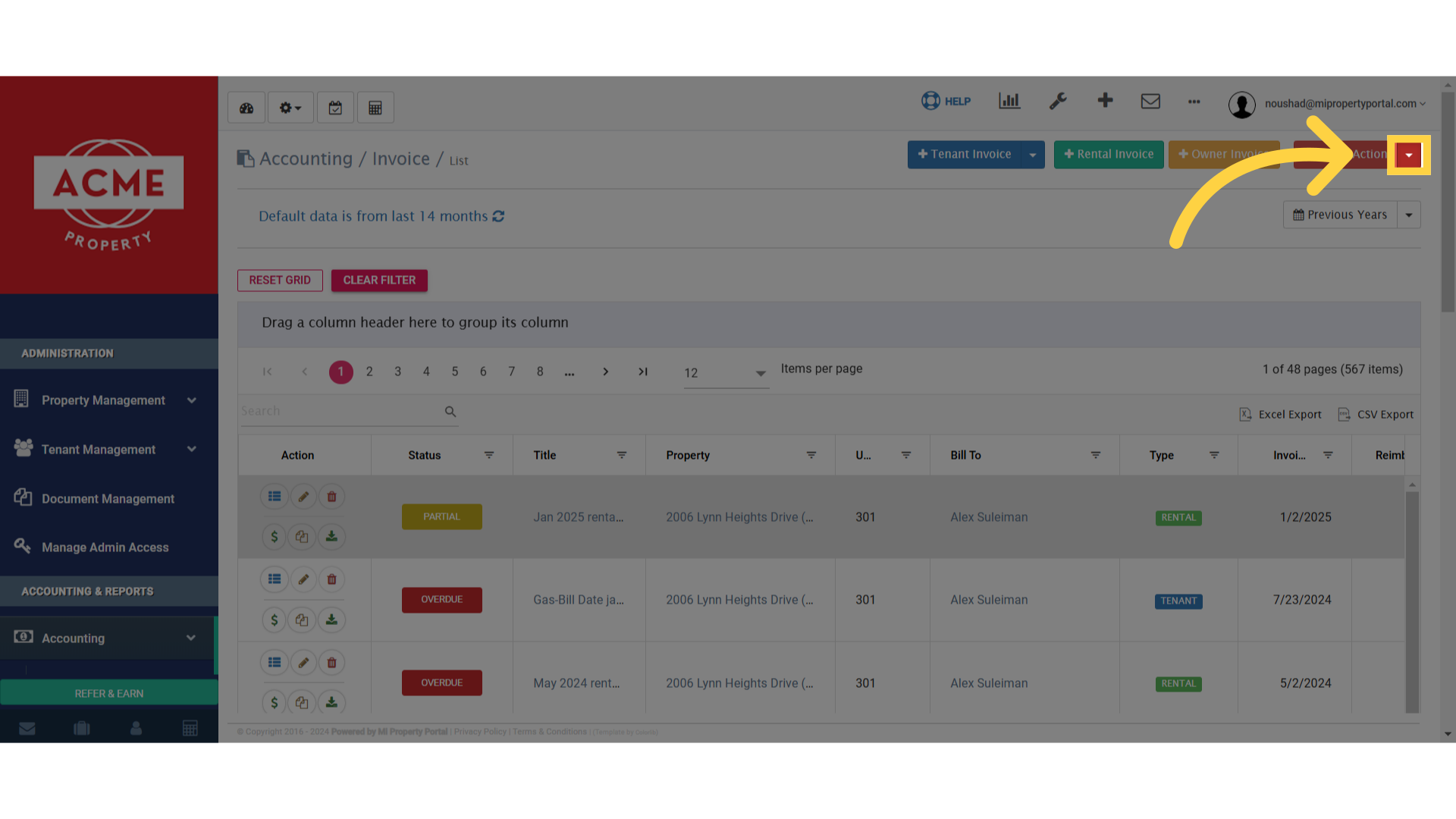
 3. Click on – Other Action Dropdown
 4. Click on Annual CAM
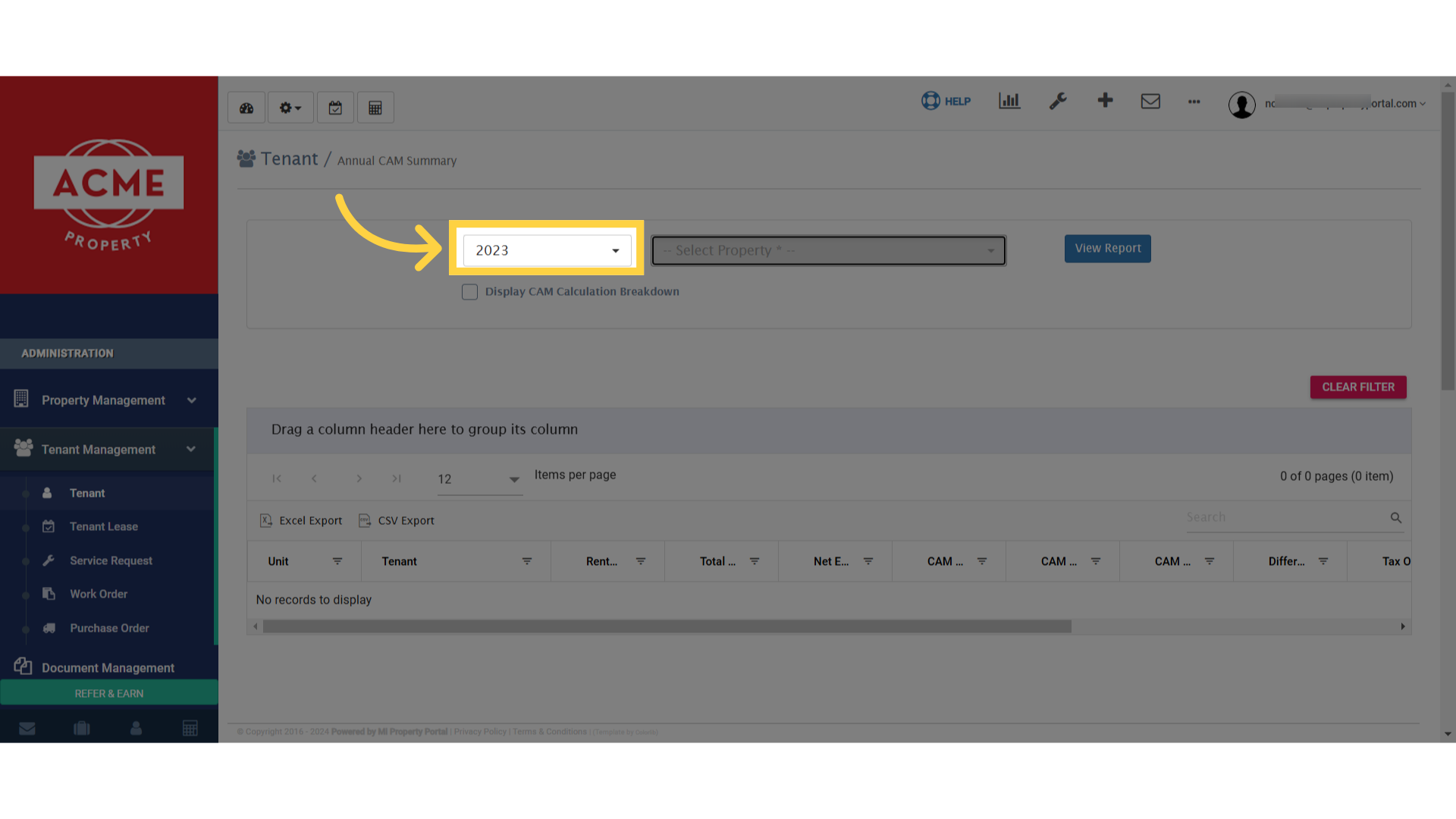
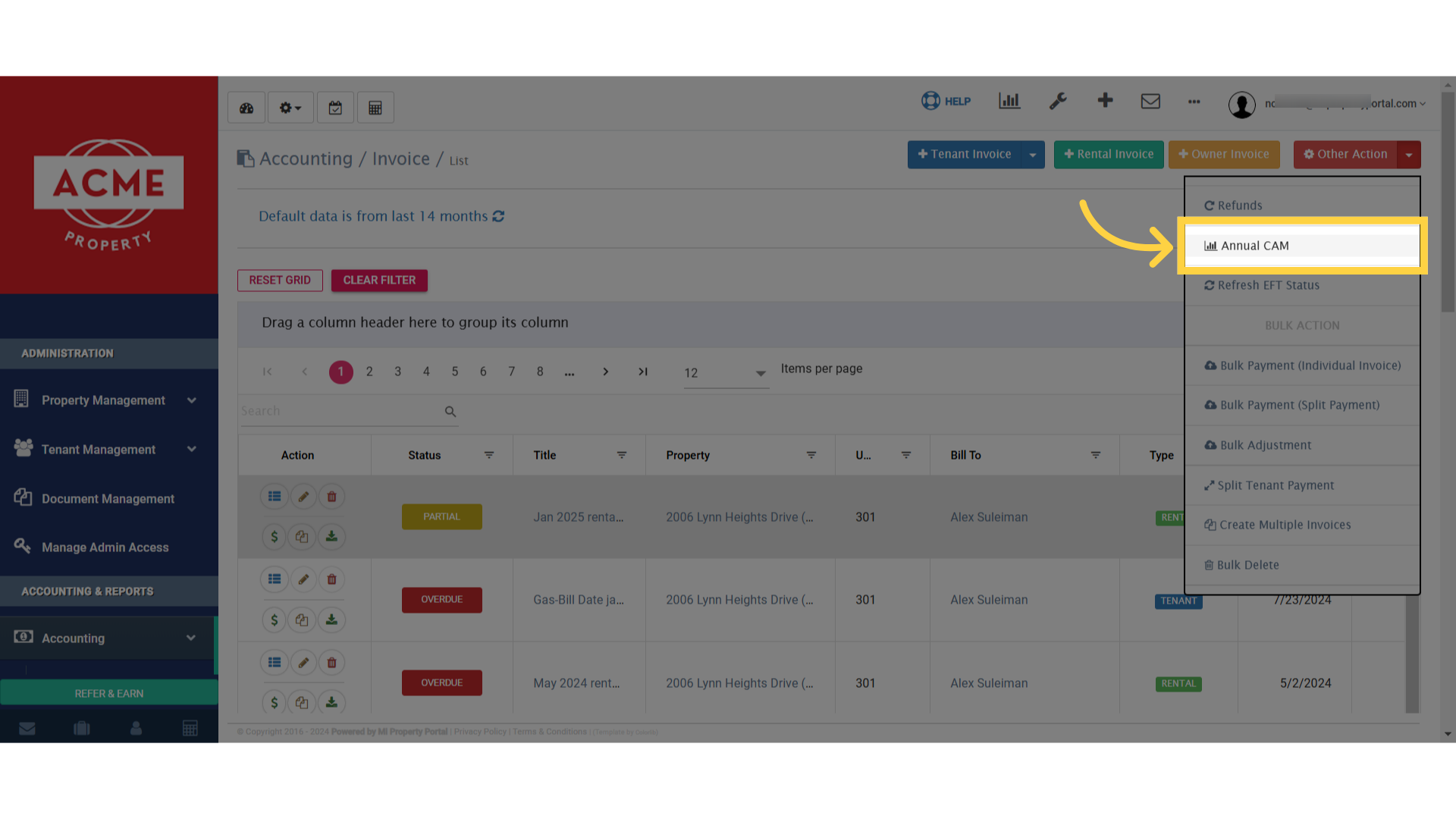 5. Select the year from the dropdown
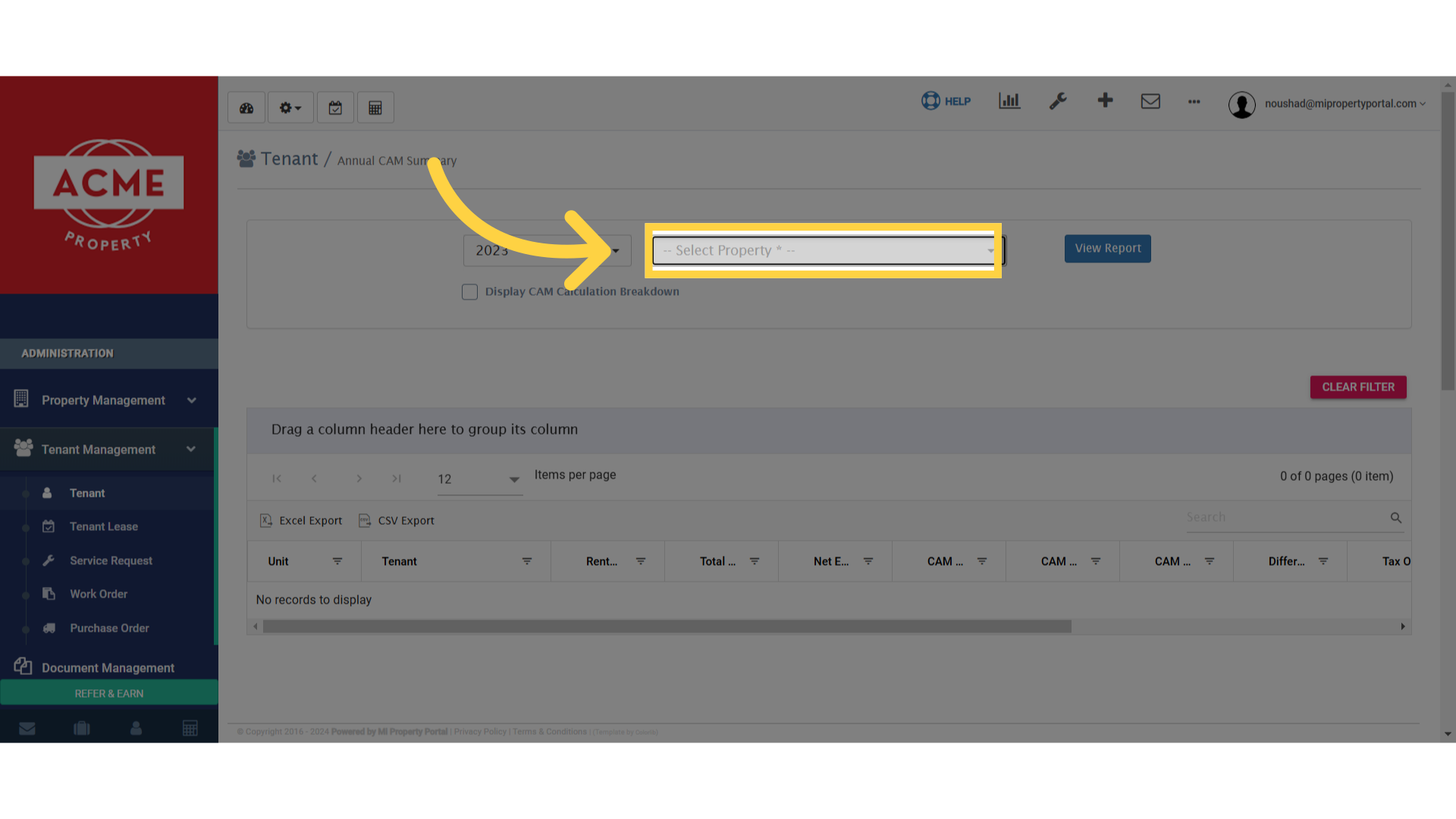
 6. Select the property from the dropdown
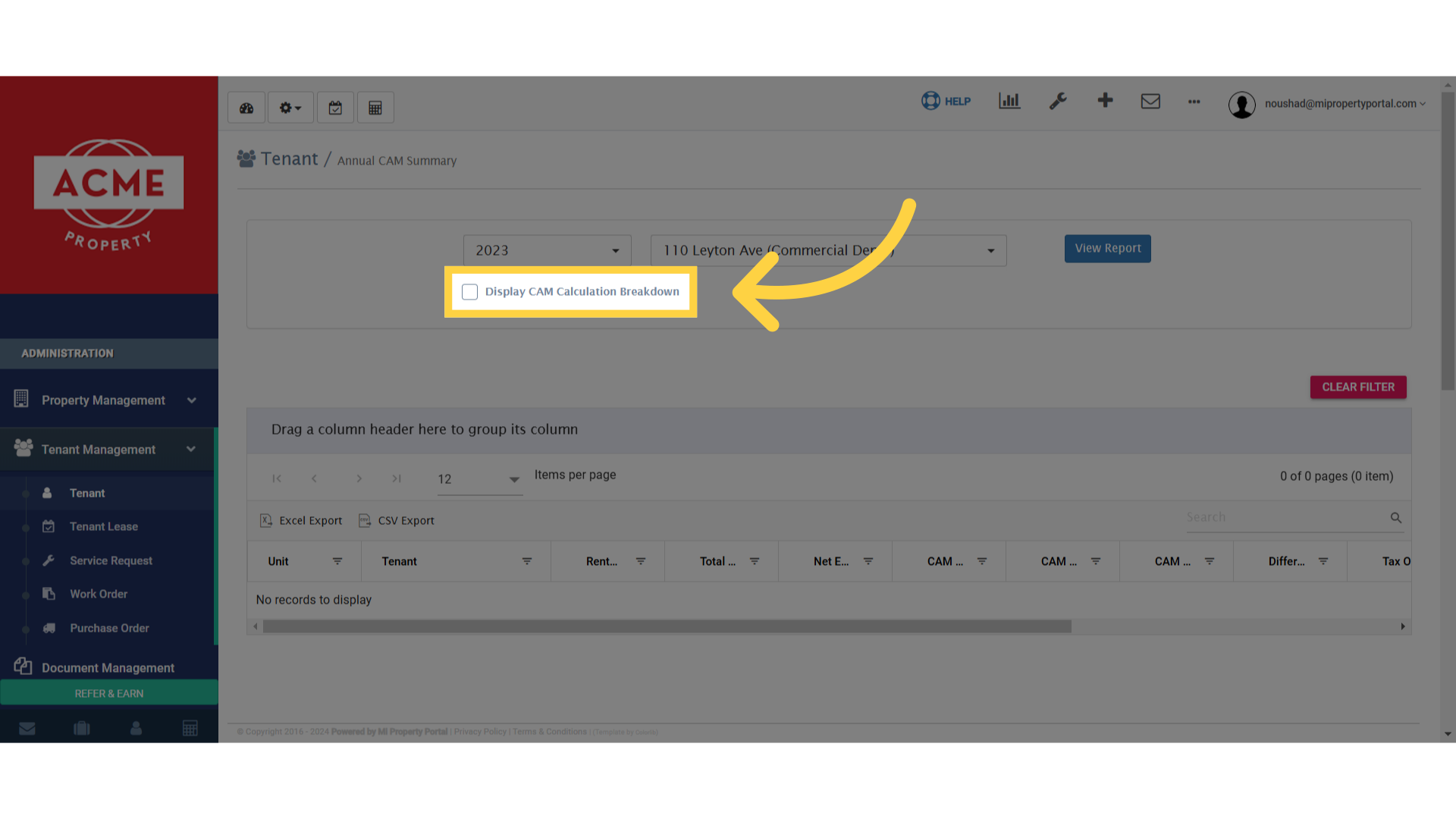
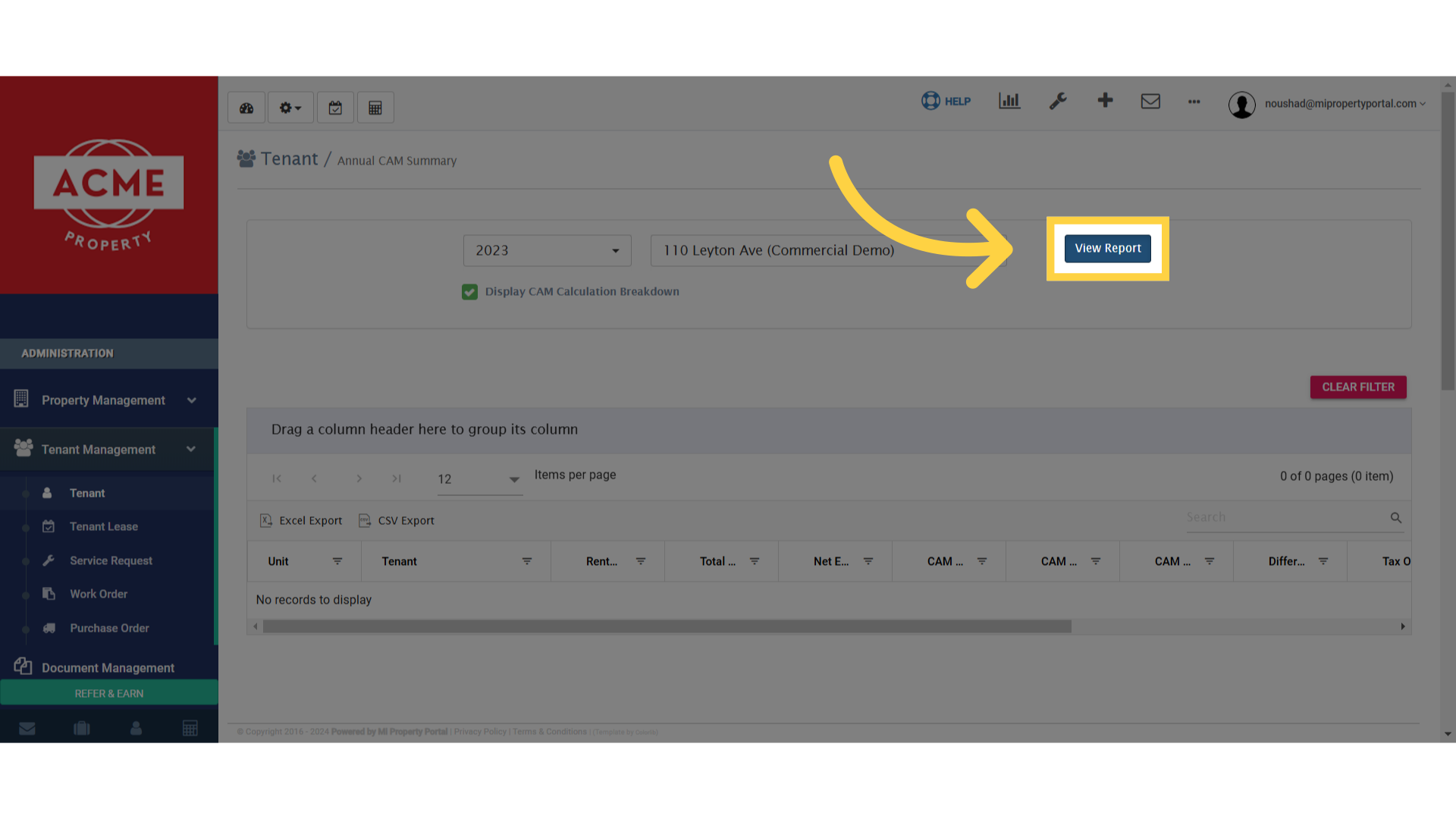
 7. Tick mark the – Display CAM Calculation Breakdown box
 8. Click on View Report to finish up
 9. Drag column headers into the square space to group them in “Drag a column header here to group its column”
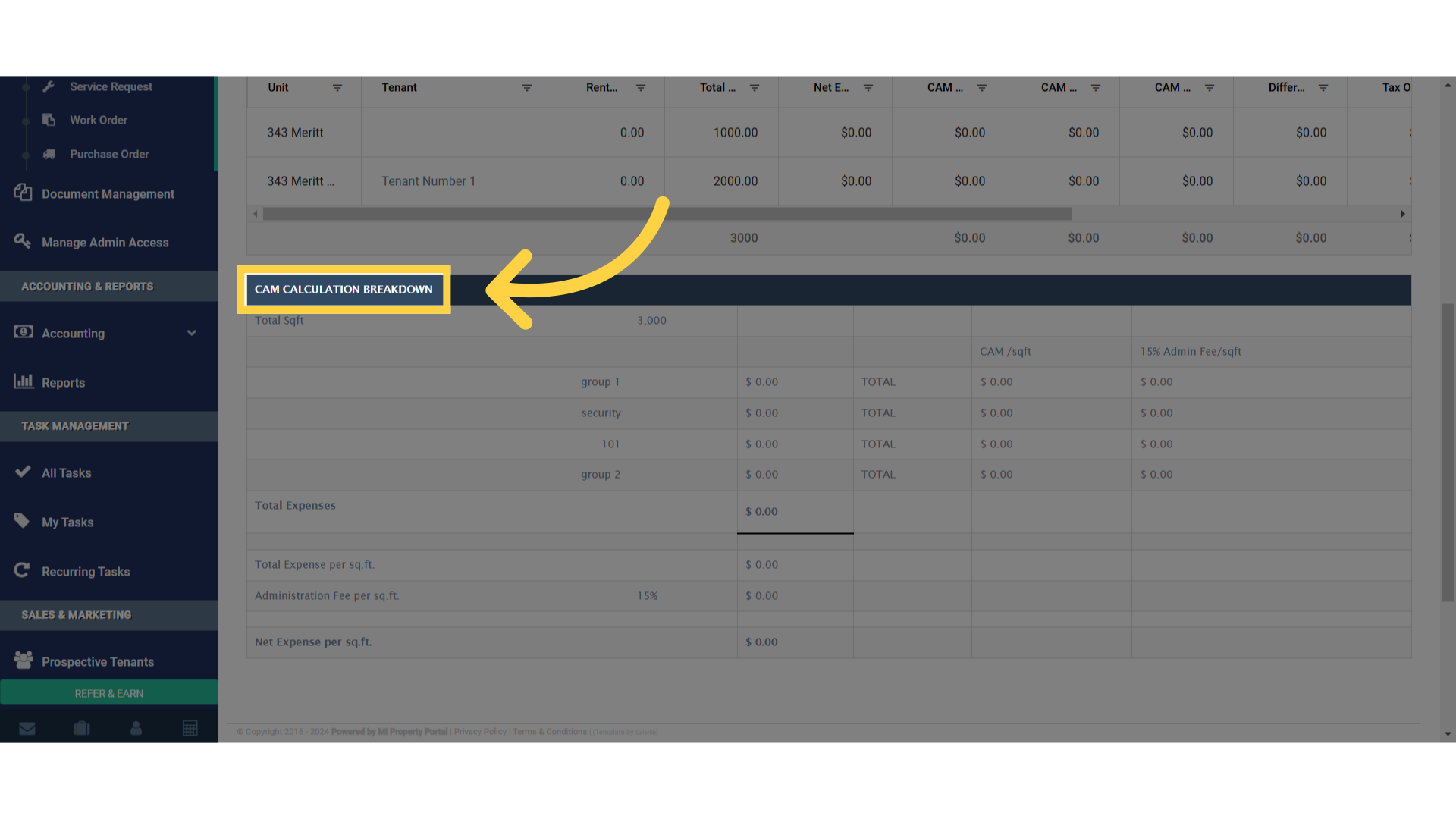
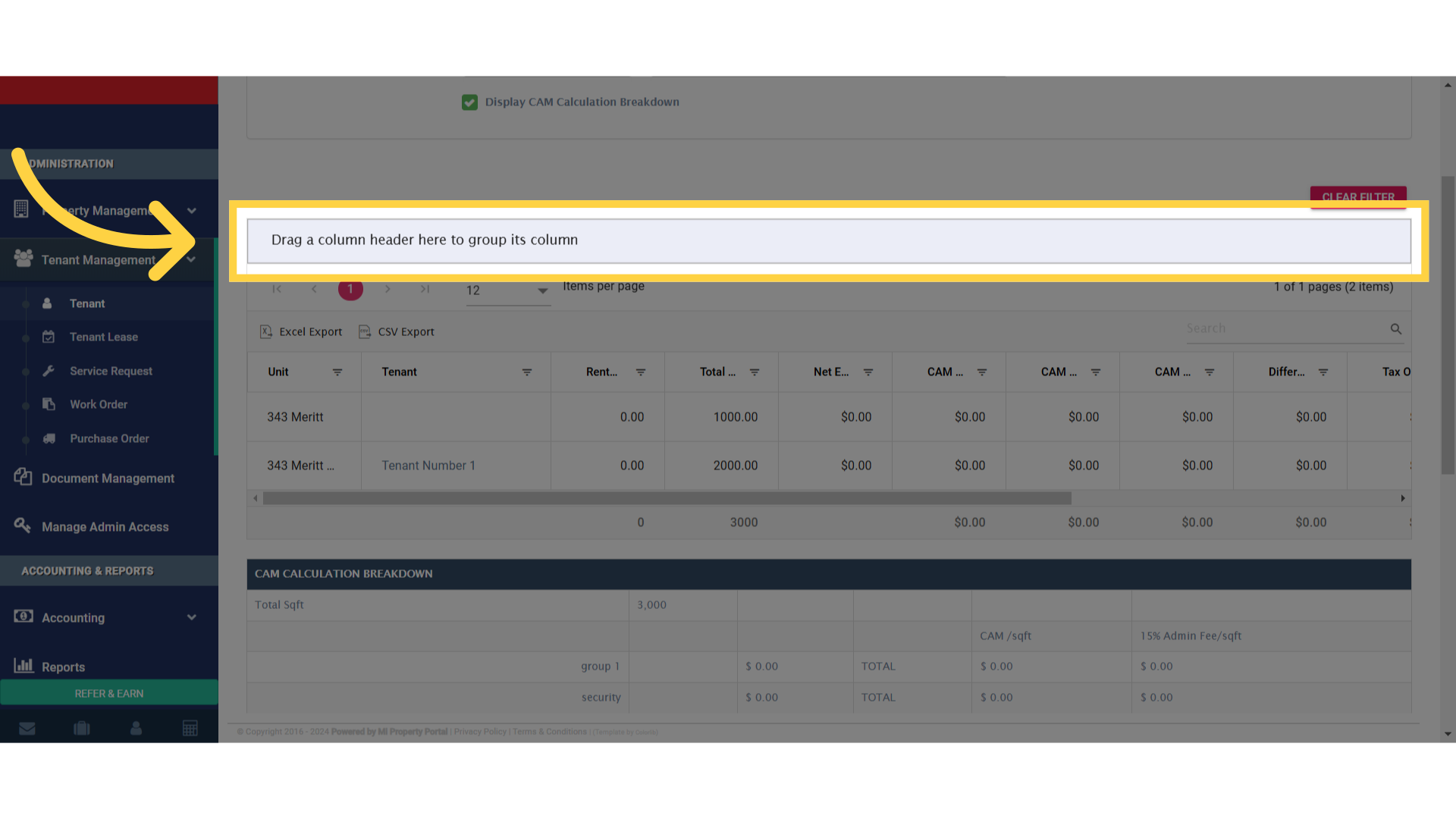 10. The “CAM CALCULATION BREAKDOWN” would appear