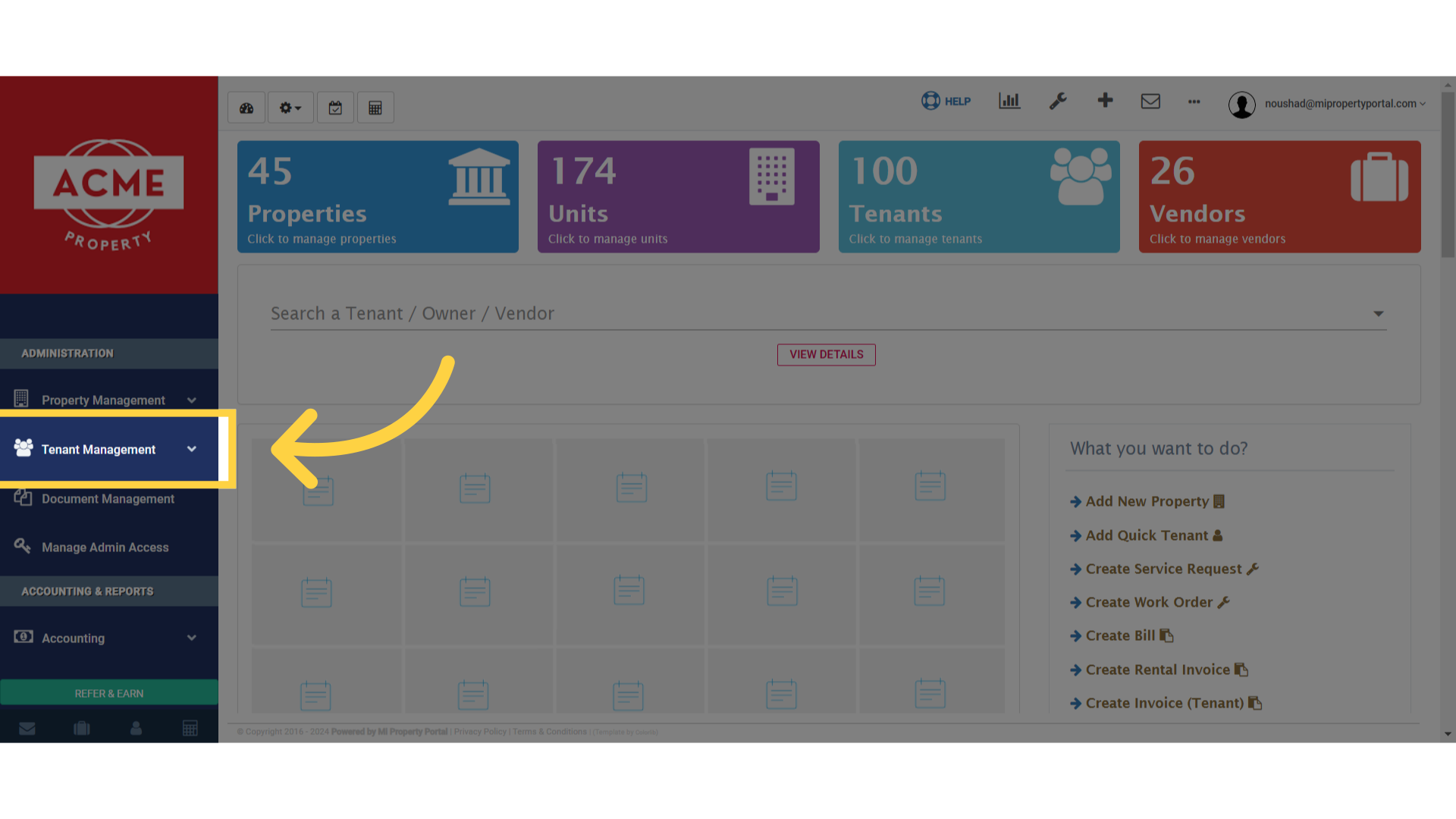
1. Navigate to “Tenant Management” section
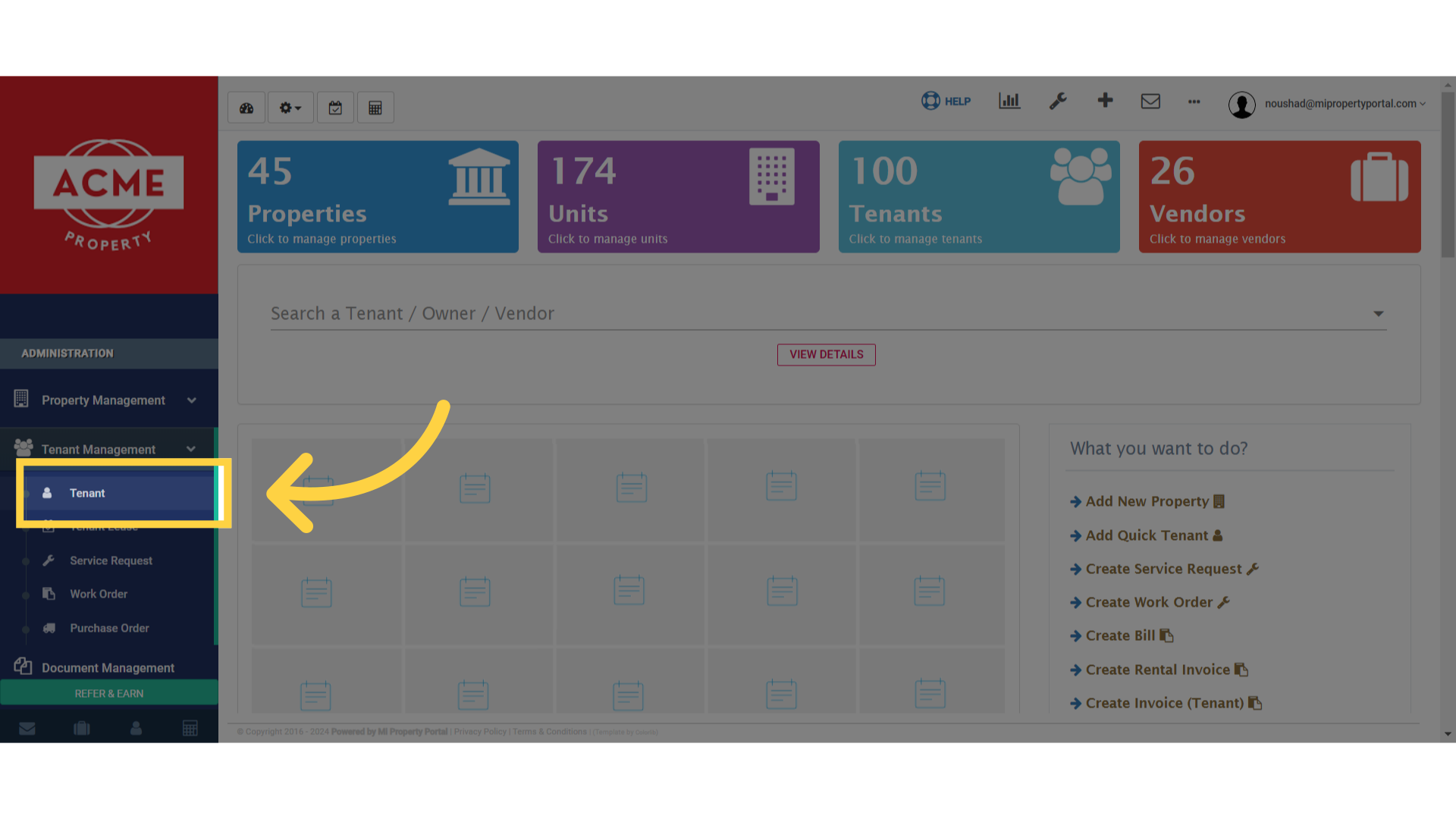
2. Select the “Tenant” option
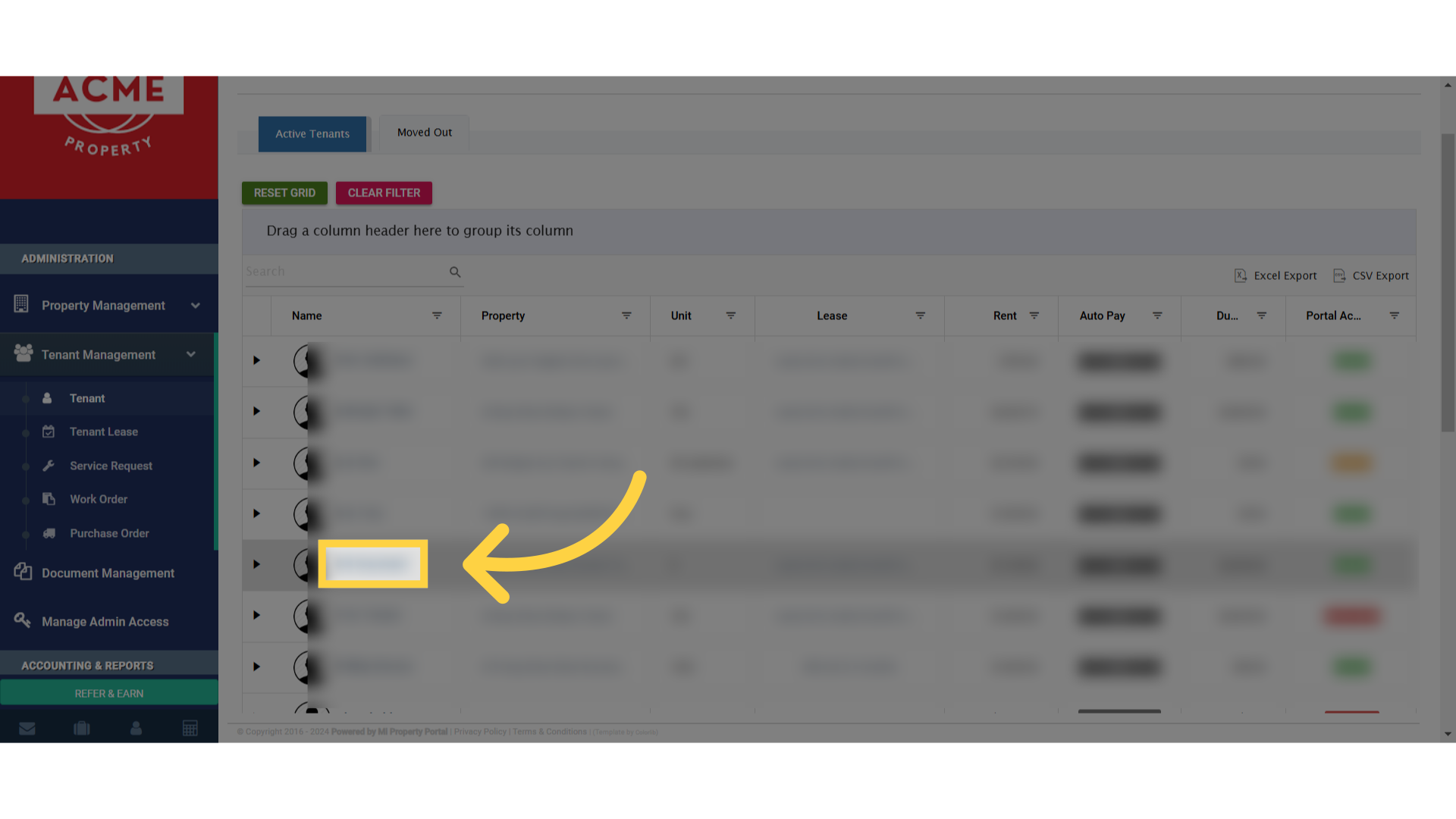
3. Click on the tenant name
4. Click here
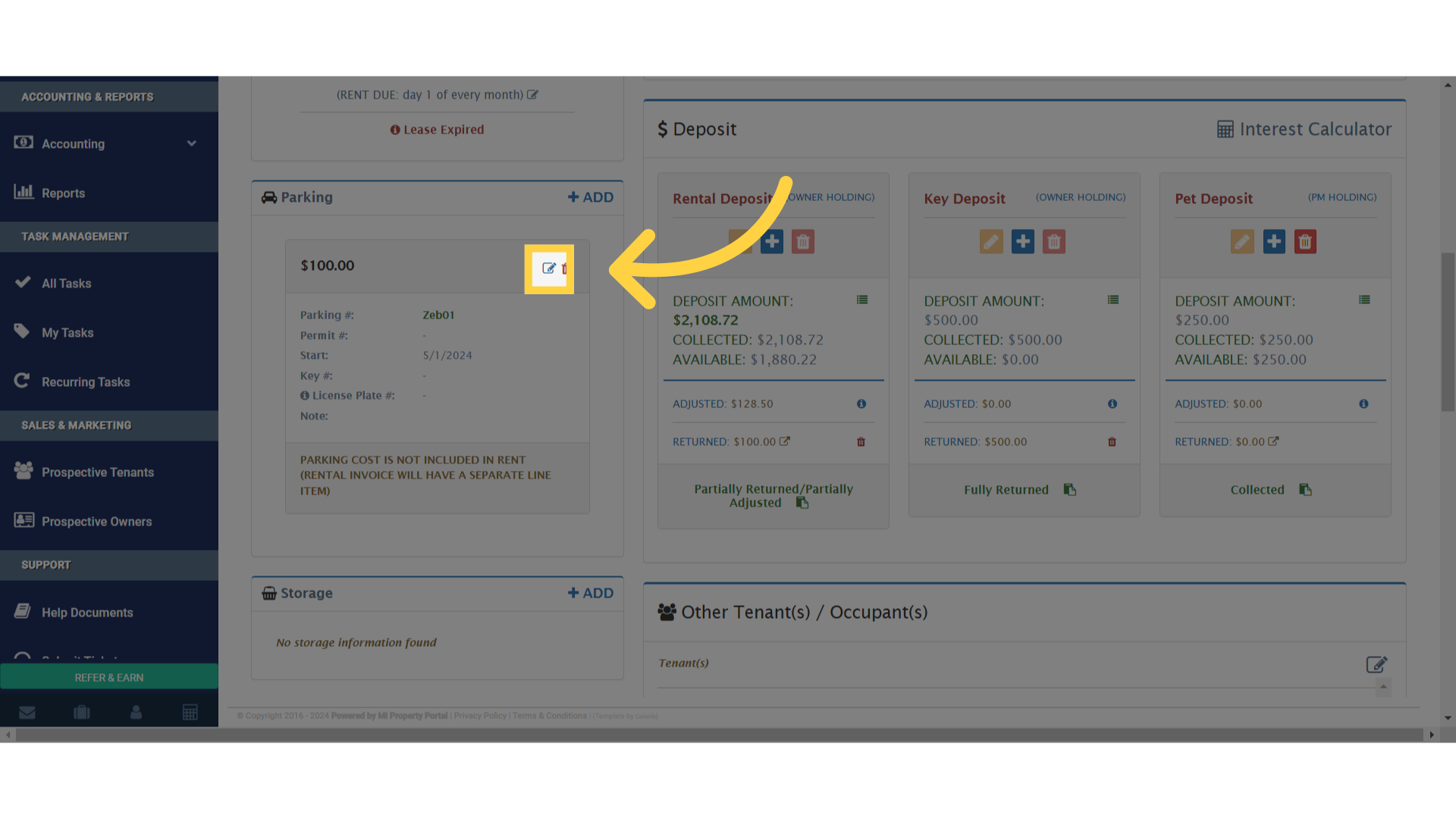
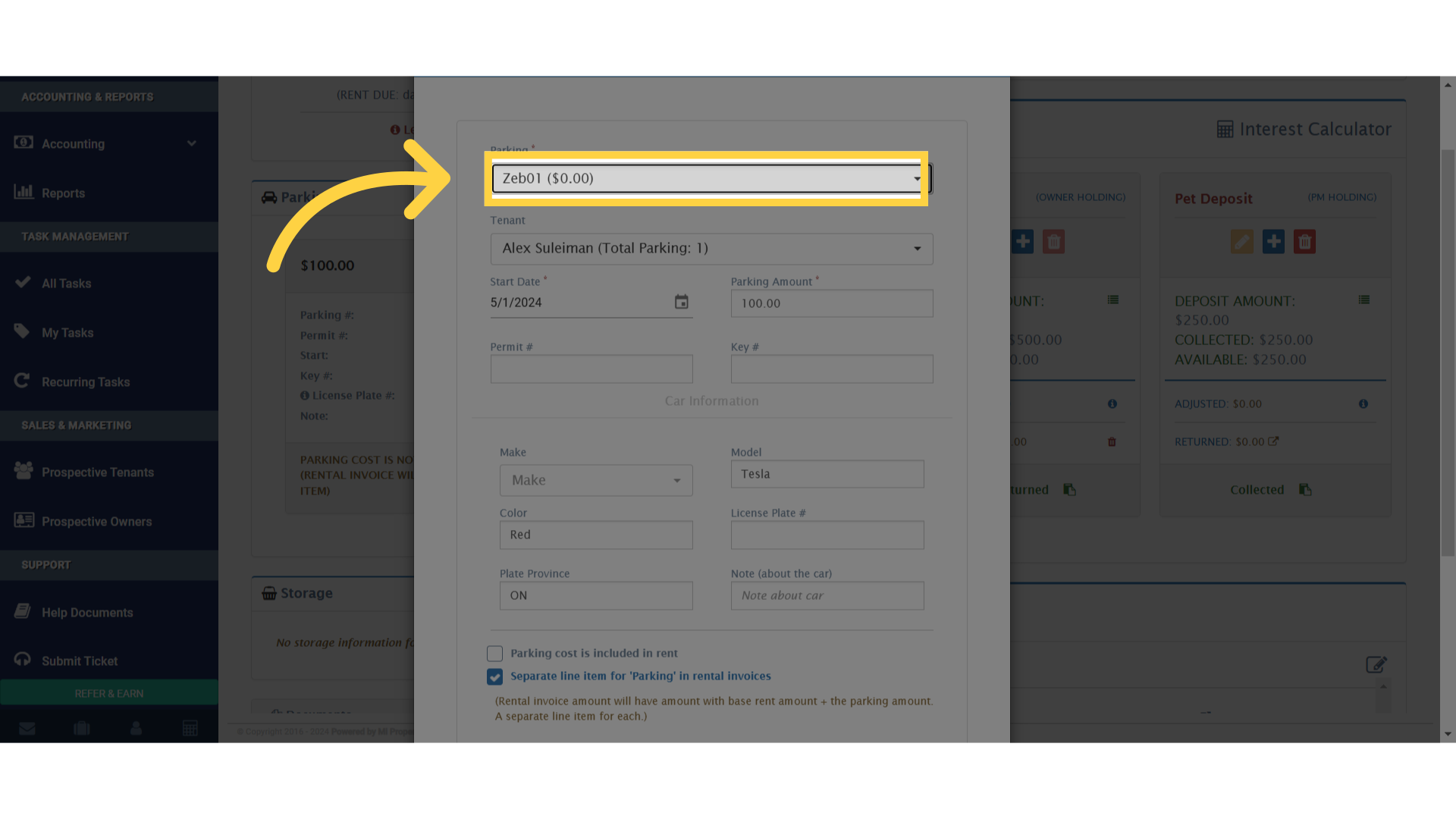
5. Navigate to “Zeb01 ($0.00)”
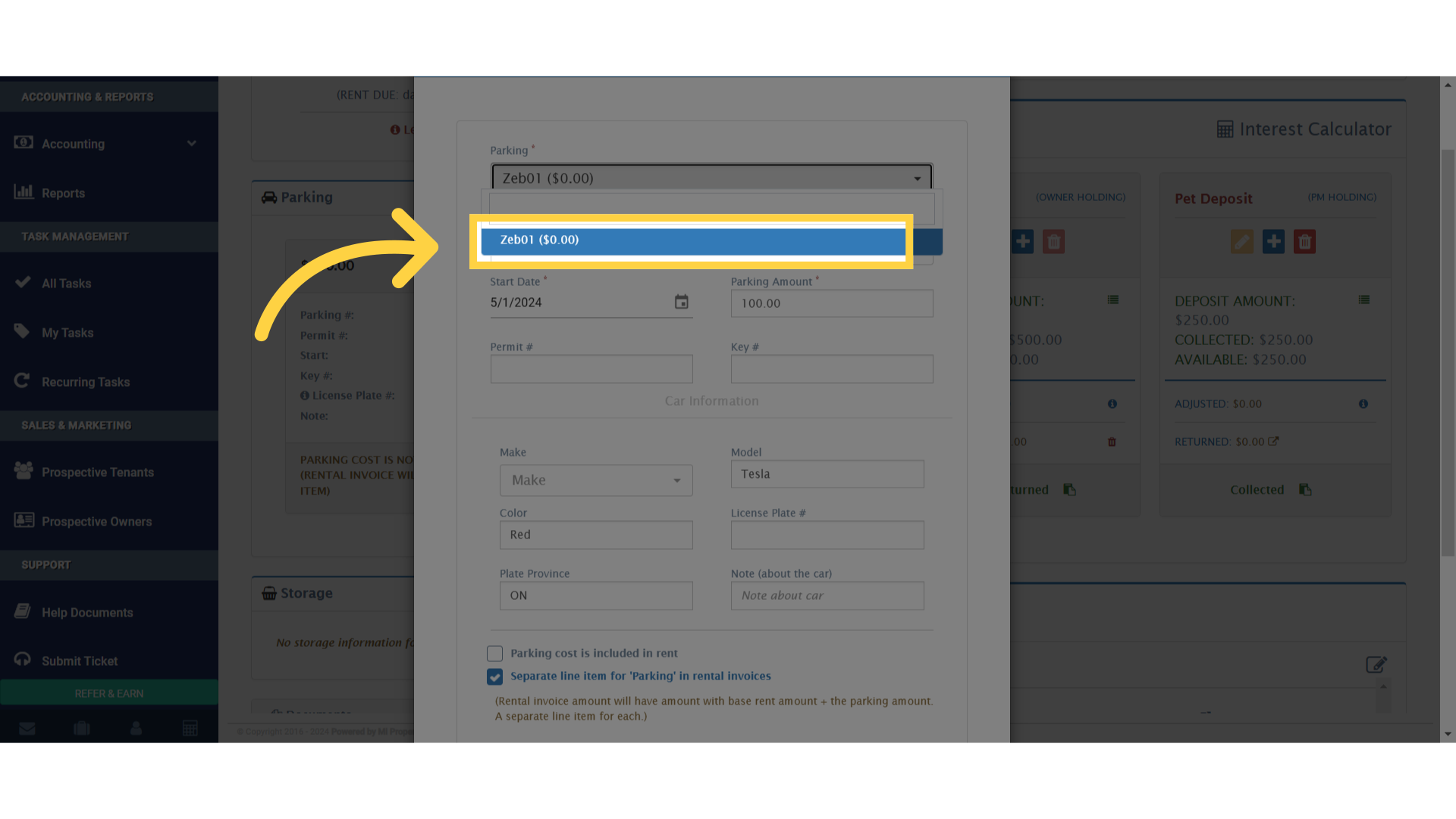
6. Select the “Zeb01 ($0.00)” option
7. Choose the “100.00” option
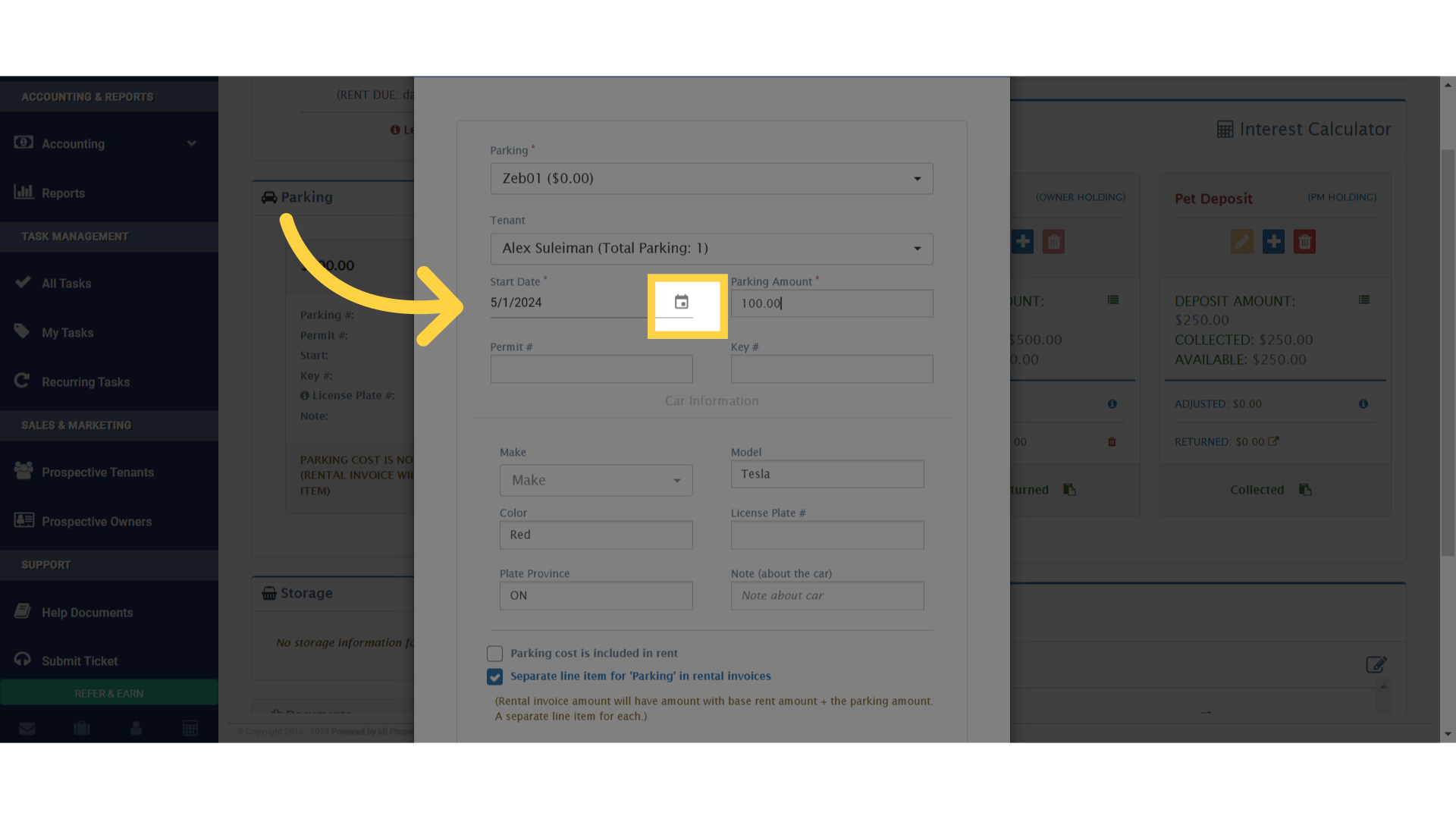
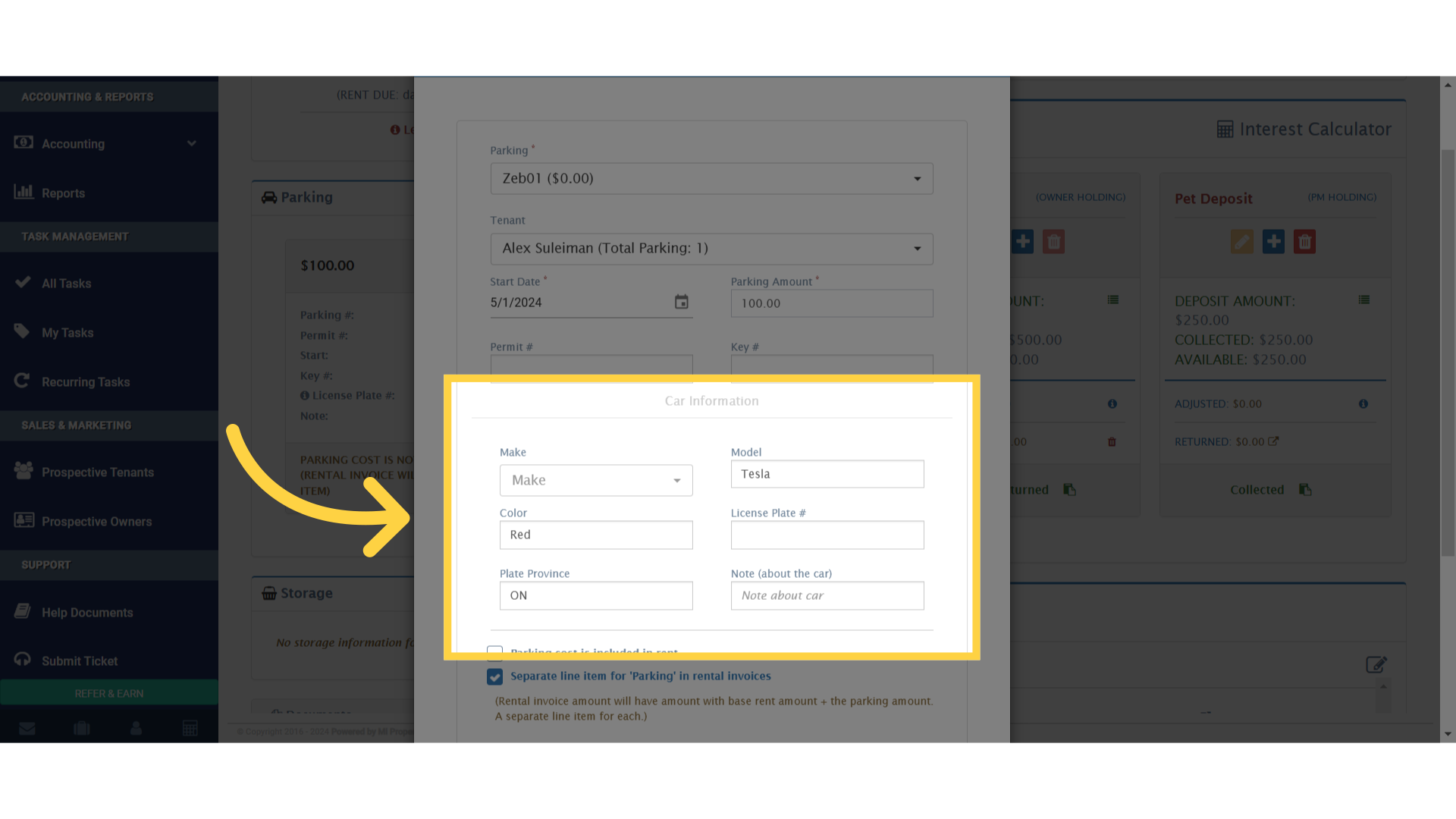
8. Click “Car Information
9. Click to generate a separate ‘Storage’ invoice if auto-generate is on
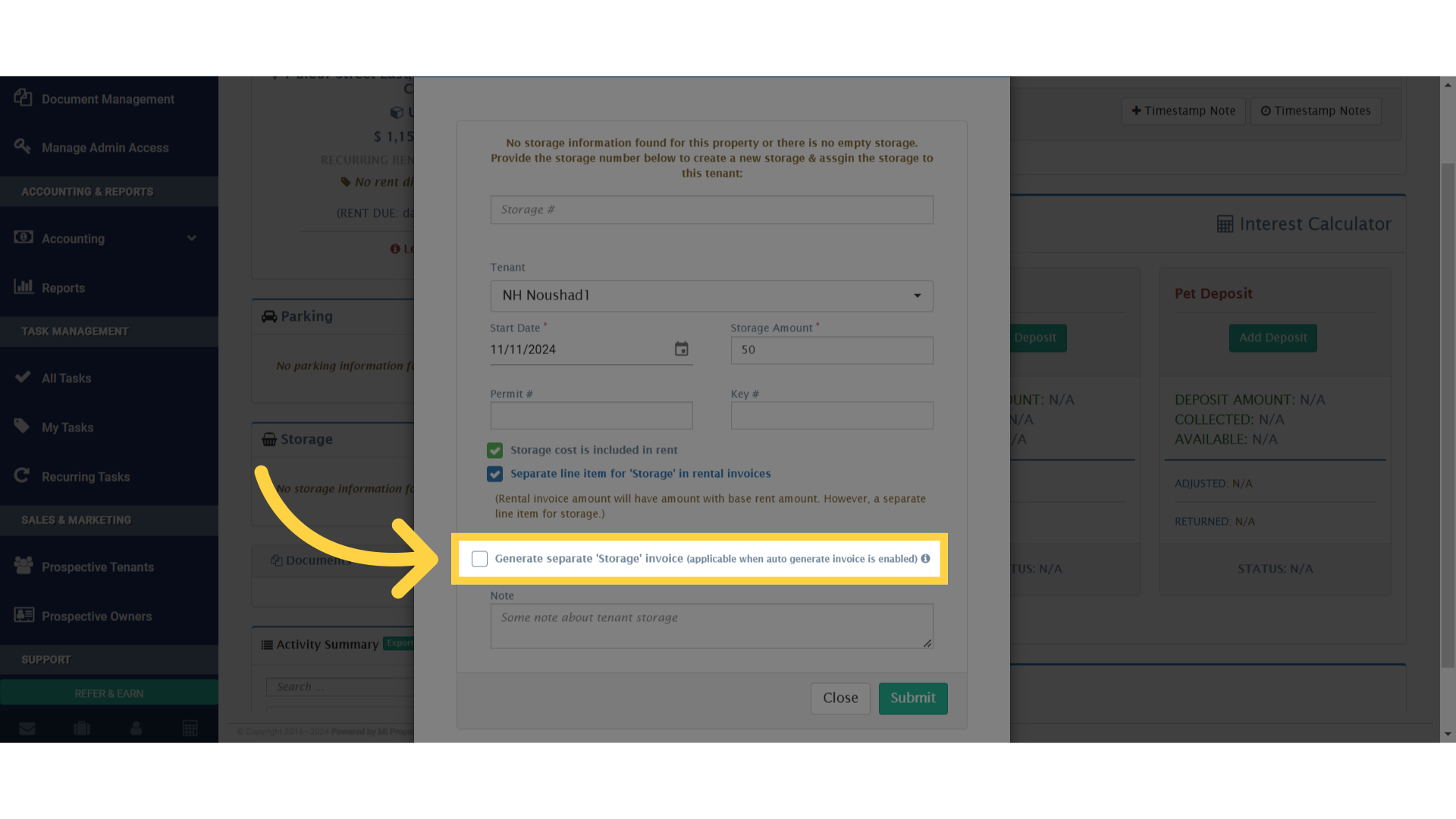
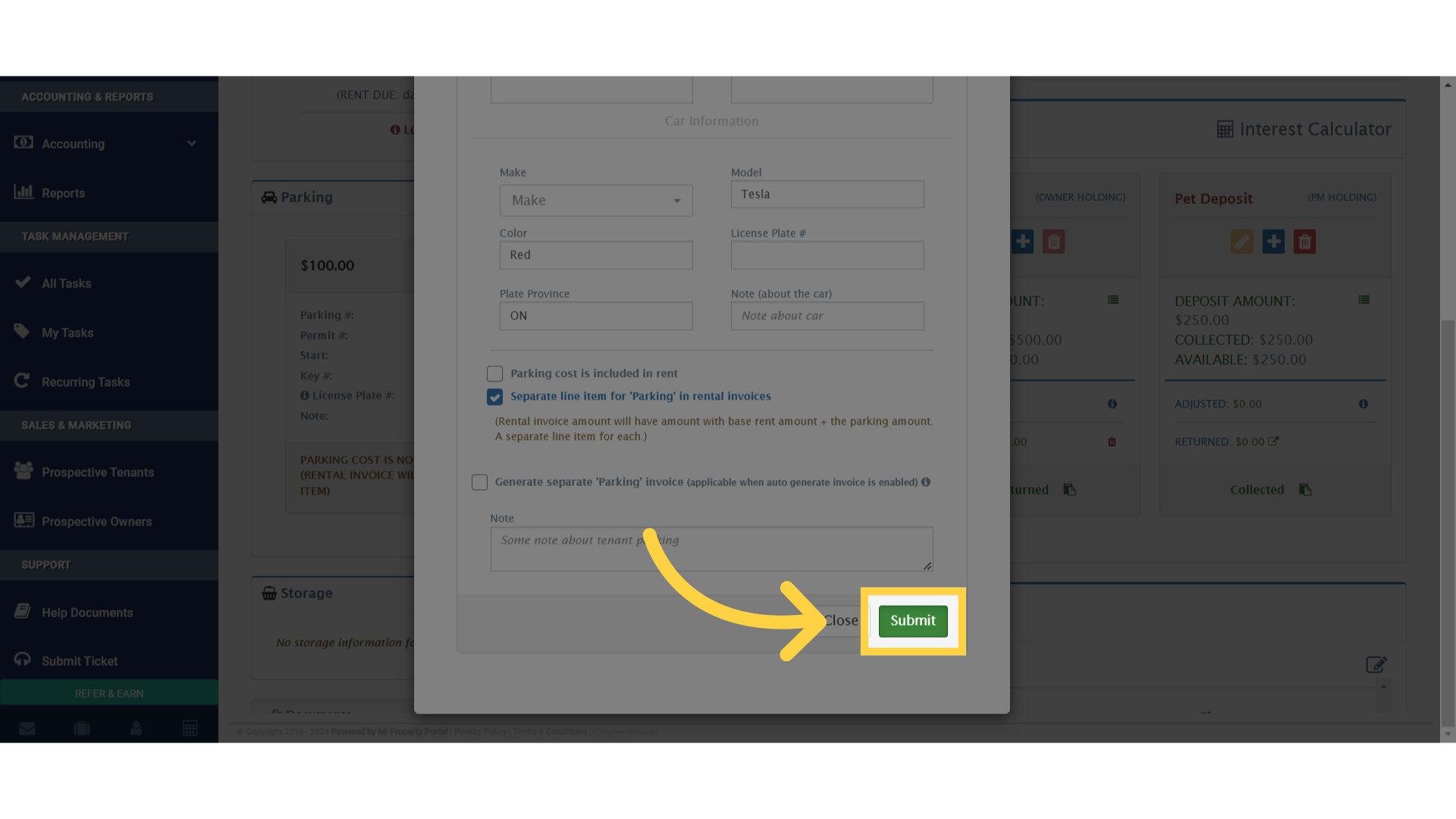
10. Navigate to the “Submit” section