How to Activate an Inactive Vendor?
87 views 1 January 3, 2024 Updated on May 19, 2025 mippsupportadmin
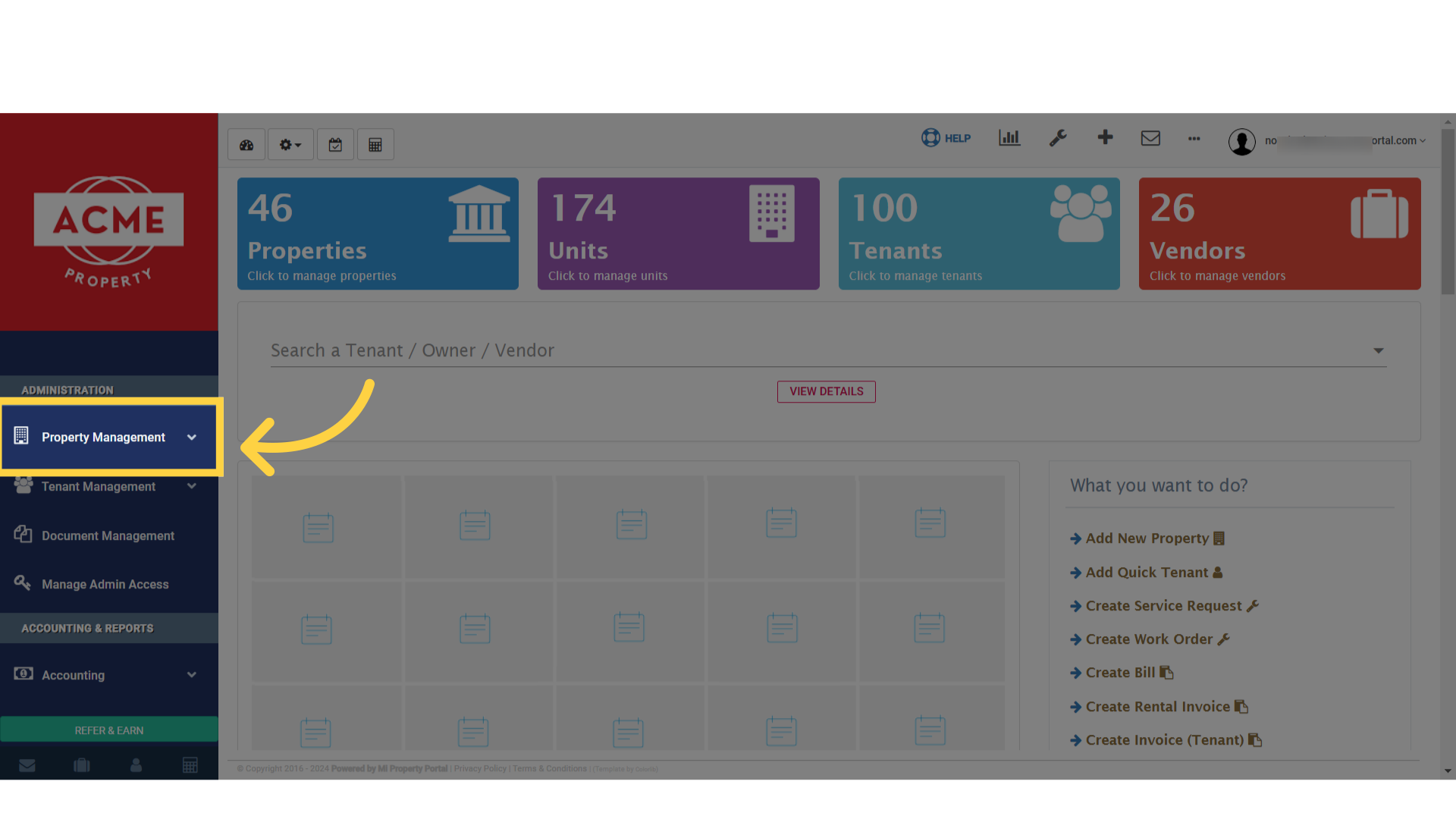
1. Go to the Property Management dropdown on the left navigation
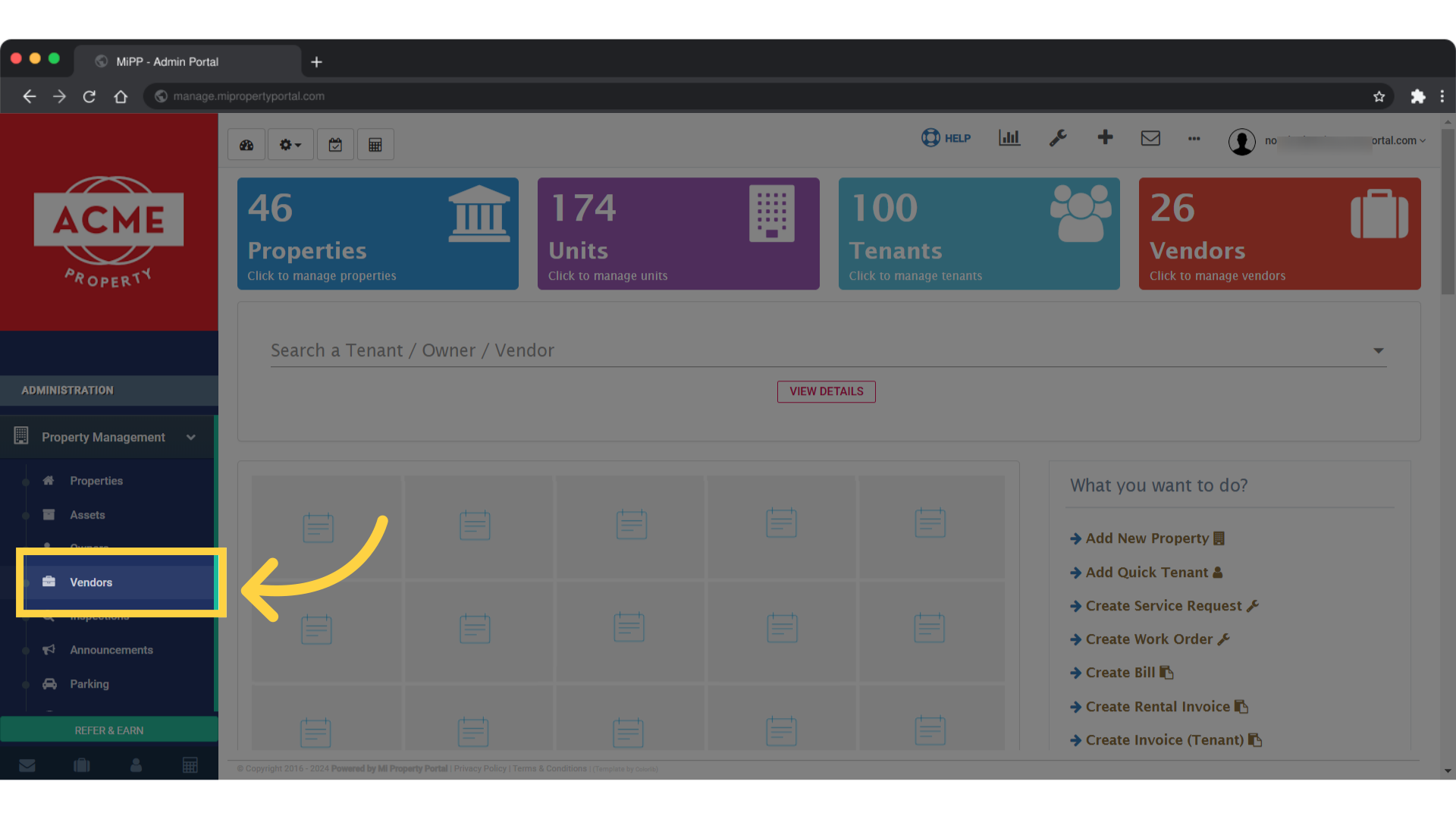
2. Click on Vendors
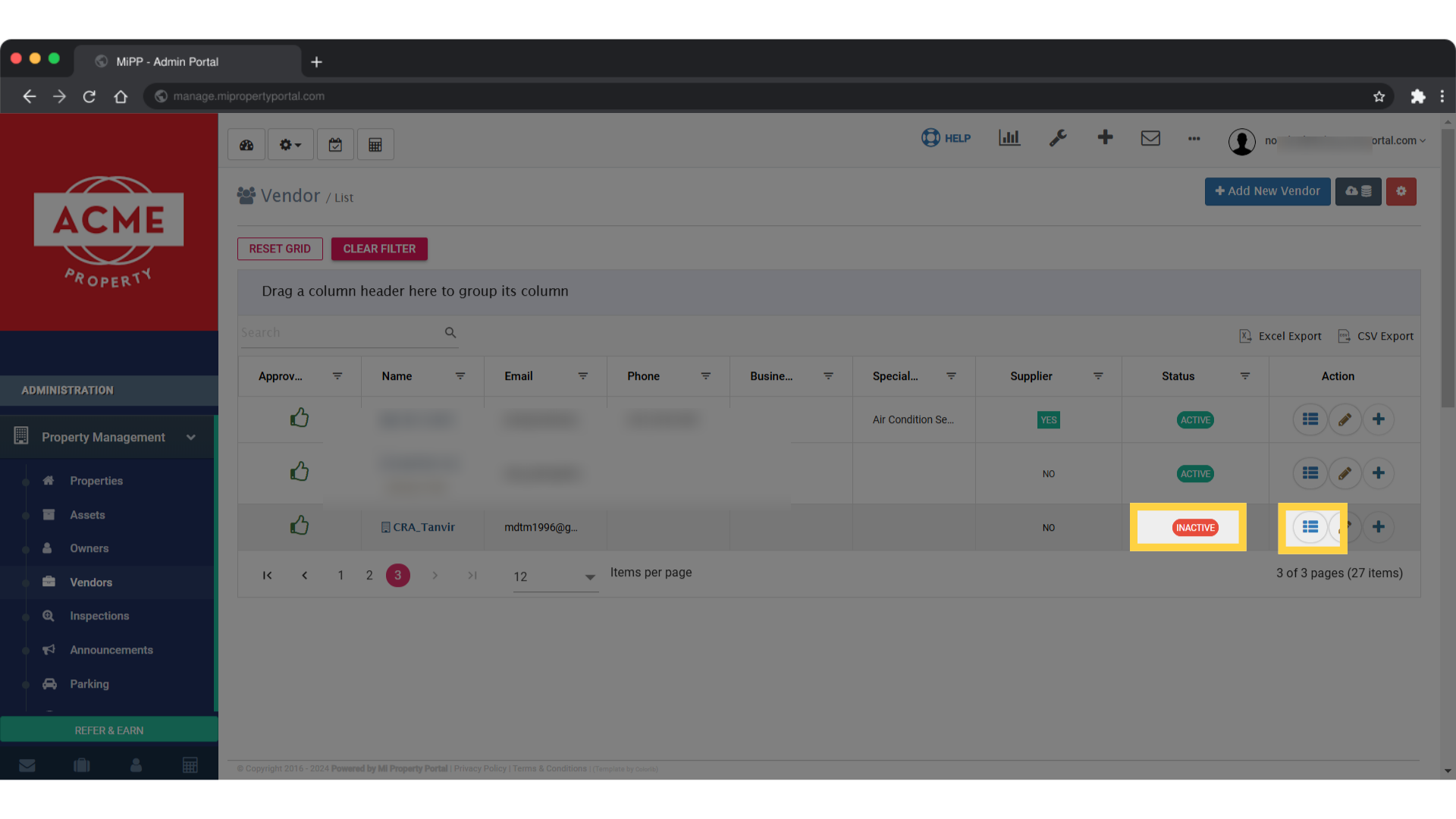
3. Click on the View Details under the Action column of the chosen vendor
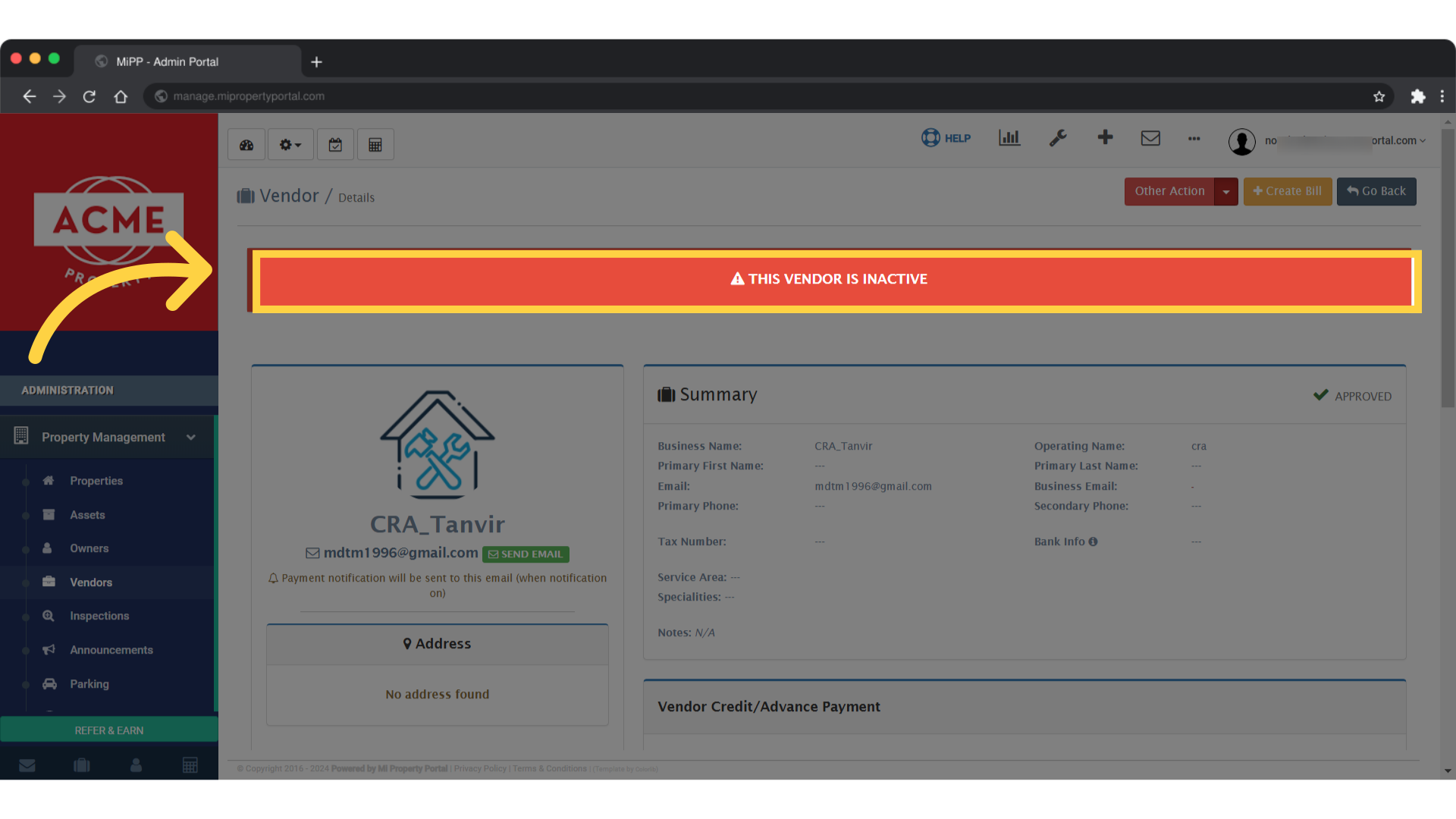
4. There are two ways to activate an inactive vendor. One is by clicking on the red sign on “THIS VENDOR IS INACTIVE” icon
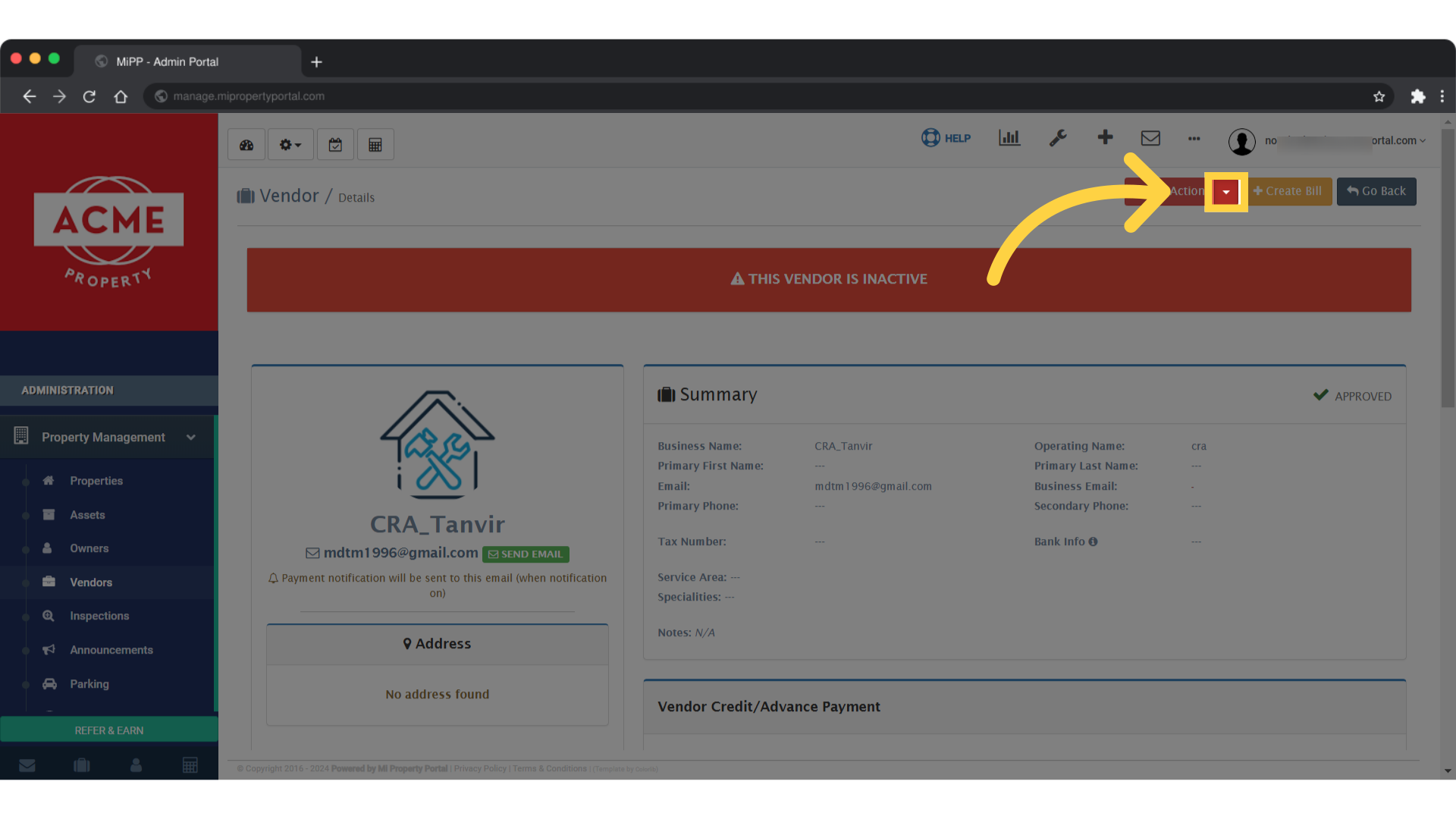
5. The other option is to click on the “Other Action” dropdown on the right side of the screen
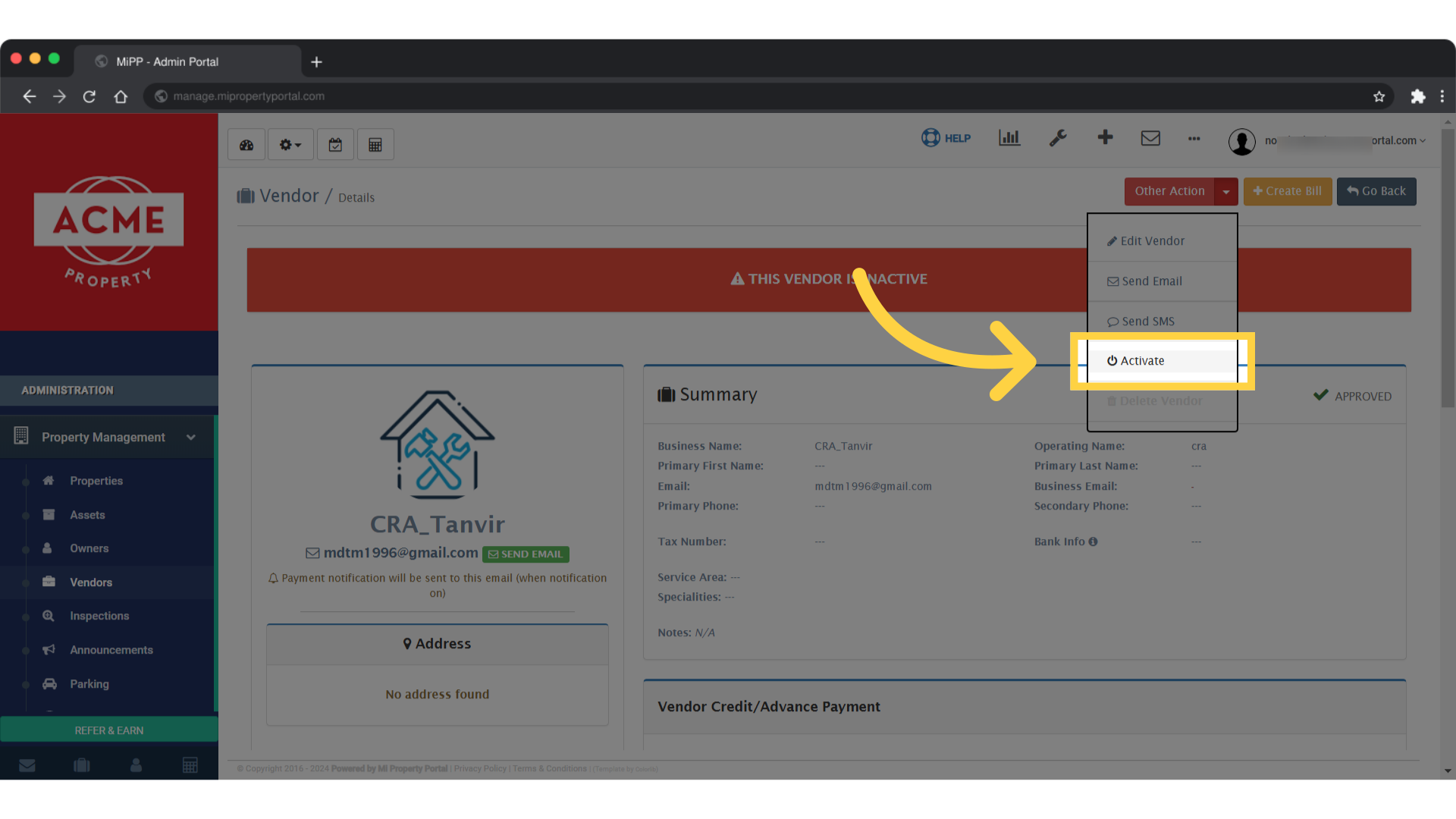
6. Click on Activate
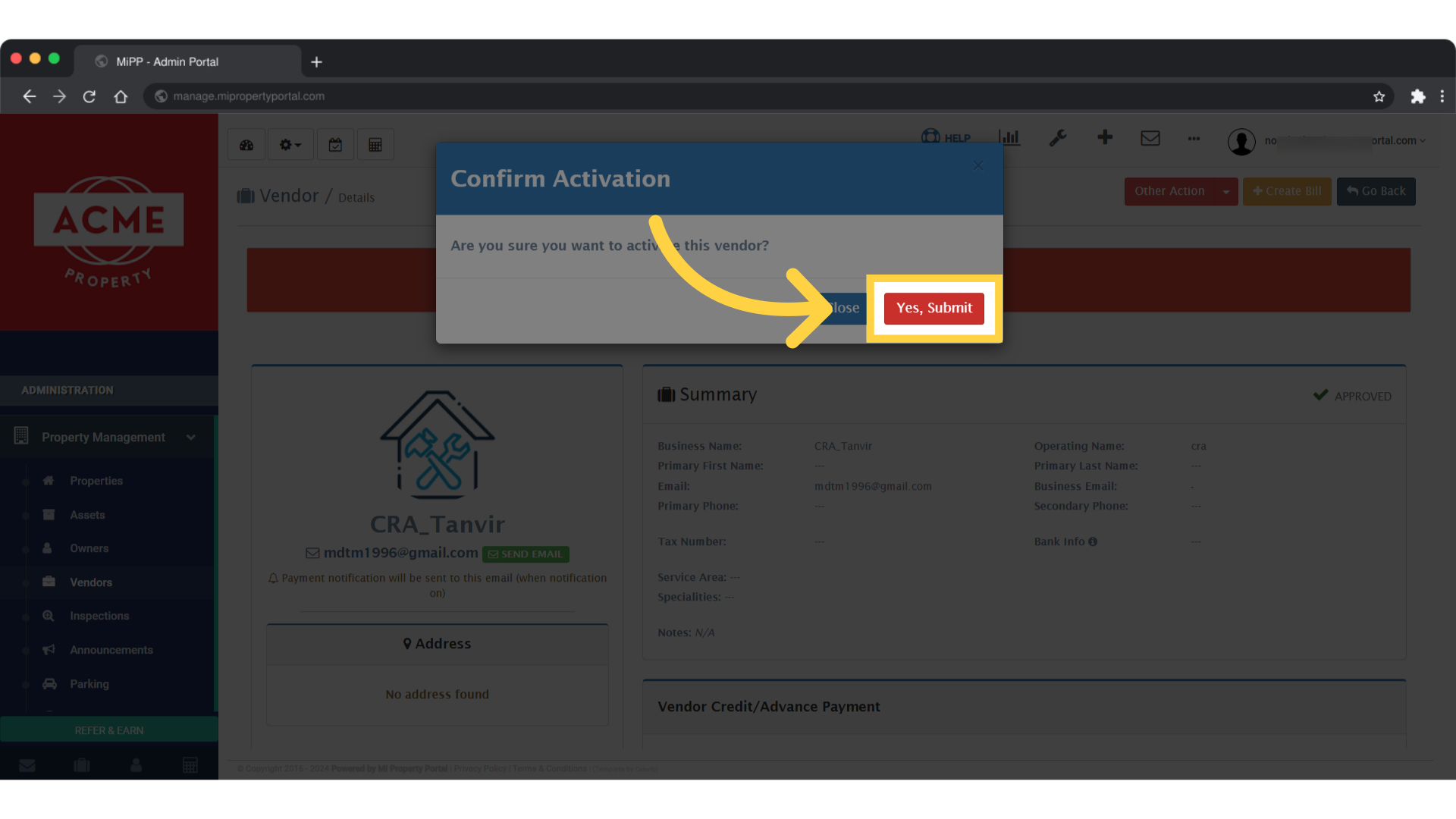
7. Click on – Yes, Submit to finish up