How to Add Signature in an Inspection Report?
49 views 0 July 28, 2023 Updated on May 19, 2025 mippsupportadmin
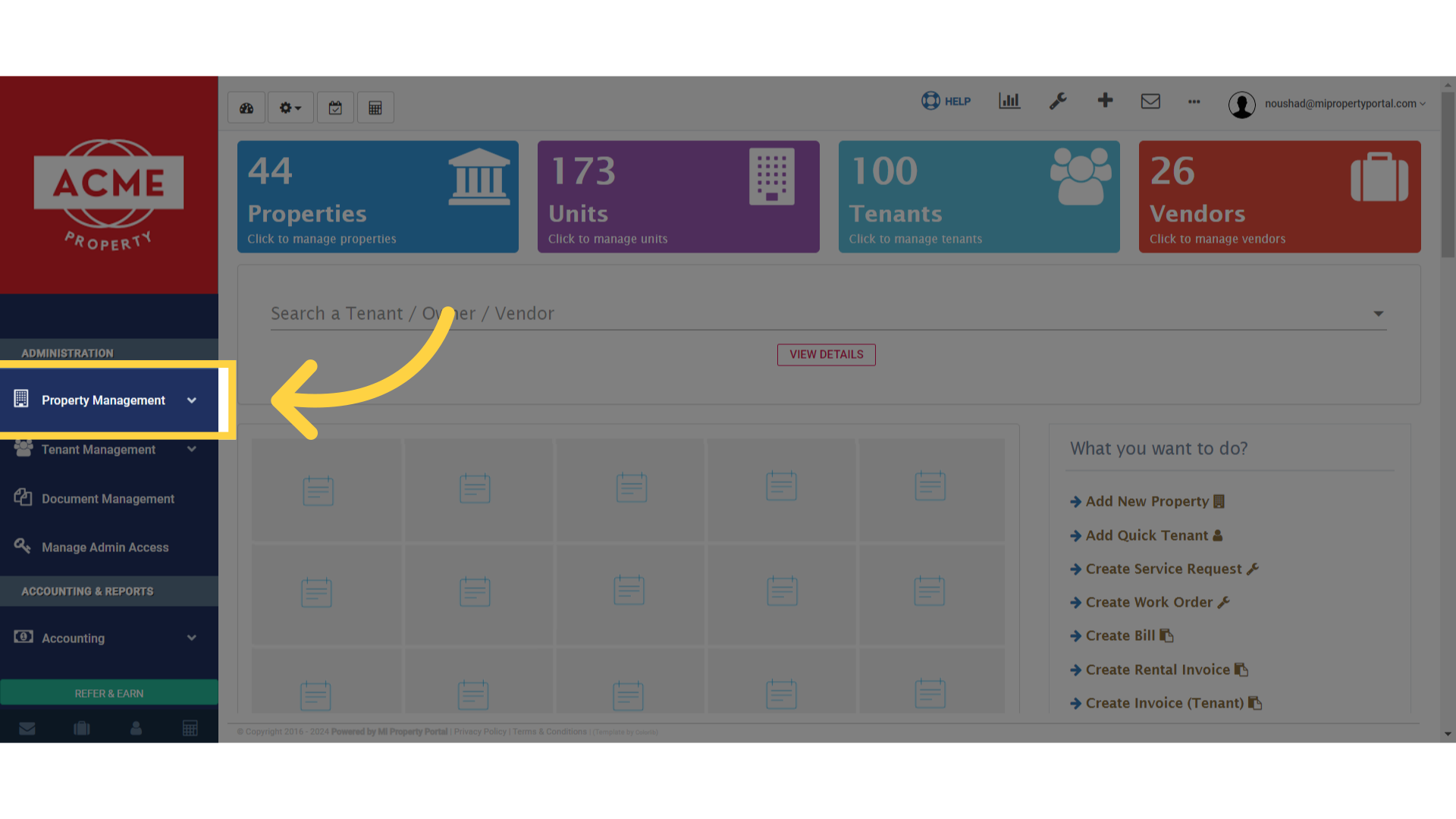
1. Go to the Property Management dropdown under Administration on the left navigation
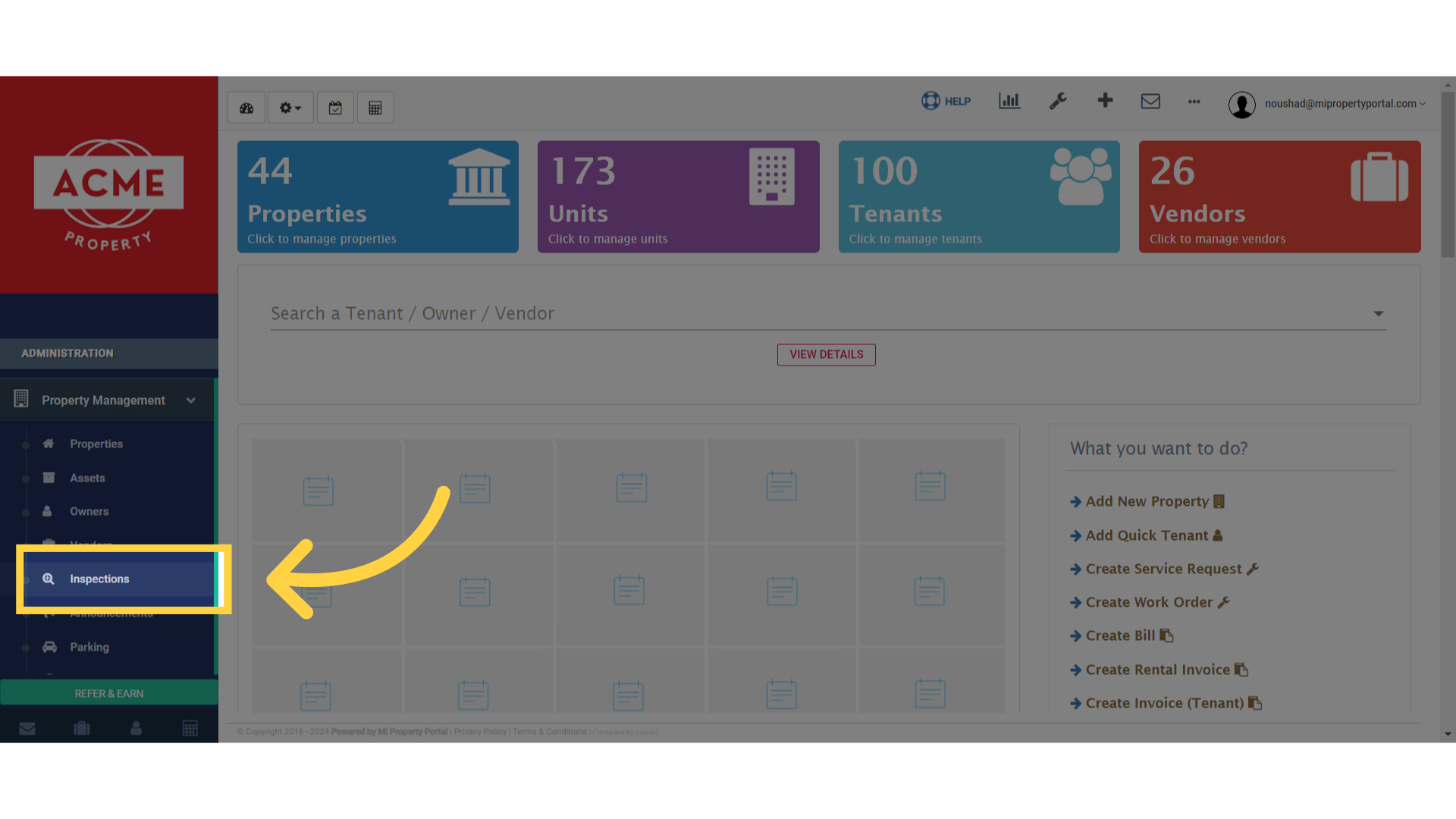
2. Click on Inspections
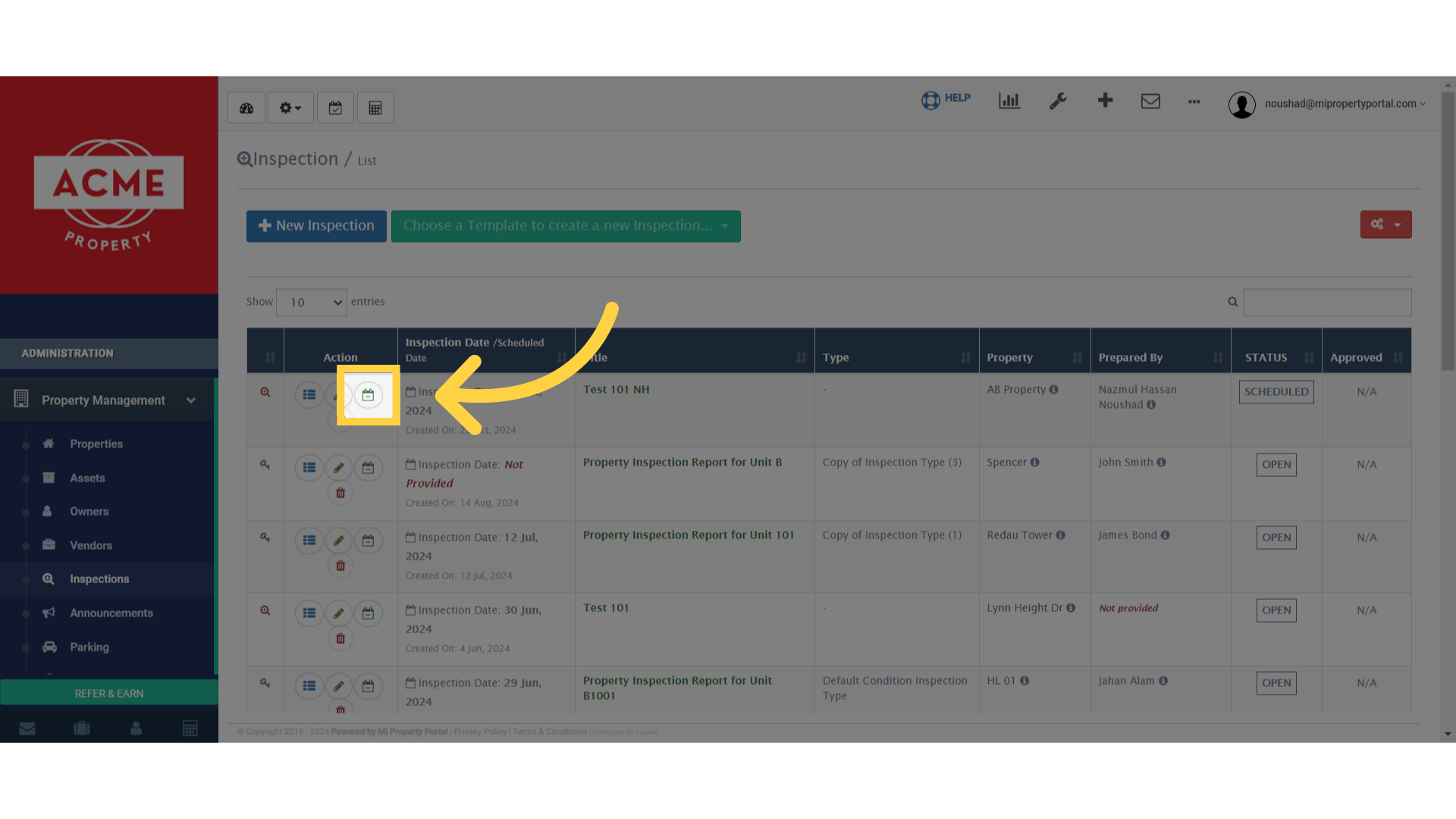
3. Search/Choose an Inspection report, and click on the the signature sign on the Inspection Report line
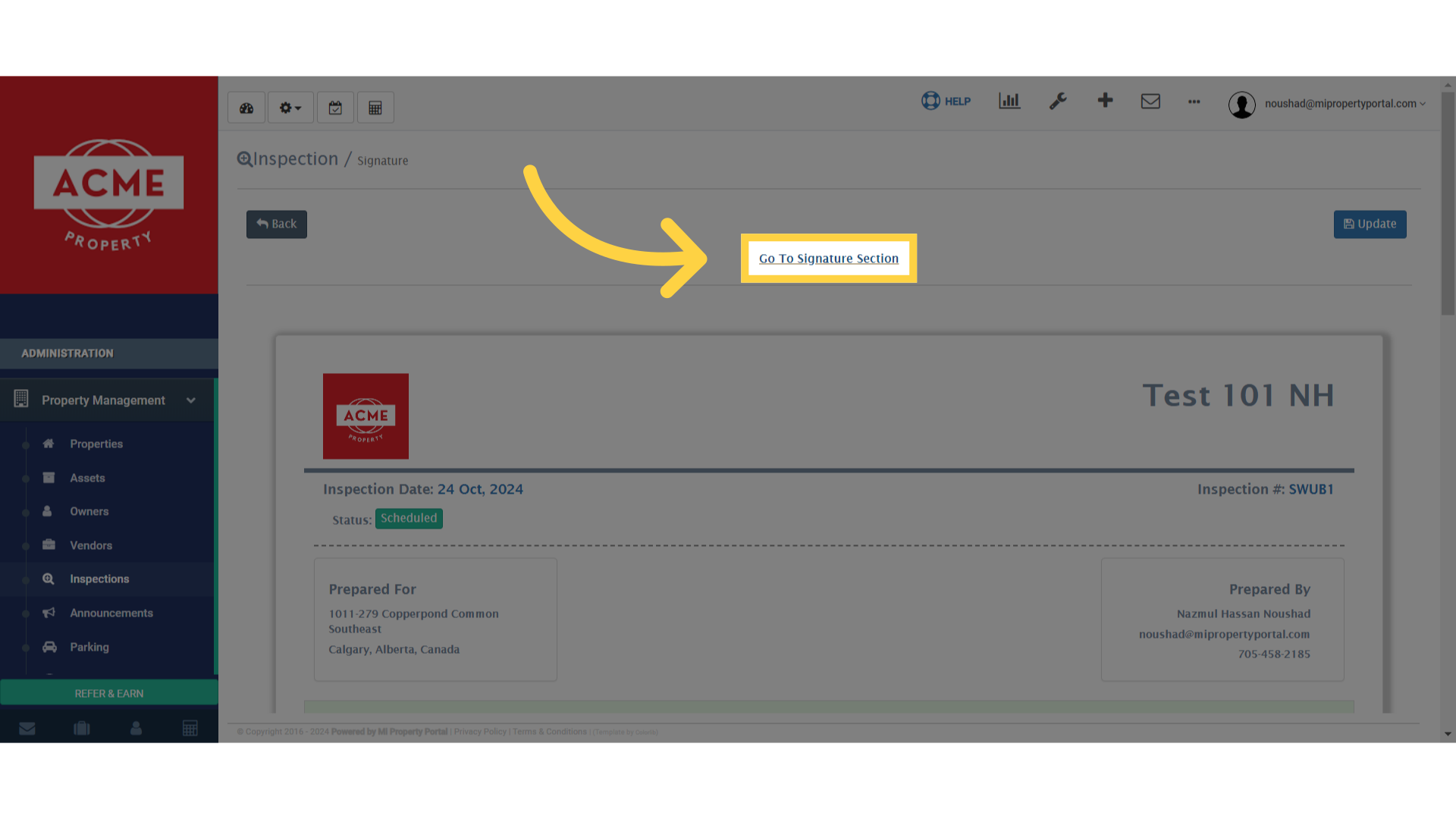
4. Click on Go To Signature Section
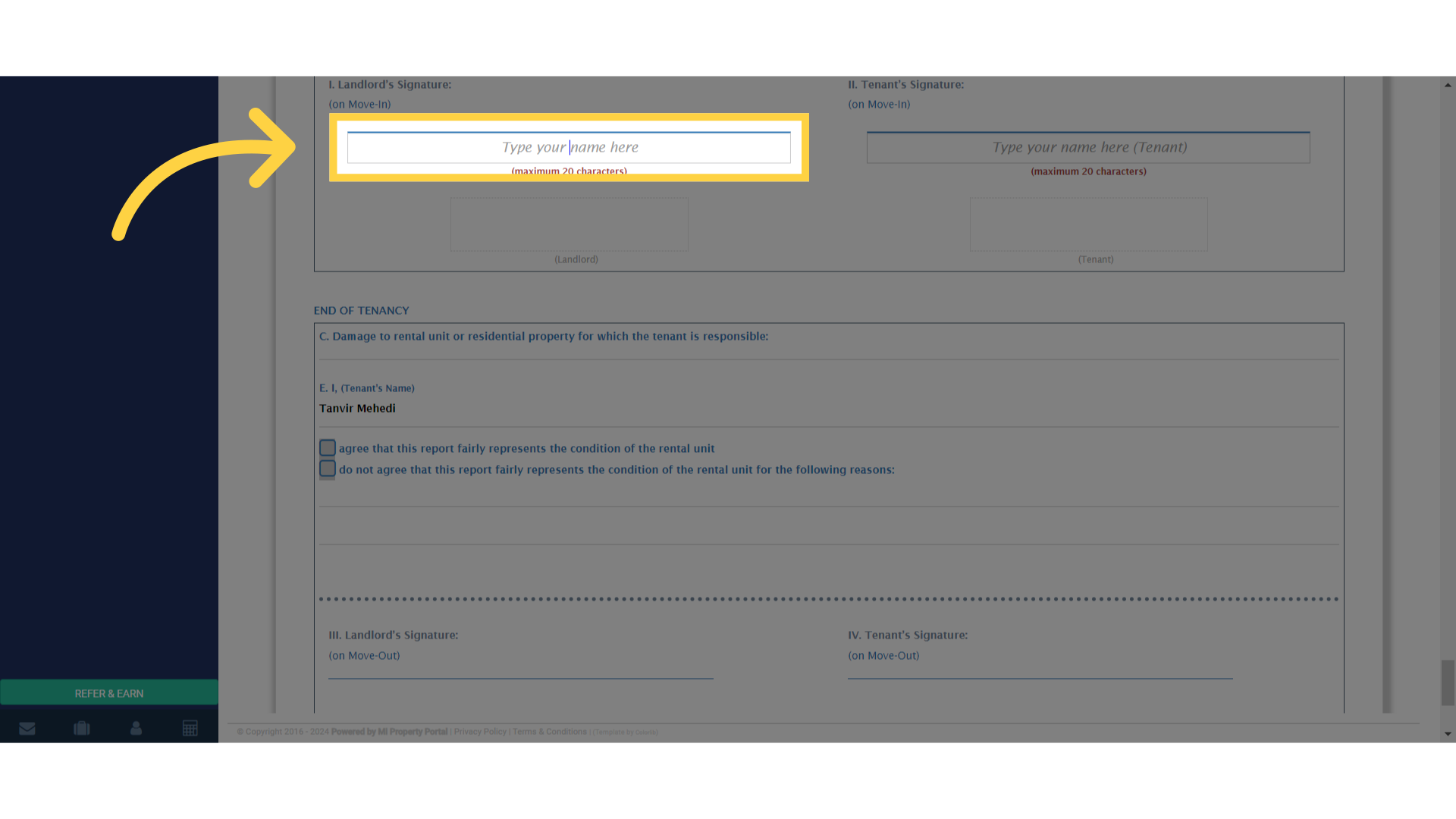
5. Click on the Type your name here field and type in the Signature
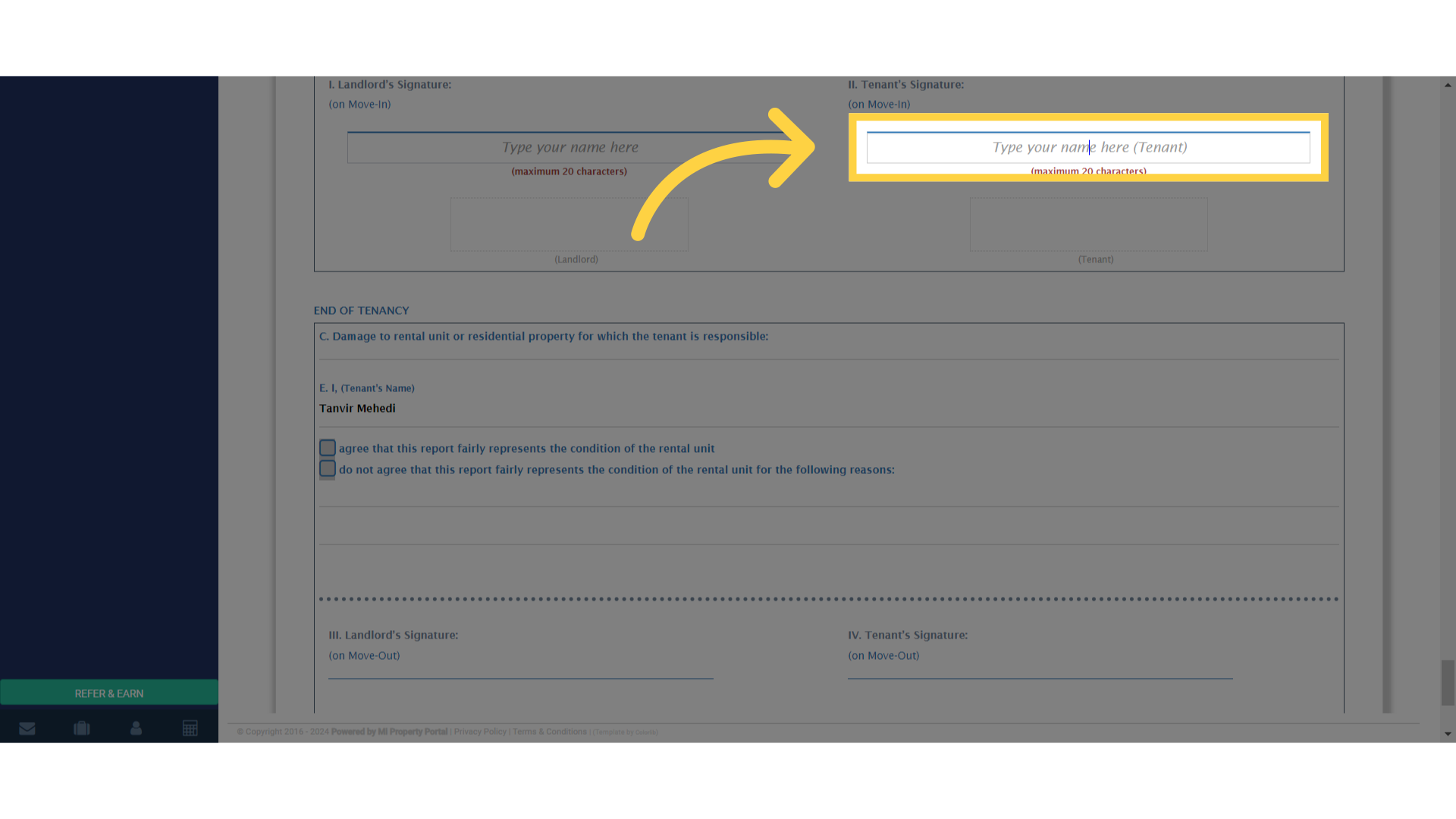
6. Click the Type your name here field and type in the Tenant Signature or keep it blank to email it to the Tenant
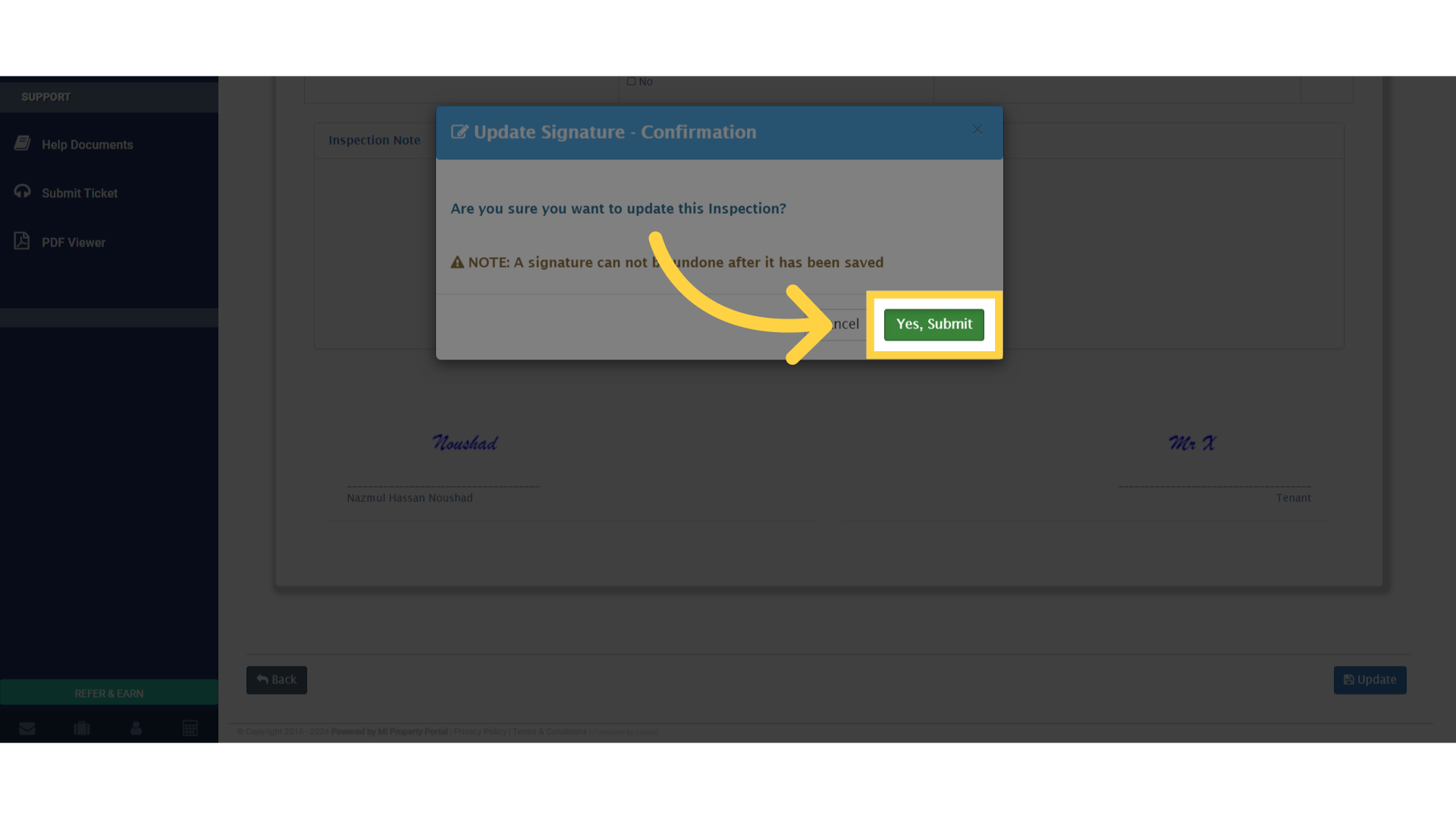
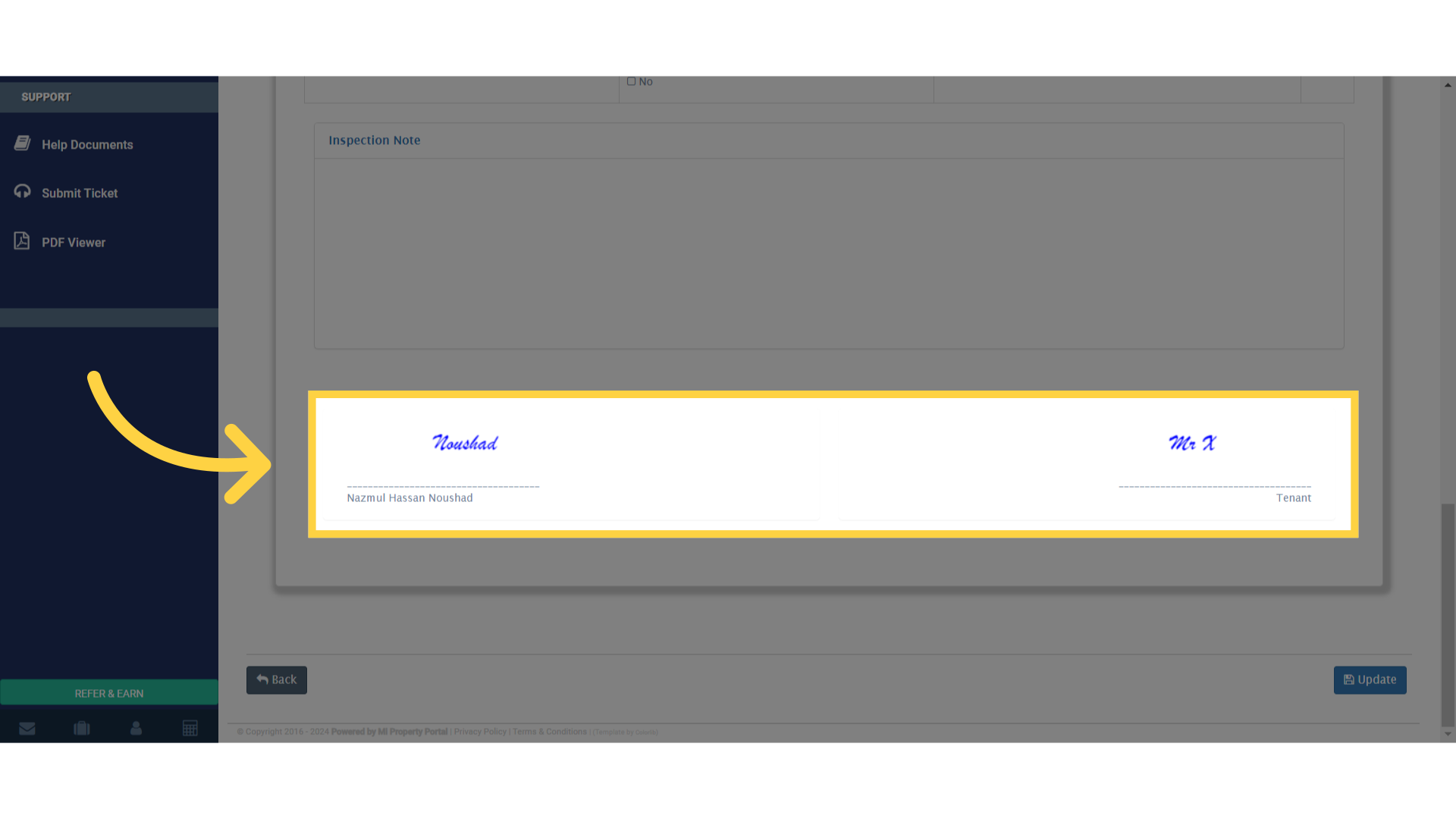
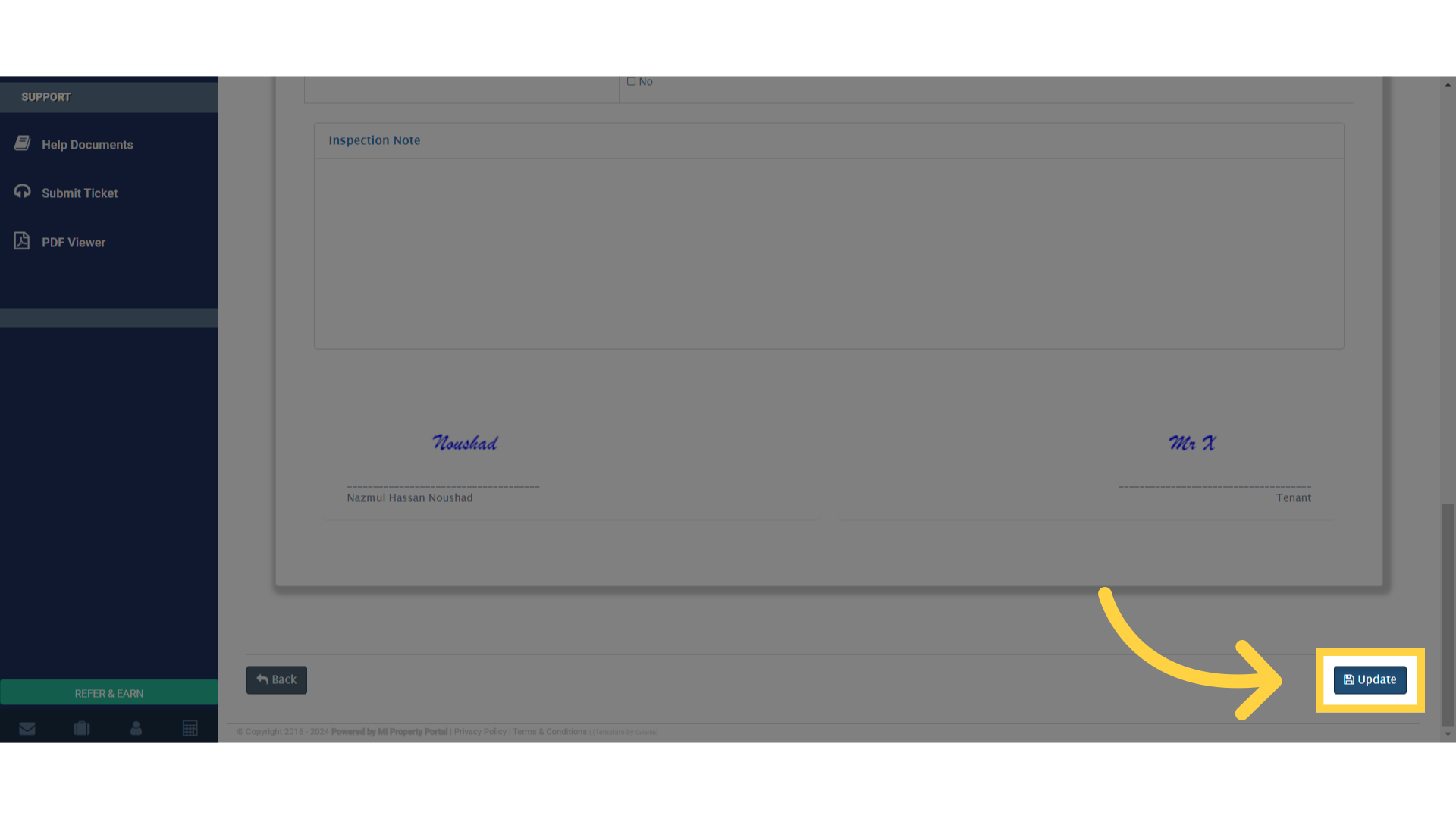
7. The signatures will appear as shown
8. Click “Update”
9. Click “Yes, Submit”