How to Adjust Invoice from Tenant Deposit?
30 views 0 August 5, 2025 mippsupportadmin
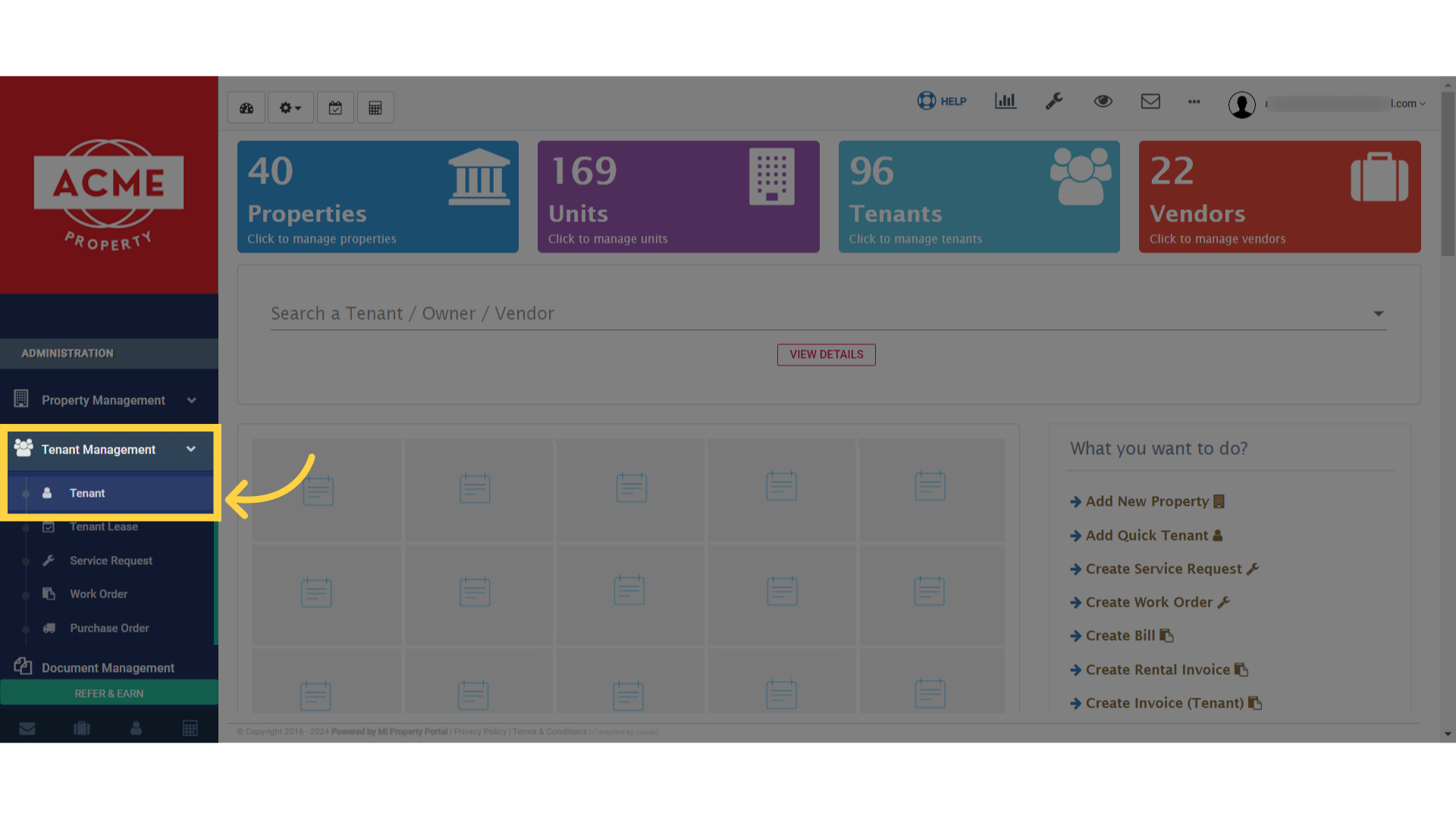
1. Select ‘Tenant’ from the options available in the dropdown menu
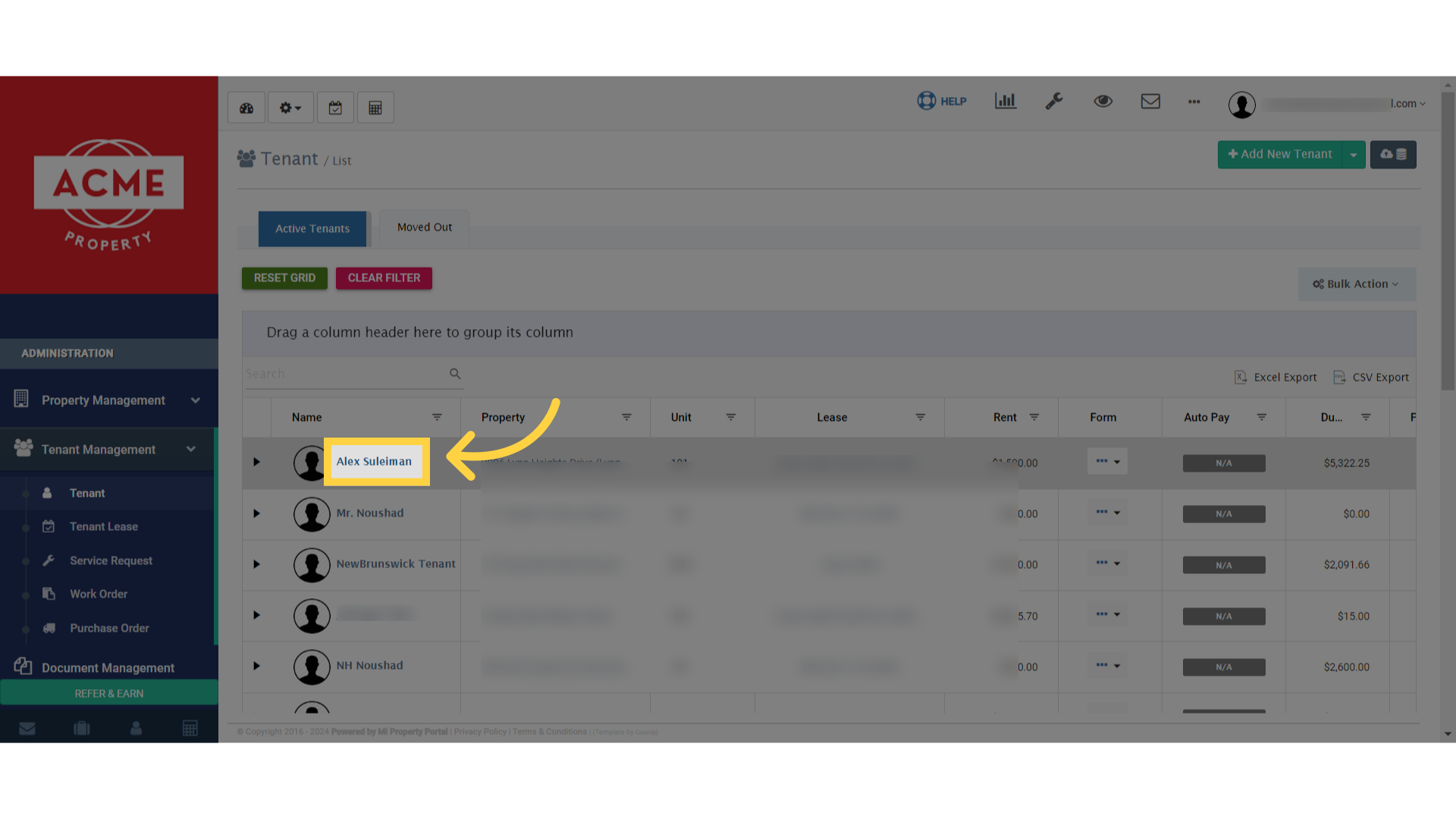
2. Now, locate the tenant whose details you’d like to adjust. Click on their name to open the Tenant Details page
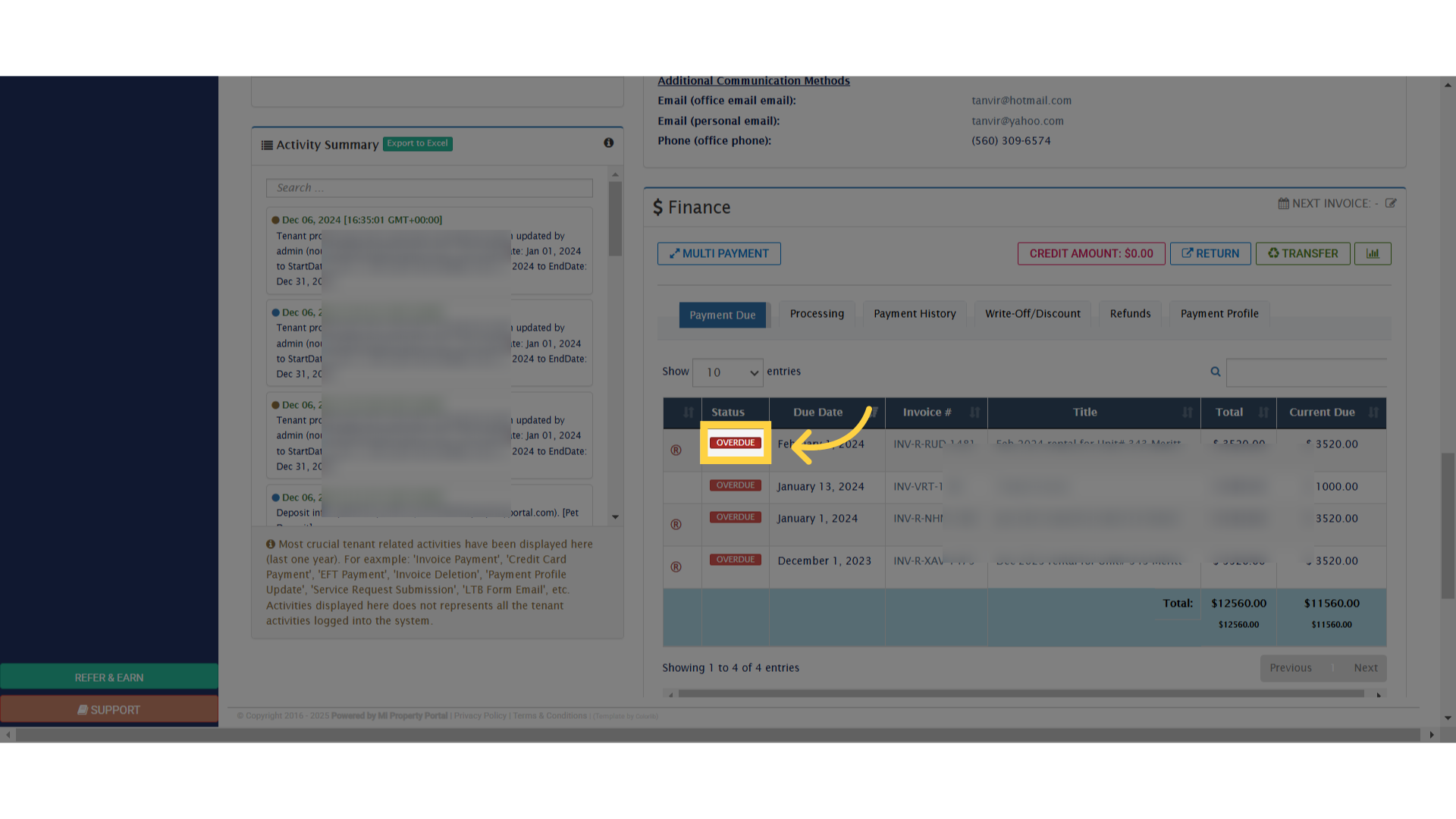
3. Scroll down to the Finance section
4. On the top of the right side click on more action dropdown
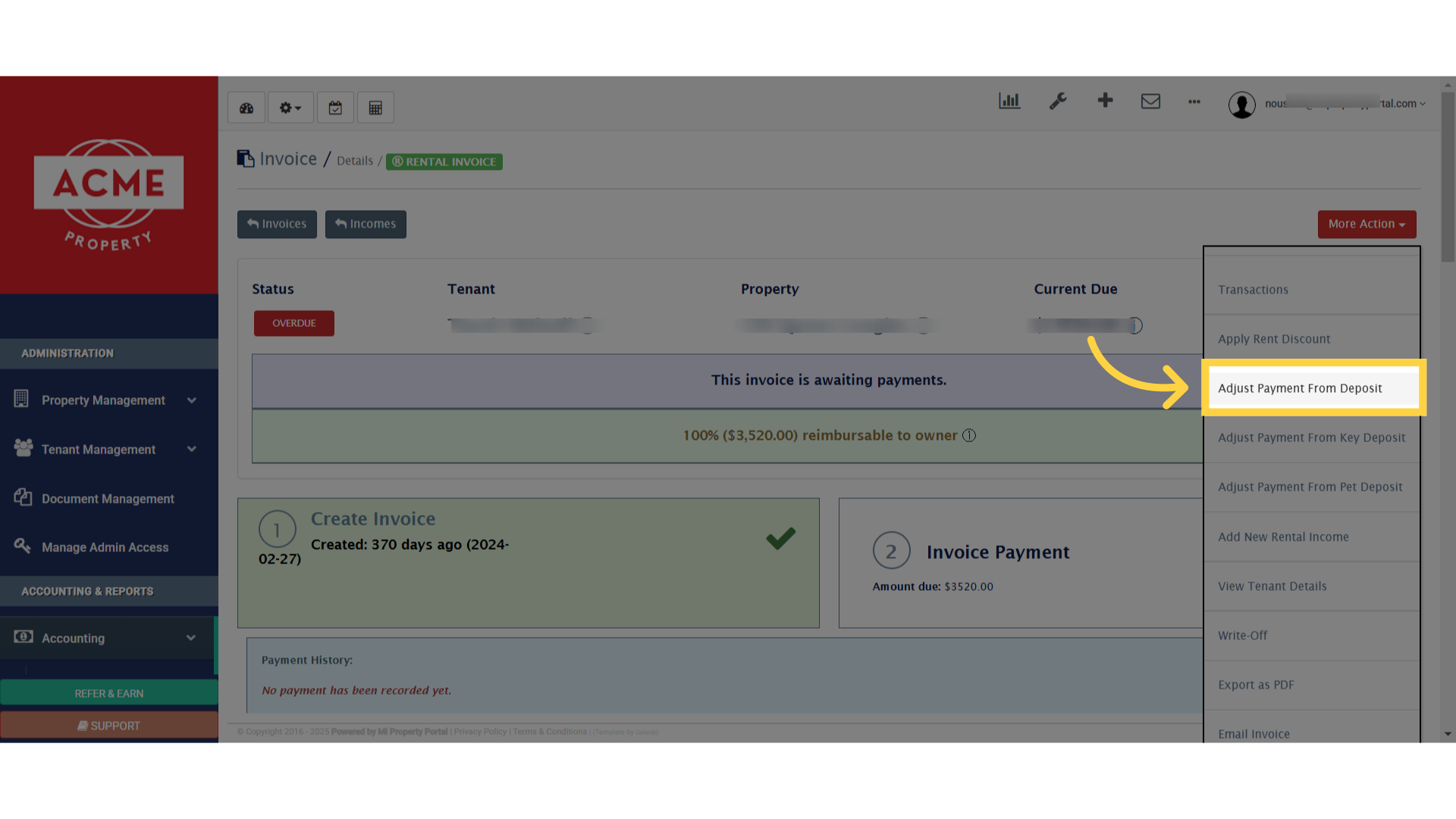
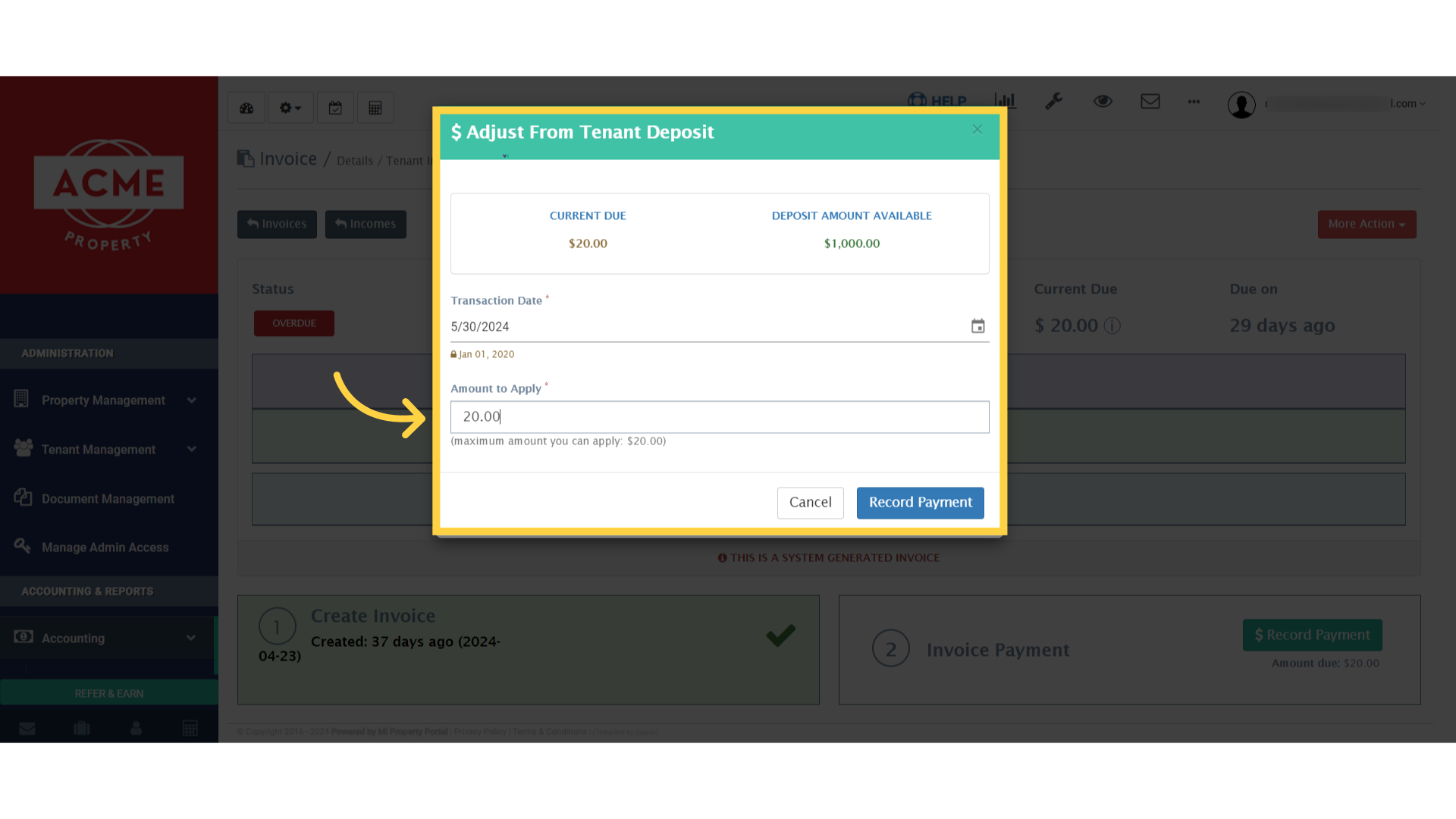
5. You can either apply the full deposit amount or specify a partial amount. Enter the amount in the Amount to Apply box
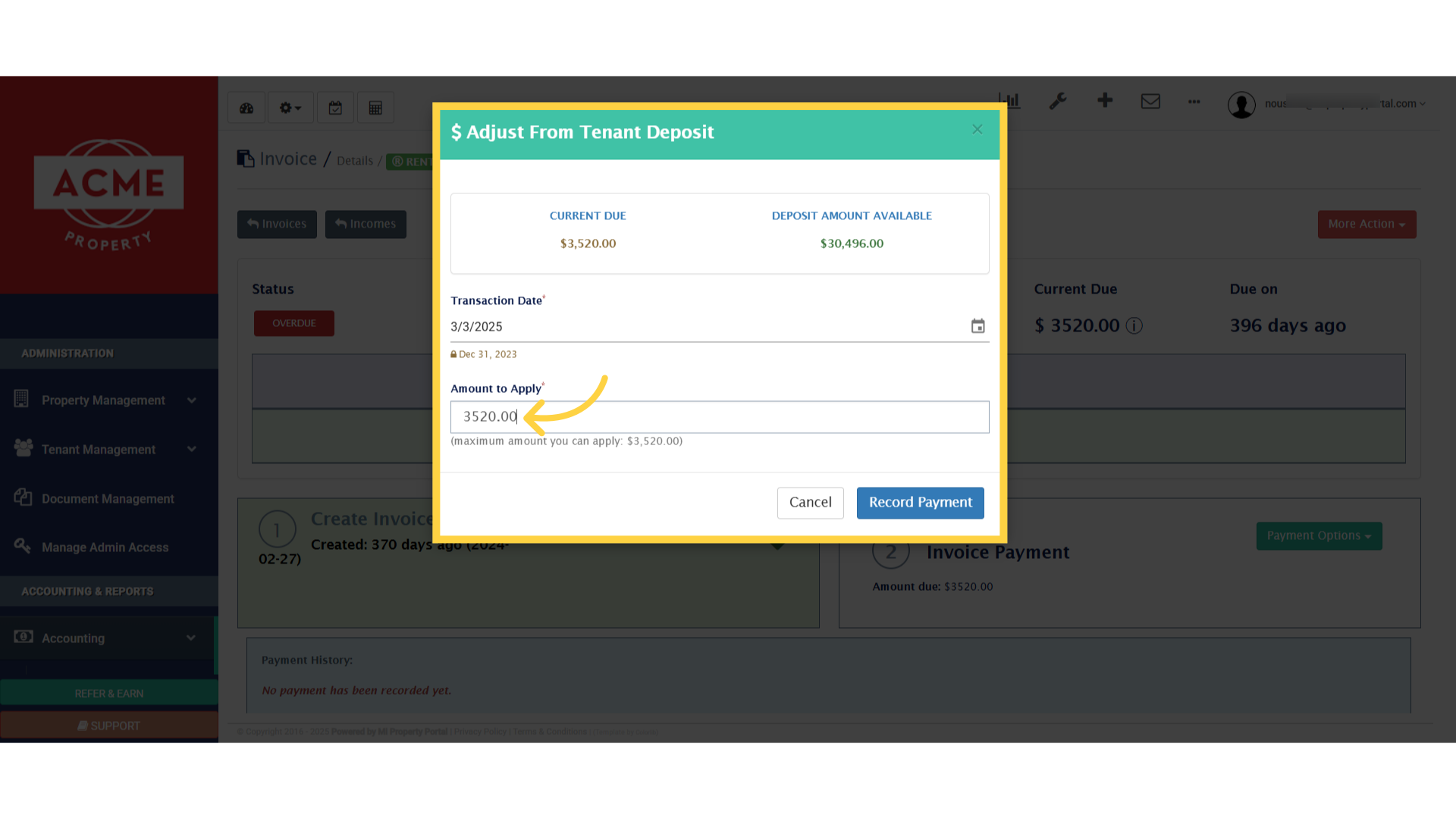
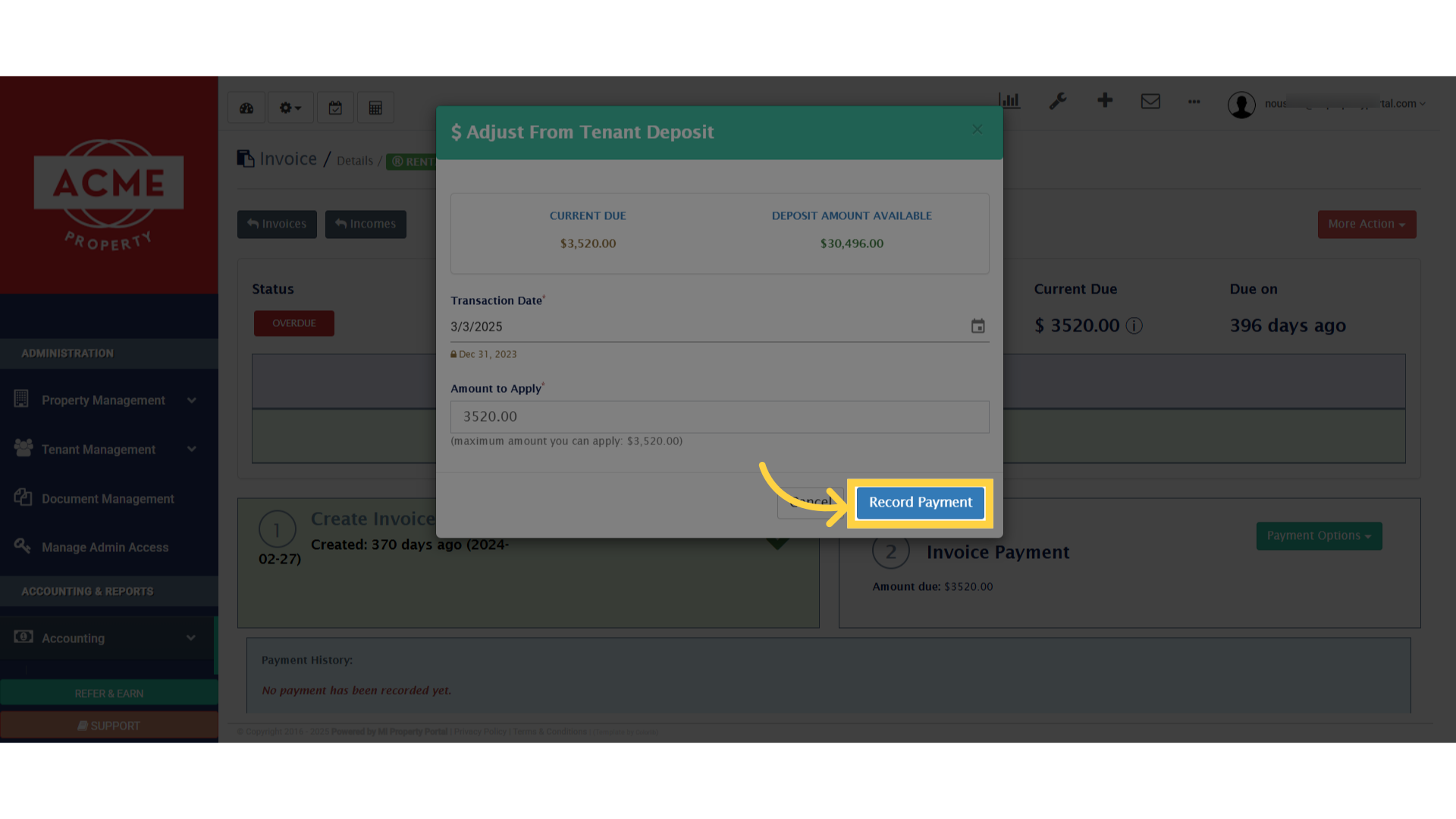
6. Once you’ve entered the desired amount, click Record Payment to finalize the adjustment
7. You’ll see a successful pop-up appear at the top of the screen
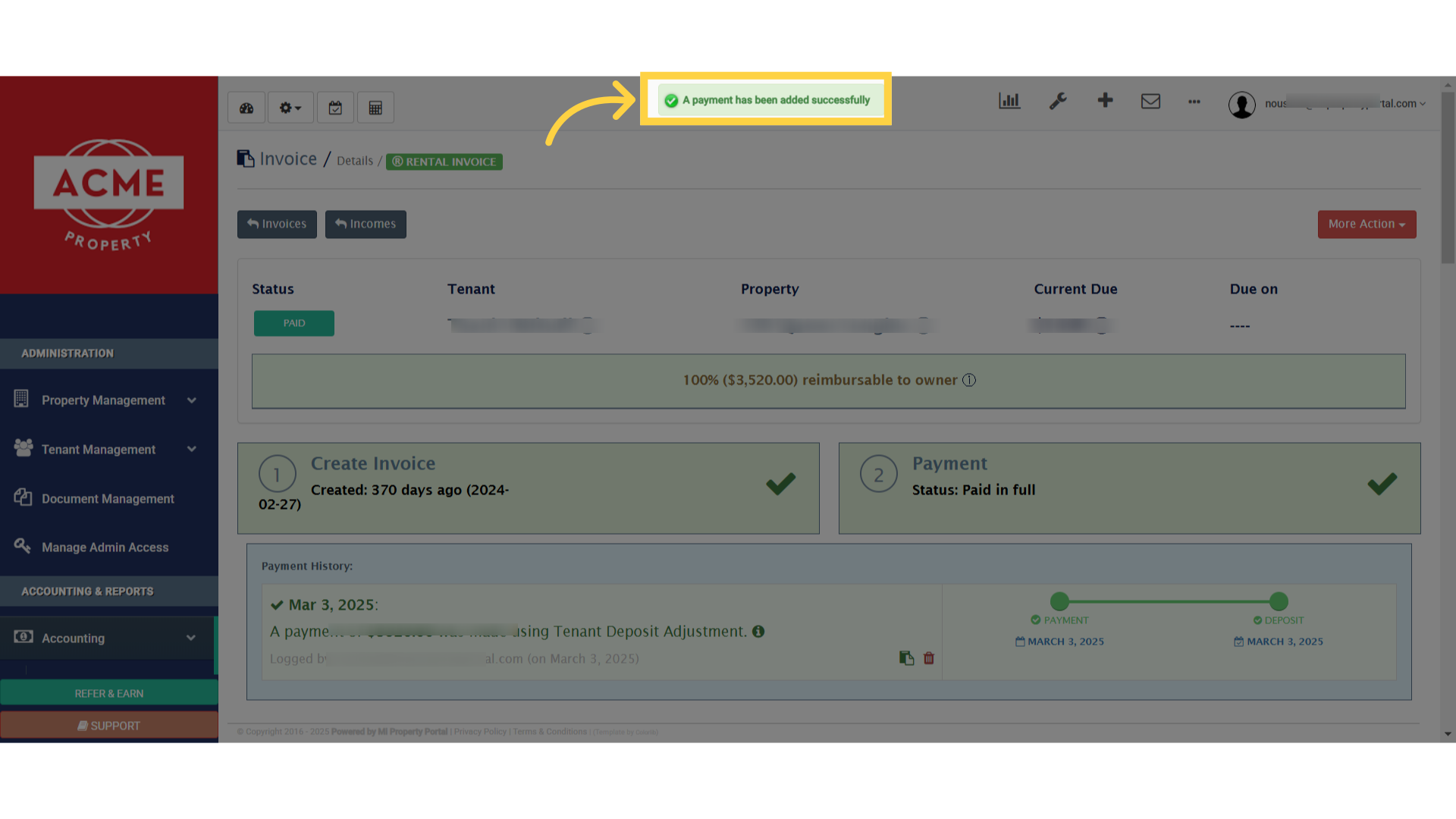
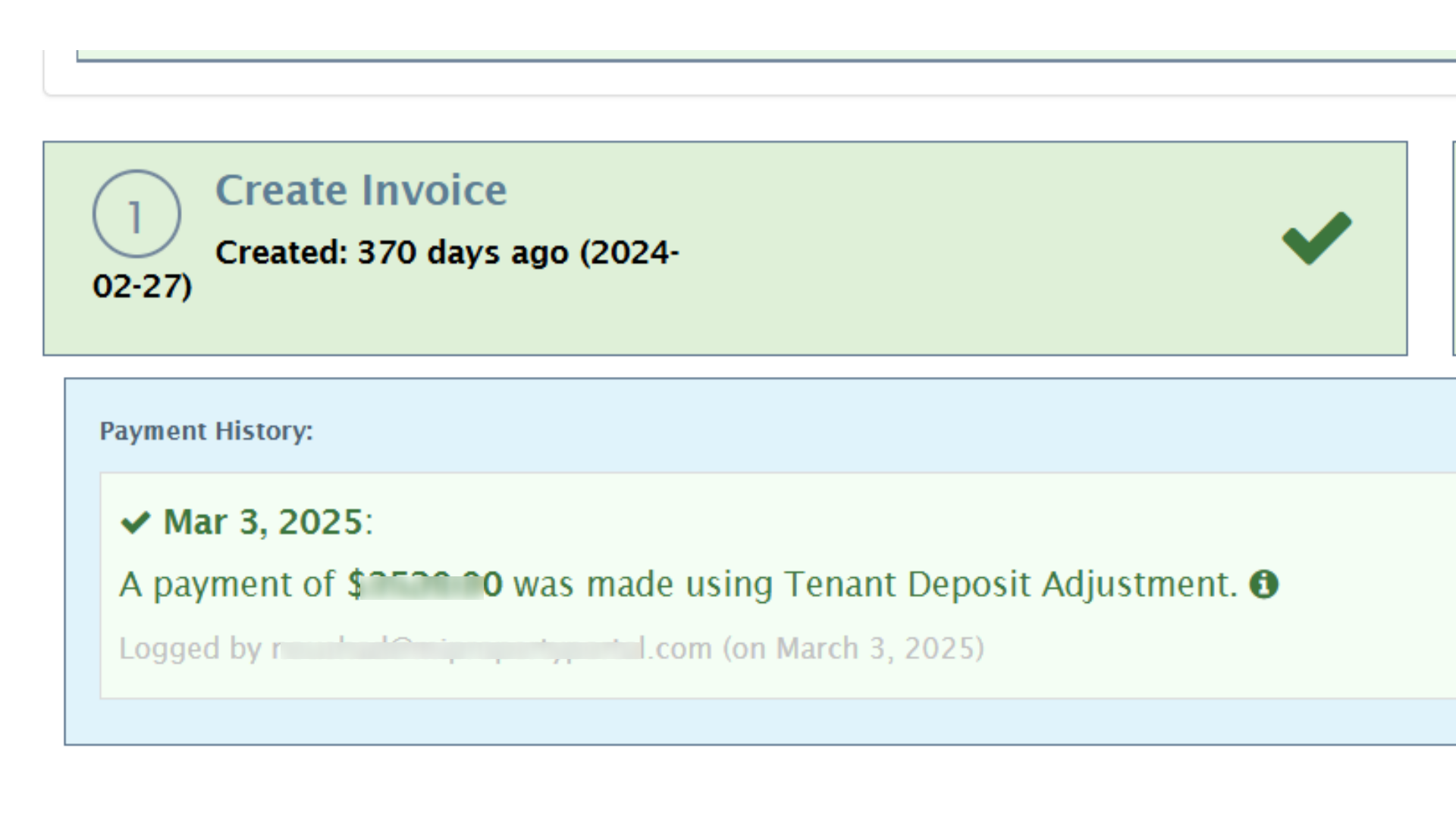
8. You’ll immediately see the updated payment reflected under the Payment History section for future reference. That’s one way to adjust LMR. But wait, there’s another way!
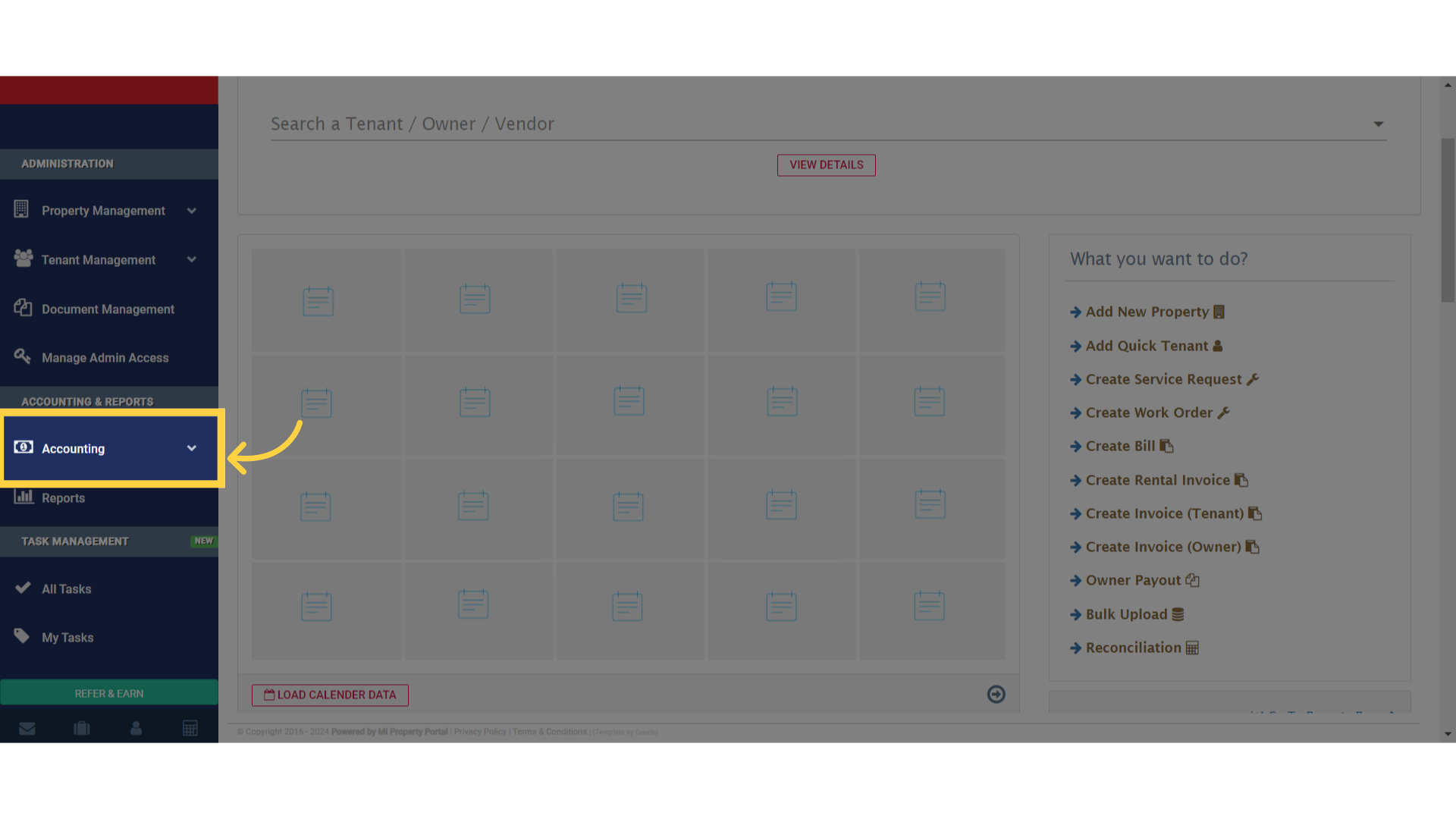
9. If you prefer, you can also adjust a rental invoice using the tenant’s deposit through the Accounting section
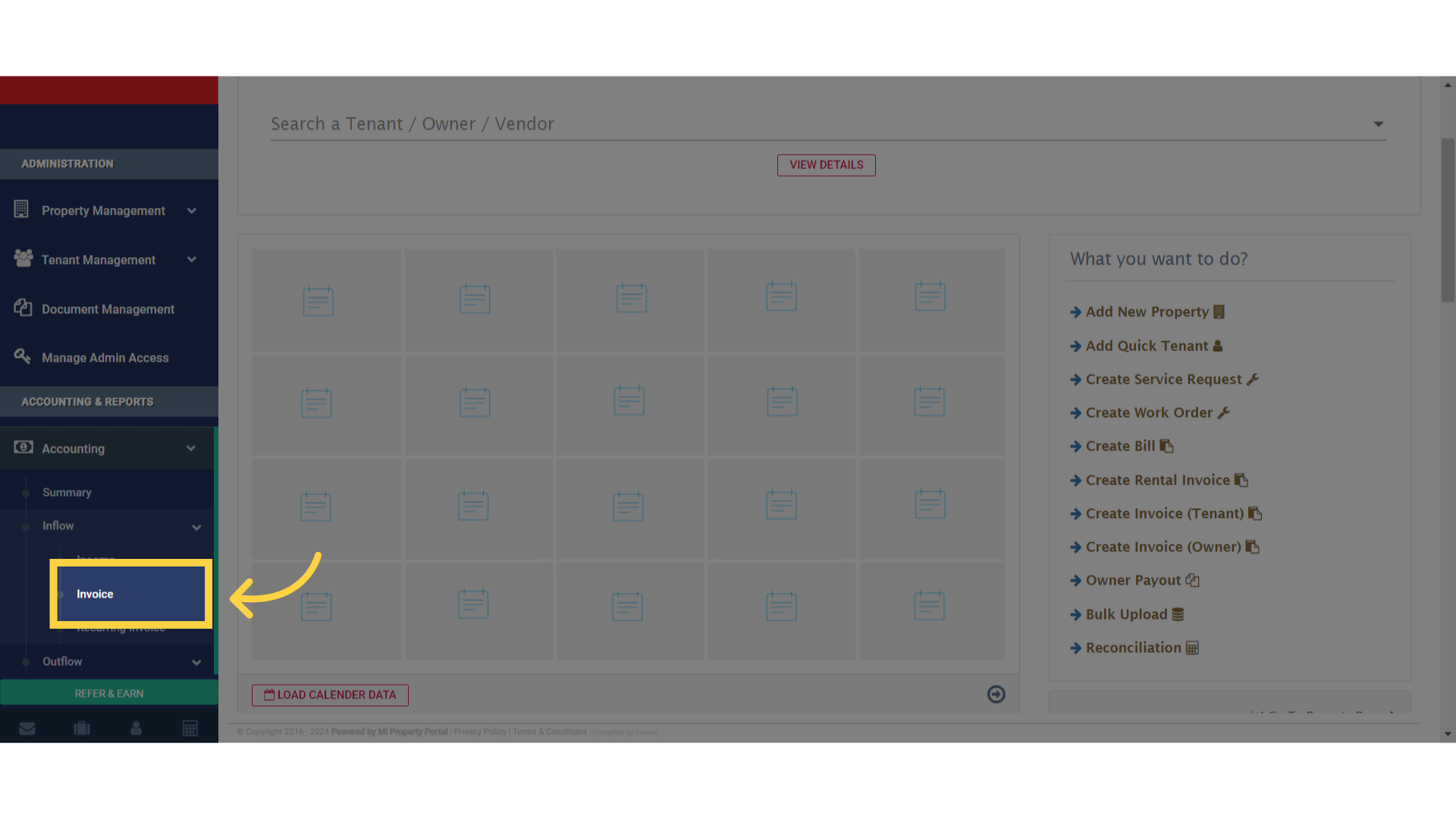
10. Select ‘Invoice’ from the options available in the dropdown menu
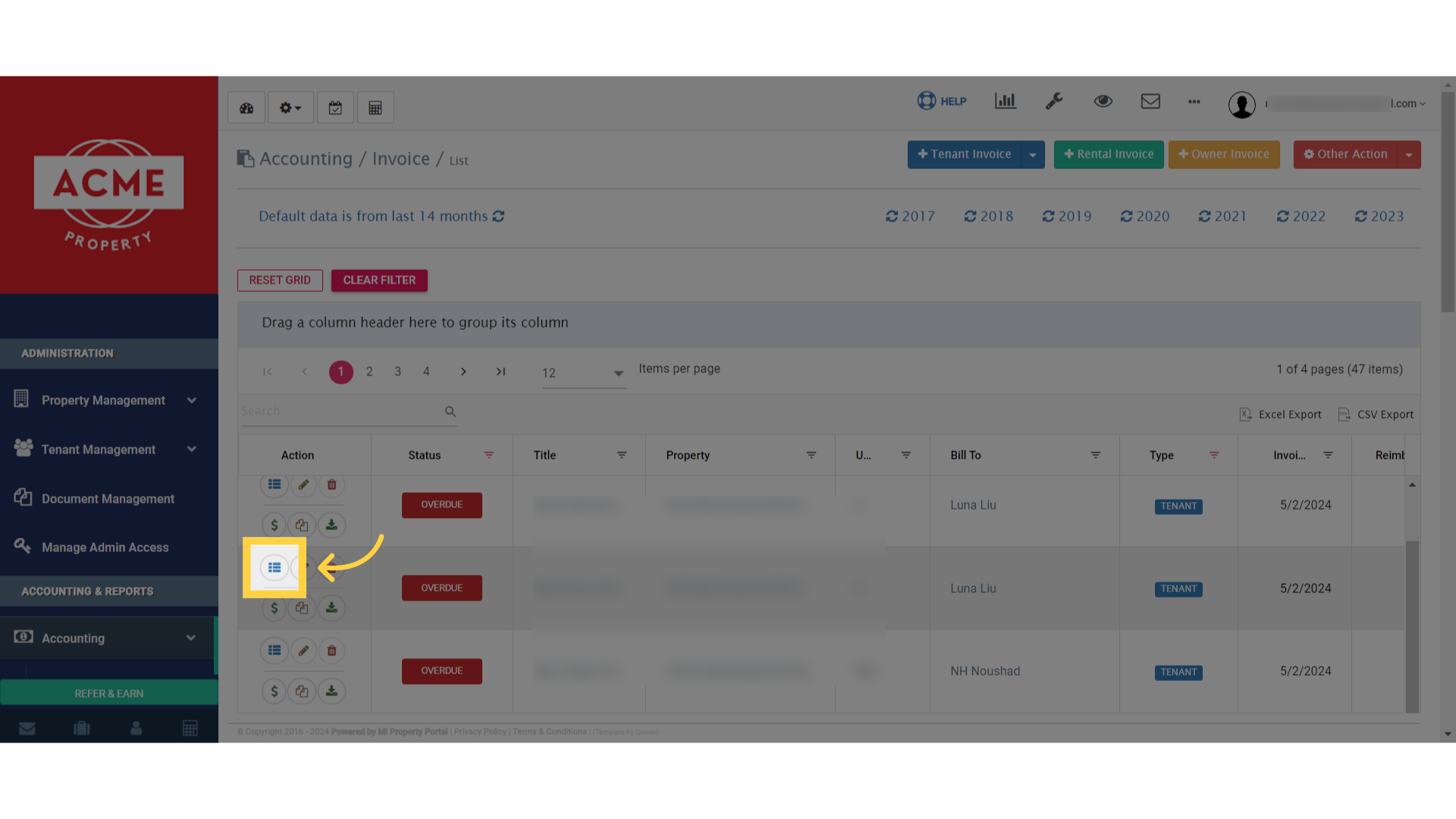
11. Choose an invoice with ‘Overdue’, then click on the ‘View Details’ icon to proceed
12. Click on the ‘More Action’ dropdown to reveal additional options
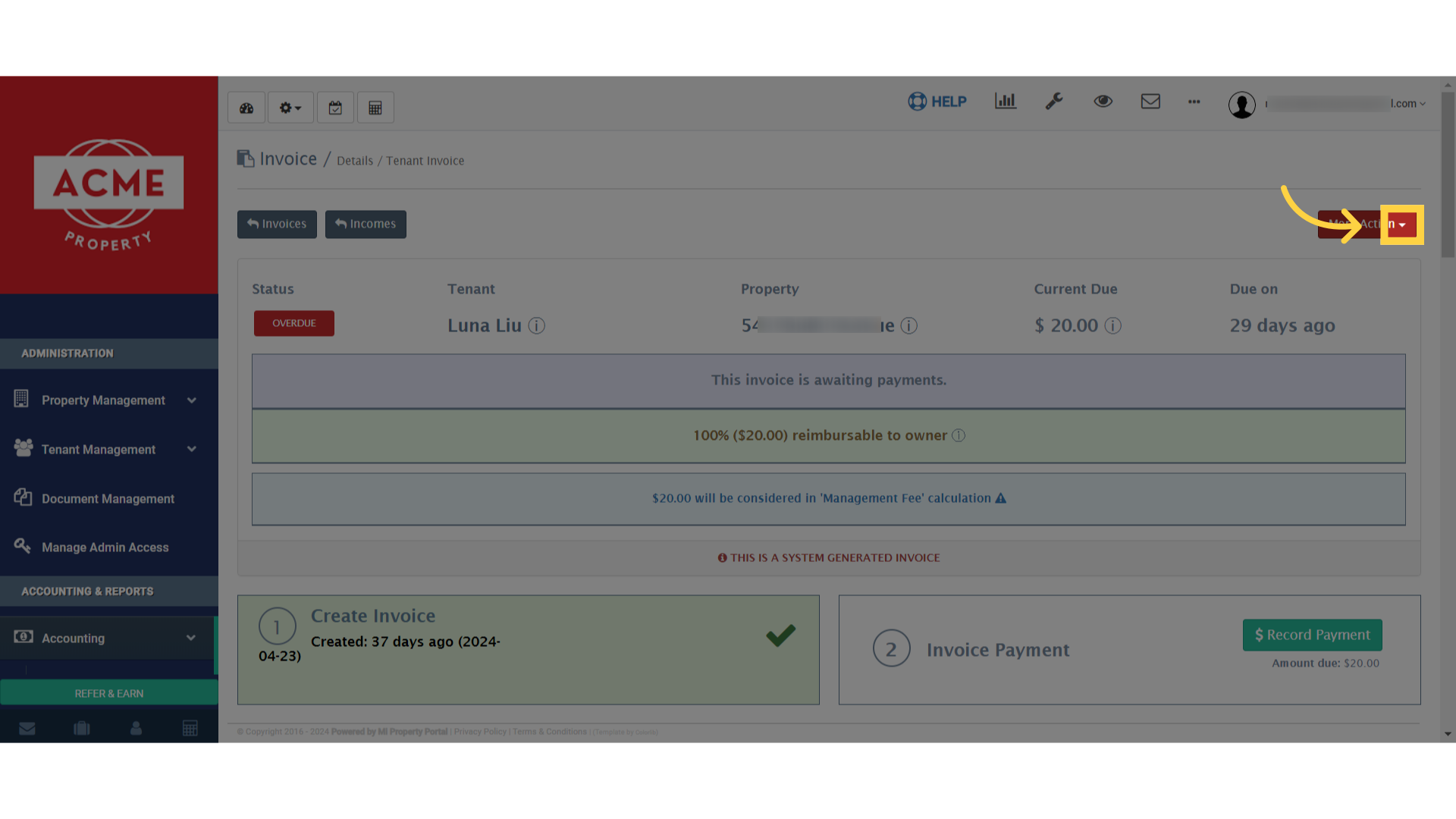
13. Click “Adjust Payment From Deposit”
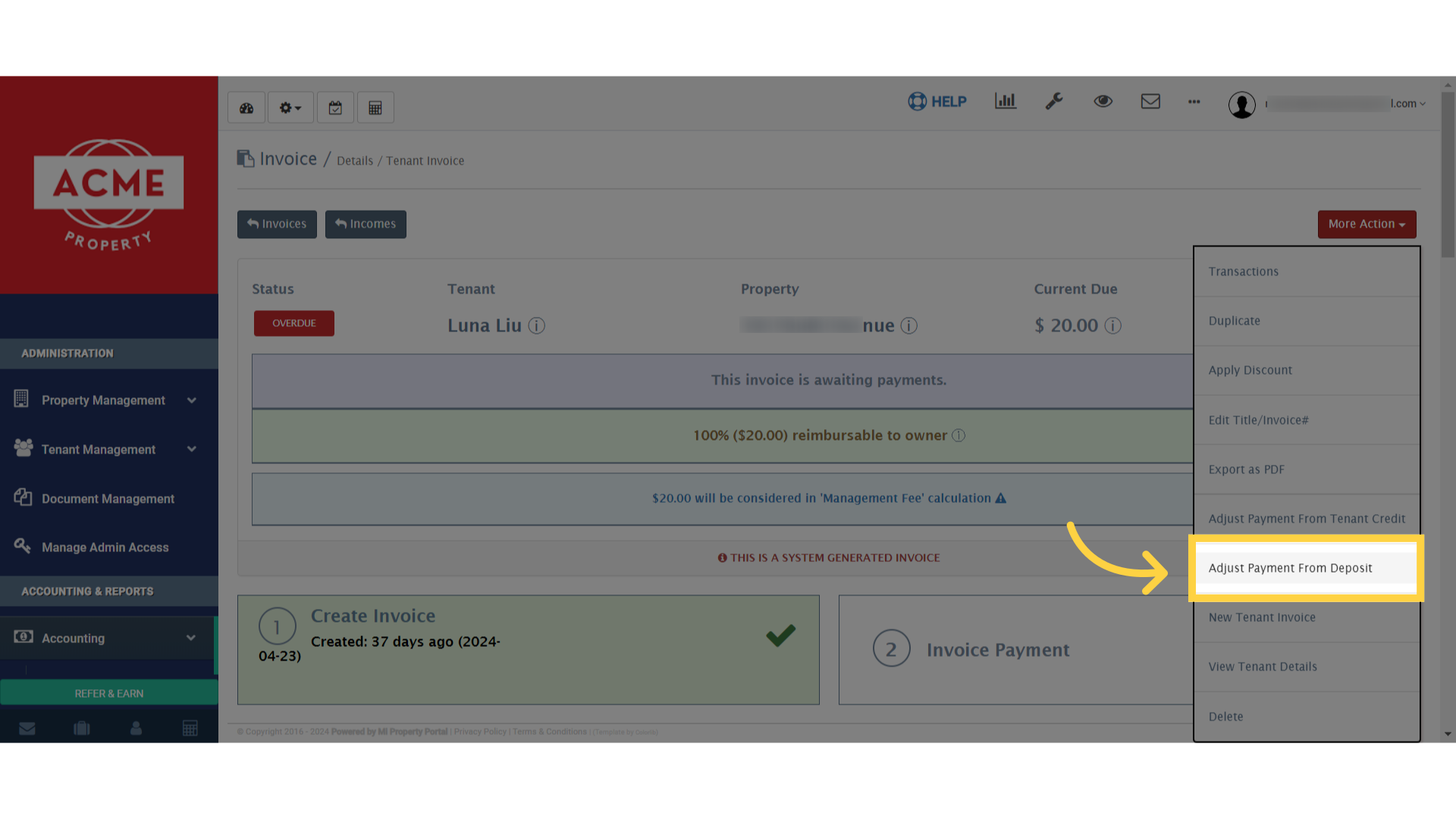
14. Similarly, input the desired amount in the ‘Amount to Apply’ box and confirm by clicking on ‘Record Payment